
An overview of what Jibble does, in one place.
From one-tap clock-ins to payroll-ready timesheets, explore the highest-rated time tracking solution for teams.
Clock in from anywhere
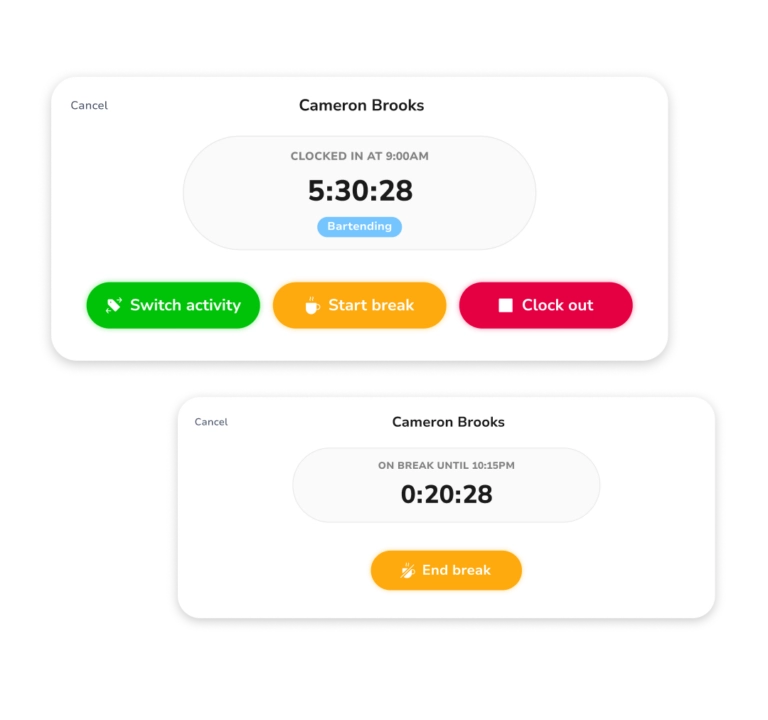
Track hours on web, mobile or desktop — one tap to start, one to stop. Explore time tracking apps
Time clockPopular
Clock in and out from any device, wherever work takes you.
Mobile app
Track time on the go with the iOS and Android apps.
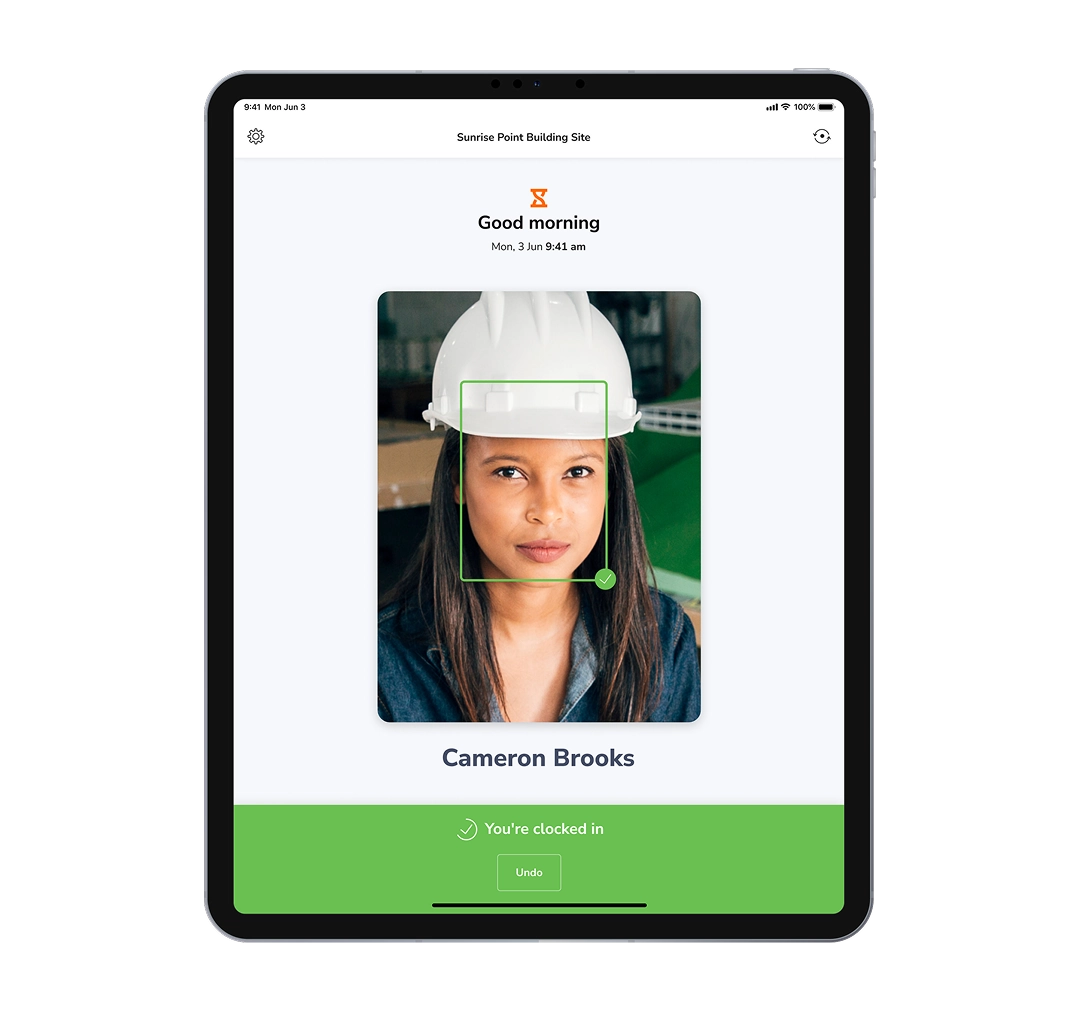
Kiosk modePopular
Turn a shared tablet into a self-service clock-in station.
Desktop app
Track time from a lightweight app on Windows and Mac.
Chrome extension
Clock in straight from your browser without switching tabs.
Slack & Teams
Clock in and out with a quick command in Slack or Teams.
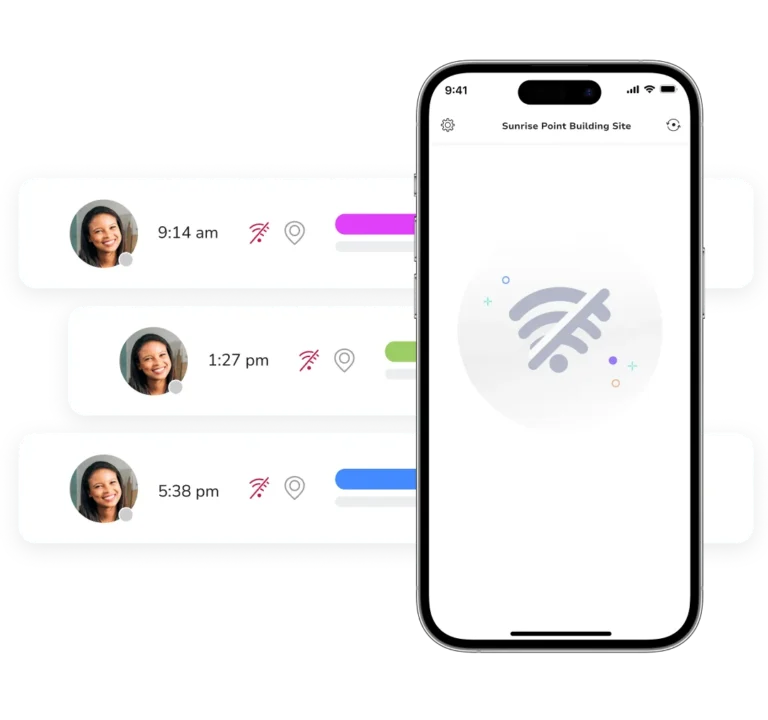
Offline trackingPopular
Keep tracking with no signal — entries sync when you reconnect.
QR clock-in
Scan a QR code to punch in and out in seconds.
NFC tracking
Tap an NFC card or tag to clock in at fixed locations.
Verify every clock-in
Match each person’s face at clock-in to prevent buddy punching. Explore face recognition
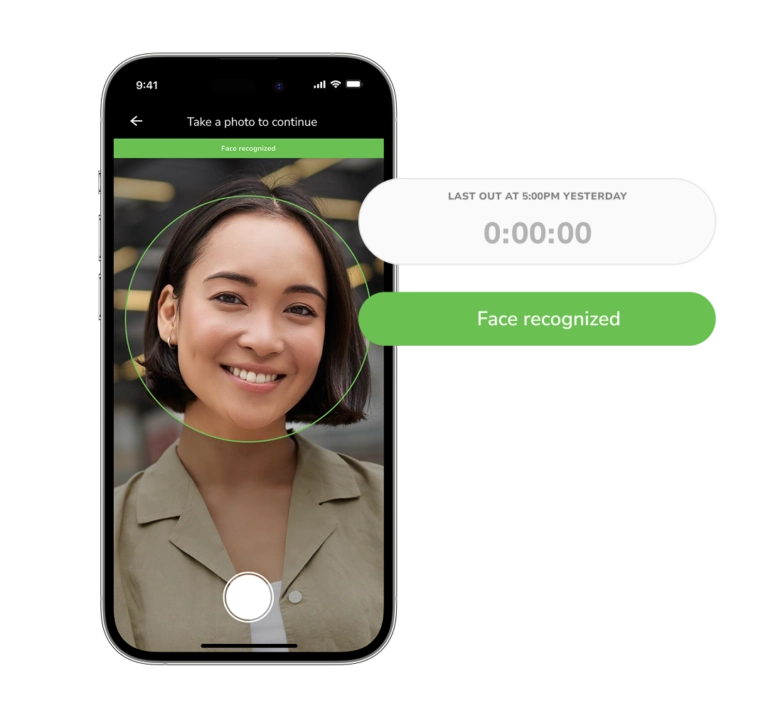
Facial recognitionPopular
AI confirms the right person is clocking in — no buddy punching.
Selfie capture
Capture a photo with every punch for a visual audit trail.
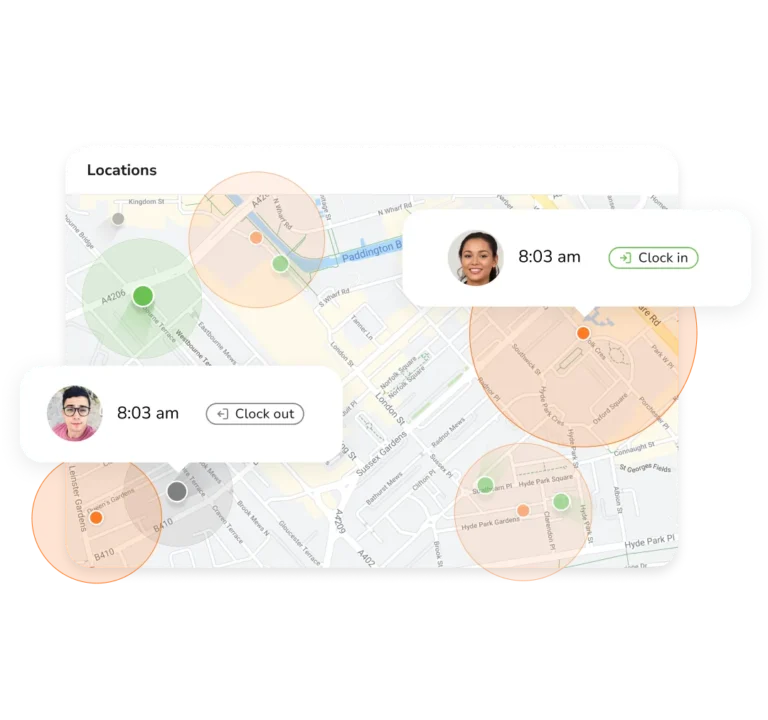
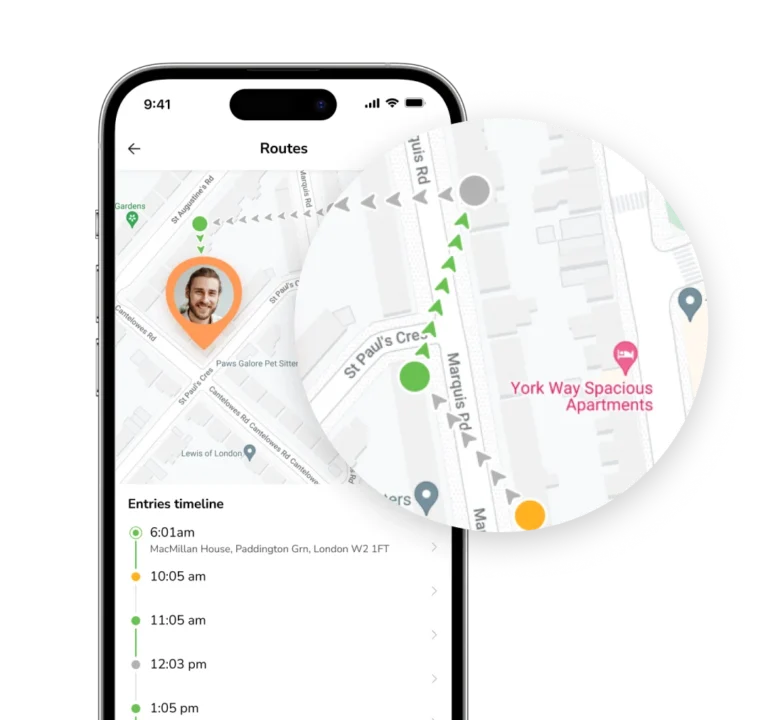
GPS stamp
Pin every clock-in to its exact location on a live map.
GeofencingPopular
Restrict clock-ins to the sites and zones you define.
Auto clock-in/out
Clock staff in and out automatically as they enter or leave a zone.
Live locationPopular
See where field staff are in real time while on the clock.
Payroll-ready timesheets
Every punch rolls up into an accurate, exportable timesheet — automatically. See timesheets
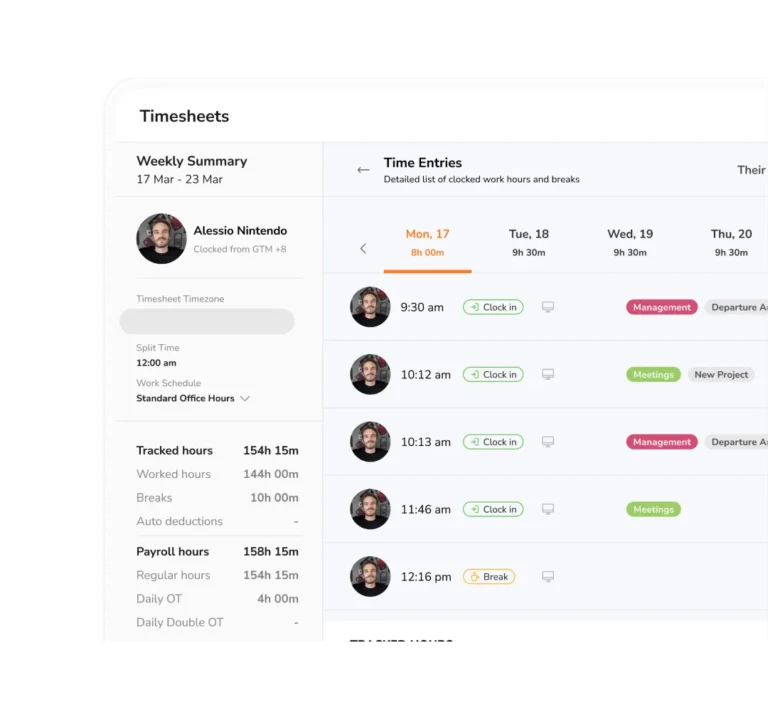
TimesheetsPopular
Every punch becomes a payroll-ready timesheet, automatically.
Pay periods
Set weekly, bi-weekly or monthly pay periods that roll over.
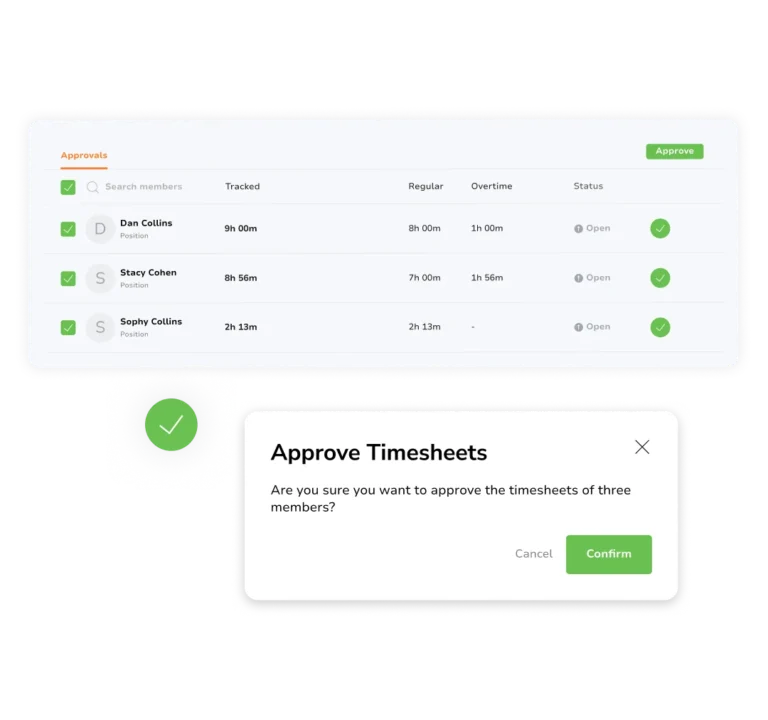
ApprovalsPopular
Review and approve timesheets without the email threads.
Payroll hours
Calculate regular, overtime and holiday hours for payroll.
Break tracking
Log paid and unpaid breaks automatically with each shift.
Overtime rules
Set overtime thresholds and multipliers that calculate themselves.
Manual entries
Add or edit hours by hand for time worked away from the clock.
Time rounding
Round clock-ins and outs to keep timesheets clean and consistent.
IntegrationsPopular
Connect Jibble to payroll, accounting and productivity tools.
Organize your team your way
Group staff into teams, assign managers and control who sees what. Explore team management
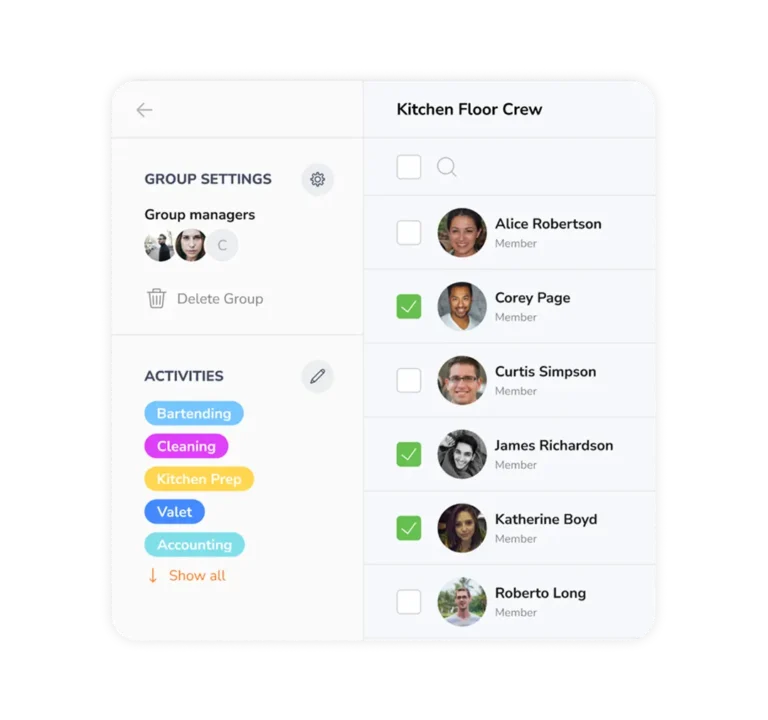
Group managementPopular
Organize staff into teams and groups in a few clicks.
Roles & permissions
Assign roles and control exactly what each can see, edit and approve.
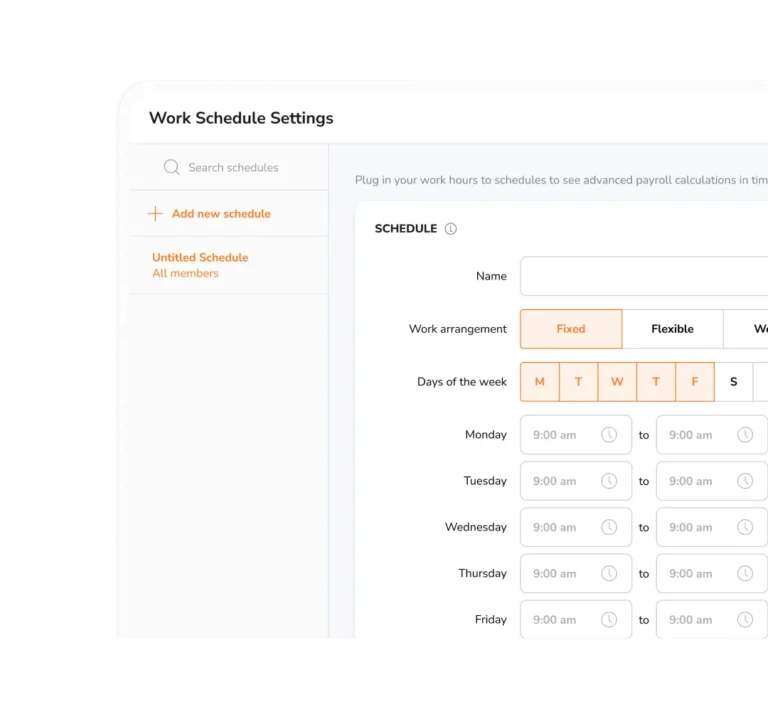
Work schedulesPopular
Build shifts and rosters, then compare planned vs actual.
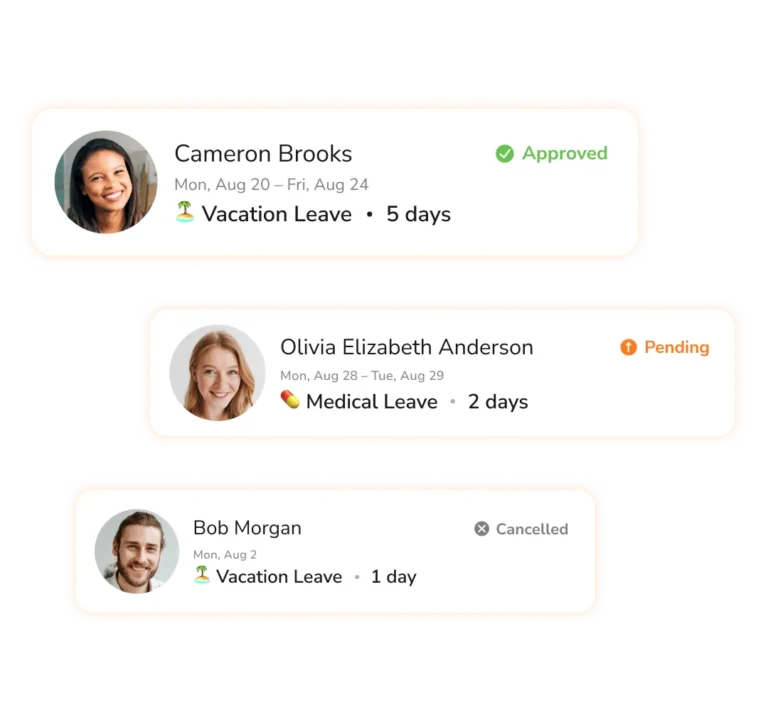
Leave managementPopular
Track PTO, sick days and holidays with approval flows.
Multi-level approvals
Route leave requests through several approvers, each signing off in turn.
Public holidays
Apply regional holiday calendars to every team automatically.
Track time by project
Organize work by client and project to see exactly where every hour went. Explore project tracking
ProjectsPopular
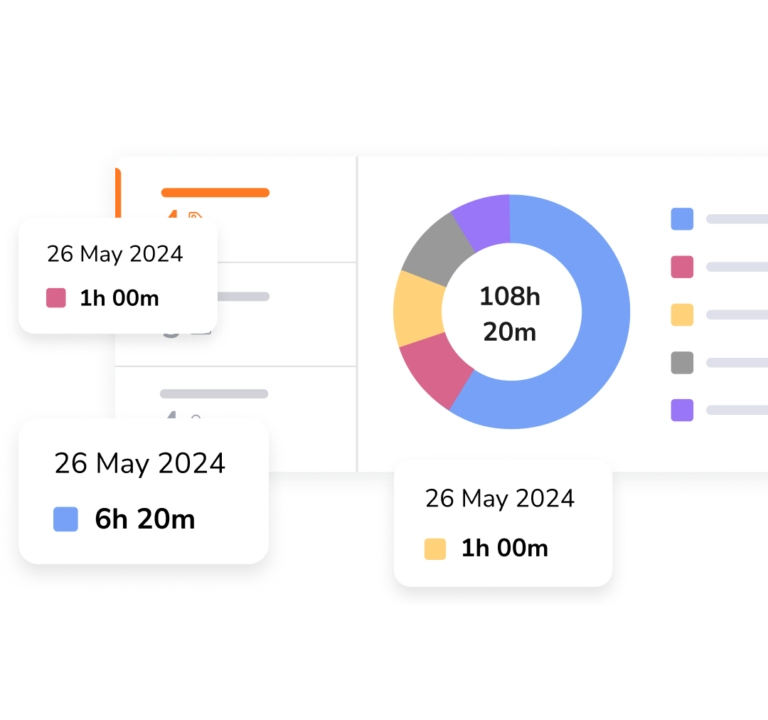
Organize work by client and project, then see exactly where every hour went.
Activities
Log time against specific activities for a more granular view of where hours go.
Time reportsPopular
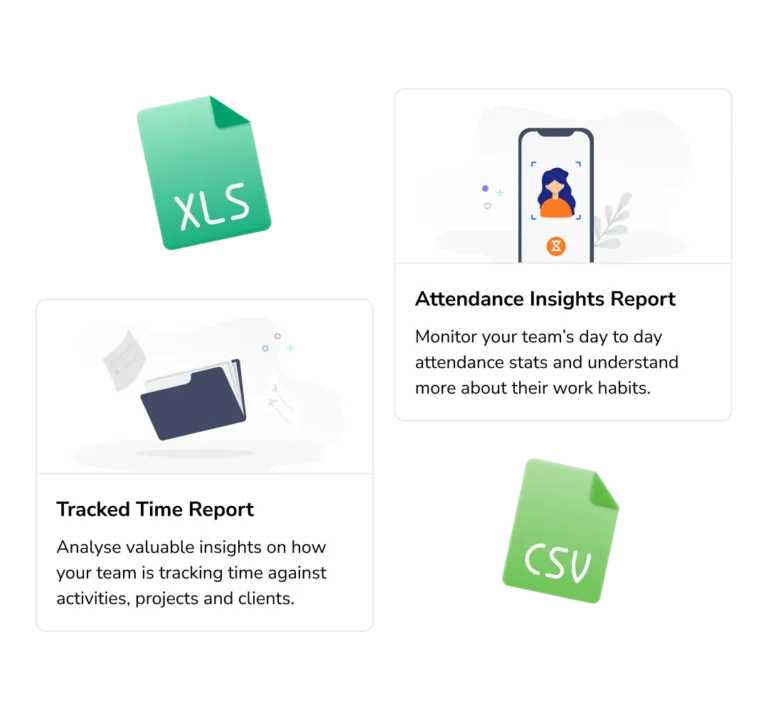
See hours, overtime and labor-cost trends at a glance.
Attendance reports
Spot lateness, absences and presence across every shift.
InvoicingPopular
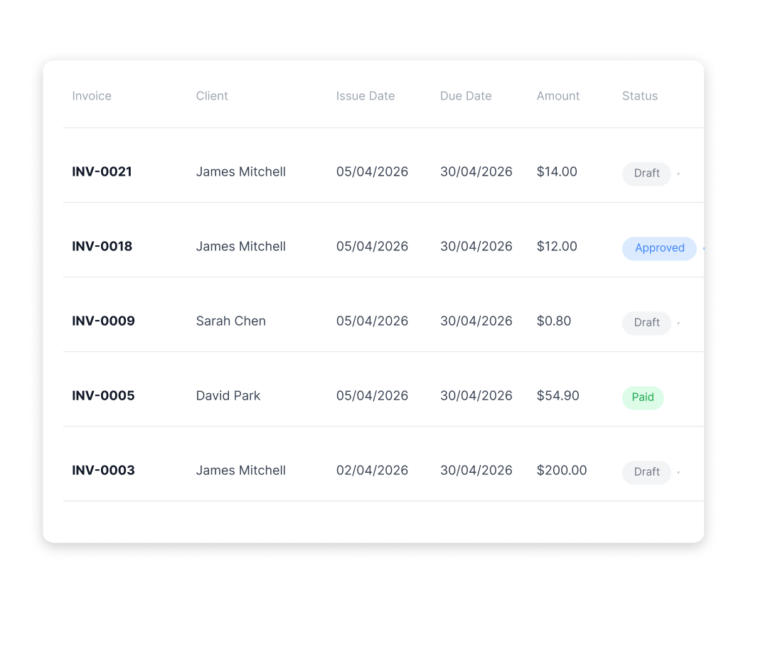
Turn billable hours into polished client invoices in a click.
AI assistant
Ask questions about your data and get instant answers.












The questions teams ask most
What is Jibble used for?
Jibble is used to track employee time, manage attendance, monitor productivity, and streamline payroll and reporting. It helps teams of all sizes replace manual timesheets with accurate, automated time data.
How does time tracking work in Jibble?
Team members clock in and out with a tap — from the web, mobile, desktop, a shared kiosk, a Chrome extension, or Slack and Teams. Jibble records each entry in real time and rolls it up into accurate timesheets automatically, so there’s no manual tallying.
Will Jibble work for the way my team works?
On-site, field, remote or hybrid — it adapts. GPS and geofencing suit teams on the move, kiosk and NFC suit shared sites, and the web and desktop apps suit office and computer-based work.
Can Jibble be used for both small teams and large organizations?
Yes. Jibble is designed to scale from freelancers and small teams to large enterprises. You can start with a simple setup and expand into advanced features like approvals, scheduling, and multi-team management as your organization grows.
How long does it take to get started?
About a minute. Create an account, invite your team and they can clock in right away — no credit card needed. Layer on schedules, verification and approvals whenever you’re ready.
Can Jibble integrate with payroll and other tools?
Yes. Jibble integrates with payroll, accounting, and productivity tools such as Xero, QuickBooks, and others. It also supports API access and automation tools like Zapier for custom workflows.
Is Jibble free?
Jibble is free forever for unlimited users, with time tracking, attendance tracking, timesheets, GPS, facial recognition, and more included. It gives teams everything they need to track time and attendance without worrying about per-user costs.