




-
What is employee monitoring software?
What it tracks and why businesses use it
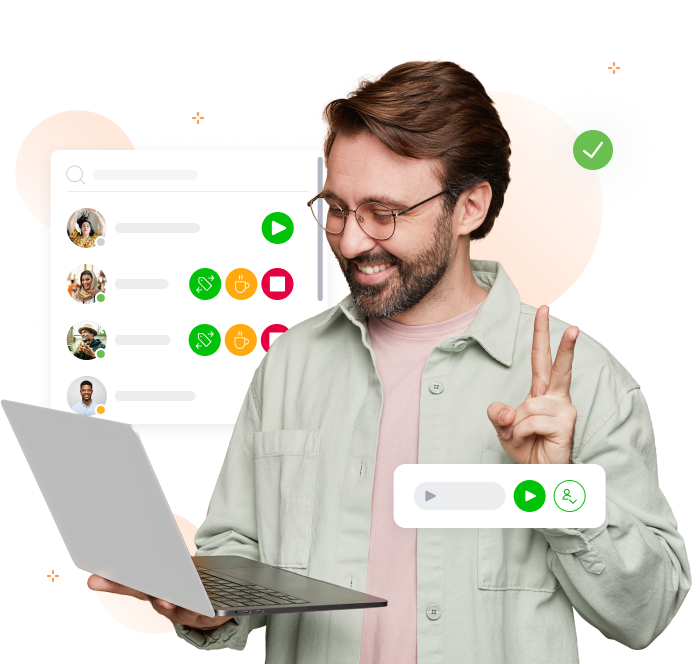
Employee monitoring software gives managers real-time visibility into how their team spends working hours. It tracks activities such as time on tasks, desktop activity, and physical location.
For businesses managing remote, hybrid, or field-based teams, it removes the guesswork from productivity management and provides the objective data needed to make better workforce decisions.
-

Why use employee monitoring software?
Gain visibility, improve accountability, and make smarter decisions
Tracking employee activity helps organisations identify where time is being lost, ensure accountability across distributed teams, and make payroll and billing more accurate.
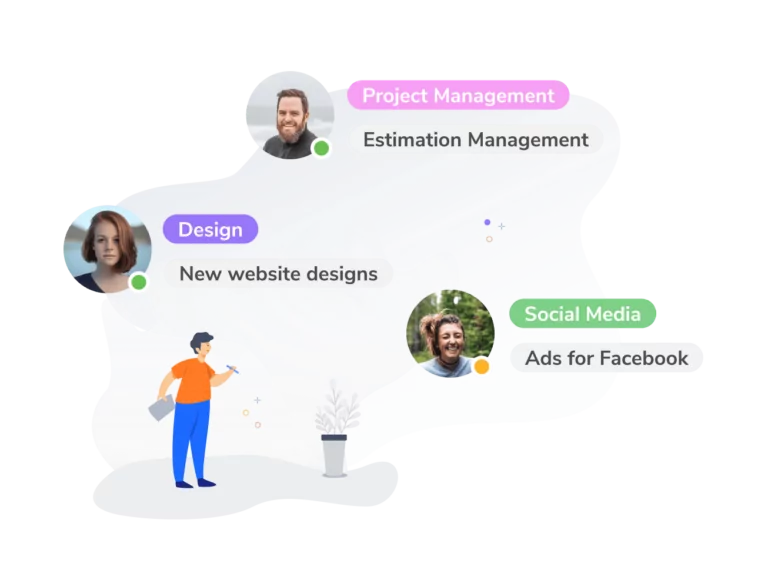
Common use cases include monitoring remote workers, tracking time on billable client projects, and ensuring compliance with company attendance policies. With the right tool, monitoring becomes a shared benefit — employees gain transparency over their own records, and managers gain the data they need to support their teams.
-

How employee monitoring software works
Quick and easy steps from setup to insight
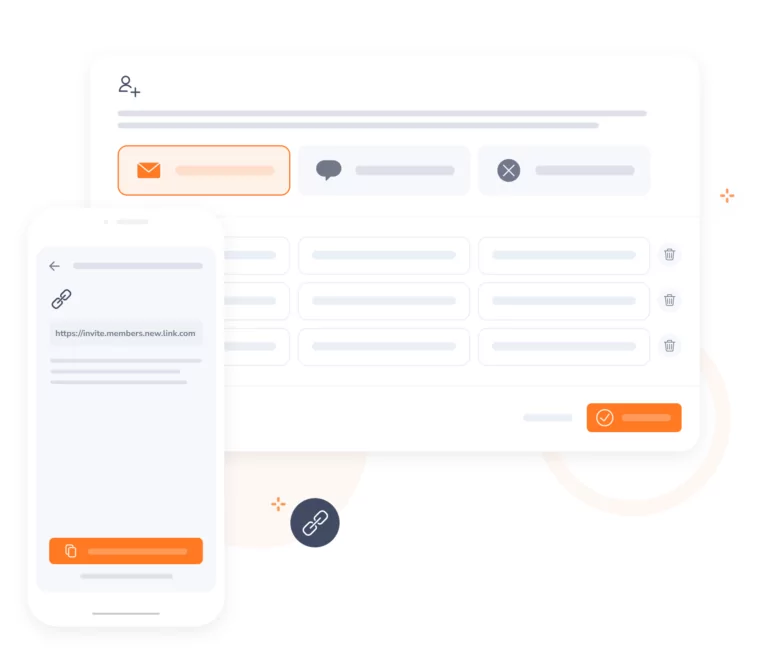
- Setup and onboarding: Create an account, invite your team and configure monitoring preferences.
- Automated tracking: Once employees clock in, Jibble runs in the background, capturing periodic screenshots.
- Timesheet generation: All data is timestamped and saved to timesheets.
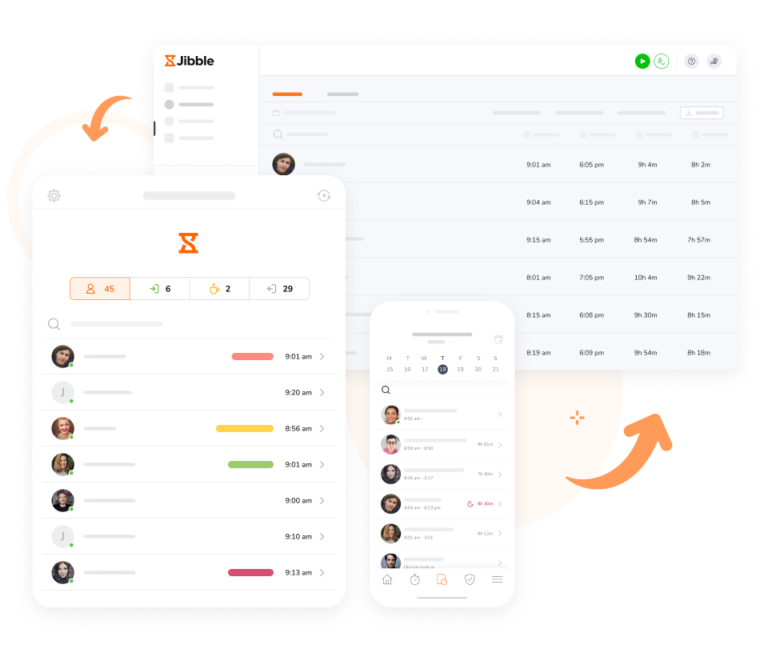
- Reporting and action: Managers access a central dashboard where they can view real-time activity, drill into individual or team-level reports, and export data.
-
Who uses employee monitoring software?
Remote, hybrid, field, and office
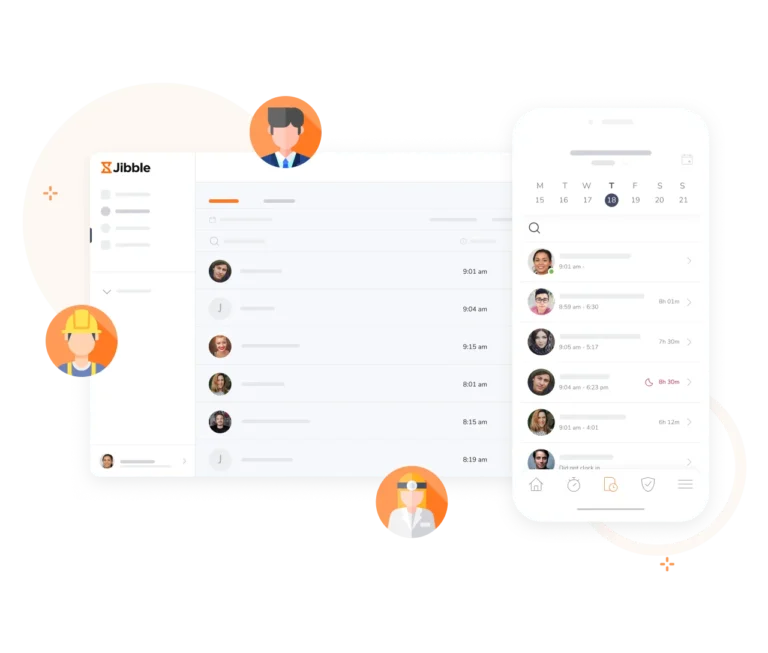
Employee monitoring software is used across a wide range of industries and team structures. The common thread is a need for visibility, whether that means tracking productivity for remote workers, ensuring field and construction staff are at the right location, or maintaining accurate records for payroll and client billing.
-

Detailed time and activity tracking
Monitor hours, overtime, breaks, and project time
Track work hours, overtime, and breaks across your entire team. Monitor which activities and projects take up the most time, identify bottlenecks, and allocate resources more efficiently. All tracked hours sync automatically to employee timesheets, making payroll and billing simple and accurate.
-

Screenshot monitoring for team-wide visibility
Automatic screenshot capture
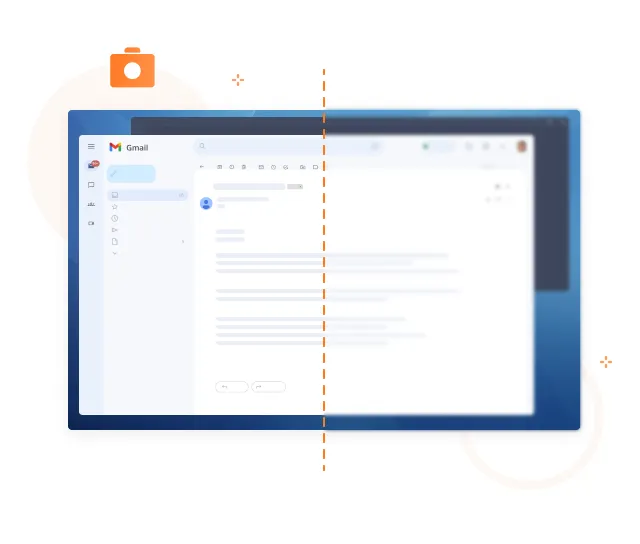
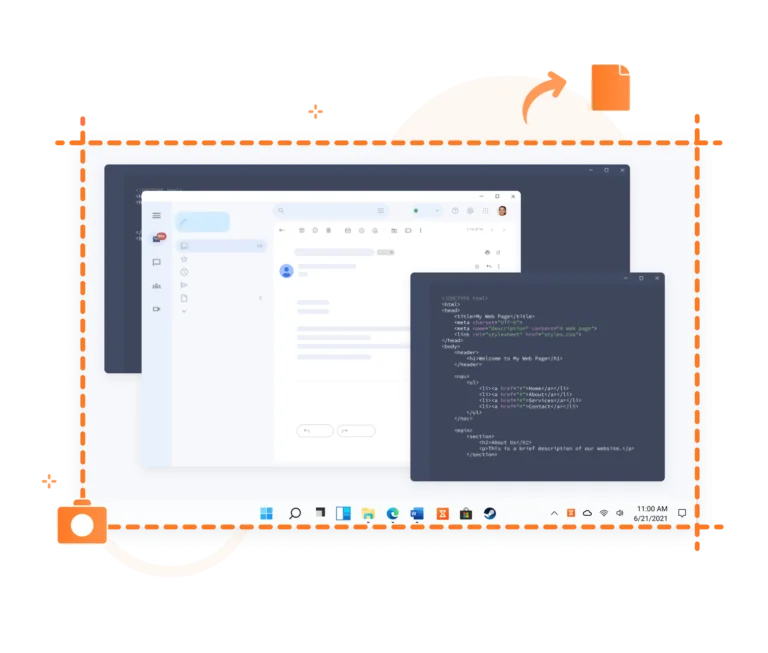
Screenshots time trackerJibble automatically captures screenshots at your set intervals, giving you a clear view of what employees are working on throughout the day. Whether your team uses a single screen or a multi-monitor setup, every session is captured. You can also review employee screenshot activity directly from their timesheets.
-
App and website usage monitoring
See which apps and sites employees use during work hours
Monitor website visits and application usage while employees are on the clock to build a clearer picture of how work time is actually spent. Keystroke monitoring is also coming soon, adding an additional layer of insight into daily activity patterns. Feature coming soon!
-

Monitoring that respects privacy
Transparent monitoring your team can trust
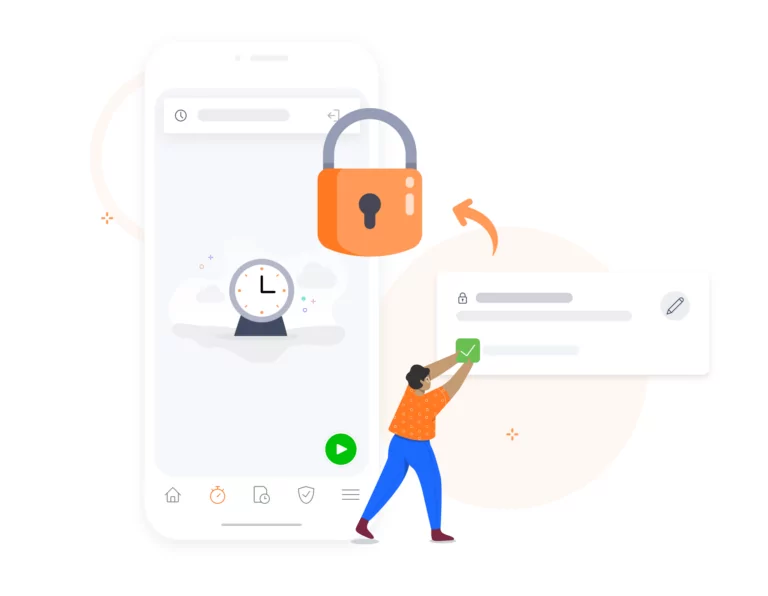
Jibble automatically blurs screenshots to protect sensitive on-screen information. Team members have full access to their own screenshots and can delete them at any time, keeping them in control of their data. This transparent approach helps build trust while still giving managers the oversight they need for employee monitoring.
-
GPS location tracking and geofencing
Track field teams across multiple sites in real time
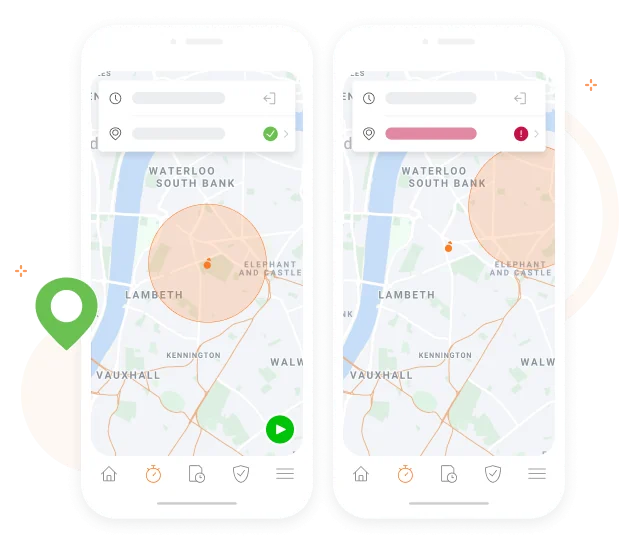
Geofencing time trackingTrack your team’s locations in real time using built-in GPS tracking, particularly useful when employees work across multiple sites or in the field. Enable geofencing to ensure clock-ins only happen at authorised locations, so attendance records are always accurate.
-
Offline tracking that never misses a beat
Synced automatically when back online
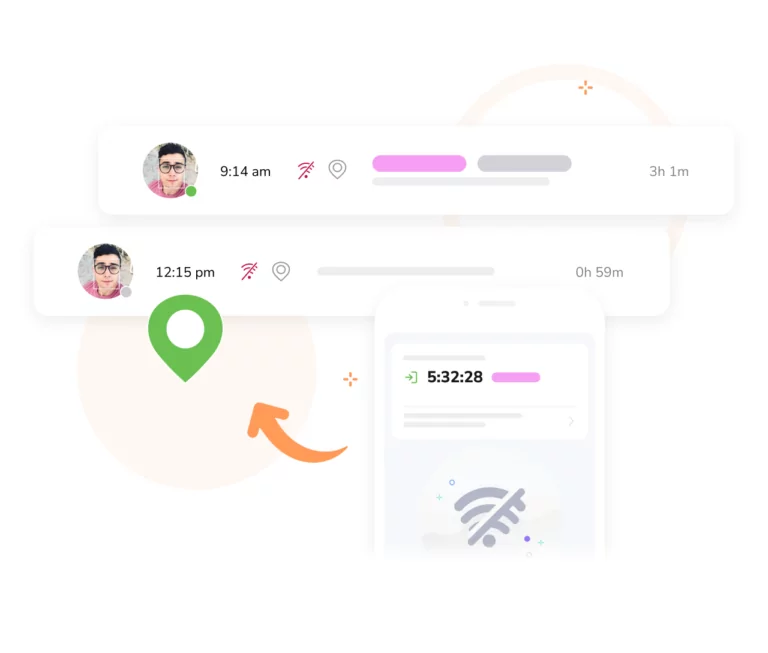
Whether your team is working in remote areas or travelling between sites with an unstable connection, Jibble’s offline mode ensures every activity is logged without interruption. Time entries are saved securely on the device and sync automatically as soon as connectivity is restored. Explore offline time tracking in more detail.
-

Powerful reports and productivity analytics
Filter by member, project, activity, date, or client
Productivity trackerDrill down into employee work hours, attendance patterns, and project progress with Jibble’s employee monitoring software. Filter by date, member, activity, or client, then export reports for payroll, billing, or performance reviews.
-
Get your team set up in minutes
No training required
Simply sign up and invite your team to join your organisation. The setup process is guided step by step, so there is no technical knowledge required. Whether you manage 5 employees or 500, onboarding is fast and straightforward for everyone.
FREE Employee Monitoring Software
Get clear visibility into how your team spends their time, without compromising privacy. Free for unlimited users.
4.8 (1,940 reviews)
61,392
signed up last month, nearly
3x
more than a year ago, all without any paid advertising!