





-





-
Cursor time tracking that fits inside your workflow
No tab-switching, no separate apps
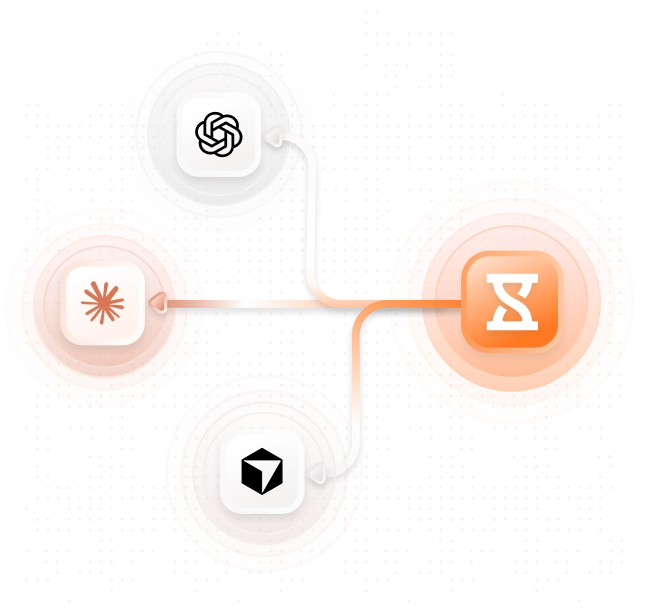
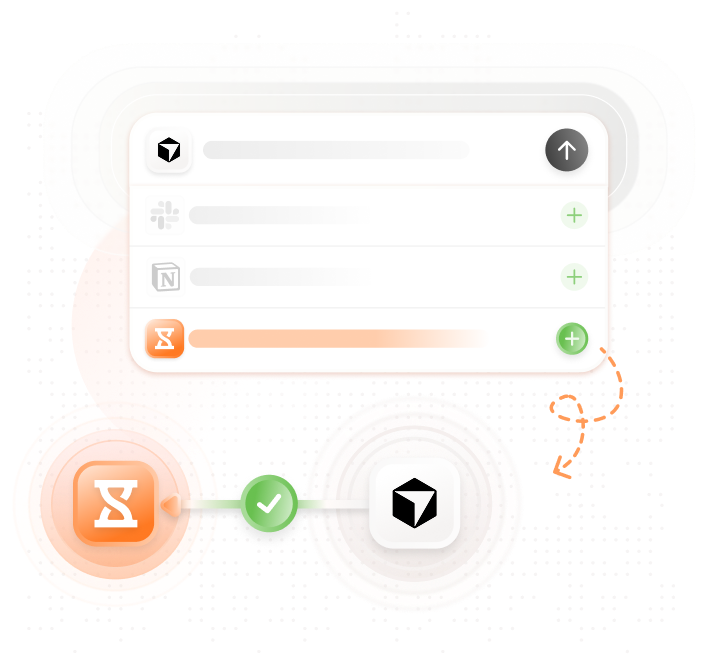
Using Jibble in CursorStop context-switching between your code and a separate time and attendance software. Jibble’s MCP integration connects directly to Cursor, so you can clock in, log hours, and manage projects using plain language prompts, without ever opening another tab.
-

Track time using plain language
Type what you worked on, Jibble handles the rest
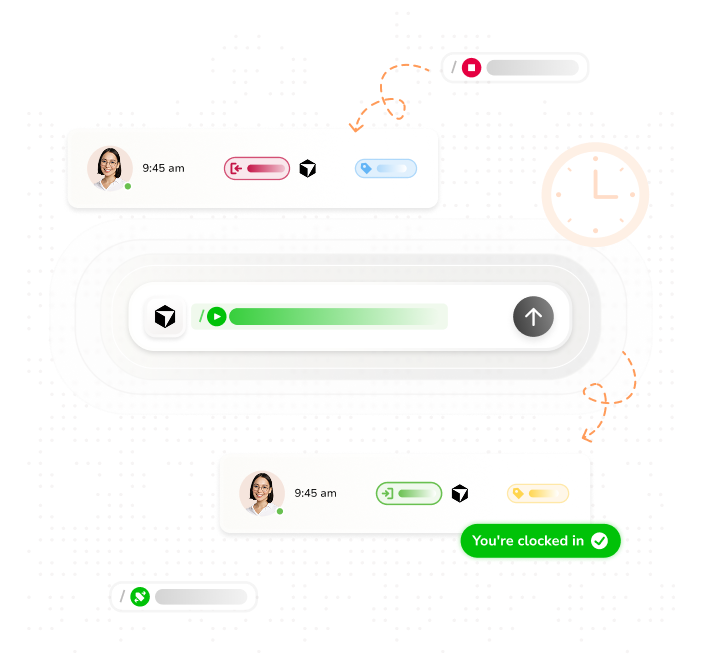
Type a prompt like “log 3 hours on PR reviews” and Jibble instantly creates the time entry. There’s no app to open and no workflow interruption. Logging past hours or clocking in for the day takes seconds, exactly the way developer time tracking should work.
-
Automated timesheets, built from every coding session
Accurate records ready for payroll and client billing
Every time you log hours in Cursor, Jibble captures them instantly in the timesheet app. Regular and overtime hours are tracked separately, with timesheets and logged hours ready to be reviewed directly through Cursor.
-

How Jibble's Cursor MCP time tracking works
Quick and simple setup
- Connect your account: Link Jibble’s MCP Server to Cursor.
- Log time with a prompt: Type what you worked on in plain language and Jibble creates the entry instantly.
- Manage projects and tasks: Track hours against specific projects and tasks.
- Access timesheets: Check timesheets and review entries directly through Cursor.
- Run reports instantly: Generate project, team, and timesheet reports for quick insights.
-
AI-powered insights into your development hours
Turn tracked time into smarter project decisions
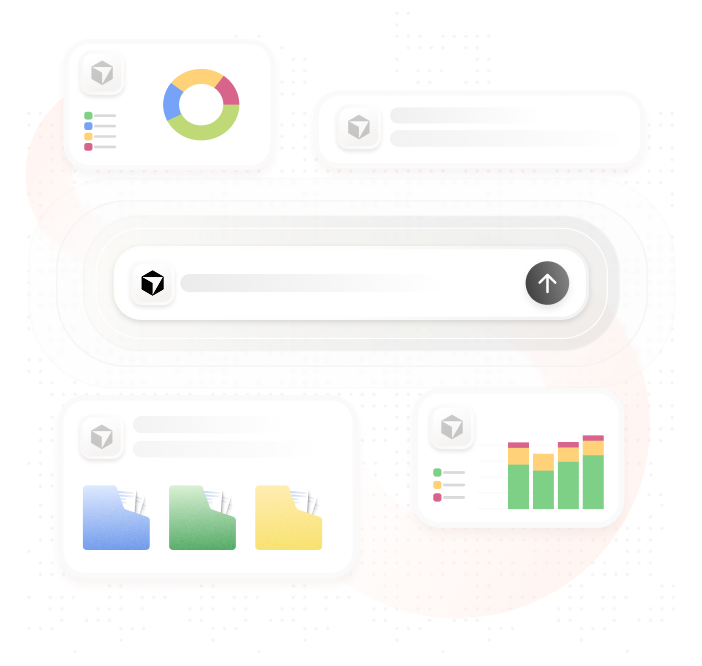
Jibble analyzes logged hours to surface productivity patterns, project cost trends, and overtime risks. Ask questions like “How many hours did we spend on the API migration last month?” and get clear answers without leaving Cursor. Use those insights to scope future work more accurately and make every sprint count.
-

From code commit to client invoice
Every hour you build is accounted for, ready to bill
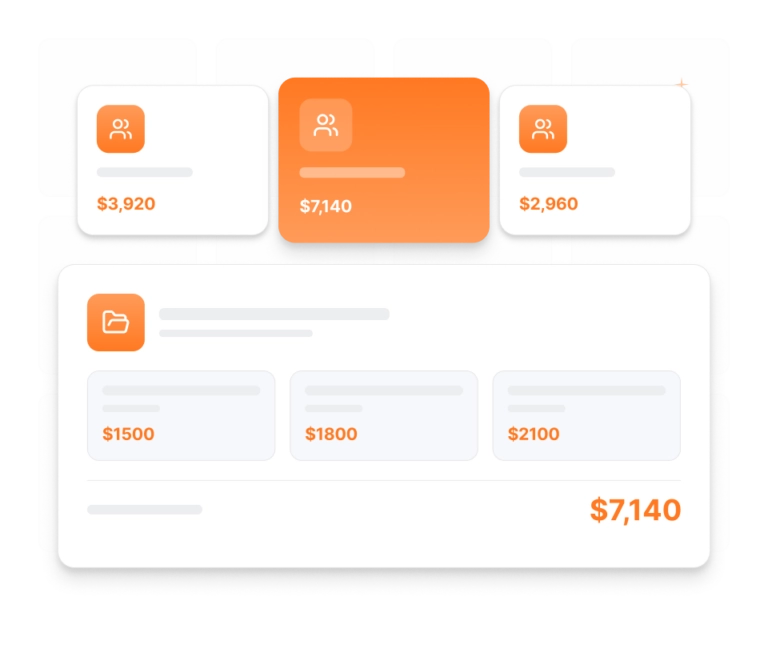
Every minute you log while coding in Cursor is automatically captured in Jibble. Tracked time is organized by project and activity, so you always know how much work has been done. When it’s time to bill clients, you can generate accurate, client-ready invoices in just a few clicks.
-

Start Cursor time tracking today
No hidden fees, no complicated setup
Get started NOW!Whether you’re a solo developer or a freelancer billing clients by the hour, setting up the Jibble MCP integration is straightforward. Simply add Jibble to your Cursor configuration and you’re ready to start tracking smarter!
Teams everywhere are logging hours and staying productive without leaving Cursor
-
Time management software with great free features
Excellent work time management software. It helped a lot to control the working time in the company and manage the time bank.
Excellent time tracking software for businesses
I like the fact that you can monitor your breaks, schedules, and daily overtime and that it's super easy... overall it has been a great experience.
Functional and practical
Jibble makes it very easy to track your time spent on different projects. There is also an app that can be used on your phone if you are on the move. It is extremely easy to add projects and activities.
The best time tracker I have used so far
We will never use any other timesheet software. I used the intuit time tracker before but I find Jibble more useful for my team and also I have to check all of the employee's timesheets without any hassle.
Exceeded my expectations
Honestly, I wasn't super excited about my company having this type of software to keep track of time. Oh, how my opinion has changed. Jibble is one of the best time tracking software I have ever seen... it has exceeded my expectations.
Keeping track of hours is super easy now
Jibble makes keeping track of employees when they work off-site very easy. With GPS location I was able to set the area that they can clock, thus ensuring correct times... keeping track of hours on projects is super easy now.
Made tracking staff time a breeze
Jibble has changed the way we calibrate pricing in our business as we now have clarity in measuring KPIs. Jibble's time management software made it possible to compare work carried out by team members and identify bottlenecks and where systems needed improvement. Jibble made tracking staff time a breeze.
Frankly, no other software got even close
Wonderful time management software. This has been a lovely experience right from the start. Simple-to-understand set-up, lots of personal support on hand, a useful 'onboarding' session to explore features and help me with exports. We needed a system for tracking consultants' time in contracts broken down by tasks. Jibble is the solution and frankly, no other software that I looked at got even close in terms of ease of use and price.
Cursor Time Tracking FAQs
Everything developers want to know about tracking time in Cursor with Jibble
Cursor time tracking refers to logging and managing work hours directly inside the Cursor AI coding environment. With Jibble’s MCP integration, developers can track time, manage projects, and interact with their time data using natural language, all without leaving Cursor.
Jibble’s AI time tracker connects to Cursor via the Model Context Protocol (MCP). Once connected, you can use natural language prompts inside Cursor to create time entries, track projects and tasks, and manage your hours. Jibble handles the tracking in the background so you can stay focused on coding.
Yes! Jibble offers 100% free Cursor time tracking with support for unlimited users. You get access to powerful features including automated timesheets, AI-assisted time entry, project tracking, and productivity analytics, all at no cost.
Don't waste another minute! Jibble is FREE forever.
Start tracking time in Cursor with Jibble today.
Track time now - it's FREE!