-

Claude MCP time tracking
AI-native productivity, right inside your Claude workspace
Using Jibble in ClaudeJibble’s MCP (Model Context Protocol) integration connects directly to Claude, enabling AI time tracking that fits seamlessly into your AI workflow. With a simple setup, Jibble becomes a native capability within Claude, with no tab switching and no separate app required.
-
Connect Jibble to Claude in one click
Jibble is now in Claude Connectors Directory
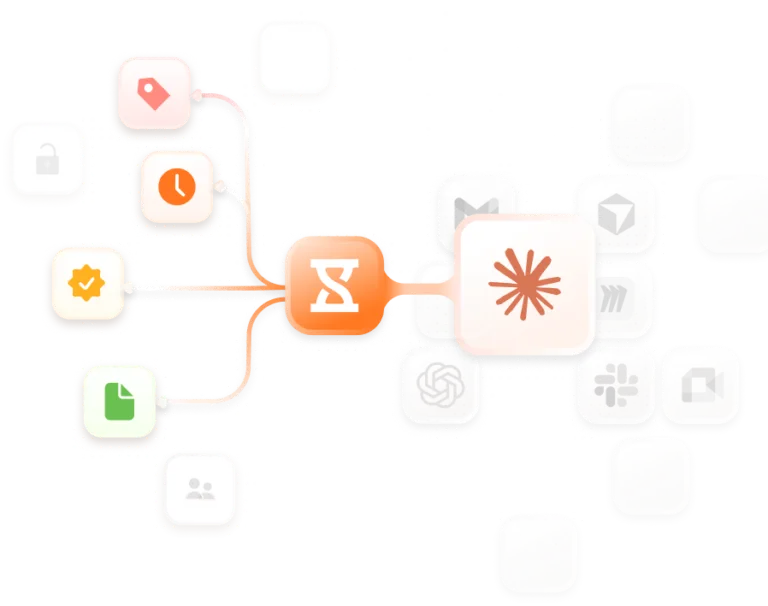
Connect Jibble to ClaudeFind Jibble in Claude’s connectors directory and connect with your Jibble account, no manual URL setup is required. Once connected, clock in or out, log hours, manage time off, check timesheets, pull reports, and get workforce insights directly through Claude.
-
How Jibble works with Claude
Connect Jibble to Claude and manage time in chat
- Connect Jibble to Claude: Search for Jibble in the Claude Connectors Directory and connect your Jibble account to start tracking time.
- Do more than just log time: Use natural language prompts to create entries, assign them to projects, and keep timesheets up to date.
- Access and manage timesheets: Check timesheets and review entries directly through Claude.
- Run reports instantly: Generate project, team, and timesheet reports for quick insights and exports.
-
Manage time entries without leaving Claude
Just tell Claude what you need Jibble to do
Instead of opening a separate app, just tell Claude what you worked on. Say “clock me in” or “log 3 hours to Project X” and Jibble creates the entry automatically. Whether you’re catching up on yesterday’s hours or adjusting time records, Jibble keeps everything accurate and up to date, all from a single conversation.
-
Automated timesheets from your conversations
Turns your interactions into accurate timesheets
Every time entry you create through Claude is automatically captured in Jibble’s timesheet app. You can also view and check timesheets directly through Claude, allowing you to easily review logged hours, track what has been recorded, and ensure everything is up to date at any time.
-
Time off and attendance management inside Claude
Handle requests, check balances, and review attendance
Manage time off and attendance directly within Claude, no need to open Jibble for routine checks or updates. View and review time off requests, check remaining balances, and keep attendance records up to date in real time, all from a single conversation.
-
AI-powered insights from your tracked time
Ask Claude for productivity patterns, project summaries, and overtime data
Use Claude to surface real insights from your logged hours. Ask questions like “How many hours did the team log this month?” or “Who has the most overtime this week?” Jibble delivers the answers seamlessly through Claude’s natural language interface.
-
Works with any MCP-compatible AI assistant
Use Claude and other AI platforms
Jibble’s MCP integration isn’t exclusive to Claude. With ChatGPT time tracking or Cursor time tracking, it works with any MCP-compatible AI assistant, so your setup travels with your preferred tools. Claude is just one powerful way to experience truly AI-native productivity with Jibble.
-
Start tracking time smarter with Jibble
Bring AI-powered time tracking into your workflow
Get onboarding NOW!Start using Jibble today to simplify time tracking and eliminate manual errors. From real-time timesheets to seamless time and attendance tracking, everything is designed to save time and improve visibility. Get started in minutes, and rely on our support team whenever you need help along the way.
