
What you can do with Jibble in Claude
Manage Jibble time, attendance, leave, and more with Claude
Once you’ve connected Jibble to Claude, you can use natural language to track time, manage attendance and time off, check timesheets, work with projects, and access information from your Jibble organization.
Simply tell Claude what you need to find information or complete routine tasks. The actions and information available to you depend on your existing role and permissions in Jibble.
For more information about the technology behind the connection, see how Jibble’s time tracking MCP works.
This article covers:
- Tracking time and managing time entries
- Checking timesheets and reports
- Managing time off
- Managing projects and activities
- Accessing organization information
- Reviewing and summarizing your data
Tracking time and managing time entries
You can use Claude to manage your time in Jibble without opening the Jibble app.
Depending on your role and permissions, you can:
- Clock in and out
- Start and end breaks
- Add time entries
- Edit time entries
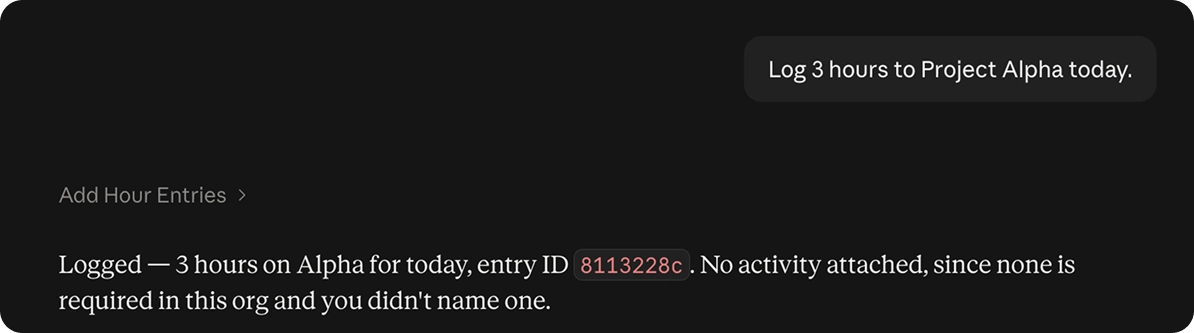
- Log time against projects or activities
- Check your recent time entries
For example, you can tell Claude:
- “Clock me in.”
- “Start my break.”
- “Log 3 hours to Project Alpha today.”
- “Log 2 hours to the Design activity yesterday.”
- “Show me my time entries for this week.”
Checking timesheets and reports
Claude can retrieve time and attendance information from Jibble, making it easier to check your hours or get a quick overview without navigating through different reports.
You can use Claude to:
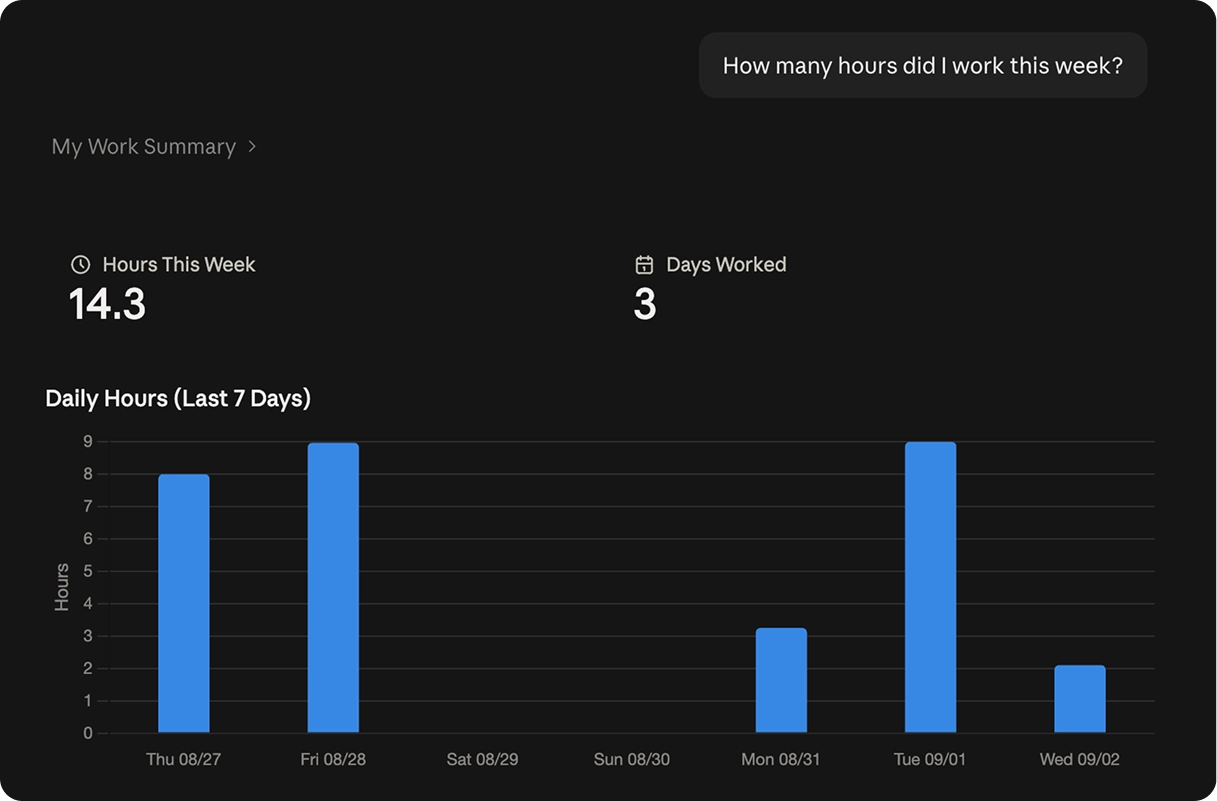
- Check your worked hours
- View timesheet entries
- Check hours by project or activity
- View attendance information
- Access available time and attendance reports
For example, try asking:
- “Who’s clocked in right now?”
- “How many hours did I work this week?”
- “Summarize my hours for the past two weeks.”
Managing time off
You can also use Claude to manage time-off information available through your Jibble account.
Depending on your role and permissions, you can:
- Check your time-off balance
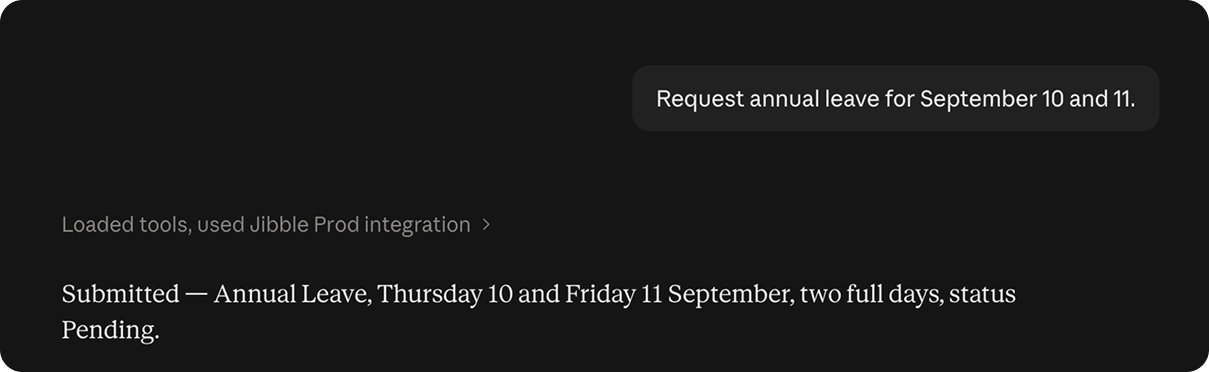
- Request time off
- View time-off requests
- Check team time off
- Approve time-off requests
For example:
- “How many days of annual leave do I have left?”
- “Request annual leave for September 10 and 11.”
- “Show me the pending time-off requests.”
- “Approve Sarah’s leave request for 14 September.”
Managing projects and activities
Depending on your Jibble permissions, Claude can also help you work with projects and activities.
For example, Owners and Admins can use Claude to:
- Create and manage projects
- Assign people or groups to projects
- Create and assign activities
- Access project information
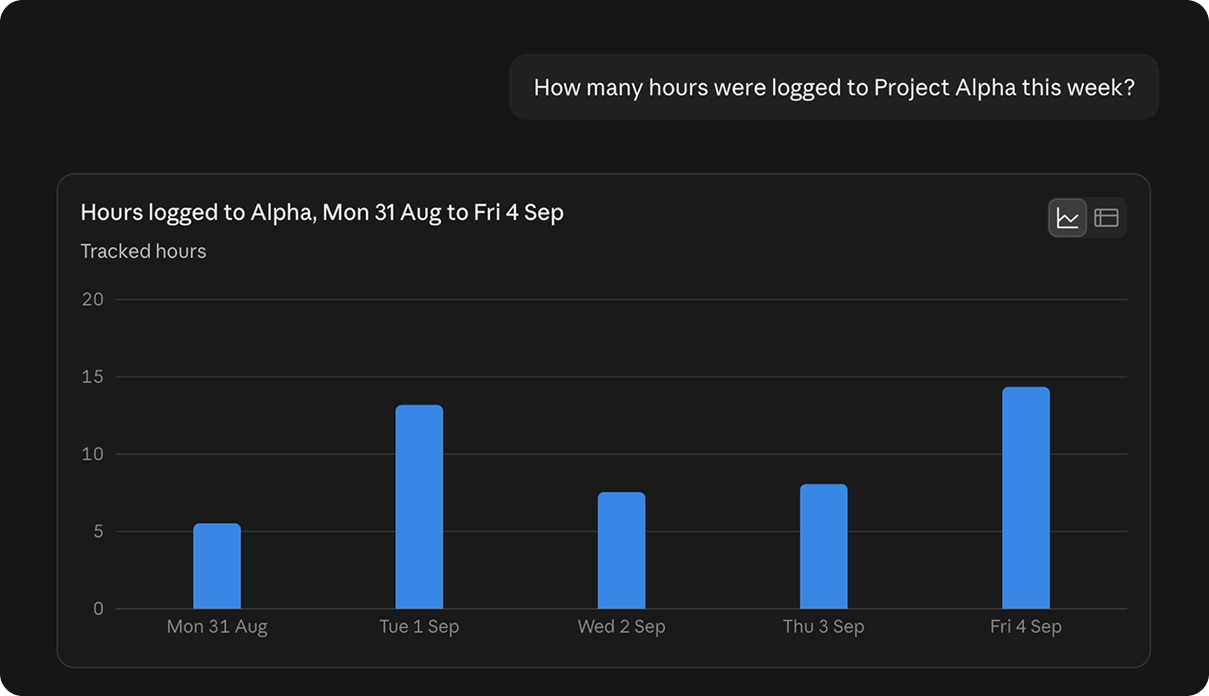
- Check time tracked against projects
For example, you could ask Claude:
- “Create a project called Team Planning.”
- “Assign the Operations group to the Team Planning project.”
- “How many hours were logged to Project Alpha this week?”
- “Which activities have the most tracked time this month?”
The actions available to you depend on your role and permissions.
Accessing organization information
Claude can help you find information from your Jibble organization without having to navigate through different sections of Jibble.
Depending on your role and permissions, you can access information about:
- Team members and groups
- Projects, activities, and clients
- Schedules and public holidays
- Time entries and timesheets
- Leave balances, requests, and policies
- Reports on tracked time, overtime, and attendance
- Organization and group settings
For example:
- “What activities exist in this organization?”
- “Which leave policies have carry-forward enabled?”
- “Which groups exist and who manages each one?”
- “What are this organization’s time tracking settings?”
- “Which clients do we have and what projects belong to each?”
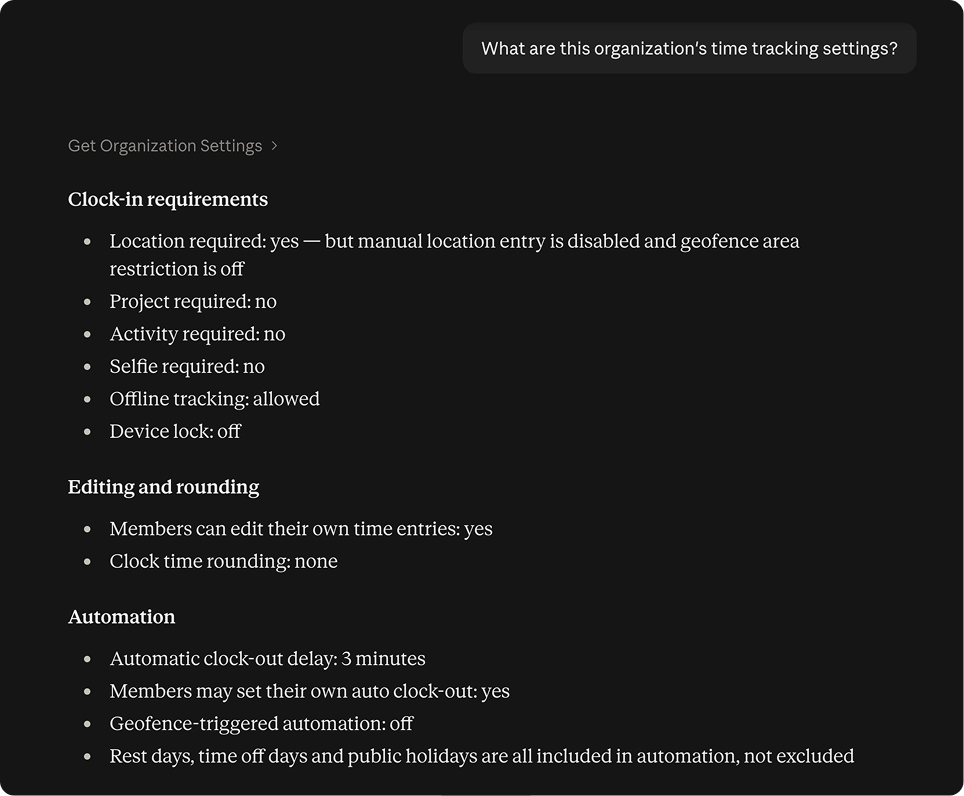
This can be especially useful when you need a quick answer or want to find information without searching through your organization manually.
Reviewing and summarizing your data
Claude can quickly summarize information from Jibble, helping you get an overview without manually going through individual entries or reports.
For example:
- “Summarize my team’s hours this week.”
- “Give me an overview of attendance this month.”
- “Summarize overtime for last week across the Engineering group.”
- “Summarize the hours logged to each project.”
- “How much time did we log to each client in Q2?”
- “Show me clock-in patterns for the Marketing group.”
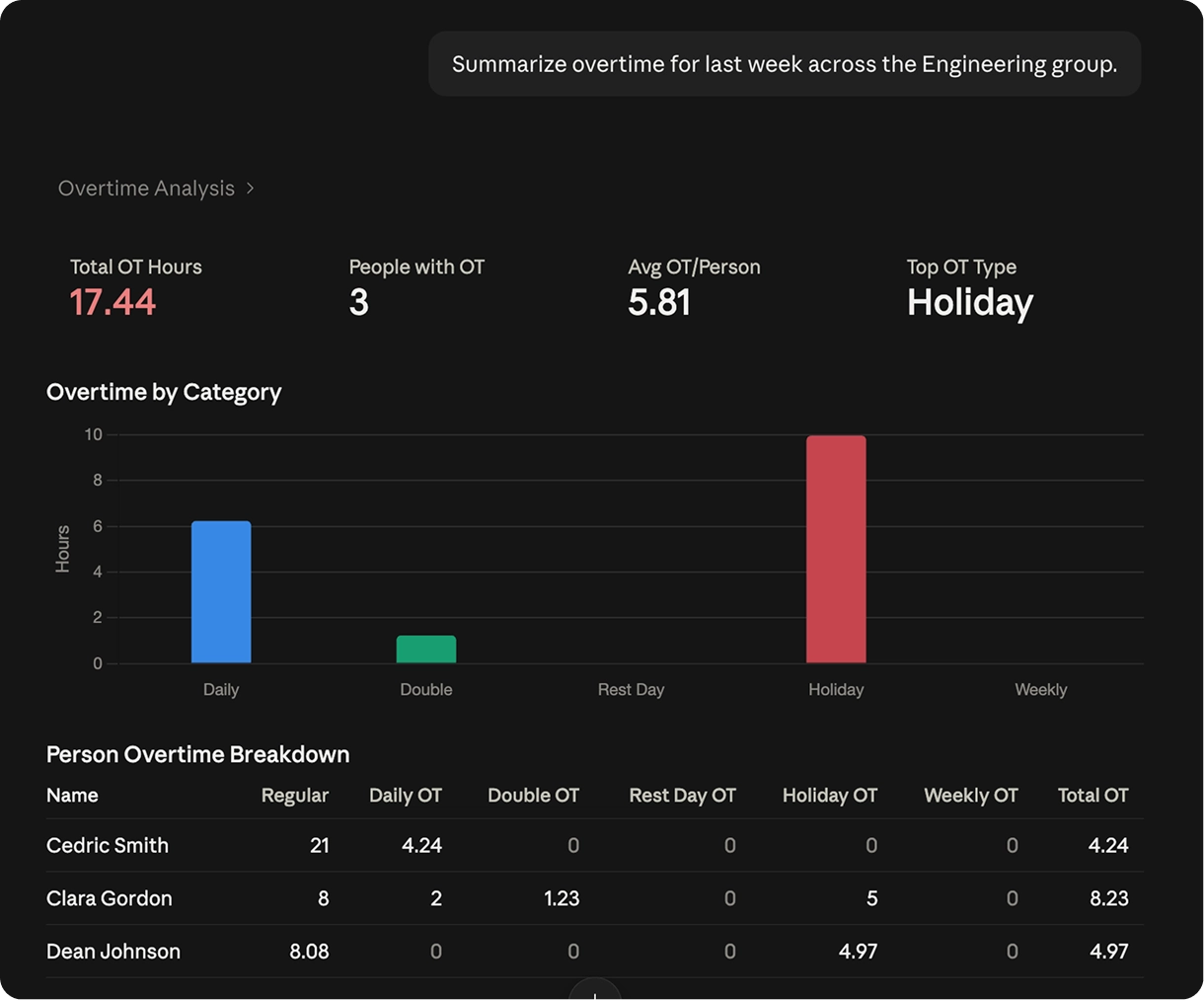
For comparisons, charts, custom reports, and more in-depth analysis, see analyzing time and attendance data with Claude.