
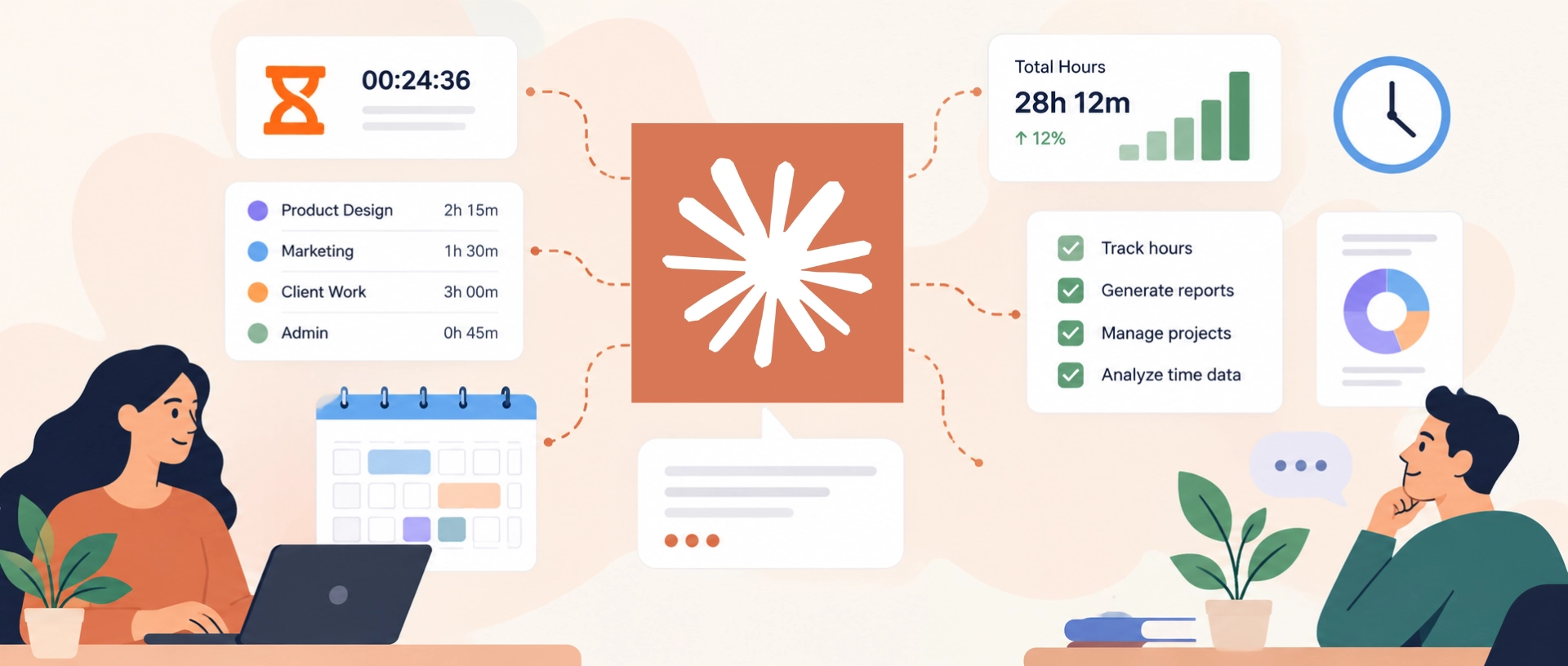
Claude is changing how people interact with time tracking software. Instead of simply relying on dashboards and software functions, users can increasingly interact with their data in a more conversational way through Claude.
Developed by Anthropic, Claude is an AI assistant that can help with tasks such as answering questions, brainstorming ideas, writing and editing content, coding, and analyzing information.
When it comes to time tracking, Claude itself doesn’t have a built-in time tracker, so time tracking relies on external software. When connected to time tracking software, Claude can work with the data in that system.
For example, Jibble can connect with Claude to let users work with their time tracking data through natural language prompts. This means users can ask about their hours, attendance, projects, or other time tracking information without having to use the software on its own.
Since people naturally think in terms of questions – How many hours did I log last week? How much time has the team spent on this project? Who was absent yesterday? – a manager could ask, “How many hours did Sarah log on Project A last week?” and receive the answer without having to manually pull up the information.
In this article, we’ll look at what it means to use Claude with time tracking software, how the two connect, and what you can do with time tracking data through Claude.
How Claude Connects With Time Tracking Software
Connecting Claude to time tracking software is made possible through a Model Context Protocol (MCP) integration.
MCP is an open-source standard that allows AI assistants to connect with external software and services. Typically, companies and developers build an MCP server that connects the AI assistant to the software’s API. This server defines what information the AI can access and what actions it can perform.
Because MCP is a standard, a company can build the integration once and make it compatible with different AI applications. That’s why the same Jibble MCP integration can work with Claude, ChatGPT, and Cursor.
Ways to Connect Time Tracking Software to Claude
Claude can connect to many different apps, but support for time tracking software is still relatively limited.
Depending on which category your time tracker falls into, connecting it to Claude can be quick and easy or require a little more setup:
- Short, easy way: Your chosen app is available in Claude’s Connectors Directory, meaning the app’s developer has added its official integration there. As a user, you can just browse the Claude Directory and find the app, click Connect, and sign in. Jibble and My Hours are examples of time tracking software that are listed on Claude’s Directory.
- Longer way: The app isn’t in Claude’s directory, but it has built a way to connect to Claude. So instead of simply clicking Connect like in the category above, you have to follow the instructions set by the app. This will involve a few additional steps to get the connection working. Harvest and TrackingTime are examples of apps that can be connected this way with information available on the apps’ respective sites.
- Third-party option (Not-so-safe way): The app doesn’t provide the connection itself. Someone else has created one that lets Claude work with the app. With such connectors, users will also need to follow additional steps to connect the software to Claude and since these connections may not be verified by Anthropic or the software itself, only use servers from sources you trust. Clockify is one example of software that can be connected this way.
Using Claude With Time Tracking Software
When connected, Claude can work with time tracking software in three broad ways: asking for information, analyzing that information, and taking action.
The exact capabilities depend on the tools and permissions provided by each integration:
- Ask: Users can ask Claude to retrieve information from their time tracking software instead of manually searching through dashboards and reports. For example, they could ask, “Show me my time entries for this week” or “How much overtime did I work this month?”
- Analyze: Once Claude can access the data a platform has collected, it can help interpret it and surface patterns, compare periods, or flag outliers instead of leaving that work to the user. For example, someone might ask, “How does this month’s overtime compare to last month?” or “Which projects are running over budget?”
- Act: Where the integration supports it, Claude can also carry out actions in the connected software rather than just reporting on it. Jibble, for example, lets users clock in and out, log hours, and manage time-off requests directly through Claude.
Jibble Is on Claude: Time & Attendance Management Through Conversation
Connect Jibble to Claude and your time and attendance moves into plain conversation.
Setup takes a click: find Jibble in Claude’s connectors directory, sign in with your usual Jibble account, and it’s ready.
Clock in and out, log hours against a project, fix a day you forgot, check where your team stands on hours, request leave, all by typing what you want, without opening the app or hunting through menus.
Here are a few example prompts you can give Claude to manage your time tracking in Jibble:
- “Can you fill in my timesheet for last week based on my calendar?”
- “Clock me in for the Orion project.” / “Clock me out now.”
- “Log 2.5 hours to Brightwell for yesterday.”
- “How many hours has the team logged so far this month?”
- “Who’s currently clocked in, who’s late, and who hasn’t arrived yet?”
- “Show me everyone’s overtime hours for September.”
- “Export the approved hours so I can use them for payroll.”
- “How much time did we spend on Northstar, and how much of it was billable?”
- “Book Friday off for me.” / “Approve all pending leave requests.”
- “Who’s scheduled to work Saturday, and who could cover Priya’s 2 PM shift?”
The specific tools available can vary based on what the user is permitted to access in Jibble.
Learn how to connect Claude to Jibble.
What Changes When Claude Becomes the Interface?
Claude changes how people use the tracker, while the tracker continues to manage their records.
| What changes | What stays the same | |
| Access | Ask Claude for information in plain language. | Claude sees only data the connection and user permissions allow. |
| Tasks | Complete supported actions with fewer steps. | Claude can only perform actions the connection supports. |
| Workflow | Check hours without switching apps. | The tracker still stores and manages the records. |
The Future of Software Is Conversational
AI isn’t replacing time tracking software, it’s changing how people reach the information inside it.
Three shifts worth taking note of:
- Time tracking is becoming conversational. Instead of navigating menus and dashboards, people can ask for what they need in plain language.
- Time data becomes more actionable. Recording hours is the starting point, not the end. Questions about overtime, attendance, workloads and patterns can be asked and acted on in the same conversation.
- AI works alongside the software, not instead of it. The software holds the data and does the work; AI is a new way in. Jibble and Claude are one example of the two layers together.
FAQs
Some frequently asked questions...
Can Claude be used for time tracking?
Yes, Claude can connect to compatible time tracking software like Jibble through MCP integrations, allowing users to log time, check timesheets, manage time off, run reports, and access other time data using natural-language prompts.
Can Claude connect to Jibble?
Yes, users can connect to Jibble using the Claude Connectors Directory. Once connected, users can use Jibble in Claude through natural language prompts without switching between applications.
Depending on permissions, users can clock in and out, log hours, access timesheets, manage leave, view overtime information, manage projects, and more through Claude.
What are the benefits of connecting Claude to Jibble?
Connecting Jibble to Claude makes time tracking more convenient by letting you complete routine tasks, access workforce data, and get answers in plain language, without constantly switching between applications or digging through dashboards.
Does Claude replace time tracking software?
No, Claude acts as a secondary way to interact with connected time tracking software, not as its replacement.
For example, Jibble remains the primary system for tracking time, managing attendance, and storing time tracking data. Once connected to Claude, users can also ask Claude questions about that data or perform supported actions using natural language, without having to navigate Jibble for every task.
