



-
What is GPS time tracking software?
Ensure accurate attendance and location tracking
GPS time tracking software combines time recording with location data so businesses can verify not just when employees are working, but where. Rather than relying on manual check-ins or paper timesheets, employees clock in from their mobile devices and their location is automatically captured and saved to their timesheet.
This is especially valuable for field service companies, construction teams, healthcare providers, and any business with employees working across multiple sites.
-

Why businesses need GPS time tracking software
Boost accountability and operational efficiency
Managing a distributed workforce without accurate location data leads to time theft, payroll errors, and compliance risks. Traditional timesheets rely on trust, but GPS time tracking software provides verifiable proof of attendance tied to real-world locations.
Jibble’s employee GPS time tracking software gives businesses the tools to enforce location-based clock-ins, track travel routes, manage geofences, and streamline timesheet approvals.
-
How Jibble's GPS time tracking software works
From real-time tracking to payroll-ready reports
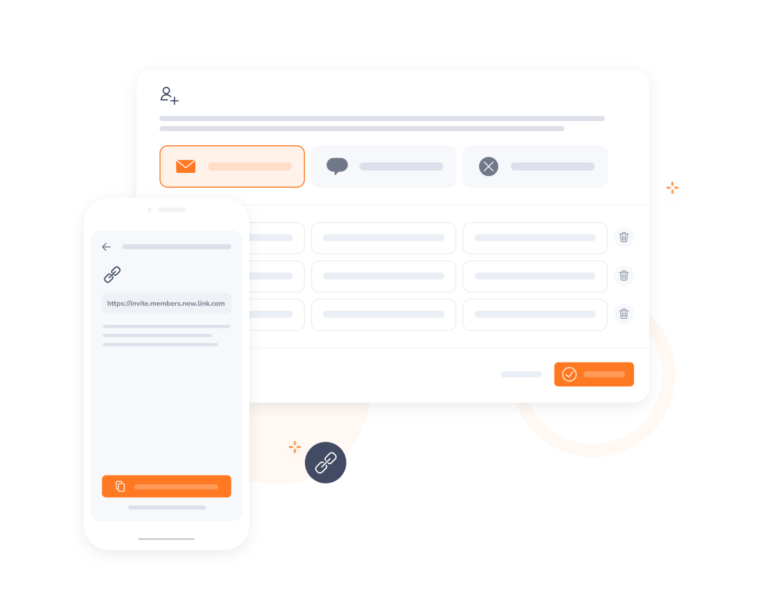
Getting started with Jibble takes minutes. Invite your team, configure your work sites, and employees can begin clocking in from their phones immediately. Jibble’s GPS tracking captures location at clock-in and throughout the day, syncing data to the cloud in real time.
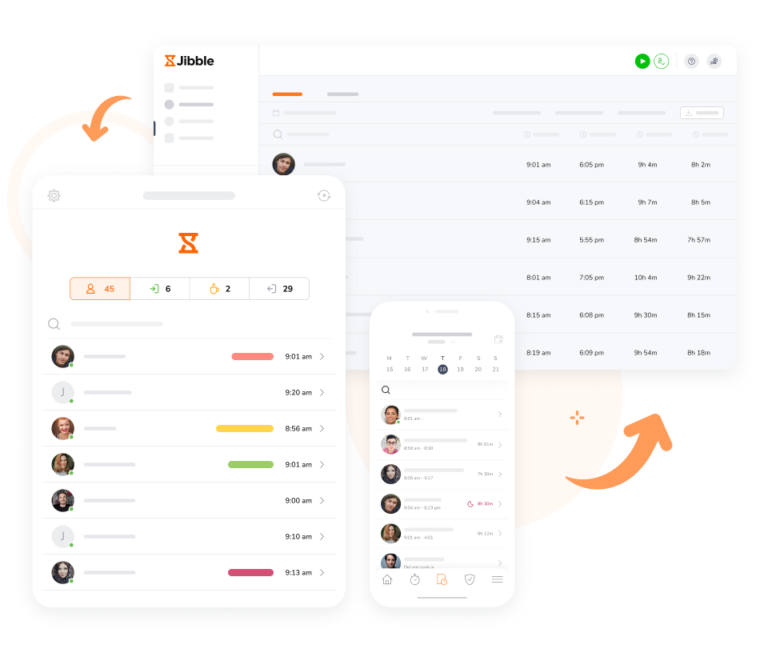
Managers can see who’s in, who’s out, view live GPS locations on a map, and access detailed reports by date, project, or team member. Whether your team is on-site, in the field, or working remotely, Jibble keeps your time and attendance data accurate and audit-ready.
-
Set up geofences around work sites
Restrict clock-ins to approved locations only
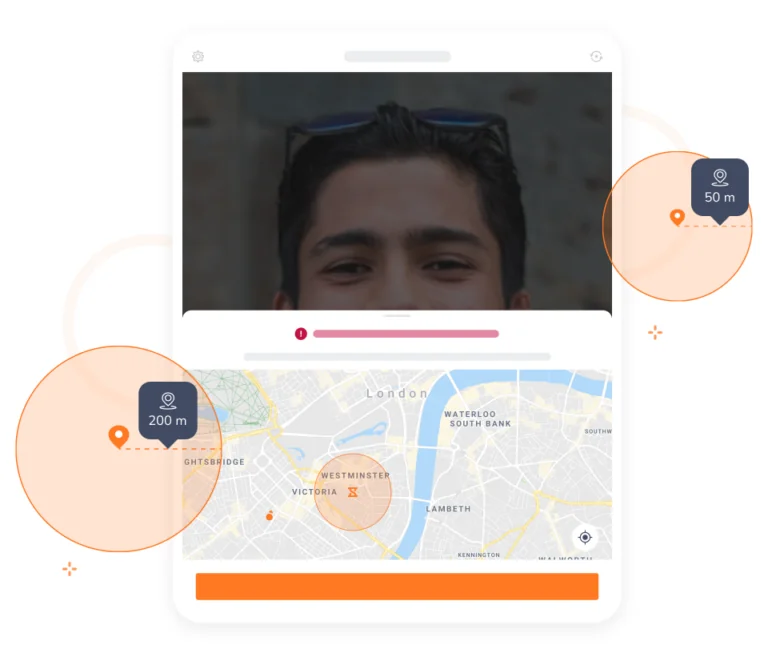
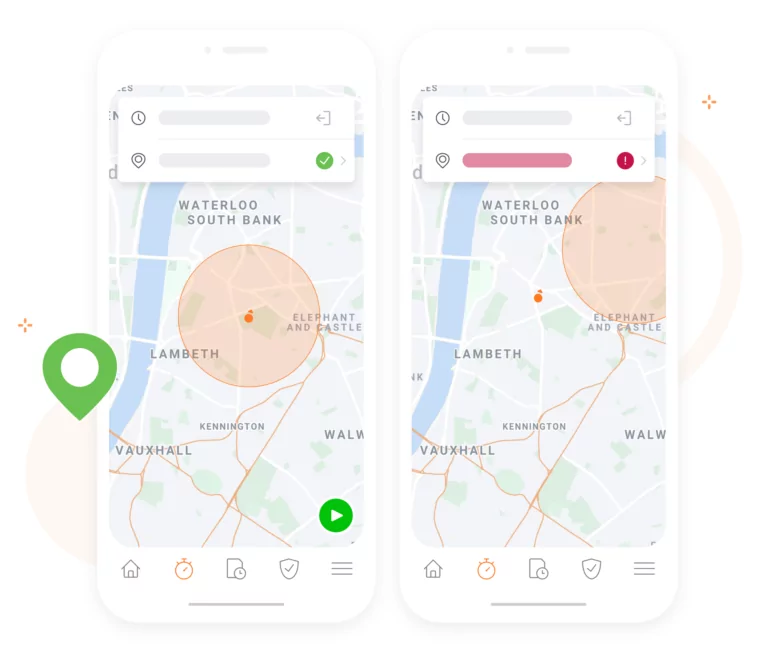
Restricting locations with geofencesWith geofencing enabled, employees can only clock in and out from authorized locations. If they attempt to clock in from outside the approved zone, they will be blocked until they return to the correct site. This eliminates location fraud and ensures your attendance records reflect reality.
-

Gain visibility into your team’s movements
Real-time live location tracking
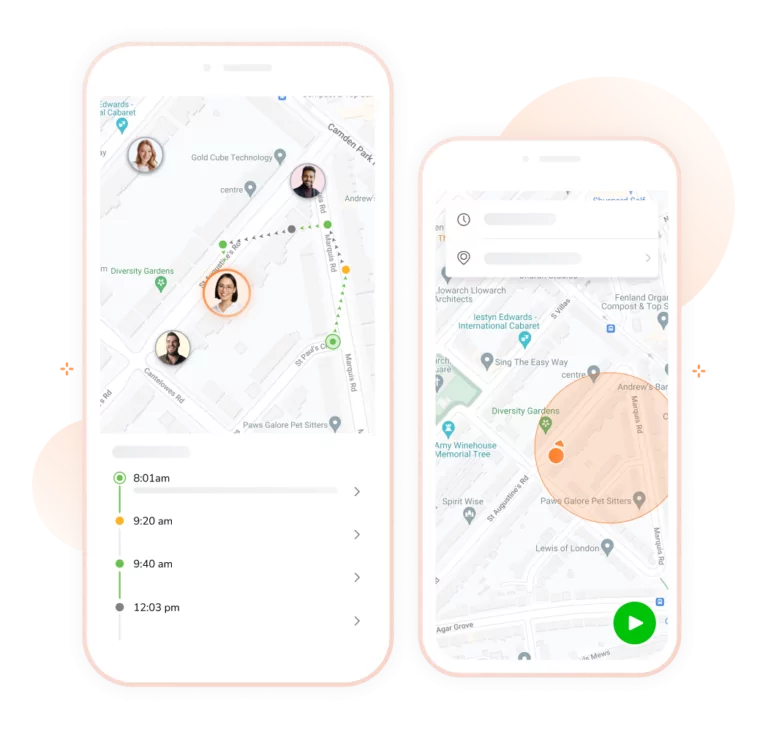
Live location trackingKnow exactly where work is happening with live location updates during active shifts. Track your team as they move between sites with full transparency, while ensuring privacy is respected — tracking only runs when employees are clocked in, never on breaks or after clocking out.
-
Retrace employee travel routes
See exactly where your team has been
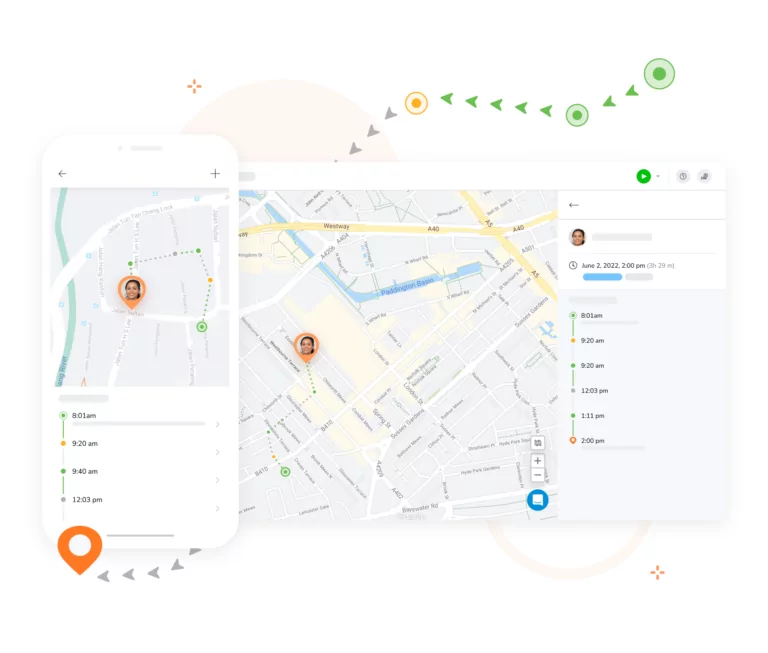
Get a full timeline of recorded locations throughout the day. You can follow your team’s movements chronologically, regardless of how far they’ve travelled. This makes Jibble a practical employee GPS tracking solution for field teams spread across multiple locations or regions.
-

Eliminate buddy punching with biometric verification
Facial recognition clock-ins
Buddy punching and time theft cost businesses thousands every year. Jibble’s facial recognition feature requires employees to take a quick selfie at clock-in, verifying their identity in seconds. It’s fast and easy for employees while giving managers confidence that attendance records are accurate.
-

Multi-device compatibility
Track time on any device, anywhere
Jibble’s attendance tracker fits into your existing workflow, not the other way around. Whether your team is in the field, working from a desk, or moving between multiple job sites, they can track time from any device — mobile, tablet, laptop, or desktop.
-
Real-time workforce insights
See your entire team's status from one dashboard
Manage your team on the dashboardFrom the Jibble dashboard, see at a glance who is in, who is out, what each person is working on, and where they are clocked in from on a GPS map. Customize your charts with filters by day, week, or month so you always have the view that matters most.
-
Offline GPS time tracking
Never lose data in remote or low-connectivity areas
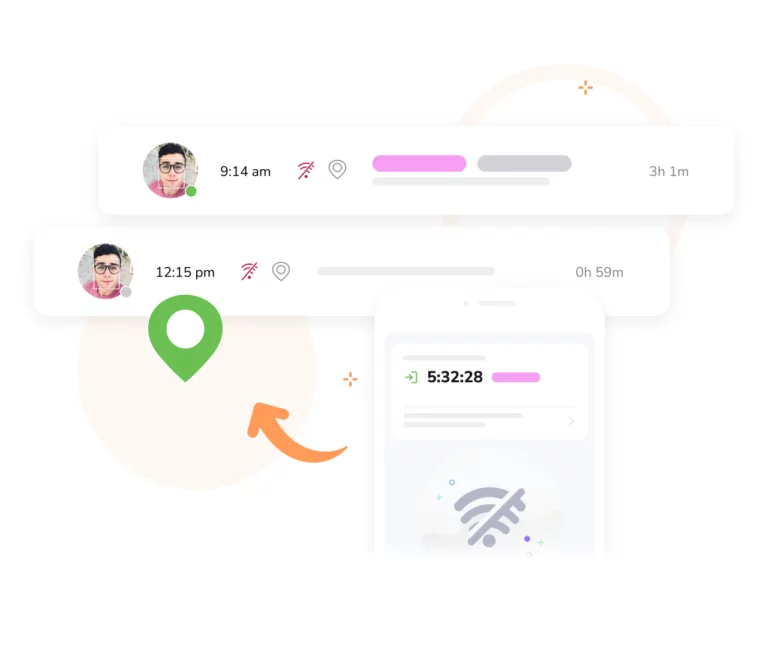
Offline time trackingWorking in remote areas or poor signal zones is no longer a problem. Jibble’s offline time tracking securely stores all time and location entries on the device and automatically syncs them to the cloud the moment connectivity is restored. Your records stay complete and accurate, no matter where work takes your team.
-

Break and overtime tracking
Flexible settings to match your organization's rules
Set custom overtime rates, daily or weekly overtime thresholds, and break durations that reflect your organization’s policies. Jibble’s employee overtime tracker integrates break and overtime management directly into work schedules, so you always pay your team accurately.
-
Streamlined timesheet approvals
Review, approve, and export timesheets without delays
Pay periods and approvalsOwners, admins, and managers can review and approve timesheets directly within the Jibble web app or GPS time clock app. Once approved, export them as XLS or CSV files, or push them directly to your payroll software. Fewer manual steps means faster payroll and fewer errors.
-
Powerful time and attendance reporting
Drill into the data that matters most
Reporting and AnalyticsGroup and filter your data by date, team member, activity, project, or client to get a precise picture of how time is being spent. Visual charts and in-depth reports give you a clear view of work progress, employee productivity, and operating costs.
-
Automated clock-in and clock-out reminders
Keep your team's time tracking habits consistent
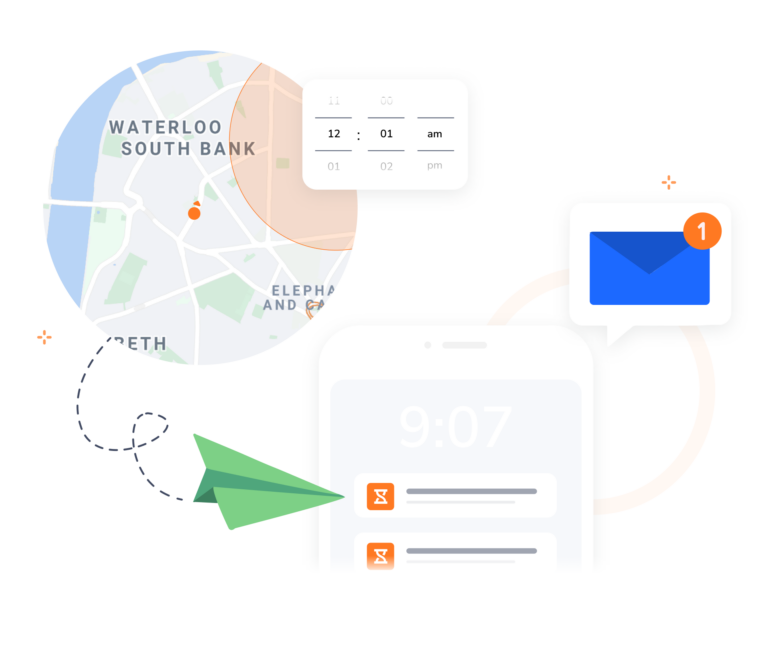
Enable push notificationsJibble’s smart reminders help your team build consistent time tracking habits. Set schedule-based reminders or use location triggers — employees receive a notification to clock in when they arrive at a work site and to clock out when they leave.
-

Quick and simple onboarding
Get your entire team set up in minutes
Getting started with Jibble is fast and straightforward. Create an account, invite your employees, and they can start tracking time and location within minutes, on any device. If you run into any issues, Jibble’s support team is available via live chat to guide you through the setup process.
FREE GPS Time Tracking Software
Track your team in real time, enforce geofenced clock-ins, and generate precise timesheets with accurate time and location data.
4.8 (1,795 reviews)
63,214
signed up last month, nearly
3x
more than a year ago, all without any paid advertising!