






What is Project Time Tracking?
Project time tracking is the practice of recording how much time employees and teams spend working on specific projects, tasks, and activities. Effective project tracking gives managers real-time visibility into where hours are being spent, whether budgets are on track, and whether teams are meeting deadlines.
Jibble is a free tool that lets your whole team log hours against projects and tasks on any device, with automatic calculations for breaks, overtime, and leave built right in.
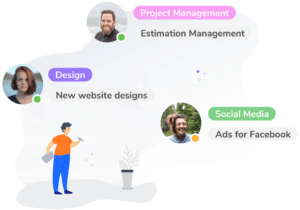
Project Time Tracking Benefits with Jibble
- Track billable hours accurately: Capture every hour worked on a project so nothing is missed when it’s time to invoice clients.
- Control project costs: Compare planned vs. actual hours to spot overruns before they become a problem. Real-time budget visibility means managers can take action early — not after the fact when costs have already spiralled.
- Improve team productivity: Identify which tasks take the most time and streamline workflows across your projects. Detailed breakdowns by team member and task make it easy to spot inefficiencies and reallocate resources.
- Simplify payroll and reporting: Generate ready-to-use timesheets and reports for payroll, billing, and project analysis. Jibble automatically handles overtime and break calculations, eliminating manual errors and saving hours of admin work.
- Support remote and hybrid teams: Whether your team is on-site, remote, or in the field, Jibble works everywhere — across mobile, desktop, tablet, and web browser, with GPS verification for field crews.
Key Features of Jibble’s Project Time Tracking Software
1. Clock In/Out by Project or Task
Team members clock in and out on any device and instantly assign their time to the right project or task. No manual timesheets, no data entry errors.
2. Real-Time Project Dashboard
See who’s clocked in, which projects they’re working on, and how total hours compare to budgets — all in real time. Managers get full visibility into project progress without chasing updates.
3. Automated Timesheets and Reports
Jibble automatically compiles tracked hours into detailed project timesheets broken down by project, task, team member, or date range. Export reports instantly for payroll, client billing, or project profitability analysis.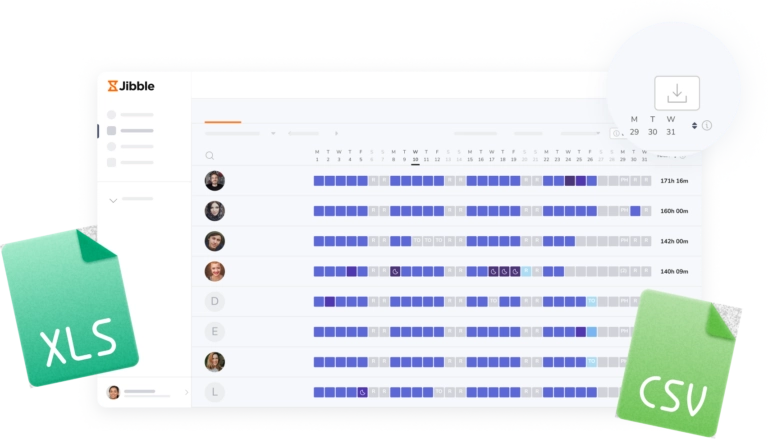
4. Overtime, Break, and Leave Tracking
Jibble automatically calculates overtime, meal breaks, and leave — reducing administrative work and ensuring compliance with labor rules.
5. GPS and Location Tracking
For field teams and construction crews, Jibble captures GPS location at clock-in so you can verify that time is being tracked at the right project site.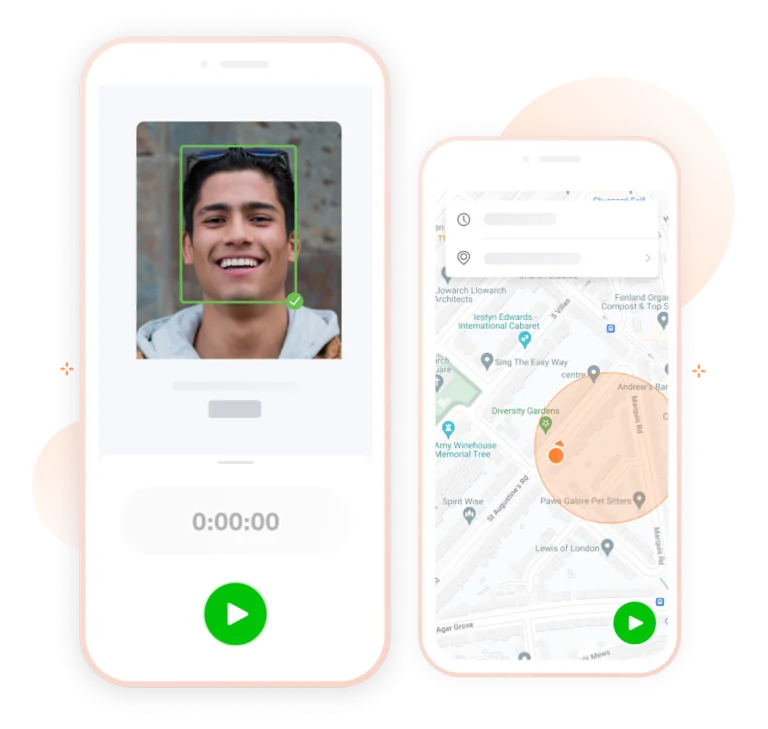
6. Integrations with Your Existing Tools
Jibble connects with payroll providers, accounting platforms, and project management tools so your tracked project hours flow directly into your existing workflows. See all time tracking integrations.
How Does Project Time Tracking Work?
👥 Step 1: Create an Account & Add Your Team
Create an account and invite team members so everyone is set up and ready to track time.
📅 Step 2: Set Up Your Projects
Create projects and tasks in Jibble so every hour your team works is automatically assigned to the right place. Each time entry is linked to a specific project or task, giving you full visibility into exactly where your team’s time is being spent.
⏰ Step 3: Track Time
Team members start a timer or log hours manually on any device, from wherever they’re working. Breaks, overtime, and leave are calculated automatically, reducing errors and saving managers significant admin time every week.
📊 Step 4: Monitor Progress in Real Time
See who’s working, how long tasks are taking, and stay updated on project progress from the Jibble dashboard — without chasing updates.
📝 Step 5: Generate Reports
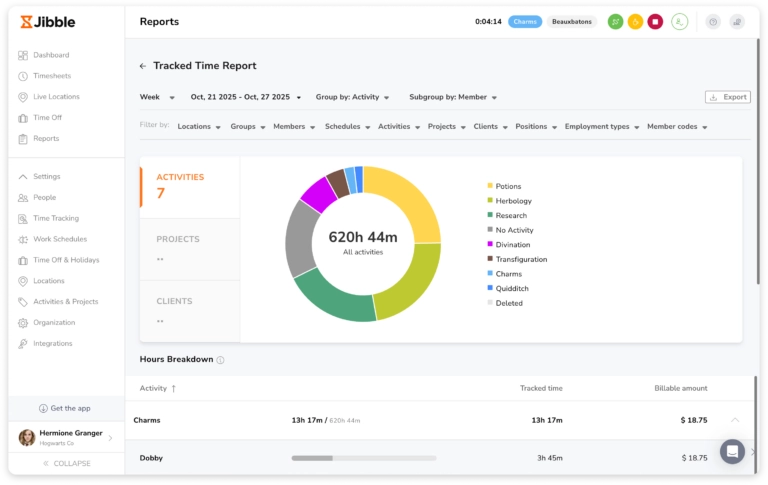
Pull detailed reports for payroll, client billing, or project analysis — track costs, measure project profitability, and optimize team performance. Reports can be exported instantly for payroll, billing, or client review.
How to Track Project Profitability with Time Data
Time data is one of the most powerful inputs for measuring whether a project is actually profitable. Once you’re tracking hours at the project and task level with Jibble, you can move beyond simple time and attendance and start making data-driven decisions about where your team’s time goes.
Here’s how to use time tracking data to measure and improve profitability:
- Compare estimated vs. actual hours: Before a project starts, set a time budget. As work progresses, Jibble’s real-time dashboard shows you how actual hours stack up, so you can intervene before costs exceed the estimate.
- Calculate true labor cost per project: Combine tracked hours with employee pay rates to calculate the actual labor cost of each project or task. This gives you a clear picture of margin and helps you quote future work more accurately.
- Identify your most and least profitable project types: Over time, project time reports reveal patterns — which types of work consistently run over budget, which clients require the most revision hours, and where your team is most efficient.
- Generate client-ready billing reports: Jibble’s project timesheets break hours down by project, task, and team member, making it easy to create transparent, itemized invoices that clients trust.
- Optimize resource allocation: When you can see which team members are spending the most time on low-value tasks, you can restructure workflows, reassign responsibilities, or adjust pricing to protect margins on future projects.
Easily control project costs with the #1 project time tracking software







-





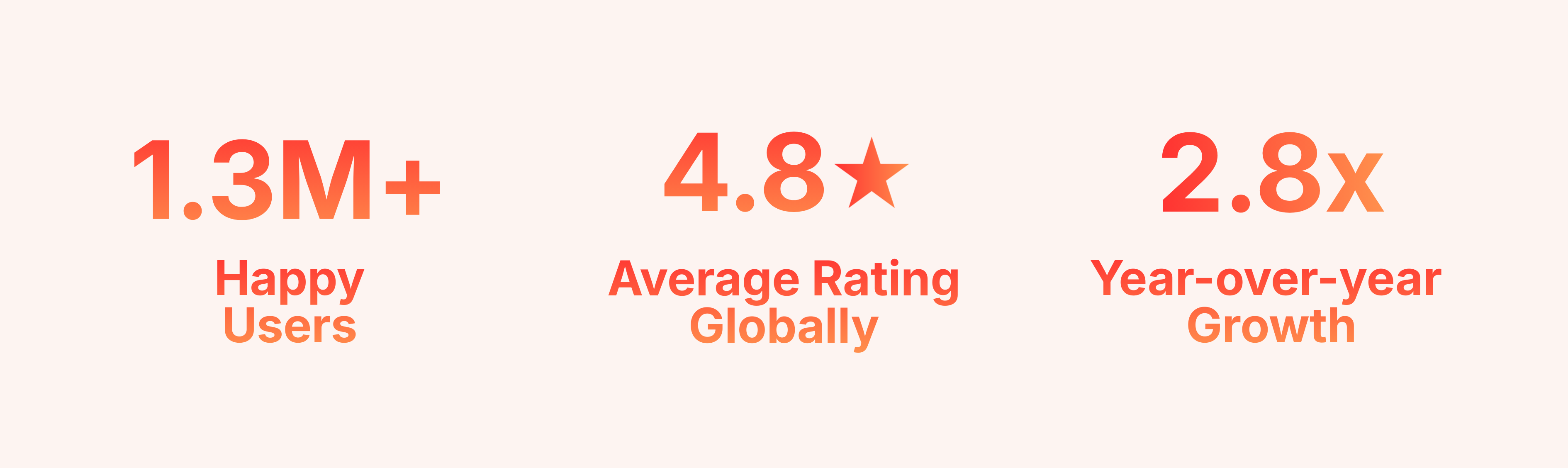
See why thousands of teams trust Jibble for project time tracking
-
Hassle-free project tracking with Jibble
Jibble's time tracking software is super easy to learn and use. It does what I need to do, which is track the time I'm spending on projects. And does this for free, which is the best possible price.
AMAZING for project management!
Jibble's time tracking is spot-on! The ease of entering time entries is phenomenal. What impressed me the most was the detailed tracked time reports. There are so many different filters, and they are all so useful.
Project time tracking made easy!
The app is available on every device and works very simply. You can track time for large or small teams working on different activities for different clients or different projects. The integrations for slack and mobile apps make using Jibble fast and easy.
Seamless activity tracking for construction projects
Jibble makes it very easy to track your time spent on different projects. It is also extremely easy to add new projects and activities. I like that there is also an app that can be used on your phone if you are on the move.
User-friendly app for construction projects!
With a simple click, I can access the Jibble app from desktop, mobile or web browser. This makes it really easy for me to clock in and out with a work-from-home setup. The timesheets help me easily check whether I've completed my required work hours. Overall, Jibble is a user-friendly app for remote workers.
Hassle-free work hour tracking!
I am very happy with Jibble because of its functionality and ease-of-use. My employees can record their work hours hassle-free with accurate timesheets. I will definitely recommend Jibble to my friends and colleagues as it is very helpful and easy to use.
Top-class customer service
Our experience so far has been very positive, especially thanks to the outstanding support from the Jibble Team. They are easy to reach and provide excellent service. Jibble meets all our needs and helps us understand staff working hours and payroll better.
Customer support is outstanding
Really very pleased with Jibble... very easy to navigate and customer support is outstanding. Easy to clock in and out and make adjustments. Plus, reports are very easy to request.
FAQs
Some frequently asked questions...
Project time tracking is important because it gives businesses accurate data on how time is actually being spent — across projects, tasks, and teams. Without it, projects run over budget, deadlines slip, and clients get billed inaccurately.
Tracking project time with Jibble automatically turns every logged hour into ready-to-use timesheets and reports. Get clear breakdowns of hours worked, overtime, breaks, leave, and time spent by project, task, team member, or date range—making payroll faster, reducing errors, and simplifying client billing and profitability analysis.
Yes! Jibble’s project tracker works on desktop, mobile devices, tablets, and web browsers, so your team can clock in and out from any location, whether on-site at a job site, working from home, or in the field. Jibble also offers GPS tracking at clock-in, so managers can verify that time is being logged from the right project location.
For teams looking for free project tracking, Jibble consistently stands out as one of the best options available. It’s completely free to start with no user limits, works across mobile, tablet, and web, and lets you track time by project or task with real-time insights for managers.
Jibble automatically handles breaks, overtime, and leave calculations, and generates detailed reports for payroll, client billing, and project profitability — so your team spends less time on admin and more time delivering results.