
Employee time tracking software
Jibble tracks employee work hours, breaks, and overtime throughout the workday. Monitor projects progress, boost productivity and run accurate payroll.






Four problems most employee time trackers ignore. Jibble doesn’t.
Teams choose time tracking software to solve one of these. We’ve built for all of them.
Buddy punching is over.
Face recognition, selfie verification, geofencing and NFC tags confirm the right person clocked in — at the right place, at the right time.
- On-device facial recognition
- GPS & geofencing per site
- NFC tap-in & PIN kiosk
Payroll, fully automated.
Automated timesheets turn raw punches into pay-period-ready exports. No more chasing timesheets the day before payroll.
- Automatic regular & overtime hours
- Exports to Xero, QuickBooks, Deel, and more
- Locked, tamper-proof pay periods
Audit-ready, every shift.
Every clock-in is location-stamped, time-stamped and attached to the worker who made it. Overtime and break rules enforce themselves — no spreadsheets, no shortcuts.
- Location-stamped audit trail
- Break & overtime rule enforcement
- GDPR compliant
Know where the hours go.
Tag time to projects and activities as employees clock in. Billable amount reports and time allocation update live — ready to be invoiced, or pushed to your finance tool.
- Project & activity tagging
- Seamless invoice creation per client
- Filterable reports by team, location and more
Time tracker software for employees in every kind of workplace
One product, multiple ways to deploy. Pick the setup that fits how your team actually works.

Stop chasing timesheets. Start running your team.
Set up your first employee time tracker in under two minutes. No credit card required.
Employee time tracking software that earns its place
Four details that turn a time tracker into something your payroll team won’t let you switch off.
One product, every device your team already uses
Clock in from iOS, Android, web, a shared kiosk on a tablet, or right inside Slack and MS Teams. Whatever surface a person reaches for first, the punch lands in the same timesheet — no double entry.
Time and attendance software →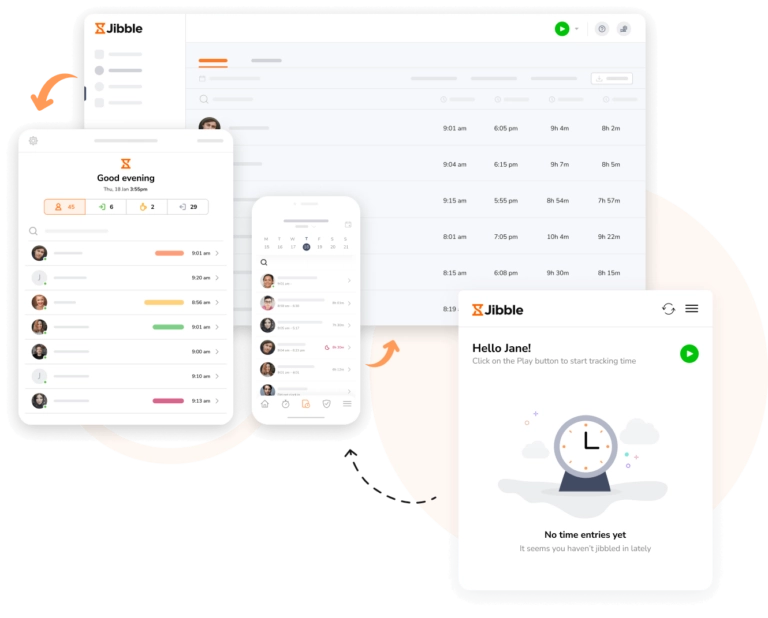
Turn weeks of clock-ins into decisions you can act on
Slice attendance data by team, site, or project. See trends across pay periods, spot the shifts that consistently run late, and export any view as XLS, CSV or scheduled via email.
Explore reporting →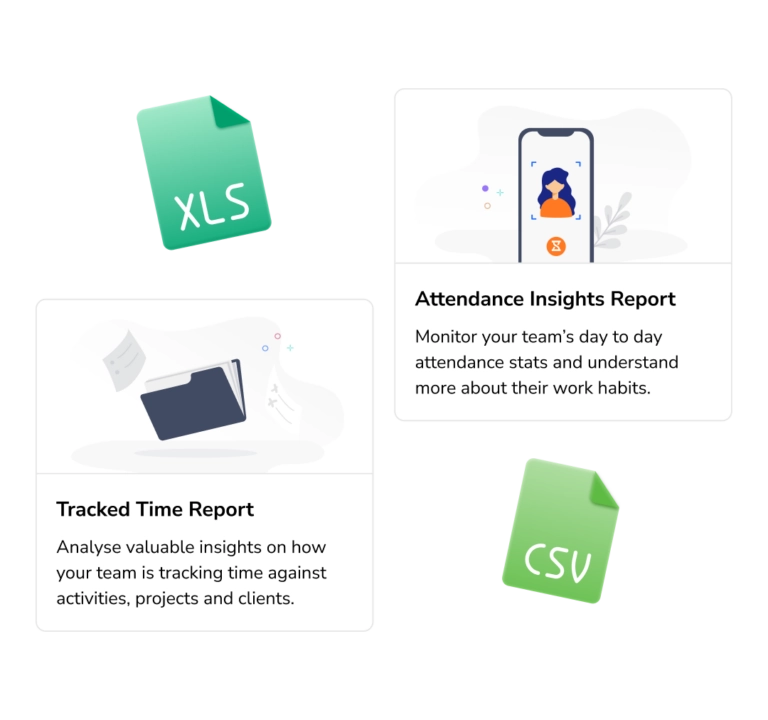
See what each shift costs, and lock the week in one tap
Pay rates and overtime multipliers roll up live as people clock in, so you know what payroll looks like before it lands. When the week closes, managers approve in bulk and the timesheets freeze — clean, signed off, and ready to send.
Timesheet app →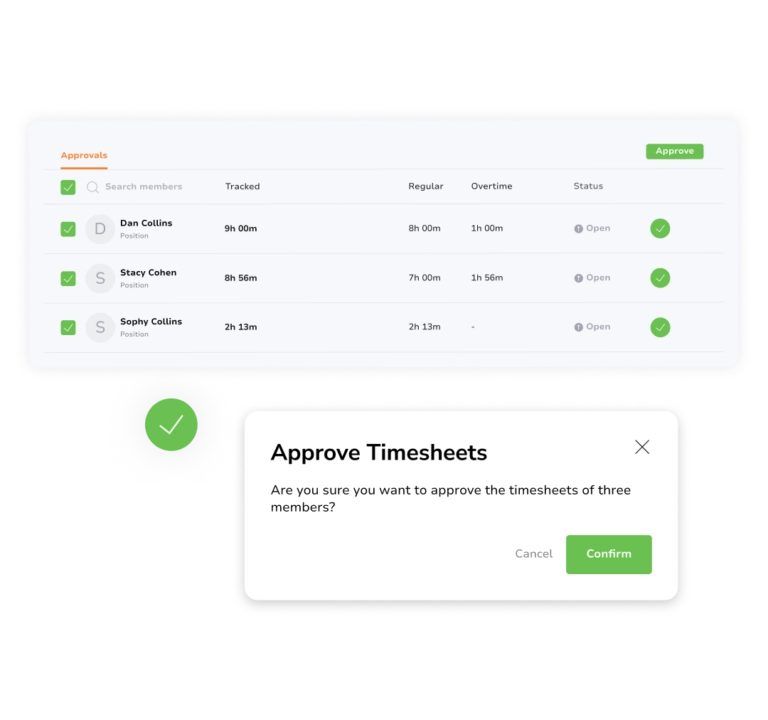
Your existing tools, finally fed clean data
Push approved hours straight into Xero, QuickBooks, Deel and more. Sync employees, pipe live attendance data, and trigger anything custom through the open API and webhooks.
Browse all integrations →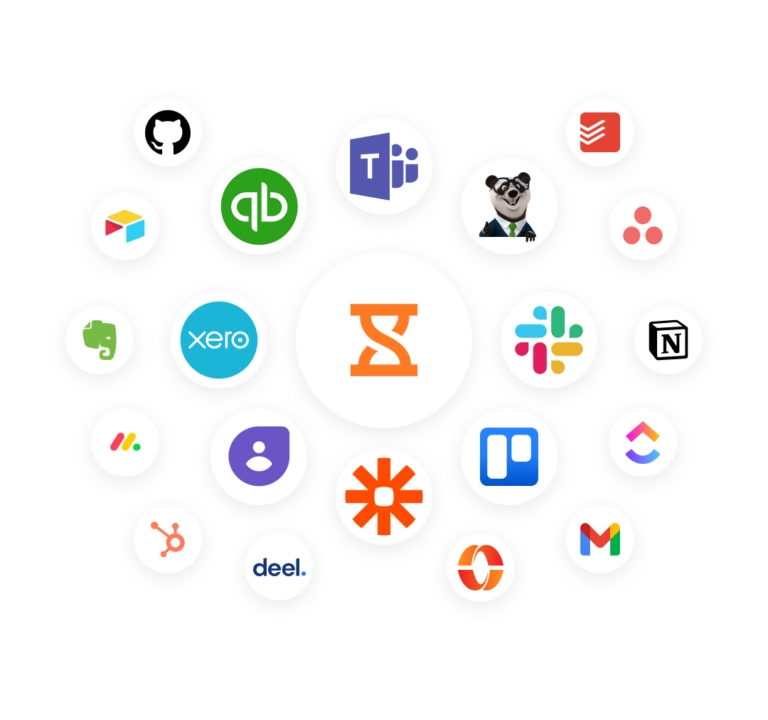


Don't take our word for it, take theirs.
We will never use any other timesheet software. I used the intuit time tracker before but I find Jibble more useful for my team and also I have to check all of the employee's timesheets without any hassle.
We have revolutionized our company's payroll and time tracking with this software. The app is easy to use and straight-forward for our employees to learn. It saves our team many hours of work a week.
Our experience so far has been very positive, especially thanks to the outstanding support from the Jibble Team. They are easy to reach and provide excellent service. Jibble meets all our needs and helps us understand staff working hours and payroll better.
My company uses Jibble for clocking in and out each day. I work from home, so time management software is crucial to facilitating my employment and accurate pay for hours worked. Jibble is great in its simplicity, and the way it seamlessly incorporates extra features without becoming difficult for the user to navigate.
Employees can clock in/out, anywhere, anytime ensuring accuracy and consistency with the calculation of hours worked. The facial recognition prevents buddy-clocking. No more time wasted on working through clock cards and employees disputing their hours.
Jibble has changed the way we calibrate pricing in our business as we now have clarity in measuring KPIs. Jibble's time management software made it possible to compare work carried out by team members and identify bottlenecks and where systems needed improvement. Jibble made tracking staff time a breeze.
Questions about employee time tracking software, answered
What is employee time tracking software?
Employee time tracking software is a digital tool used by businesses to record, manage, and analyze the hours worked by their workforce. It replaces manual paper timesheets or punch cards with digital logs, allowing teams to clock in via mobile apps, desktops, or shared tablet kiosks.
Is Jibble’s employee time tracking software really free for unlimited users?
Yes, Jibble’s employee time tracking software is free forever for unlimited users with no time limit and no hidden fees. It includes time tracking, automated timesheets, GPS tracking, attendance verification, leave management, and reporting features.
How does a time tracking software stop buddy punching?
Buddy punching—where one employee clocks in for an absent colleague—is eliminated by pairing every clock-in with selfie verification, on-device facial recognition, GPS, geofencing, NFC tag, or PIN — whichever fits your team. This ensures 100% accurate attendance records and protects companies from costly time theft.
Does employee time tracking software integrate with payroll systems?
Yes. Jibble’s employee time tracker supports native integrations with Xero, QuickBooks, Deel, and more to push payroll-ready hours straight through. For anything else, export clean CSV or XLS in one click.
How long does setup take?
Most teams clock in for the first time within a couple of minutes of signing up for Jibble. Invite staff by email or phone number, share the link, and the first punches land immediately on the dashboard.
Give your team back the hours they spend on timesheets.
Jibble handles the messy parts of attendance so your managers can focus on the work that actually moves the needle.