







The time and attendance software is used by thousands of construction companies worldwide. Ensure time and attendance accuracy at every work site.






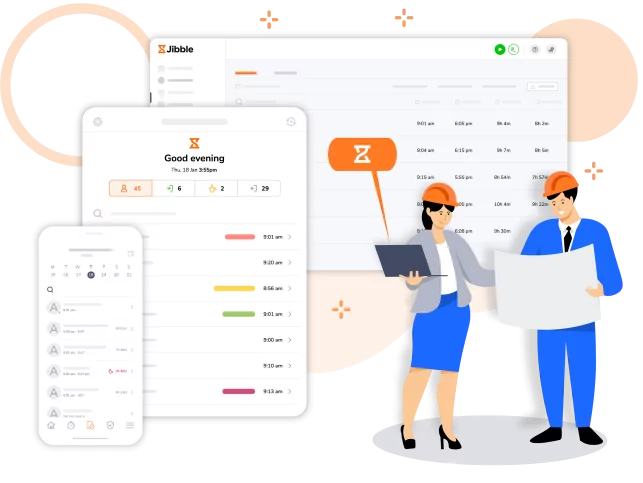
Construction projects are a lot to handle and time and attendance are crucial to project success. With Jibble you can streamline your time and attendance management easily. By automating clock-ins, tracking labor hours, and generating accurate timesheets, Jibble ensures that you have real-time visibility into your workforce, allowing you to allocate resources efficiently and stay on schedule.
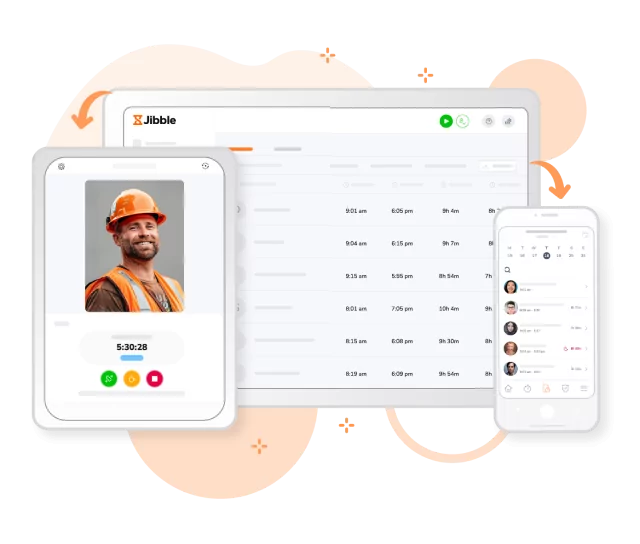
Jibble is designed for a fuss-free time and attendance tracking experience, with a clean interface that’s easy to navigate, even for new users!
Clock in, view employee timesheets and monitor real-time attendance with a few quick taps.
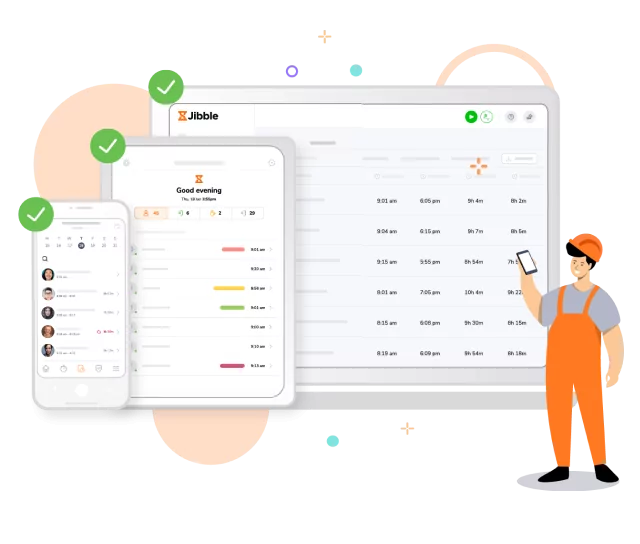
Construction work can take you places, especially if you’re working on multiple sites. Wherever work takes you, rest assured that you can take Jibble with you.
Open Jibble on your Android or iPhone device when you’re out at construction sites. Or go on the Jibble web app or Google Chrome extension when you’re back at your laptop in the office. Seamless time and attendance tracking anytime, anywhere.
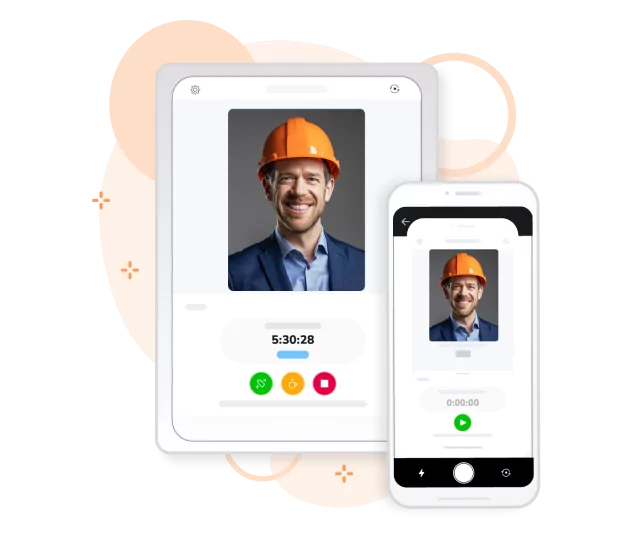
No more hassle with paper timesheets or bulky time clocks. With Jibble’s mobile kiosk feature, your crew can clock in and out seamlessly using a shared phone or tablet. Set up your kiosk right at the site entry so everyone remembers to clock in/out when they enter/leave.
Worried about long kiosk lines? Don’t be! Enable speed mode and workers will be able to clock in seconds with a quick selfie.
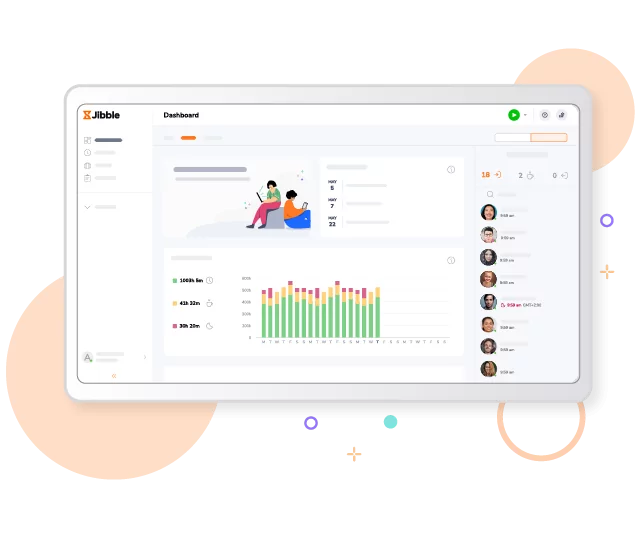
The moment employees clock in, our system automatically syncs attendance data from the app to the cloud, so you always have an up-to-date view of your workforce. Whether you’re out on the field or back at the office, you’ll have all the information you need to monitor productivity and make quick decisions.
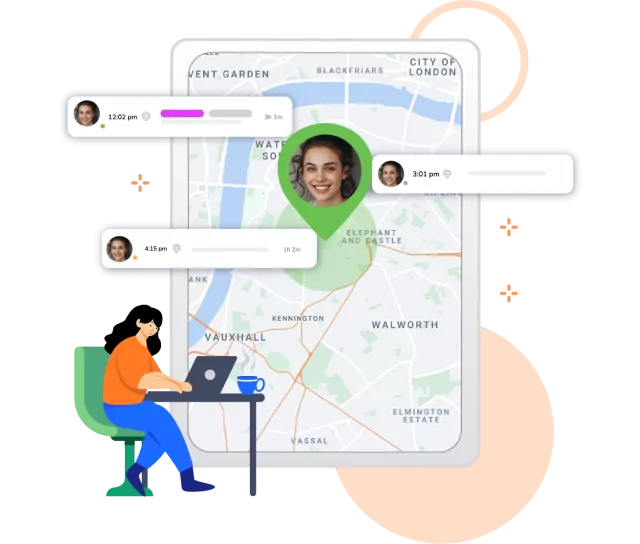
Know where your crew is at any point in their shift, whether they’re in the office, working at the site, or en route to procure construction materials. Their GPS locations are recorded with their time entries, viewable from timesheets with just a few clicks.
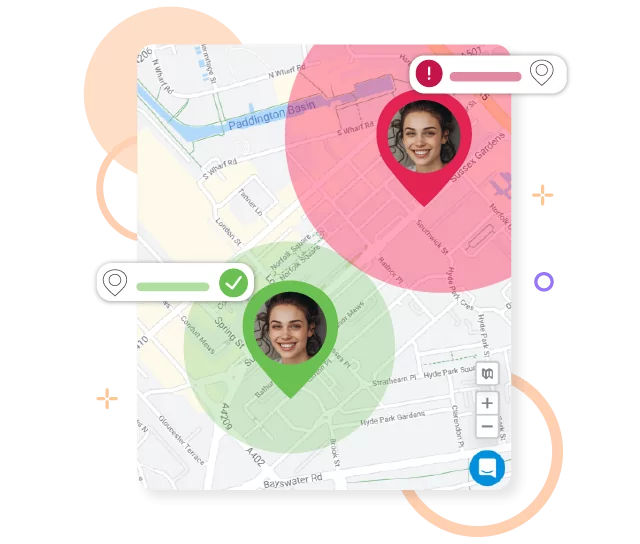
Once geofences are enabled, your crew can only clock in and out from authorized locations, ensuring they’re on-site and ready to work. Whether they’re using their mobile devices or our kiosk mode, geofencing ensures accurate time tracking, preventing any unauthorized clock-ins or outs.
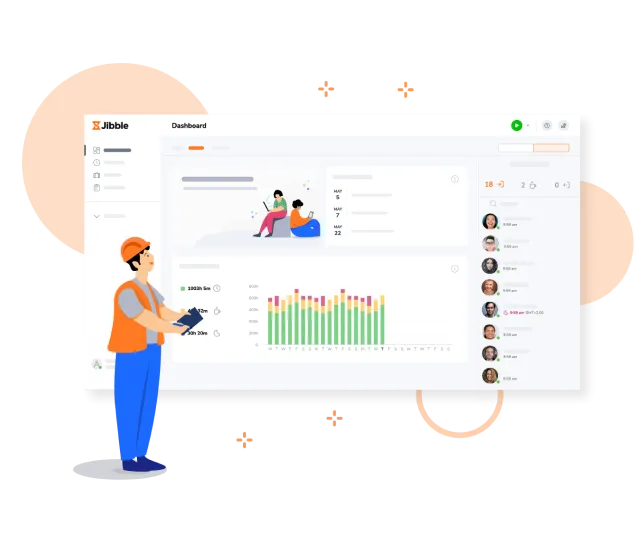
No need to search far and wide. Get all the essential time and attendance information you need right from the dashboard. Check on who’s in, who’s out, what everybody’s working on, and overall time utilization all in one place.
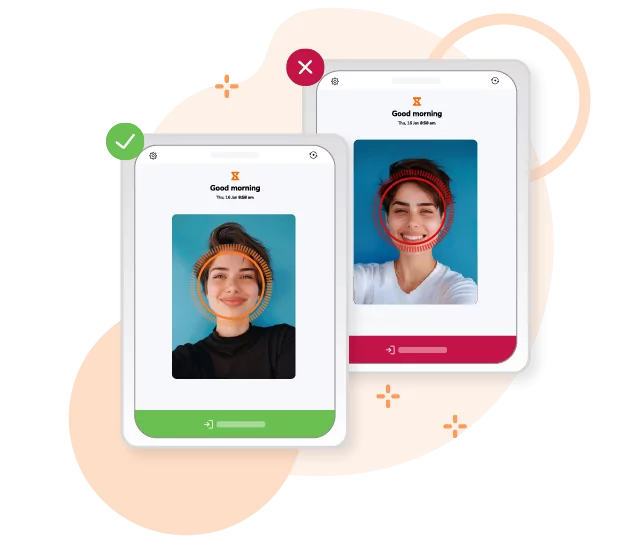
Have your crew do a quick face scan to clock in so you can be sure the right people are where they need to be. Secure, quick, and easy. Jibble’s facial recognition feature comes complete with face spoofing prevention so it won’t be fooled by scanning photos or videos to clock in for someone else!
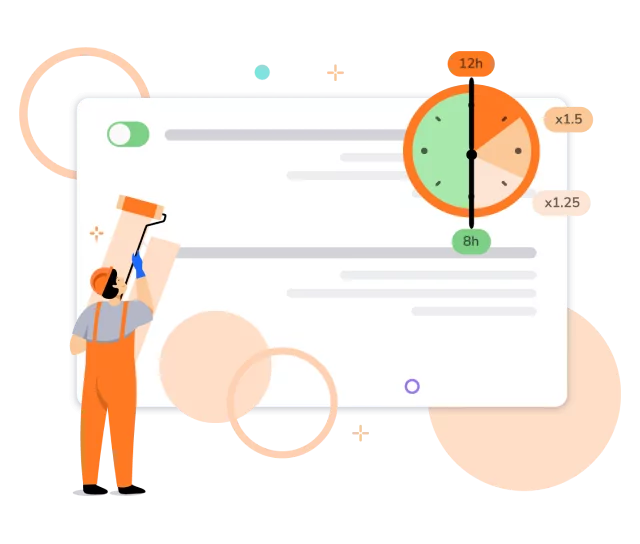
Overtime happens in construction. But tracking and managing it doesn’t have to be difficult.
Set custom overtime rates and daily or weekly limits. Overtime pay is automatically calculated on employee timesheets so all those extra hours are accurately accounted for.
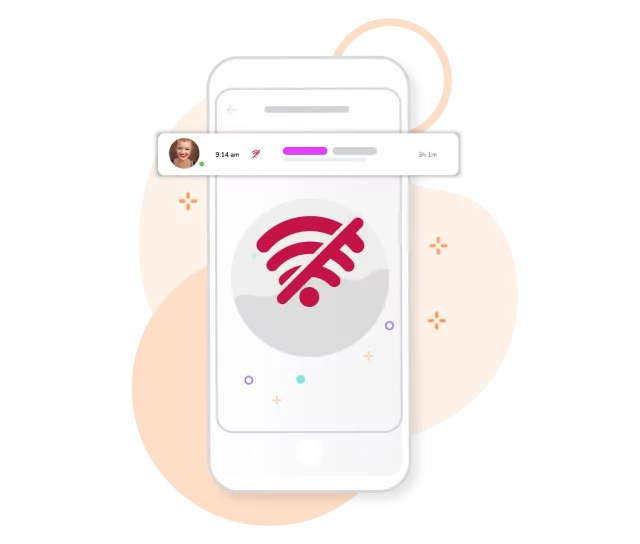
Jibble’s offline mode ensures that your time entries are securely stored on your device and automatically synced once you’re back online. No more missing time entries.
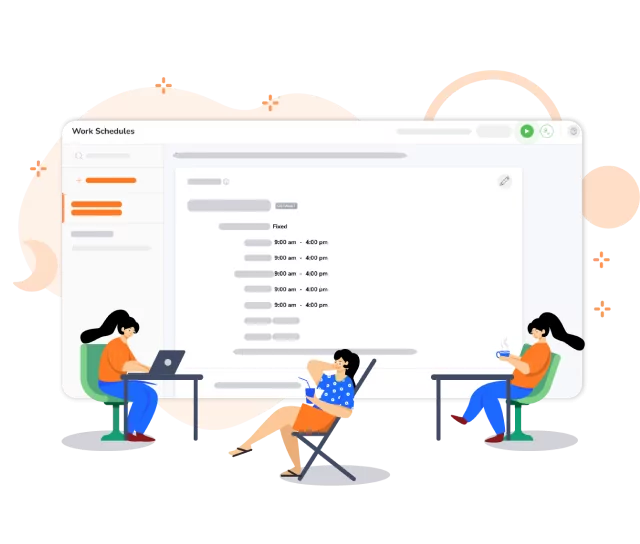
Whether you require fixed hours for site managers or flexible shifts for field crews, Jibble empowers you to create schedules that align with your team’s diverse roles and responsibilities. Easily designate work hours, breaks, and off days. You can also set up multiple schedules for different teams or project phases to ensure optimal workforce utilization and project efficiency.
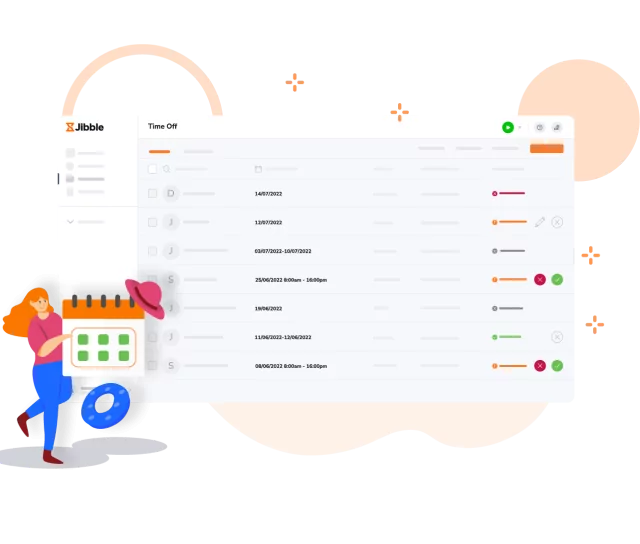
Set custom leave policies and leave entitlements. Review and take action on all leave requests seamlessly from anywhere and any device, keeping your team organized and projects on track.
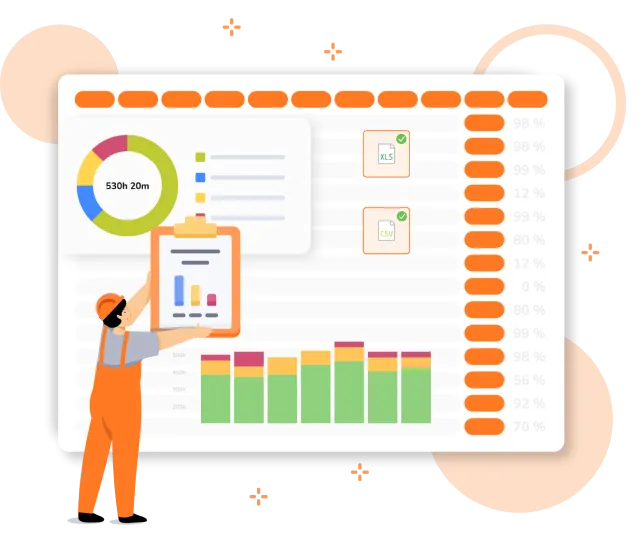
Gain a comprehensive understanding of attendance and productivity patterns, absences, late clock-ins, and early clock-outs to optimize resource allocation and enhance operational efficiency. Export data in various formats like CSV or XLS, or seamlessly integrate it with your payroll software.
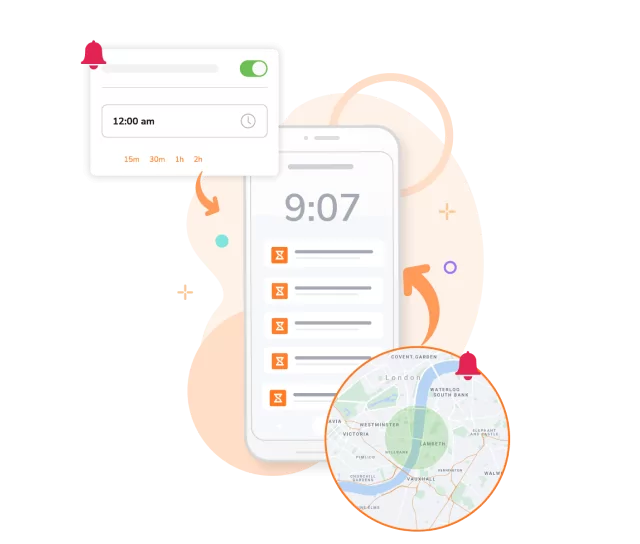
Set up reminders based on specific times or work site locations, so your crew can build a strong habit of time tracking. Plus automate clock-outs after a set number of hours so no one accidentally leaves their timer running.
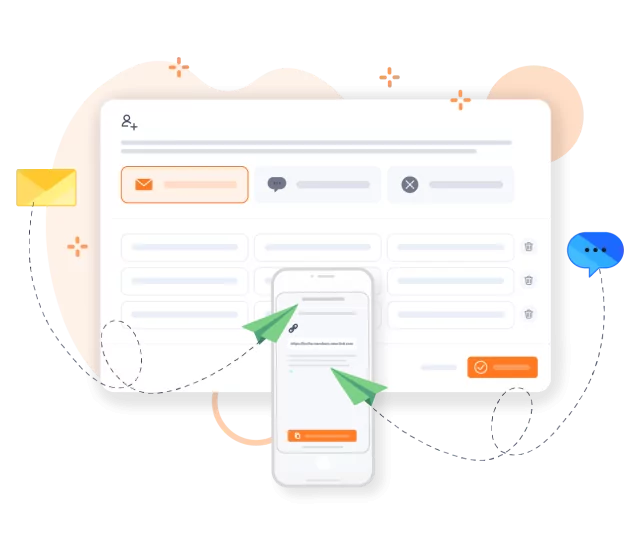
Simply hammer out invitations when adding members and your crew will be ready to start jibbling in and out within minutes. Our step-by-step guidance ensures a smooth setup, and if you ever need assistance, our customer support team is available 24/7 to assist you.
Jibble is a useful time and attendance management system for construction with the best price. The features are so easy to use, and it works perfectly with on-site or remote work.
I would advise every firm to use Jibble. The team is responsive. The software is quite easy to set up and use... it worked very well for us as we are in construction. The usage indirectly impacts positively on productivity and is a perfect construction time tracking software.
Jibble's a construction site must-have. We will continue to use it as it is cost-effective for our construction company and fits in the budget of a family-owned business.
Jibble is really easy to use. I have my guys clock in and out remotely. The timesheets with activity tracking help me calculate costs spread over different jobs.
Jibble has been a game-changer for our time and attendance management needs. Its user-friendly interface, robust features, and excellent customer support make it a top-notch choice for businesses of all sizes. I highly recommend Jibble to any organization looking to streamline their time management processes.
Jibble is simply the best. Finally, I have complete control over the construction project and have insights into all activities and tasks. It's easy to use compared to similar software and meets all my needs.
The attendance app is really helpful for tracking multiple employees and the customer support is top notch. It's an awesome experience overall.
A very helpful time tracking tool for construction. Features such as face recognition and manual entries in timesheets are ideal for secure employee attendance.
Some frequently asked questions...
In construction, time and attendance can be tracked using various methods such as mobile apps, time clock software, biometric scanners, or traditional timesheets. These tools allow workers to clock in and out, record breaks and track hours worked on specific projects or tasks.
Yes, attendance kiosks can be placed at construction sites to track time and attendance. These kiosks provide a convenient way for employees to clock in and out using biometric verification or other authentication methods, helping to streamline attendance management on-site.
Many construction companies use Jibble for time and attendance because it offers a user-friendly interface, mobile accessibility, and robust features that can be tailored to the construction industry’s needs. Jibble’s ability to track time on-site or remotely, manage multiple projects, and generate accurate timesheets makes it a popular choice among construction businesses.
Yes, Jibble offers 100% free time and attendance software for construction teams, with unlimited users. With Jibble, construction companies can track time, manage attendance, and streamline payroll processes at zero cost. It includes powerful features such as mobile time tracking, GPS tracking, and attendance reporting, giving construction businesses enterprise-level capabilities without the hefty subscription fees.
Get jibbling with the ultimate construction time and attendance software...
Track time now - it's FREE!