


Gain real-time visibility into remote work hours, streamline payroll, and ensure projects stay on budget.







Remote employee time tracking is the process of recording and monitoring work hours for employees who work outside the office. It automatically captures clock ins and clock outs, breaks, overtime, and project activity to ensure accurate timesheets and payroll.
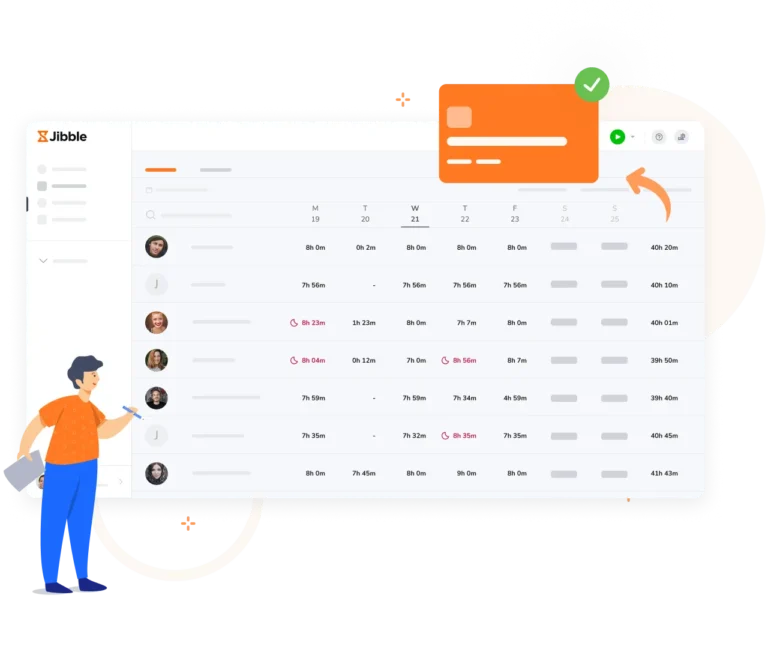
Switching from manual sheets to a digital time tracker provides immediate operational value:
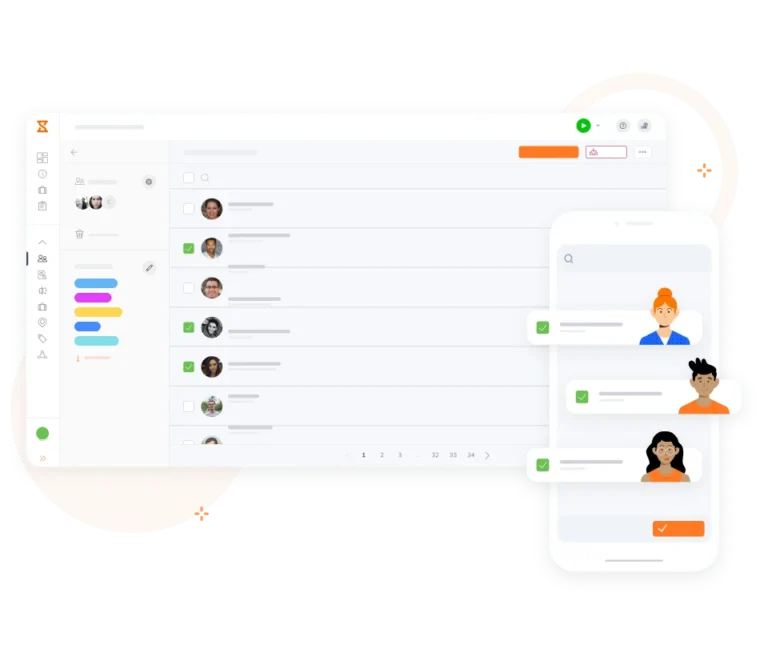
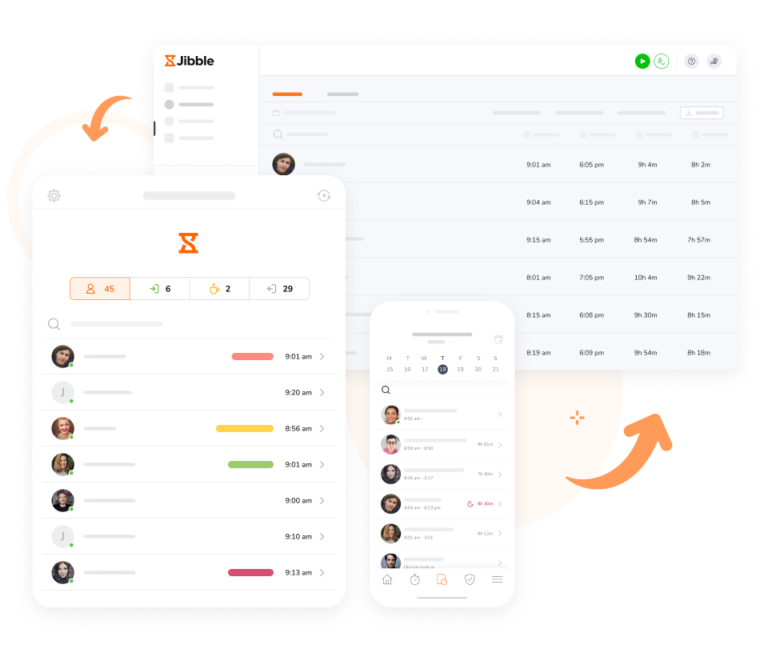
Employees can clock in and out from desktops, laptops, tablets, or mobile phones—whether they’re working from home, a client site, or on the go. All time entries, breaks, and overtime are automatically recorded and synced to centralized timesheets.
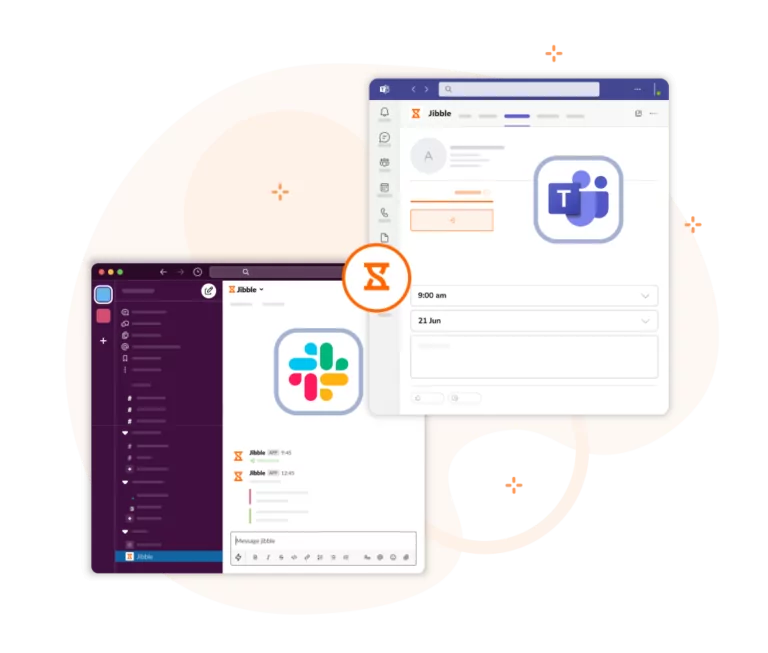
Make time tracking effortless by logging hours where your team already works. With Jibble, remote staff can clock in, clock out, and track time directly from Slack or Microsoft Teams, eliminating the need to switch apps.

Prevent time fraud with optional verification features such as face recognition to confirm identity, or GPS tracking to ensure work happens where it should. These features are fully configurable, allowing you to balance high-level security with employee privacy based on your needs and local regulations.
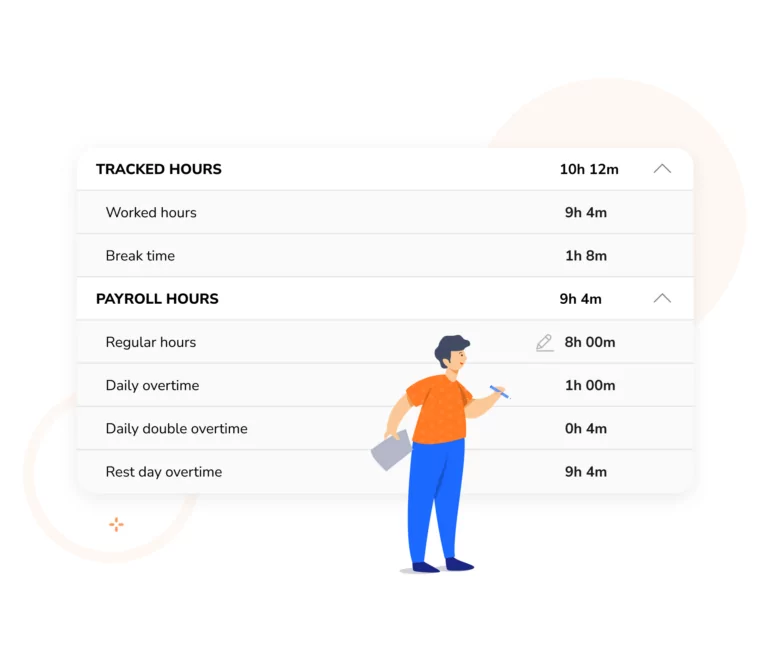
All time tracked through Jibble is automatically synced to centralized timesheets. Payroll hours, overtime, and breaks are calculated in real time, giving managers an accurate view of team productivity.

Jibble makes approving remote employee timesheets simple and secure. Managers can review daily, weekly, or monthly timesheets, verify payroll hours, and lock them for payroll. Approved entries remain immutable, ensuring accurate payroll, compliance, and accountability.
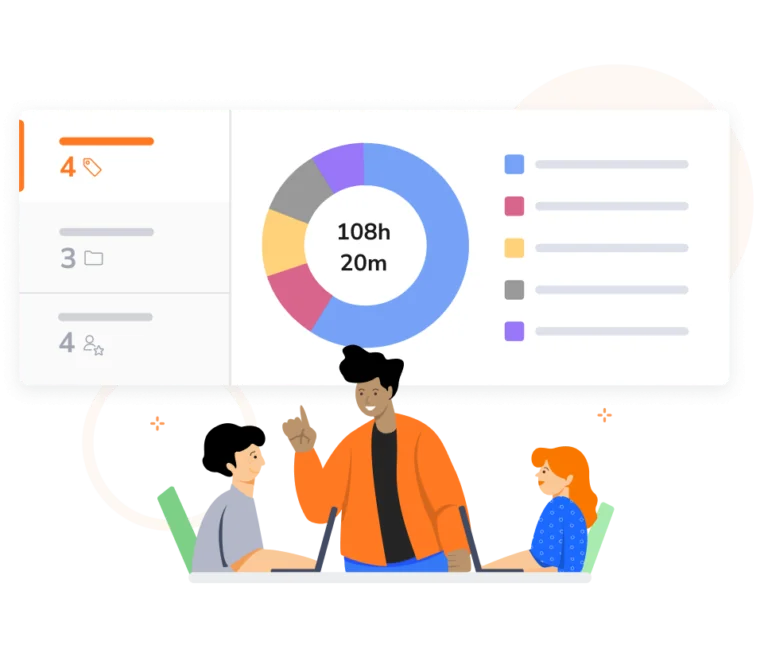
Jibble allows your team to “jibble in” directly to specific projects or activities, providing you with a real-time breakdown of where every hour is spent for project costing. Monitor project progress, streamline billing, and make resource planning effortless—all from a single platform.

Jibble offers an optional screenshot time tracker to help managers monitor remote work without micromanaging. Screenshots are taken at customizable intervals while employees track time on their devices, providing visual context for tasks and project progress.

Jibble’s advanced reporting lets you drill down by date, employee, project, client, or activity, with sub-grouping options for deeper insights. Apply filters to quickly identify trends, spot patterns, and gain actionable insights with visual reports and exports.
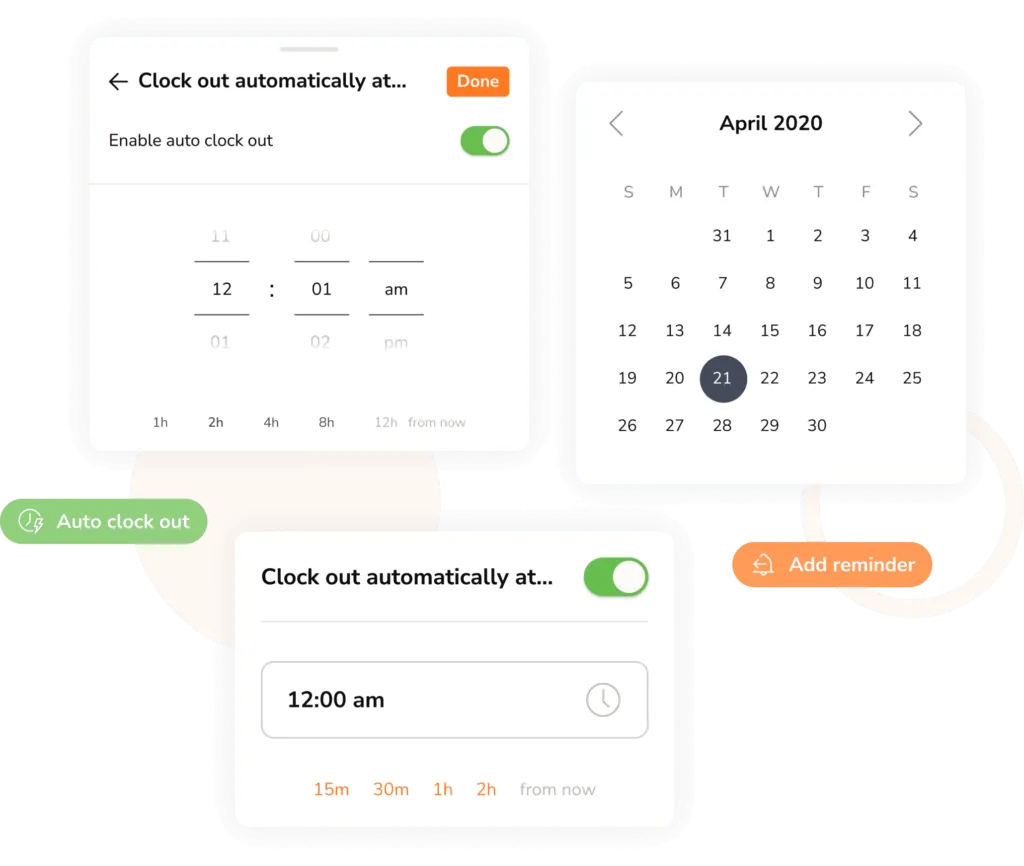
The biggest challenge in remote employee time tracking is human error. Jibble’s smart alerts act as a digital assistant, sending gentle reminders to employees for clock ins, breaks, and clock outs. Managers also receive notifications for missed logs or overtime, keeping records accurate without follow-ups.
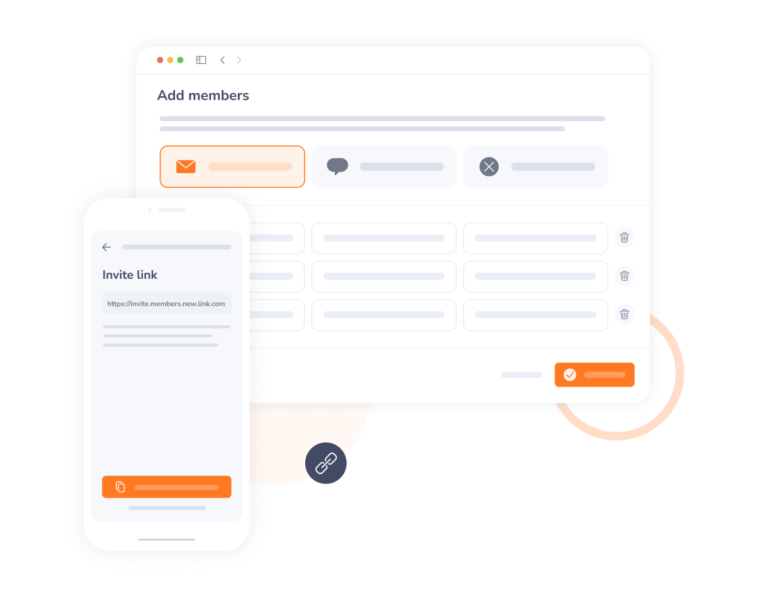
Invite your remote team in minutes to have your team Jibbling in and out! If you get stuck, just reach out to us via chat and our customer support team will be there to help.
Jibble Rocks! So far, I've tried multiple platforms but I've stuck with Jibble as it is easy to use. Also, it sends me daily, weekly updates on the team's timesheet.
Really very pleased with Jibble... very easy to navigate and customer support is outstanding. Easy to clock in and out and make adjustments. Plus, reports are very easy to request.
Amazing app. We have a team of about 300 interns who need to track their hours for various reporting purposes. We found Jibble because of its integration with Slack. After about 20 minutes of testing it out, I decided it was an amazing tool and invited all 300 of my interns to start using it daily. With the Slack integration, it is easy to clock in and clock out without ever even having to leave Slack. It's PERFECT for our team.
Great tool for remote employees. I love the automated reports that show who on my team is logged in, the reminders when you have been logged in for a certain number of hours each day, and the weekly team recap. After trying several others, Jibble turned out to be the ideal fit for our needs. My team is in Slack all day and it makes it very easy to clock in and out each day by going to the Jibble Channel in Slack. It's super convenient.
Easy and awesome customer support. Fantastic, and a big problem solver for my small team. This is the type of company that will be successful. We've used Jibble since we were on Slack and then moved to MS Teams. The ease of use makes it an amazing tool.. and there is simply no other competitor that is close!
Jibble made it easy for us to track everyone's punch cards and payroll... it is user-friendly and handy.... I love how the punch cards can be integrated with Slack. We can conveniently review our staff attendance in real-time without having to pull reports. All of the features are relevant to our business processes.
Half of our employees work remotely and use Slack about 90% of the time. Having Slack integration and a user-friendly interface made Jibble very easy to deploy. Even the most technology averse members like using it and love its accessibility.
Jibble has incredible integration with Microsoft Teams, and I believe it's the only valid way to track time when dealing with freelance employees. It is very easy to use and also very affordable.
Some frequently asked questions...
The most efficient way to track remote hours is through cloud-based software that works across multiple devices, such as Jibble. Employees can use a web browser, mobile app, or desktop app to clock in and clock out. The software then automatically captures the timestamp, GPS location (if required), and project details, syncing this data instantly to a centralized manager dashboard.
Yes, remote employee time tracking is legal and often essential for labor law compliance. In many regions, employers are legally required to maintain accurate records of hours worked to ensure fair pay and overtime compensation. We recommend consulting with a legal professional to ensure compliance with local labor laws.
The key is to focus on output-based tracking rather than constant surveillance. Instead of checking in every hour, use a remote tracker to provide a high-level view of project progress and total daily hours. This gives managers the data they need for payroll and planning while giving employees the autonomy to manage their own schedules without intrusive interruptions.
By automatically recording work hours, breaks, and project activity, remote time tracking provides transparency. Managers can see who is working on what, while employees are held accountable without constant supervision.
Yes, there is! Jibble is a completely FREE remote employee time tracking app that can be used by an unlimited number of users. It has also received the highest ratings among time tracking apps for remote employees based on a consensus of independent user reviews.
While there are other time tracking systems available for remote employees, none of them are NEARLY as comprehensive to the features offered by Jibble as a free remote employee time tracking app.
Get jibbling with the ultimate remote employee time tracking software.
Track time now - it's FREE!
