
Free Student and Teacher Attendance Software
Students and teachers clock themselves in — by face, on a tablet by the door, or from their own phone. The register is done before the lesson starts.
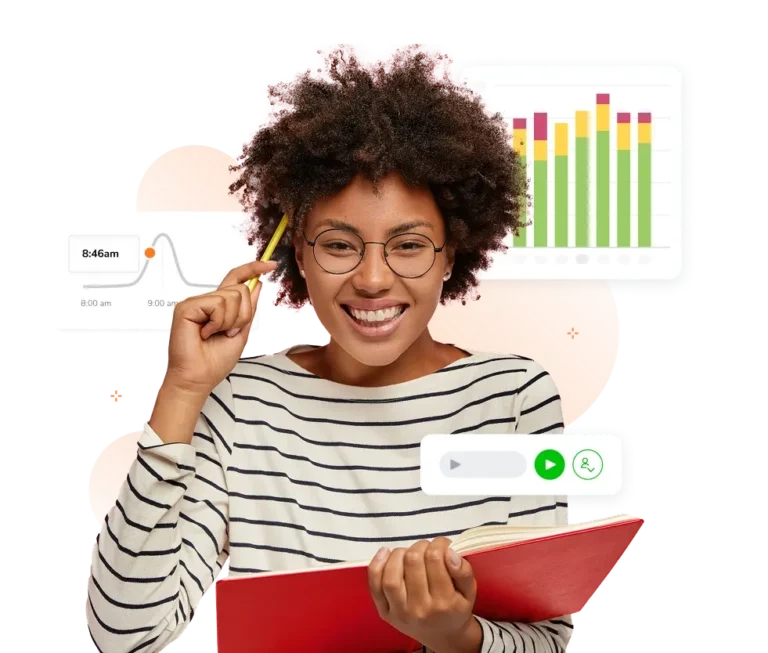








Six ways to take the register. Pick the ones that suit your school.
Run them on a shared tablet by the door or on students' own phones. Mix per class, per campus or per year group — however a student clocks in, it lands in the same record.
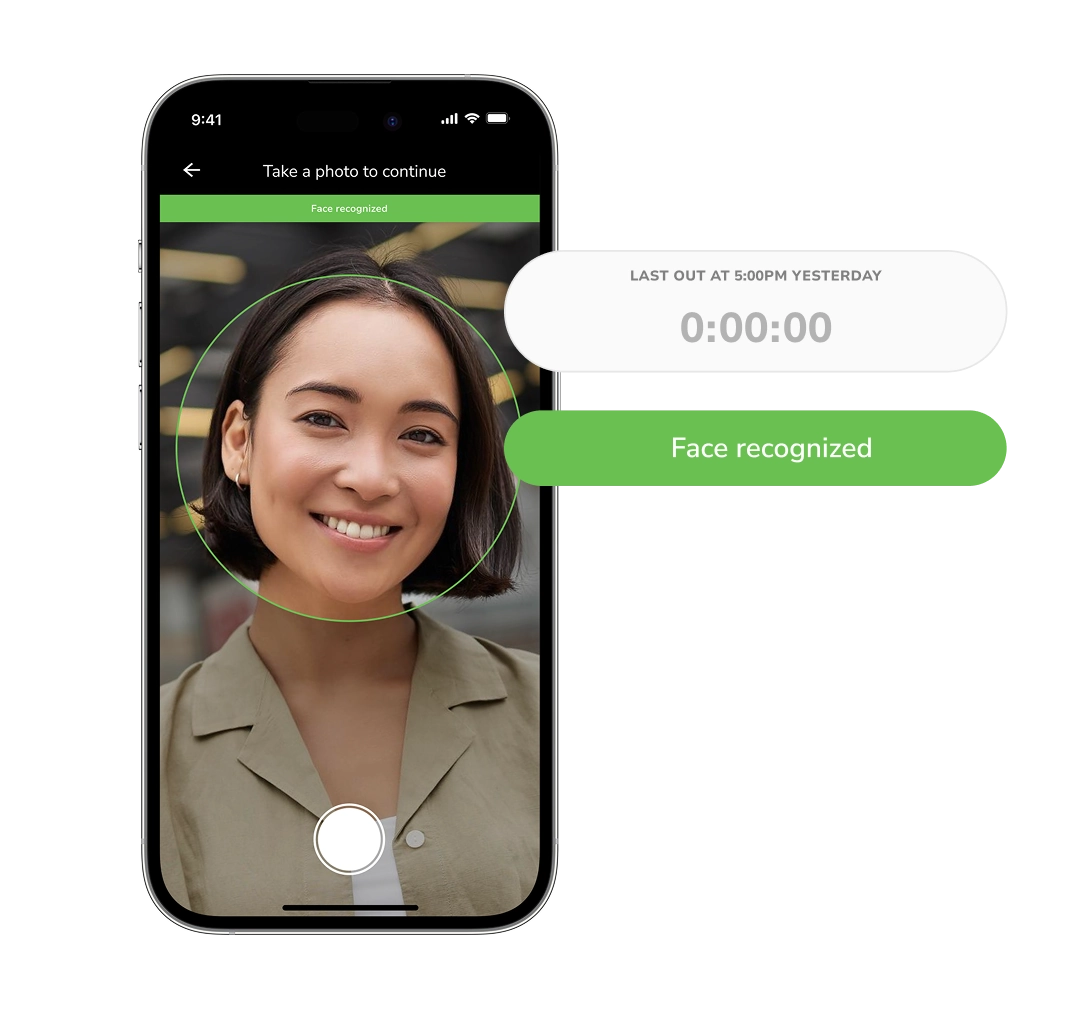
Face recognition
A student holds up the device, the face is matched against the registered one, and the entry saves with the photo attached.
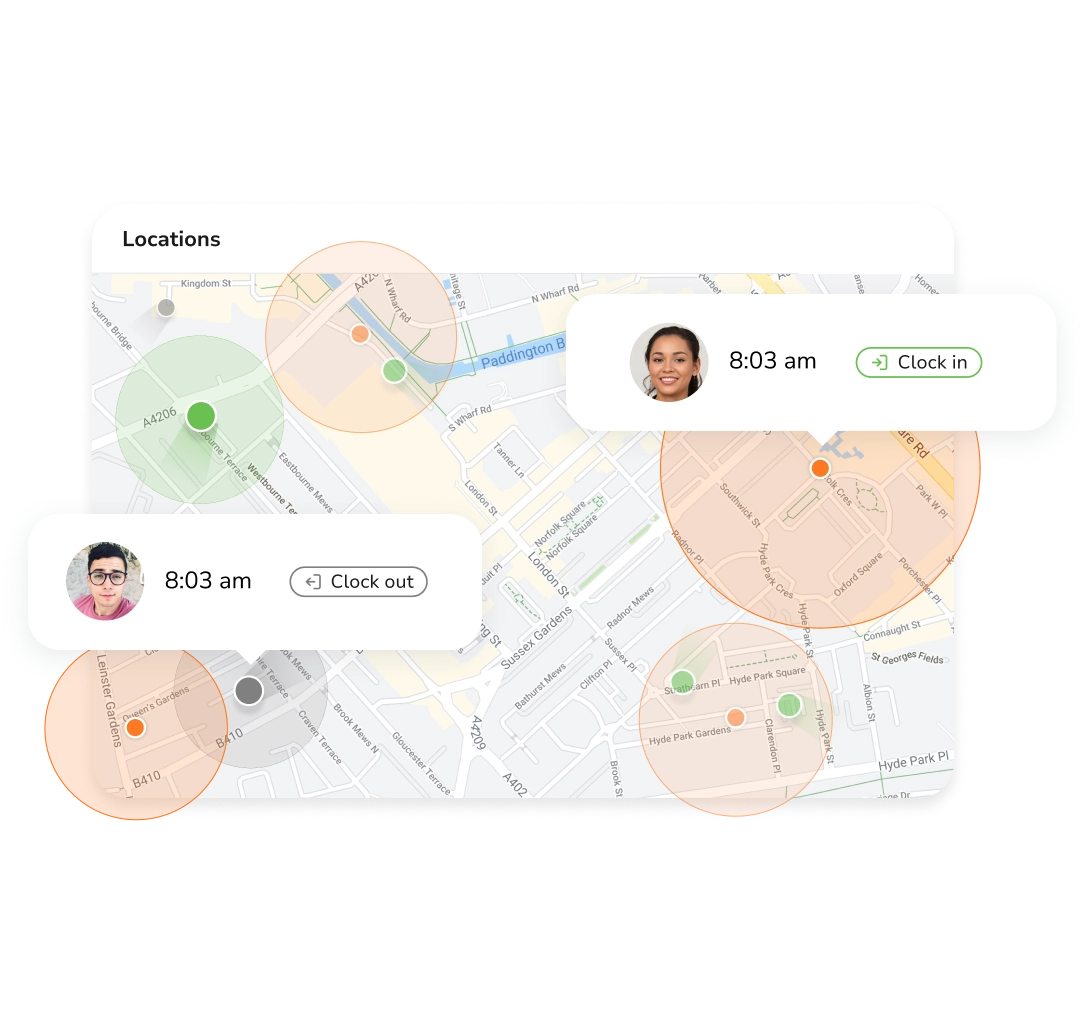
GPS & geofencing
Draw a boundary around the campus. Arriving clocks students in, and every entry carries its coordinates.
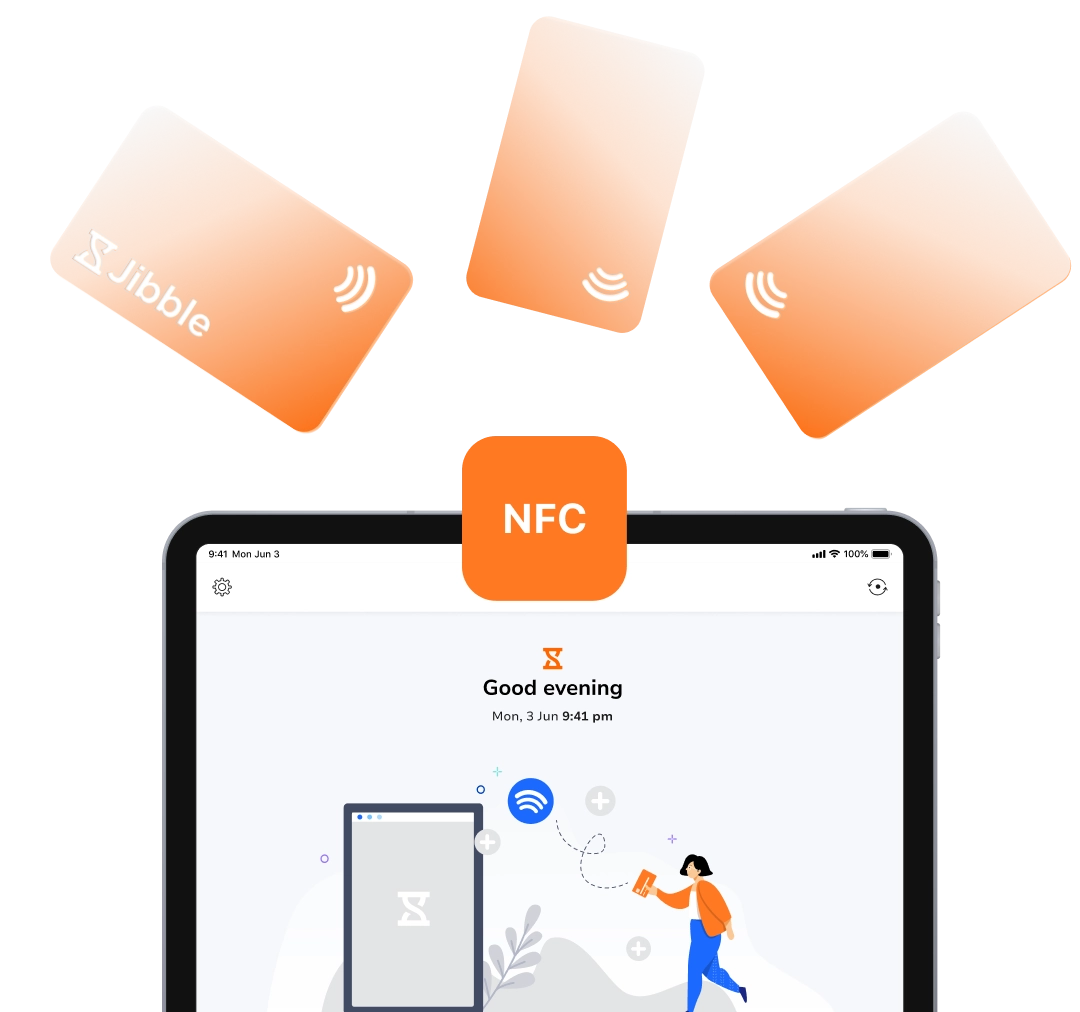
NFC tags
Tap a tag against the phone or tablet by the classroom door. No app to open, no queue at the front desk.
RFID cards
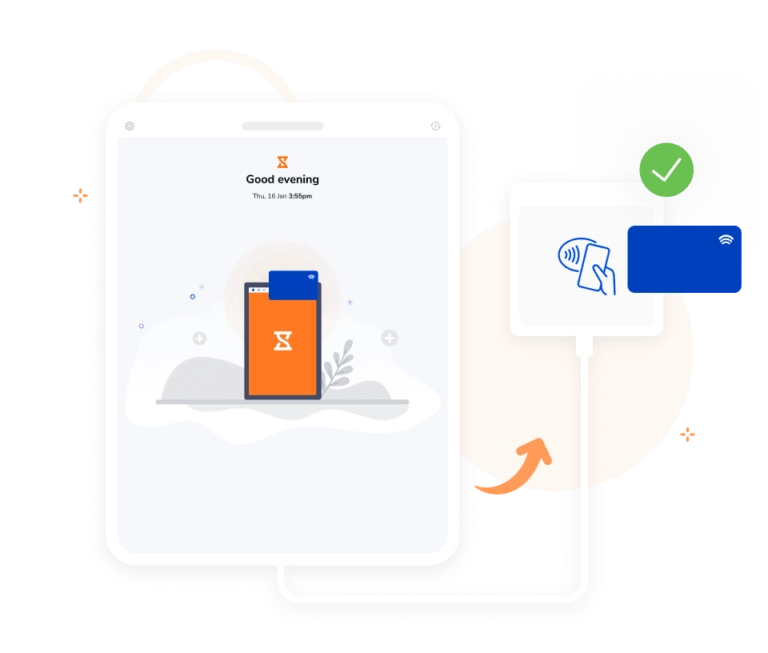
Existing student ID cards work as they are. One tap on the reader is the whole clock-in.
PIN code
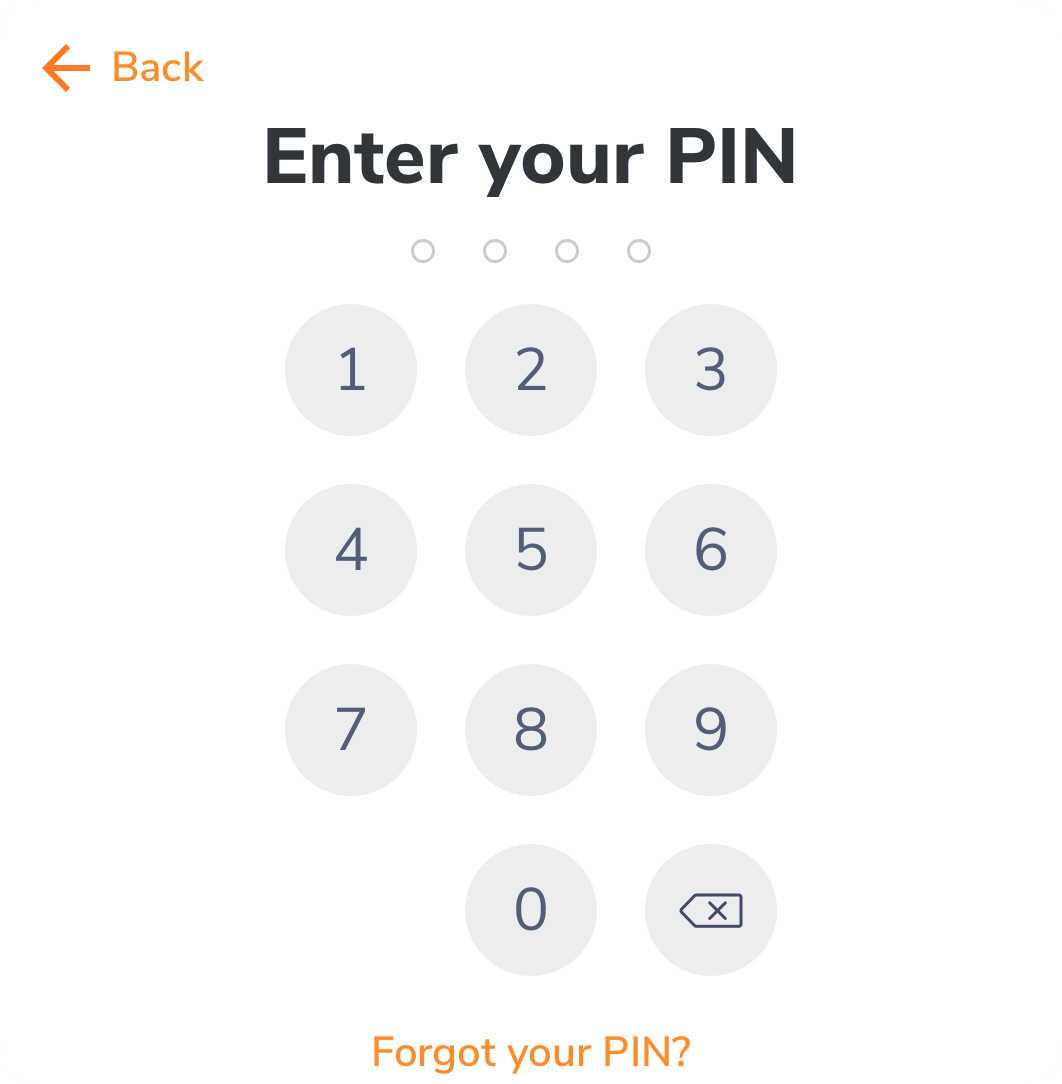
A four-digit PIN on the shared kiosk, for anywhere cameras are not allowed. Nothing to carry or lose.
QR codes
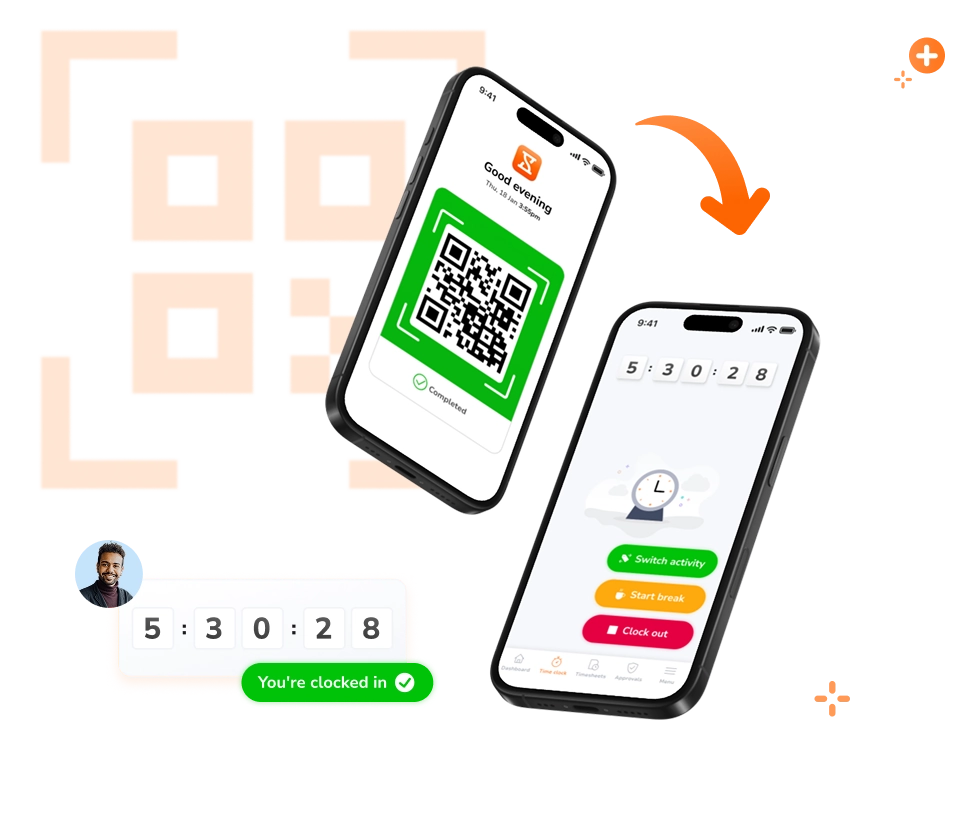
Every student and teacher gets their own QR code. Hold it up to the kiosk and the register updates.
The same records work for your teachers.
Attendance for students and hours for staff come out of one system, so nobody reconstructs a month from memory at payroll time.
Timesheets that fill themselves in
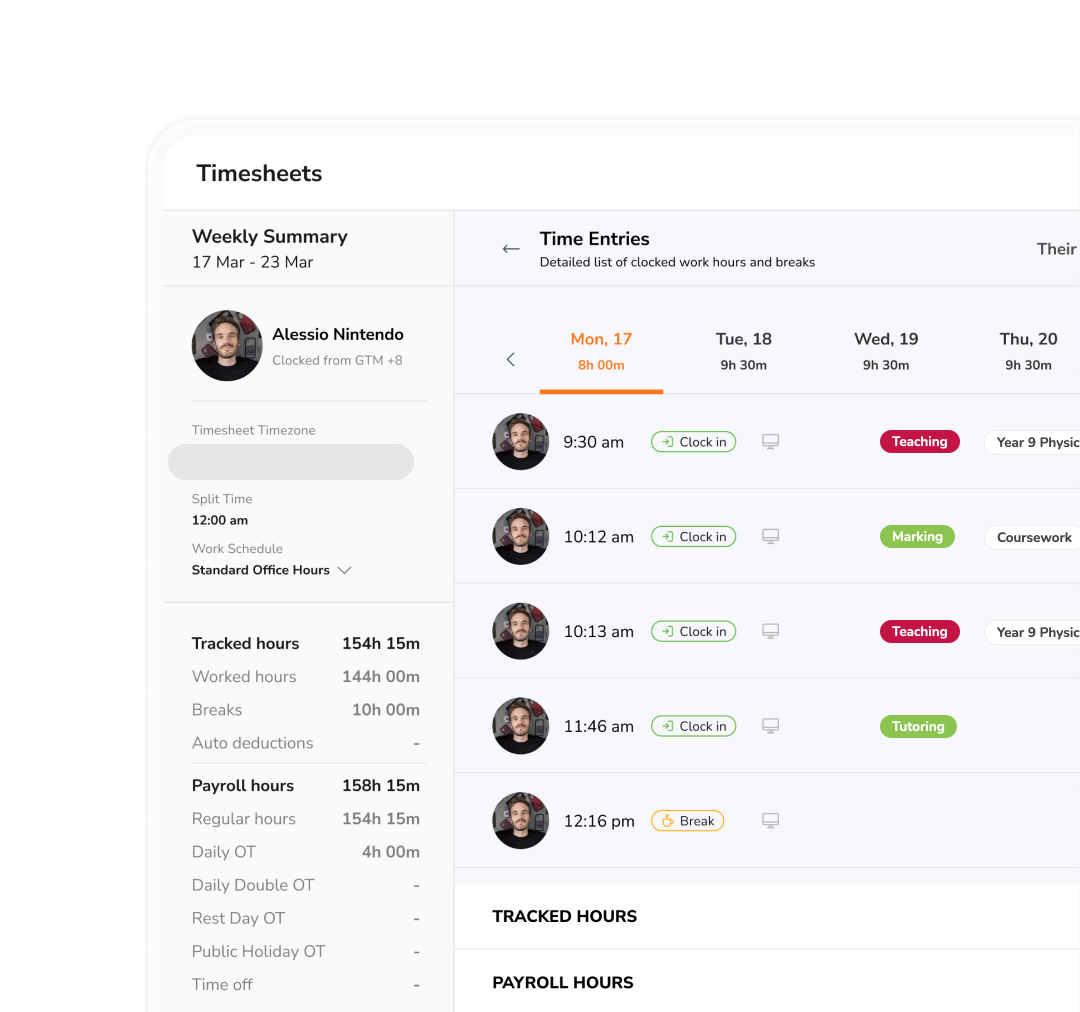
Teaching and support staff clock in the same way students do. Worked hours, breaks, cover and overtime are calculated as the week goes, against the schedule you set — not typed up on a Friday afternoon.
Timesheet software →Cover, leave and absence in one place
Requests come in, balances update, and approvals are logged with who signed them off. When a teacher is out, you can see who covered the lesson and for how long, which is the part that usually goes missing.
Leave and time off →
Reports the office and payroll both accept
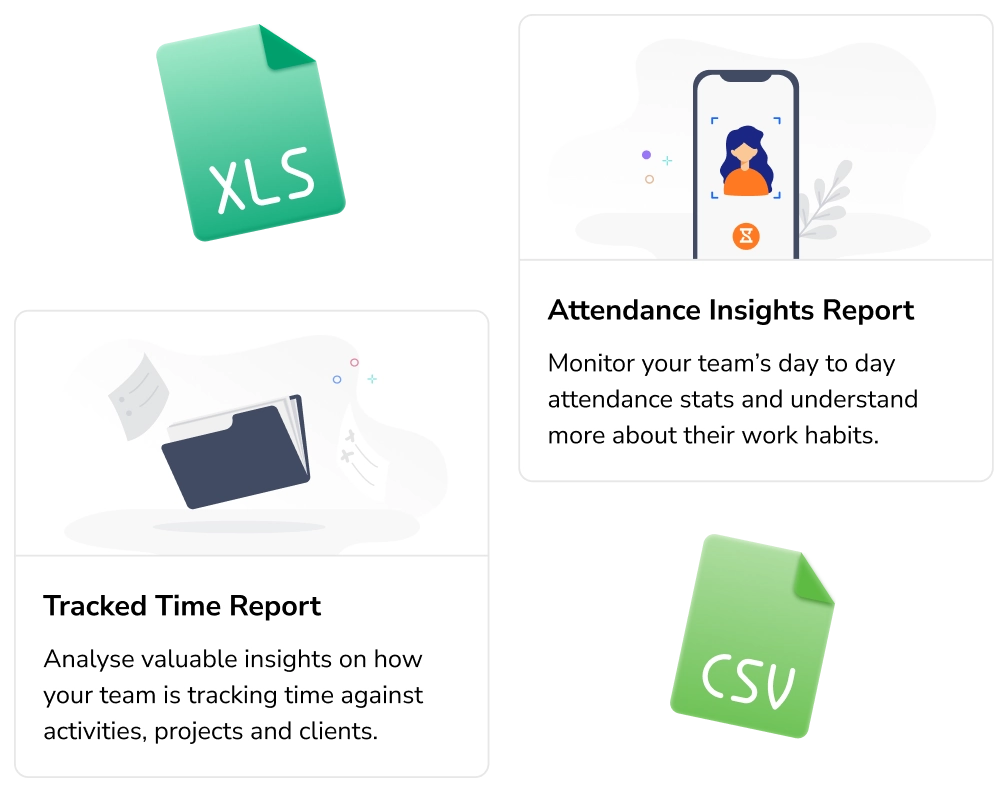
Filter by teacher, department, campus or pay period. Export to CSV or XLS for payroll, and keep the attendance side — lateness, repeated absence, hours per class — in the same report set rather than a separate spreadsheet.
Reporting and analytics →Time against projects, subjects and activities
Students log hours against a coursework project, a lab or a placement; staff log theirs against a department, a club or an activity. Set the list once and everyone picks from it when they clock in, so a term's effort is broken down without anyone keeping a separate spreadsheet.
Project time tracking →
A Tuesday at a school running Jibble.
Walk through the day. The hours in grey are the ones nobody has to touch.
Arriving on campus clocks them in
Crossing the boundary prompts a clock-in on their own phone, so the register is already filling before the first bell. Staff arriving by car are logged the same way.

A full class registers in under a minute
For large classes, or ones where students do not use personal phones, a tablet sits by the door. Students walk up to it, face recognition confirms who they are, and the register fills.

See who is in, live
Ava clocked in at 08:26 and is in the lab. The board updates as students arrive, so staff and parents can check who is in without a phone call to reception or a walk to the room.

A teacher fixes an entry from her phone
Elif picked the wrong class from the list. A teacher moves her to the lab in one tap, and the change is logged with their name and the time.

Attendance is already added up
Attendance per class and lateness for students, plus staff hours in a timesheet ready for payroll. Nobody stays behind to add up registers, and the week is filed by the time the gate closes.
Every student, every teacher, no per-seat cost
A thirty-student class or a campus of twelve thousand — the price is the same. Groups per year, course or campus, and role-based access for admins and teachers.

Before a school switches, it asks four things.
"Will students actually use it?"
They clock themselves in on a tablet by the door as they walk past — a glance, no card, no code, no queue. A full class is registered in under a minute in speed mode, which is faster than the lesson starting without it.
Jibble's timesheets are great for keeping track of attendance. I love that I can use the app to easily create a kiosk with any tablet. It has been great and works well online and offline.
"Can we trust what it says?"
Facial recognition verifies each student before the entry saves, and a geofence keeps clock-ins on campus. Teachers can override anything, and every override records who changed it and when.
This tool allows us to monitor attendance when teachers are not coming into the building. It is a great way to have all staff "check in" each morning. Administrators can review daily attendance on timesheets to see who is working and who is not.
"Does it cover staff too?"
The same records cover teaching and support staff. Cover hours, overtime and leave are calculated as they happen and export to payroll, so nobody reconstructs a month from memory.
Jibble's timesheets make monitoring work hours for teachers extremely easy. It is a huge boost for the productivity of our team!
"What does it cost at our size?"
Nothing, at any size. Free forever for unlimited students and staff, with groups per year, course or campus and role-based access for admins and teachers. Universities including Harvard run on it.
There are a lot of reasons I like Jibble. One of course is the price. The other is that there is a mobile app available. It has helped my students not only with project time tracking, but also prepares them for the workforce.
Stop reading out names. Start the lesson instead.
- Free forever
- Unlimited students and staff
- No credit card
FAQs
Some frequently asked questions...