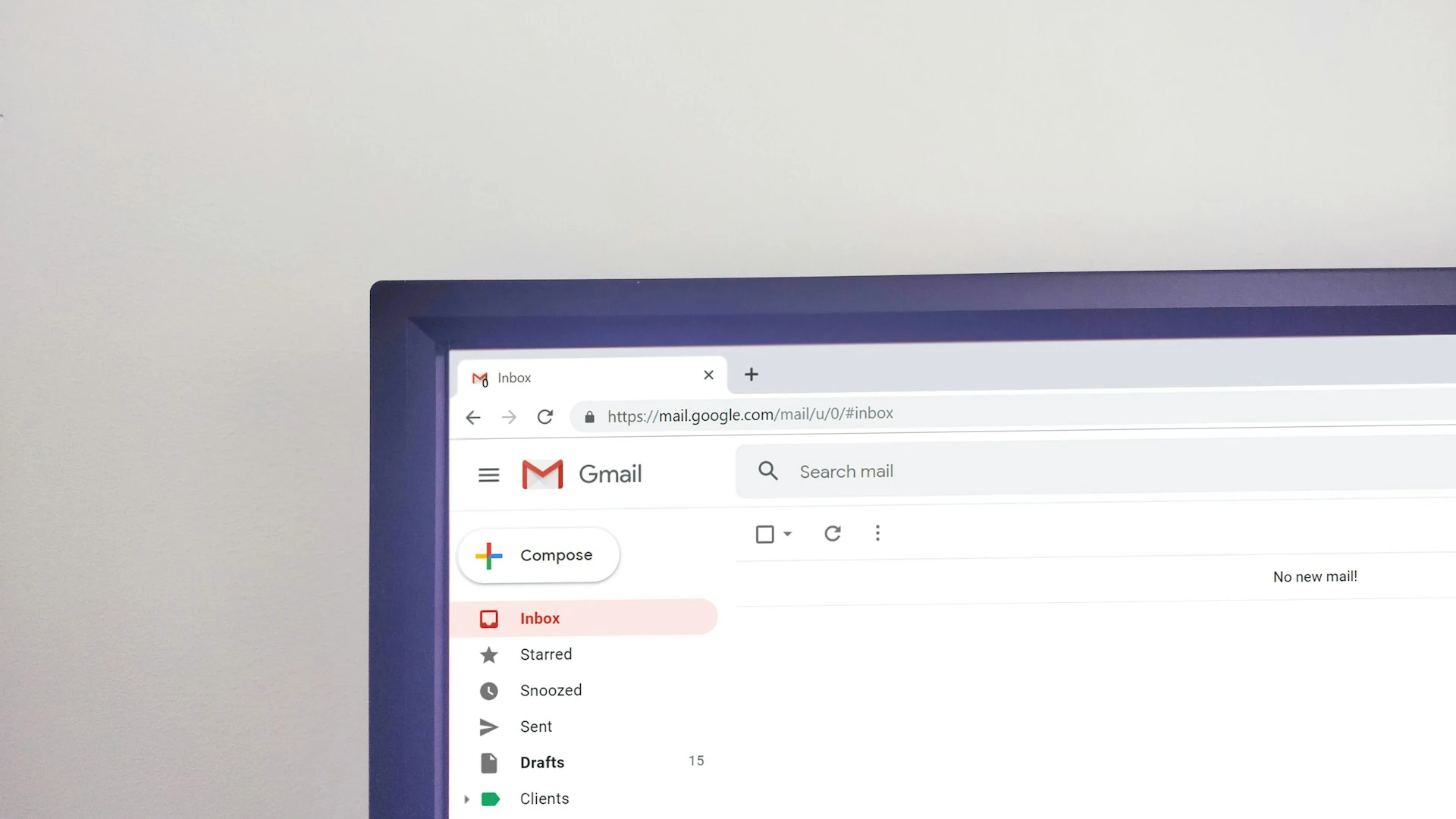
In this comprehensive guide, I’ll take you through each step of integrating powerful time-tracking applications with Gmail. So, whether you’re well-versed in the world of time management or just getting started, get ready to make the most of your time within the Gmail ecosystem.
By the time we conclude this guide, you’ll have mastered the art of efficient time allocation, become adept at managing your Gmail-related tasks, and emerged as a proficient user of Gmail’s time-tracking tools.
To facilitate efficient time tracking through Gmail, I introduce four outstanding apps that effortlessly simplify the process. These integrations not only optimize your time management but also foster team collaboration, ensuring you stay focused and organized.
1. Jibble
Elevate your email game with the seamless integration of Jibble’s time tracking capabilities right within your Gmail inbox. Gone are the days of guessing how much time you’re dedicating to email-related tasks. Jibble simplifies the process, effortlessly capturing every moment you spend composing, replying to, and managing emails, then converting them into precise timesheets.
Picture this: Jibble smoothly integrates into Gmail through a user-friendly Chrome extension, seamlessly blending time tracking into your daily email routine. You can clock in and out with ease using embedded timers, convenient keyboard shortcuts, and right-click options (upcoming feature), all without disrupting your workflow.
No more tedious manual note-taking or worrying about missing essential details. Jibble takes care of that for you. Simply highlight crucial information within your emails, and watch as it effortlessly transforms into notes (upcoming feature), making it easier than ever to stay organized and on top of your tasks.
But that’s not all. Jibble empowers you to take a deep dive into your email habits with its comprehensive reports and visually engaging charts. Gain valuable insights into how you allocate your time, identify email patterns, and craft a more efficient communication strategy that maximizes your productivity and effectiveness.
With Jibble, your email management becomes a breeze, helping you make every email count and achieve peak efficiency in your daily work.
How to Track Time from Gmail with Jibble
- Sign up for a free Jibble account, available forever for unlimited users.
- Install the Jibble Chrome Extension.
- Easily start and stop timers within your Gmail interface.
- That’s all there is to it!
Great news! You’ve successfully configured your Jibble integration with Gmail.
2. Clockify
Clockify, a versatile employee productivity and time management software, simplifies time tracking across multiple projects. It boasts an intuitive mobile app compatible with both Android and iOS, enhancing your on-the-go time management.
How to Track Time from Gmail with Clockify
- Begin by creating a free Clockify account.
- Install the Clockify browser extension for time tracking (available for both Chrome and Firefox).
- Start the timer directly within Gmail; the Clockify timer button will automatically appear in all your Gmail emails.
- The timer will commence, picking up Gmail’s issue name, and you can easily stop it from any device (browser, mobile, or desktop).
- With your timer running, you can access time reports, project management, and more. In the web version, you can edit past entries, analyze time, manage projects, invite collaborators, review timesheets, and export reports.
With Clockify seamlessly integrated into Gmail, tracking time has never been easier.
3. Timely
Timely stands as a versatile employee monitoring and time tracking solution, featuring both manual and automatic tracking options. Its compatibility spans across Android, iOS, Mac, Windows, Microsoft, and Linux, with user-friendly mobile and desktop apps at your disposal.
How to Track Time from Gmail with Timely
- Option 1: Simply go to the “Apps” dropdown on Hours > Day view, click “Connect New Account,” enter your email address and password, and hit “Allow” to grant Timely access.
- Option 2: Alternatively, access the Gmail integration from the Apps page in Settings, where all integrations are managed. Click on the Gmail option and follow the same “Connect New Account” steps as mentioned above.
Voila! Your Gmail account is now seamlessly linked with Timely.
4. Time Doctor
Time Doctor, trusted by industry leaders like Ericsson and Verizon, offers robust time tracking and employee management. Its Chrome Extension integrates with 50+ apps, including Google Workspace, for seamless time tracking.
How to Track Time from Gmail with Time Doctor
- Begin by downloading the Chrome extension from the Google Chrome web store. Ensure that your employees utilize the interactive time tracking feature in Time Doctor rather than the silent version of the app (Note: To activate the Chrome extension, make sure to enable the Projects & Tasks feature in Settings/Company Settings.)
- Activate the Chrome extension through Settings > Integrations in the top menu. Once completed, your team will receive prompts from the desktop app to install the Chrome extension. Please note that enabling the Chrome extension for users requires admin permissions.
- With the extension ready, sign in to your Gmail account. Simply click on the timer within your Gmail inbox screen to track work hours in real-time. Click the Stop button to pause the timer after each task.
Boosting Productivity with Gmail Time Tracking Tools
In conclusion, mastering time tracking within Gmail is a transformative step toward enhancing productivity and project management. The integration of powerful apps like Jibble, Clockify, Timely, and Time Doctor empowers you to streamline your Gmail-related tasks and collaborate more efficiently. Whether you’re a seasoned time management pro or just beginning your journey, these tools offer a seamless way to allocate your time effectively.
By embracing these integrations, you not only gain control over your Gmail-related work but also harness the insights they provide. Whether it’s precise timesheets, mobile time tracking, or deep dives into your email habits, these apps offer a wealth of features to maximize your efficiency.
So, take charge of your Gmail time tracking today and unlock your full potential for efficient time management and project excellence! Your journey to productivity and success starts now.
FAQs
Some frequently asked questions…
How can you track time on Gmail?
There are various ways to track time on Gmail, and the main method involves utilizing integrations with specialized time tracking tools. Several third-party applications and browser extensions seamlessly integrate with Gmail, offering features designed to monitor and record the time spent on email-related tasks.
What are the benefits of tracking time within Gmail?
Tracking time in Gmail can offer several benefits that contribute to better productivity, organization, and informed decision-making. Here are some advantages:
Productivity Insights – Tracking the time you spend on various email-related tasks can provide insights into your email habits and patterns. You can identify areas where you’re spending excessive time and make adjustments to improve efficiency.
Task Prioritization – By tracking time spent on individual emails or tasks, you can prioritize your activities better. This helps you allocate more time to high-priority tasks and minimize time spent on less important activities.
Data-Driven Decision Making – Time tracking generates data that can be used to make informed decisions about how you manage emails. It enables you to optimize your email strategy based on actual time spent and response times.
Identify Time Sinks – Time tracking reveals tasks or activities that consume an excessive amount of time. This knowledge helps you identify bottlenecks and take steps to streamline your processes.
Accurate Billing and Reporting – If you’re billing clients based on time spent on emails, time tracking ensures accurate invoicing. It also provides reports that can be used for client communication or internal analysis.
Are these time-tracking apps free, or do they require payment?
Although each of these tracking apps do offer free trials, you will need to pay for them afterwards if you decide to commit to the application.
However, Jibble is a 100% FREE timesheet app that integrates with Gmail.