
-

Where time tracking becomes a breeze
Seamless integration
Connect our timesheet software with Slack to enhance communication and productivity. From clocking in to managing breaks and viewing timesheets, experience seamless time tracking while keeping your team connected.
-
Use slash commands or chat with @Jibble
Type a simple message to clock in or out
Using Slack bot to clock in and outEffortlessly initiate time tracking for your team with easy-to-use Jibble slash commands the moment they log in to Slack, streamlining the process for a seamless start to their workday.
-
Who's working right now?
Just type in all
Effortlessly check team availability and tasks with a simple slash command, swiftly gaining insights into who’s in or out and the current focus of each team member.
-
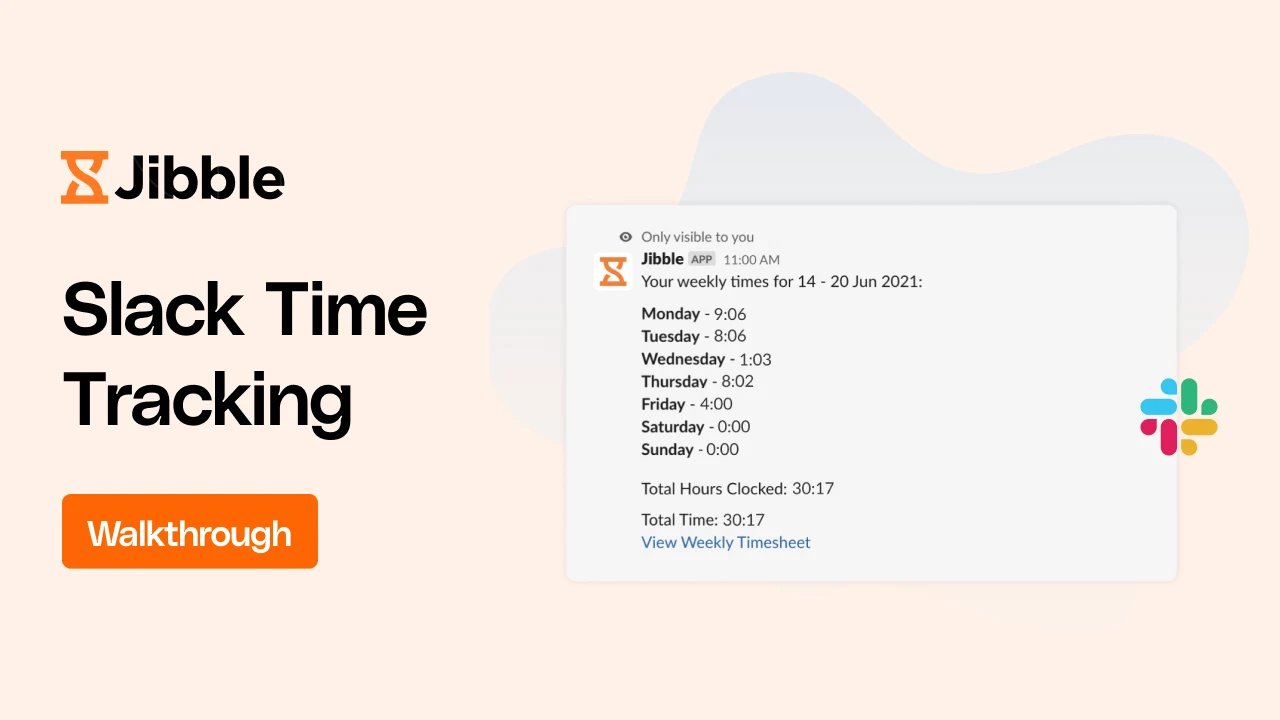
Simplified timesheet data right in Slack
For a complete overview
Effortlessly view daily summaries, weekly timesheets, and logs for yourself or your team directly within Slack. Stay informed and in control of your team’s activities without leaving the platform.
-
Track time across projects or activities
In one command
Project time trackerType “acts” or “projects” to view a list of activities and projects available for tracking. Clock in with an activity and project in one fluid motion to allocate your valuable time.
-
Notifications where you need them
...right in Slack
Choose notification preferences you need and keep them in one place, even when your team members are clocking in from other platforms.
-
Get help the moment you need it
Just type help
What are all the Jibble Bot and slash commands?Discover the full range of commands and unlock the potential of your Slack Jibble bot by effortlessly typing “help.”
-
Getting started has never been easier
Have your teams Jibbling in and out right away
Get onboarding NOW!- Create an account with Jibble. It’s free forever for unlimited users.
- Go to Integrations in Jibble and click on Slack. Connect your Slack account with Jibble.
- Invite your team members via Jibble. Make sure their email address in Slack matches the email address you invited them to Jibble with.
- That’s it!
100% FREE Slack Time Tracking
Clock in and out, see who's in or out, and view simplified timesheets right in Slack. Free forever for unlimited users.
60,662
signed up last month, nearly
3x
more than a year ago, all without any paid advertising!


×