
The time clock app teams actually use
One tap to clock in, from phone, tablet, or kiosk. GPS, face recognition, and geofencing built right in.
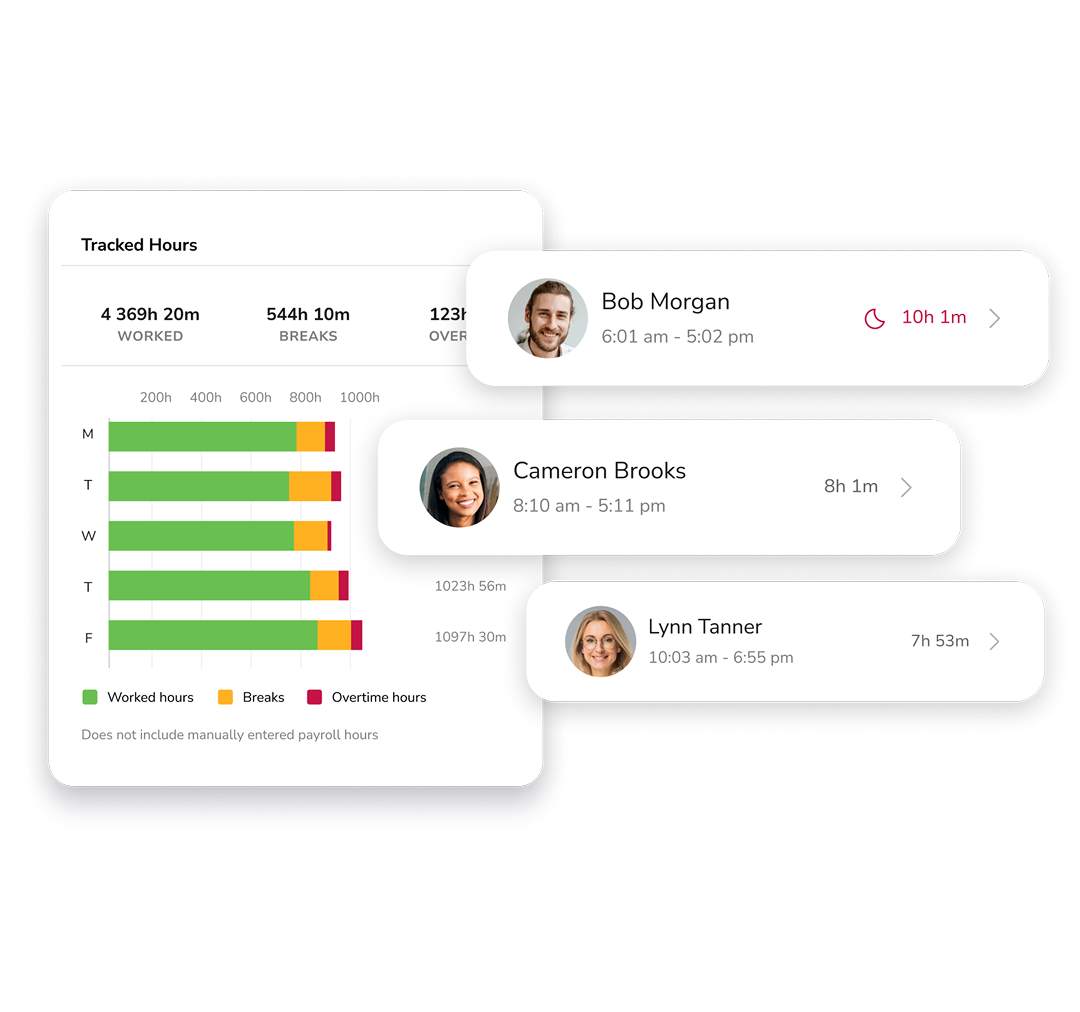












One time clock. Every feature your team needs.
Scroll through everything Jibble's time clock does, from one-tap clock-ins to payroll-ready timesheets, with nothing to install and no add-ons to buy.
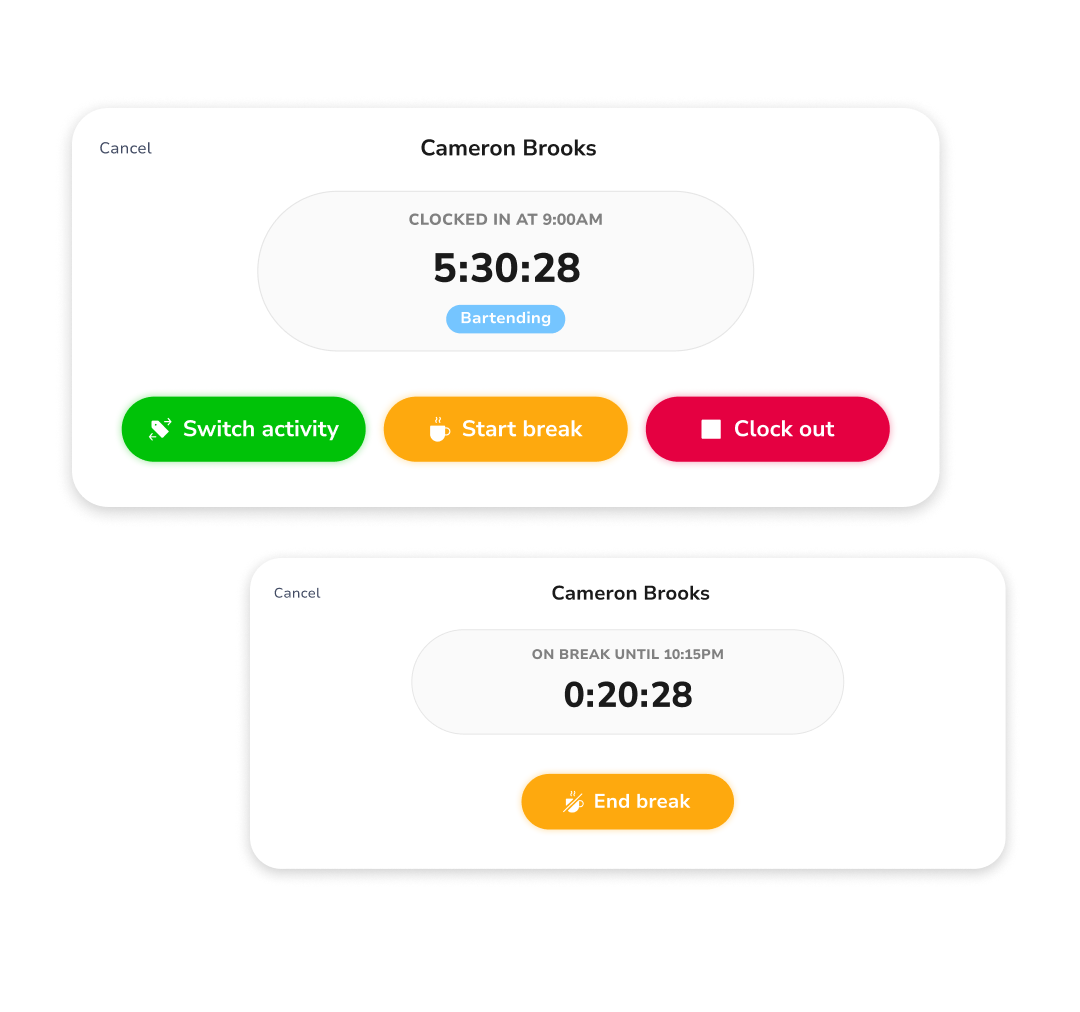
One tap to start. One tap to stop.
Employees clock in and out in seconds, from the mobile app, web browser, or shared kiosk tablet. No login delays, no confusing menus.
Know where your team is, and fence off where they clock in.
Every clock-in and clock-out is stamped with a verified GPS location. Geofences let staff clock in only when they're physically on-site, attempts from anywhere else are blocked.

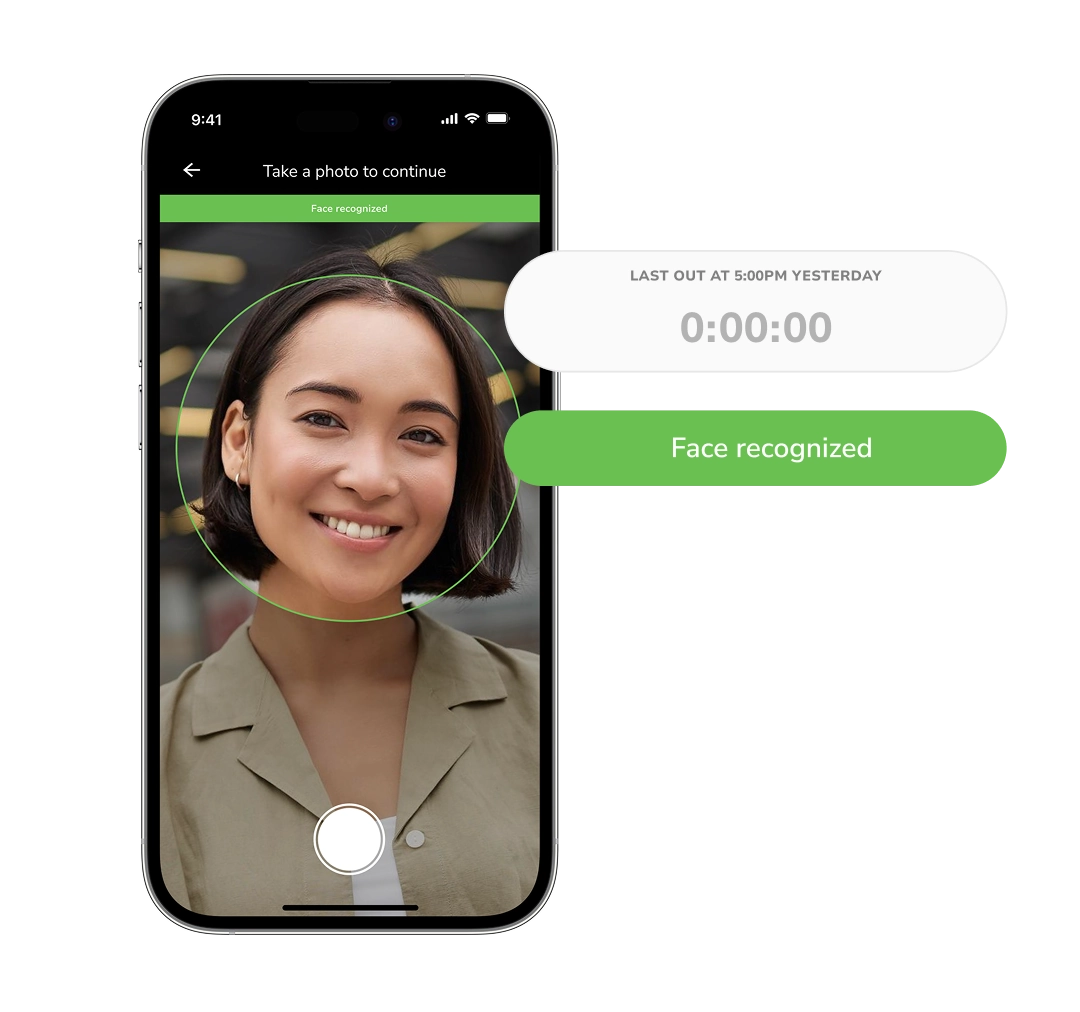
Fraud-proof clock-ins. Zero extra hardware.
AI-powered selfie verification matches every clock-in against the employee's stored profile. Buddy punching becomes impossible, no badges, no PIN pads needed.
Always know who's in, out, or on a break.
See your entire workforce at a glance, updated in real time across every location and team, right from your dashboard.
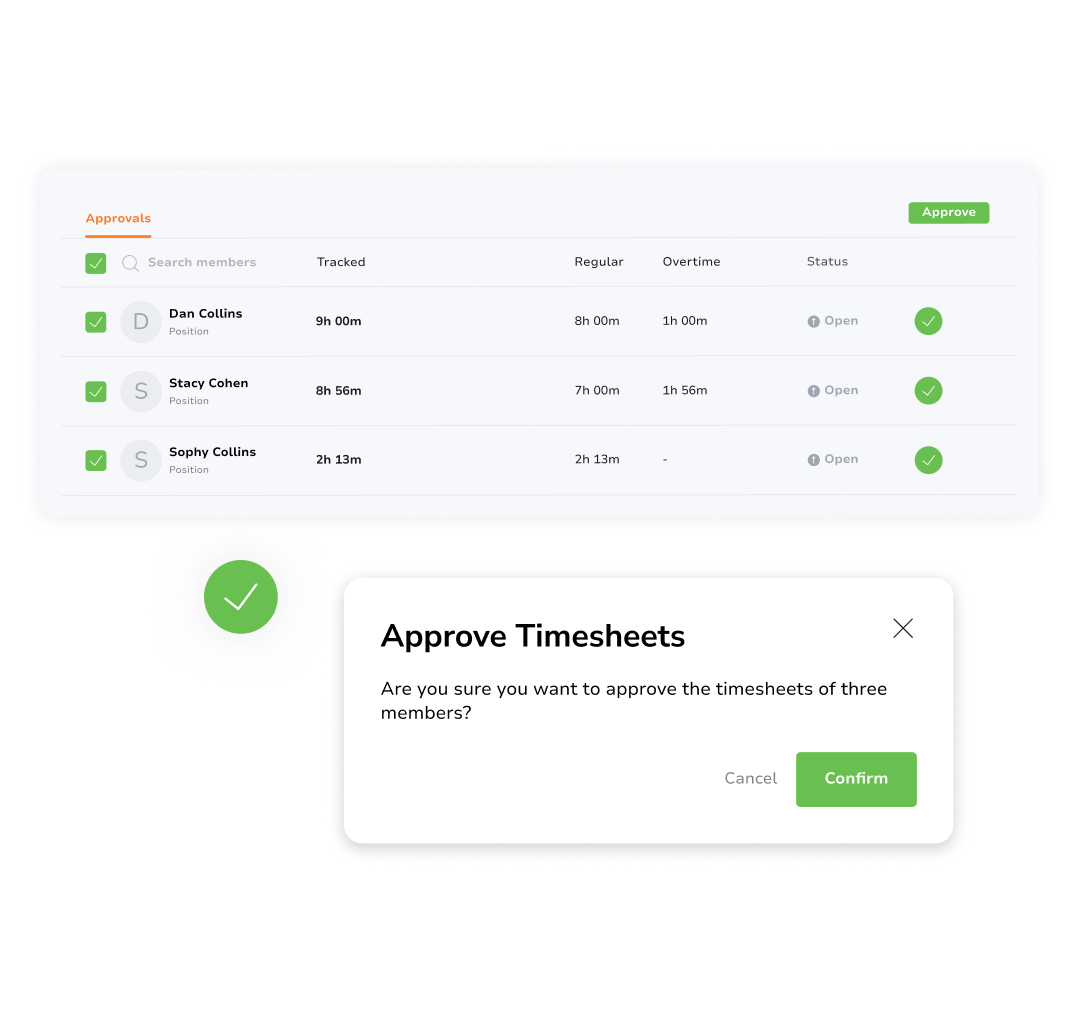
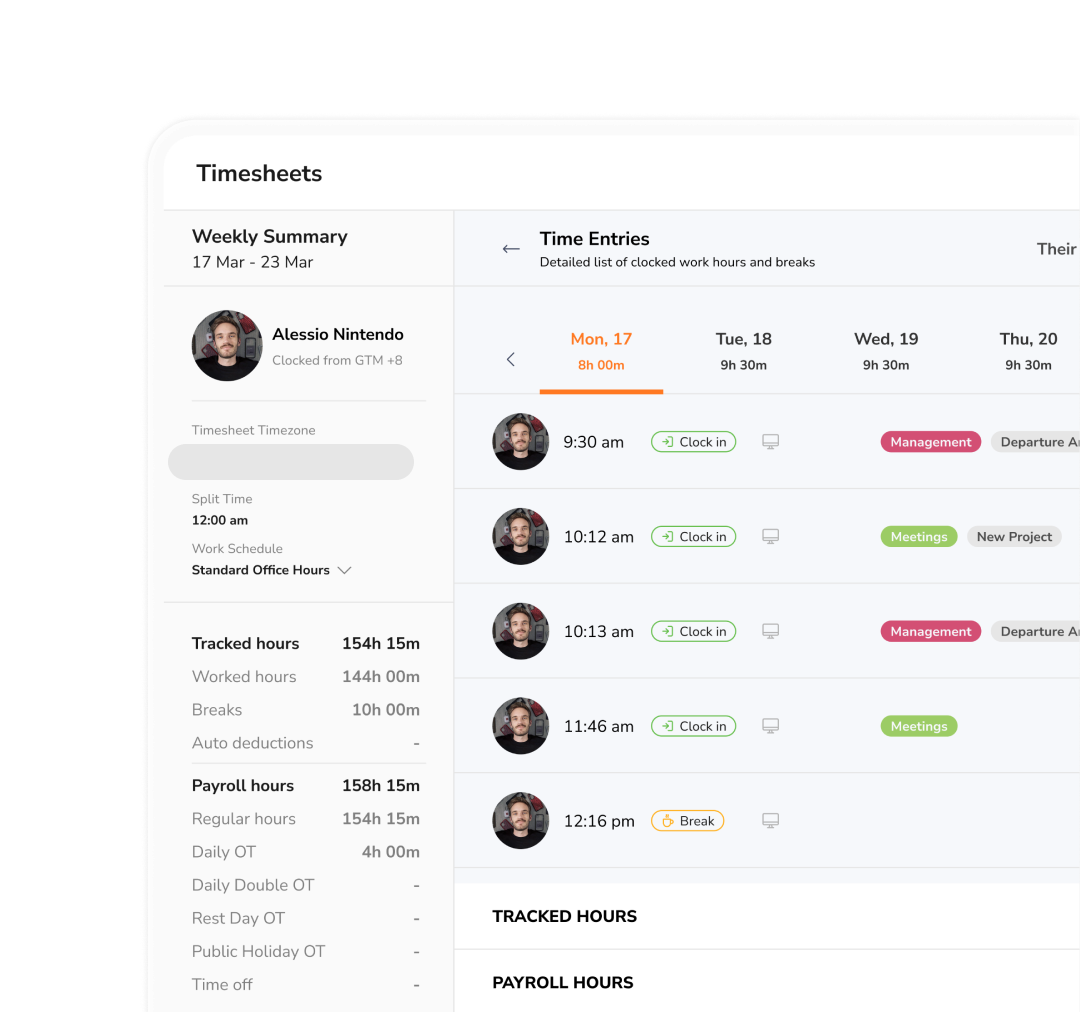
Timesheets that write themselves.
Clock-in data compiles automatically into payroll-ready timesheets. Managers approve in one click and hours flow straight to payroll, with a full audit trail.
Stay compliant without doing the math.
Set exactly when overtime kicks in, whether it's daily or weekly thresholds, and define paid or unpaid break rules. Jibble applies them automatically so every timesheet stays accurate and compliant.
Insights that drive smarter decisions.
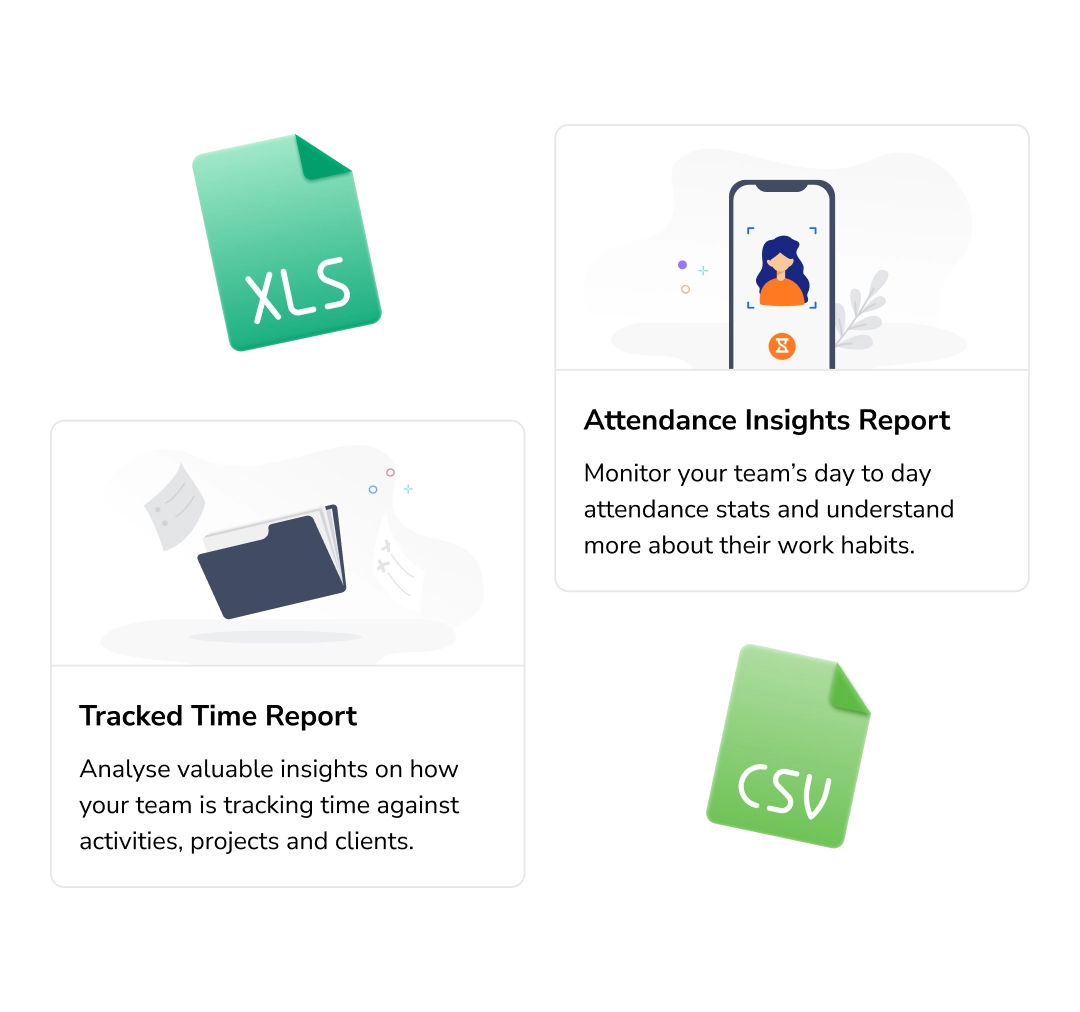
Attendance, overtime, lateness, and labor cost reports, filterable by team, location, or date. Schedule automatic delivery and export to Excel or CSV in one click.
Approved hours flow straight to payroll.
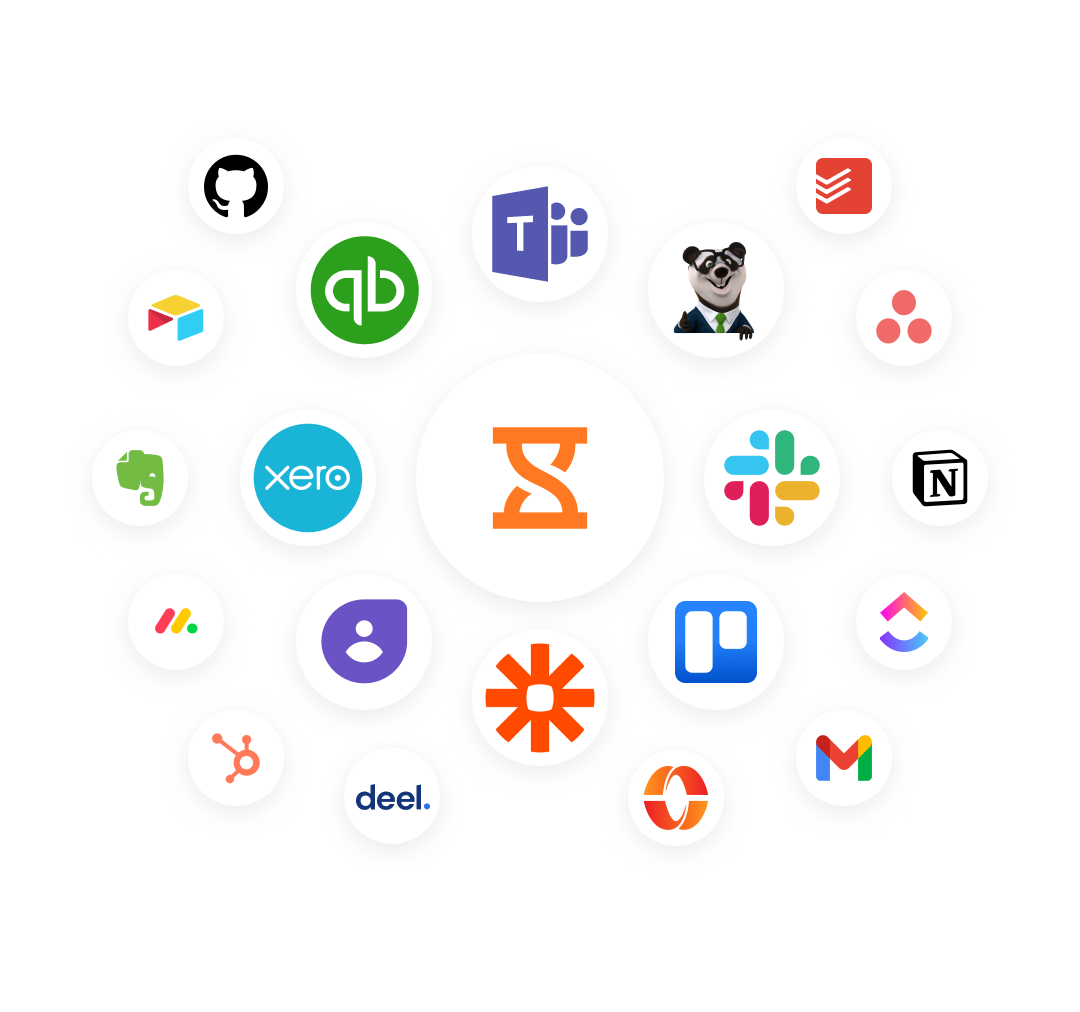
Export payroll-ready timesheets in one click, or connect Jibble to the tools you already run, including QuickBooks, Xero, Deel, and more, so hours sync automatically with no manual re-entry.
Ditch the paper time clock for good.
Set up your team in under 2 minutes. Free forever for unlimited users, no credit card, no trial timer.
Up and running in minutes
No IT setup, no hardware to install. Jibble works straight from the browser or app, for teams of 5 or 5,000.
Add your team
Invite employees by email or phone number. Assign them to locations, groups, and roles in seconds.
Configure clock-in rules
Set GPS zones, face recognition, geofencing, and working hours per location.
Track time automatically
Employees clock in from phone, tablet, or kiosk. Verified timesheets build themselves, ready for payroll.
Thousands of companies, every industry
Real reviews from managers running their teams on Jibble.
Useful for off-site tracking
Since we are in the construction business and mostly work in different site locations, Jibble's mobile time clock is very useful for tracking employees during off-site work.
Jibble is AWESOME!
The attendance app is really helpful for tracking multiple employees and the customer support is top notch. It's an awesome experience overall.
Works perfectly!
Jibble is a useful time and attendance management system for construction with the best price. The features are so easy to use, and it works perfectly with on-site or remote work.
Perfect for payroll
This is exactly what I needed to automatically track employee hours and enter them in our payroll processing system! It's great for multiple employees, easy to manage, and has a straightforward interface. Employees seem to like the mobile app for check in/check out.
Great for tracking work hours, overtime and PTO
I can easily monitor daily activities with Jibble's time tracking. I can track remote workers' hours as well as overtime, and also set the calendar according to my region to assign holidays and weekends accordingly.
Seamless activity tracking for construction projects
Jibble makes it very easy to track your time spent on different projects. It is also extremely easy to add new projects and activities. I like that there is also an app that can be used on your phone if you are on the move.
Frequently asked questions
Common questions about Jibble's time clock app.
A time clock app replaces paper sign-in sheets and spreadsheets by letting employees clock in and out digitally. It records precise times, calculates hours worked, tracks breaks and overtime, and produces verified timesheets ready for payroll, automatically. Jibble's time and attendance software adds GPS tracking, face recognition, and geofencing so you also know where and who is clocking in.
Yes, Jibble is genuinely free forever for unlimited users. Beyond time tracking, it offers an attendance tracker , a GPS time clock , automated timesheets, reporting, and more for zero cost. Jibble also offers other free tools such as a work hours calculator for quick time calculations.
Yes. Jibble's time clock software supports offline time tracking. Clock-ins are saved locally and sync automatically when connectivity returns. No data is lost, and managers see the full picture as soon as the device reconnects.
When a field employee clocks in, Jibble captures their GPS coordinates alongside the time entry. Managers can view all field locations on a live map. You can also set geofence zones so employees can only clock in when physically on-site, attempts from outside are blocked.
Absolutely. Jibble's face recognition requires a selfie at every clock-in, matched against the employee's stored photo using AI. If the faces don't match, the clock-in is rejected, completely eliminating buddy punching without any extra hardware.
Jibble can be used on mobile and web giving users the flexibility to track time on the device they prefer. It also has a dedicated desktop time tracker and Chrome time tracker.
Most teams are up and running within minutes. Simply create a free account, invite your team via email or shareable link, and they can start using the app or browser immediately — no IT setup required.