





Time tracking precision for contractors. Track hours, automate timesheets, use GPS and facial recognition.









A contractor time tracking app is a dedicated tool that helps businesses and project managers record, manage, and verify the hours worked by contractors and subcontractors. Unlike traditional timesheets, a contractor time tracking app automates the entire process, from clock-in to payroll-ready reports, reducing errors and saving hours of admin work every week.

Managing contractor hours manually creates costly inaccuracies and compliance risks. Without a reliable system, it’s difficult to track time against specific projects, verify hours for billing, or ensure contractors are clocking in from the right locations.
A contractor time tracking app solves these problems by combining automated timesheets, GPS verification, and seamless payroll integrations into one platform. The result is accurate records, less dispute, and faster pay runs.
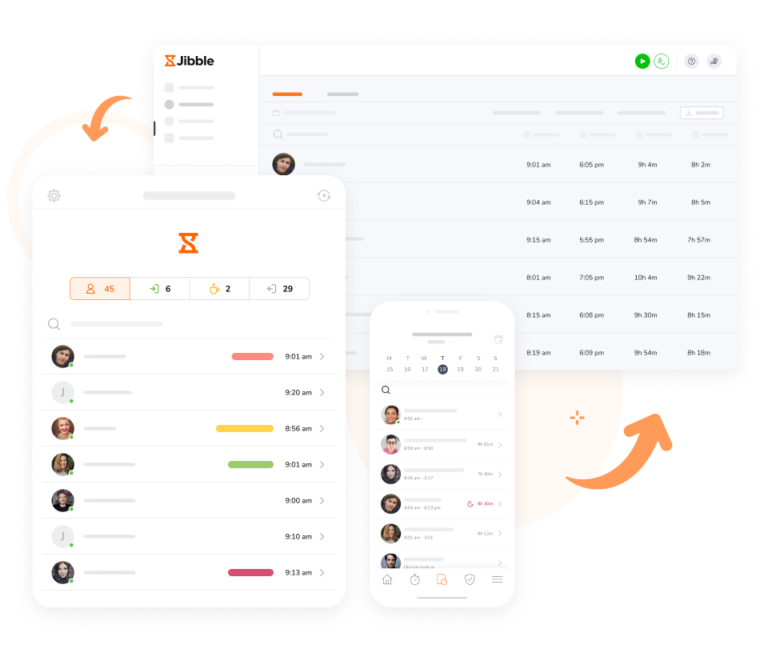
Ensure accurate time records wherever your contractors are. In construction, where teams are constantly on the move, Jibble gives you the flexibility to track time effortlessly. Whether on-site with a smartphone or in the office on a laptop, simply open the app and start logging hours with ease.
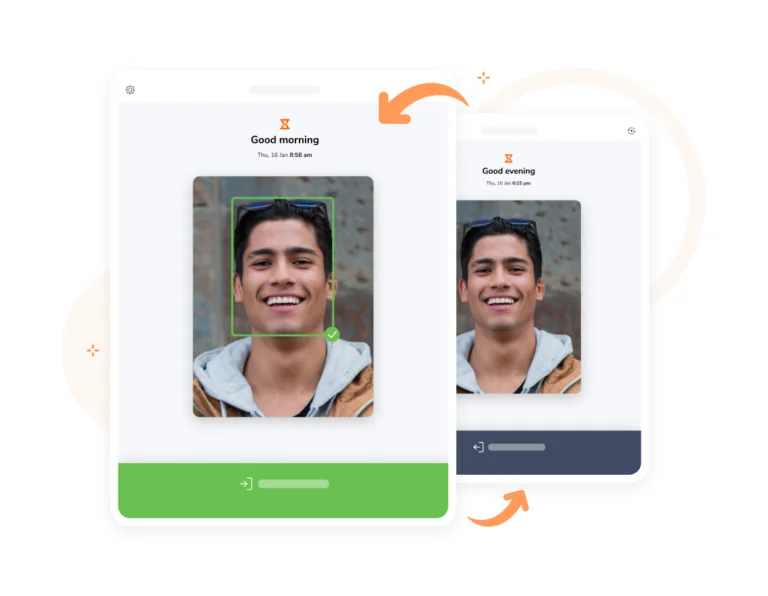
Buddy punching is one of the most common forms of time fraud in contracting. Jibble’s AI-powered facial recognition technology verifies the identity of every person clocking in, whether through the mobile app or a shared kiosk. Only the verified contractor can log their own hours, giving site managers a fraud-proof attendance record.
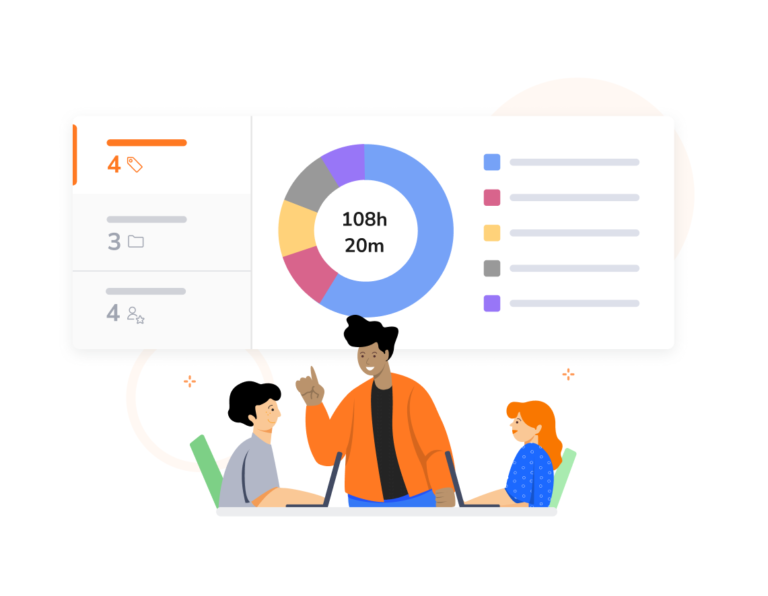
Inaccurate project hours create billing disputes and eat into margins. Jibble lets you assign and track time against specific construction activities, projects, and clients, so every billable hour is supported by a verified record. Then, generate reports for payroll, client invoicing, and job costing — all from the same platform.
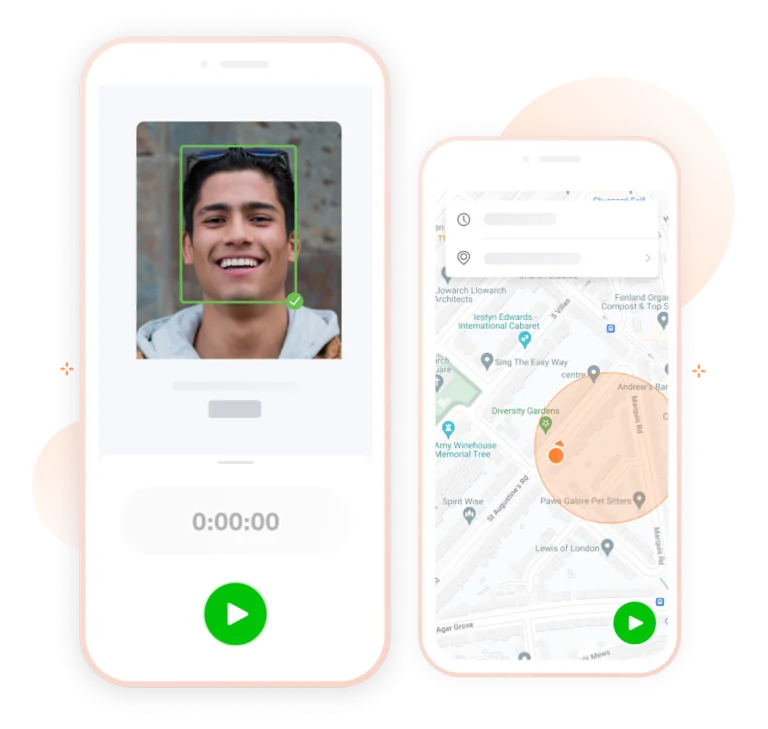
When geolocation is enabled, Jibble captures GPS data every time a contractor clocks in or out. This creates a location-verified record for every time entry, making it straightforward to confirm on-site presence. Access location data by clicking directly on any time entry in Jibble’s GPS tracking view.
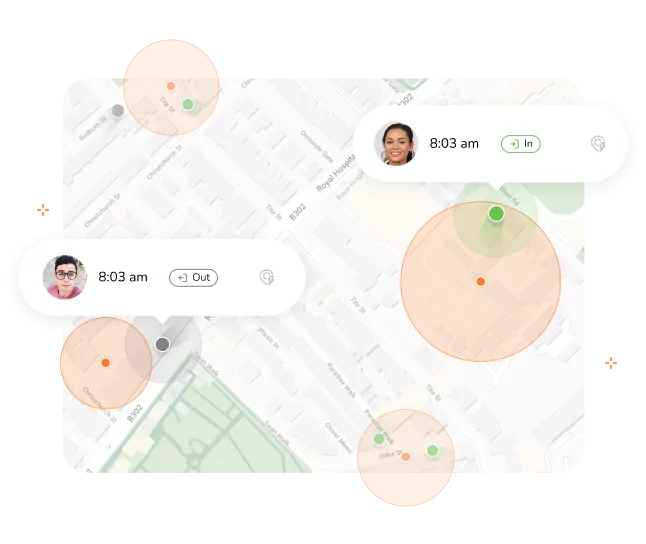
Scattered work sites make it difficult to confirm contractors are clocking in from the right locations. With geofencing, you can set up virtual boundaries around each location, ensuring contractors can only clock in when they’re physically within approved areas.

Connectivity gaps should never create gaps in your time records. With Jibble’s offline time tracking, contractors can clock in and out even without an internet connection. Entries are securely stored on the device and automatically synced once connectivity returns, maintaining a complete and unbroken record of hours worked.
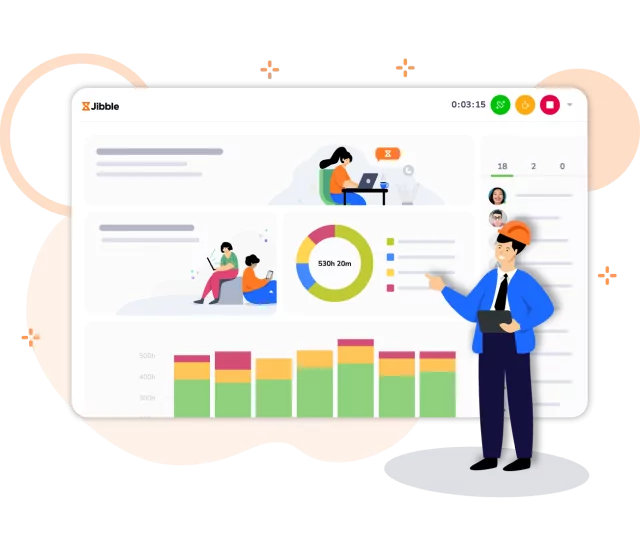
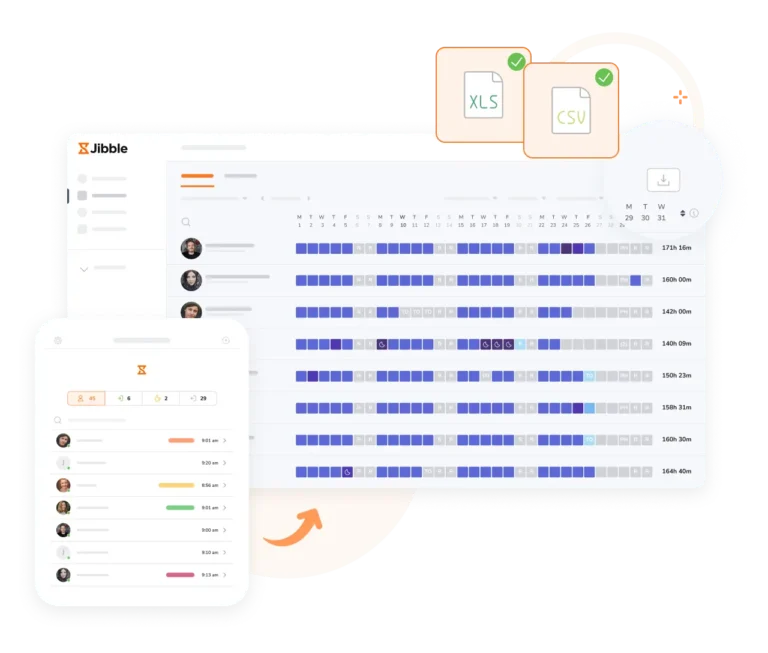
Find information on who’s in, who’s out, what activities or projects the team has been working on, and for how long. With intuitive filters and customizable charts, you can tailor your dashboard view to focus on what matters most to your operations.
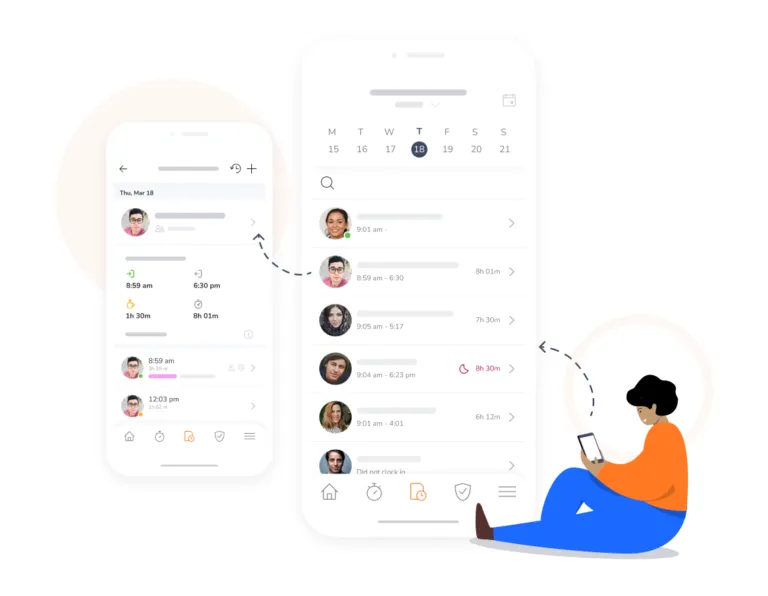
Manual timesheet processes are a leading cause of payroll errors and disputes. In Jibble, every clock-in and clock-out is automatically recorded and synced to the contractor’s timesheet. Then, timesheets can be exported directly to your accounting software through time tracking integrations, cutting the risk of data entry errors that lead to over or underpayments.
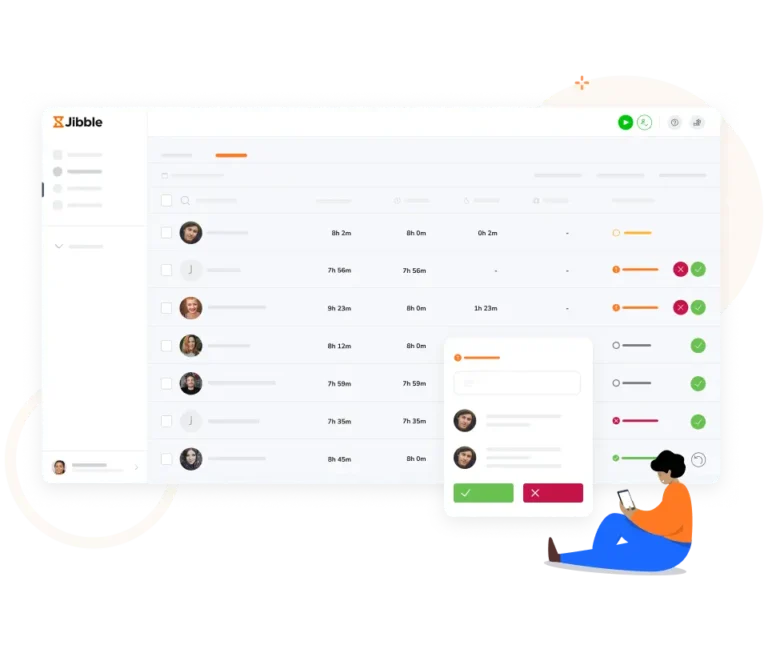
A formal approval process is one of the most important safeguards for payroll security. Jibble’s approvals feature allows owners, admins, and managers to review and sign off on contractor timesheets before they are processed.
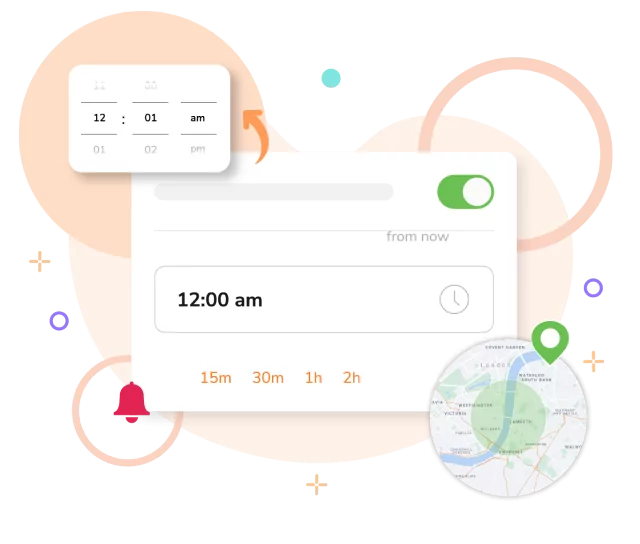
Incomplete time records are a compliance risk. If contractors forget to clock in or out, your data becomes unreliable and your reports inaccurate. With smart reminders, contractors are nudged to log their hours based on time or location triggers, helping your team maintain complete and consistent records across every shift.
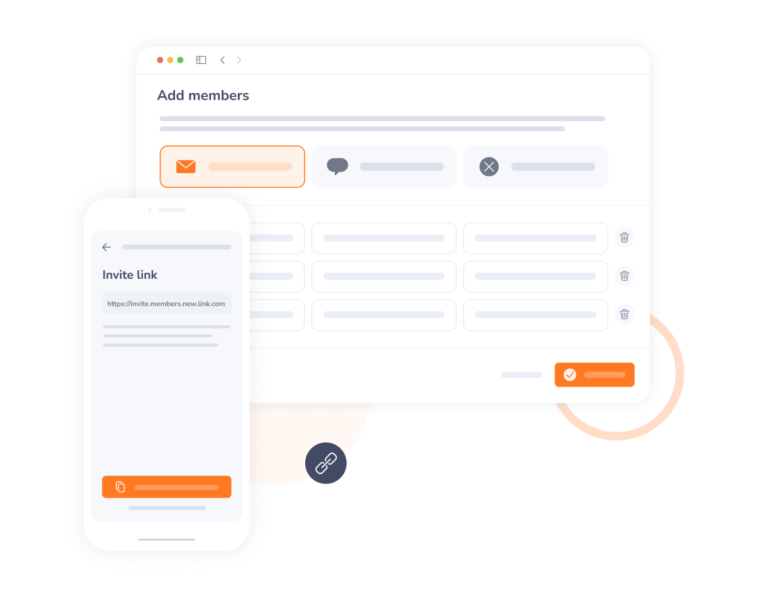
Create an account, send out invites, and have your contractors jibbling away in minutes. Need a hand along the way? No worries! Our friendly customer support team is ready to lend a helping hand whenever you need it.
Using Jibble's construction time tracking software has been a good experience so far. It's easy to use and the reporting feature is quick and accurate. It has really made our life easier and more organized.
We will never use any other timesheet software. I used the intuit time tracker before but I find Jibble more useful for my team and also I have to check all of the employee's timesheets without any hassle.
Great construction time tracking app, great product. It was great to see staff signing in and out of site at the correct times, the application works seamlessly, great introduction to the application.
Jibble is simply the best. Finally, I have complete control over the construction project and have insights into all activities and tasks. It's easy to use compared to similar software and meets all my needs.
Jibble is a useful time and attendance management system for construction with the best price. The features are so easy to use, and it works perfectly with on-site or remote work.
Jibble's a construction site must-have. We will continue to use it as it is cost-effective for our construction company and fits in the budget of a family-owned business.
A good product and relatively easy to set up and get started without needing technical help. I especially liked the functionality of being able to add 'tasks' to logins and the ability to see locations of staff/workers when they clock-in.
Jibble is really easy to use. I have my guys clock in and out remotely. The timesheets with activity tracking help me calculate costs spread over different jobs.
Some frequently asked questions...
Contractors can keep track of work hours efficiently and accurately using dedicated contractor time tracking apps like Jibble. With Jibble, contractors can easily log their work hours, breaks, and activities either through a web browser or a mobile app, ensuring accurate timekeeping regardless of their location or the device they’re using.
A contractor time tracking app typically offers a range of features designed to streamline time management processes and improve productivity. These features may include clock-in and clock-out functionality, project and task tracking, geolocation tracking, timesheet management, reporting and analytics tools, integrations with other software platforms, and mobile accessibility.
Yes, there are free contractor time tracking apps available, and Jibble is one of the top choices in this category. Jibble offers a 100% FREE plan that allows unlimited users and essential time tracking features, making it an excellent option for contractors looking for a cost-effective solution to manage their time efficiently.
Jibble uses several layers of fraud prevention built directly into the time tracking process. Facial recognition verifies contractor identity at clock-in. GPS tracking confirms location. Geofencing blocks clock-ins from outside approved sites. And automated timesheets remove the opportunity for manual manipulation. Together, these features create a verified, tamper-resistant record of every hour worked.
Yes! Jibble automatically generates accurate, timestamped records for every contractor, which are essential for payroll compliance. Time entries are locked behind an approval workflow before reaching payroll, and exports integrate directly with accounting software. This creates a reliable audit trail that supports compliance with labor regulations and contractor agreements.
Yes. Jibble’s geofencing feature lets you define approved work site boundaries. Contractors can only clock in when they are physically within those boundaries. This prevents off-site or fraudulent clock-ins and gives managers confidence that the location data in every timesheet is accurate and verified.
Get jibbling with the ultimate contractor time tracking app.
Track time now - it's FREE!