

-





-
What is a desktop time clock kiosk?
A shared, secure way to track employees
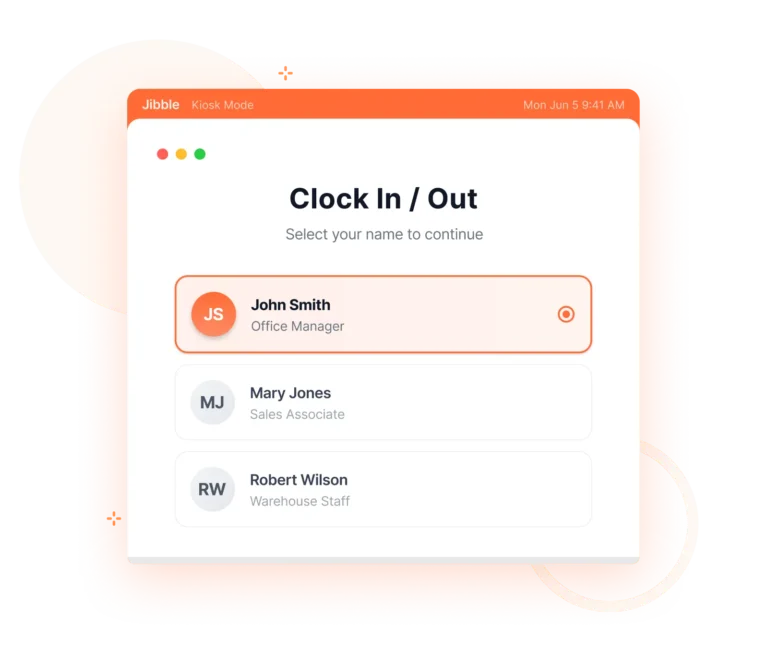
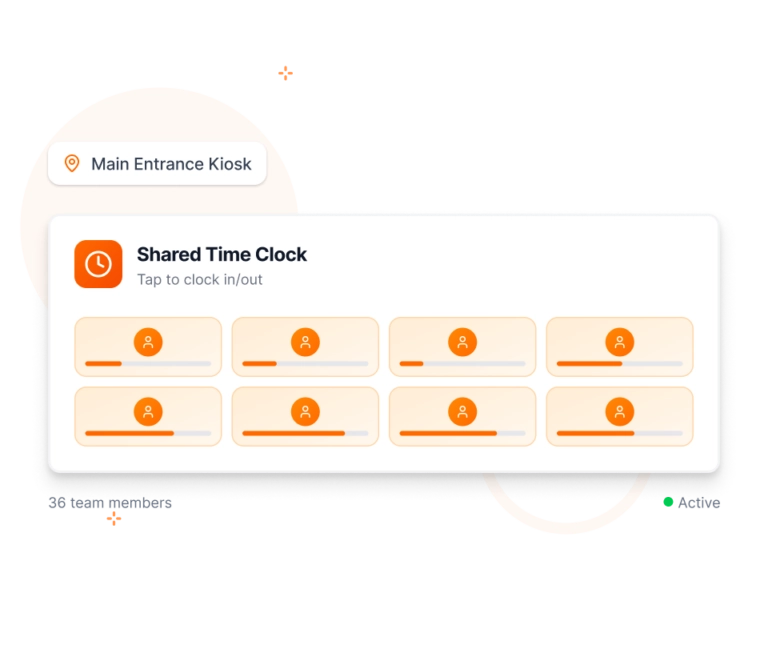
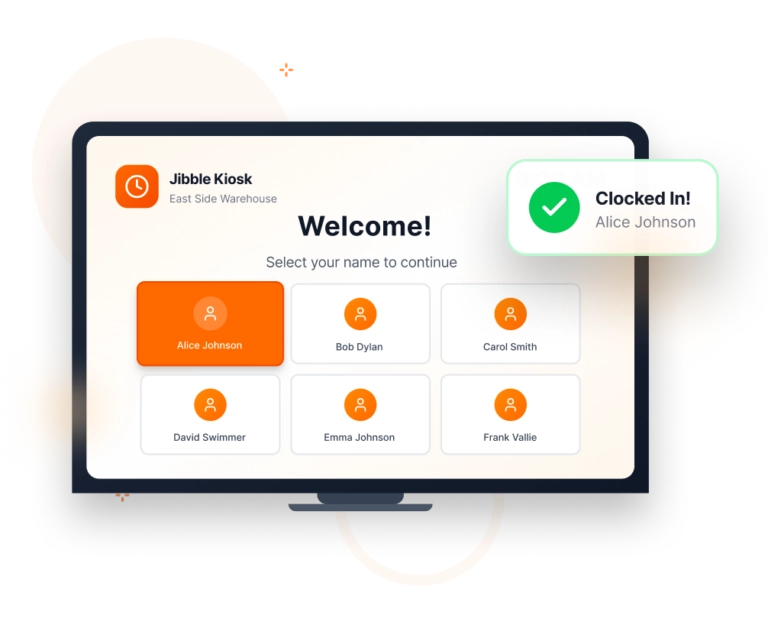
A desktop time clock kiosk is a modern alternative to traditional punch machines, turning a computer or laptop into a shared employee time tracking station. Instead of having each employee track time from a personal device, the kiosk serves as a central hub for quick and easy staff check ins.
-

How does a desktop time clock kiosk work?
Ensure accountability without the hardware
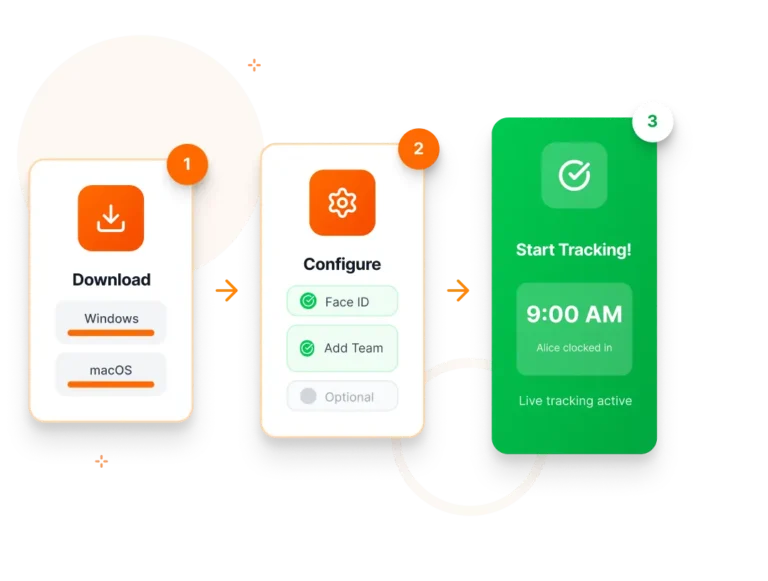
A desktop time clock kiosk helps teams clock in accurately, prevent time theft, and keep attendance organized. Jibble’s desktop time tracker makes getting started easy:
- Step 1: Download & Install
Download the Jibble app for Windows or macOS. - Step 2: Configure Your Preferences
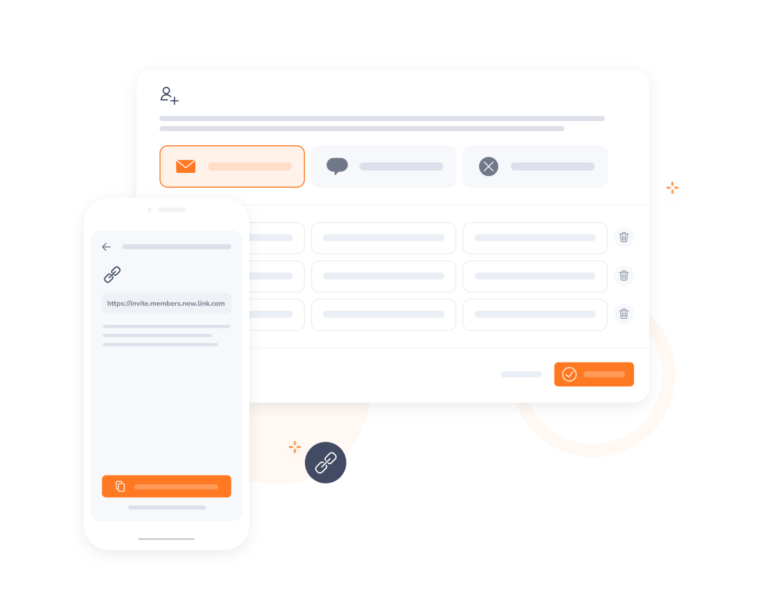
Choose verification methods and invite your team. - Step 3: Start Tracking
Place your computer/laptop at entry points. Employees verify identity and clock in/out in seconds!
- Step 1: Download & Install
-

Customizable verification options
Multiple ways for employees to verify their identity
Whether you need quick, frictionless clock-ins or strict identity checks, the desktop kiosk adapts. Select from face recognition, NFC/RFID card scans, PIN entry, or a combination of methods.
-
Built for shared workstations
Perfect for offices, retail counters, and more
Jibble works flawlessly on shared devices, making it ideal for environments where employees clock in from the same computer. Every entry is validated and stored securely, ensuring accurate attendance data without manual oversight.
-
Secure and tamper-proof
Prevent buddy punching and unauthorized access
With built-in verification and optional biometric checks, Jibble’s employee time clock kiosk helps eliminate time theft and ensures that only approved team members can clock in.
-

From clock ins to timesheets
Let us handle the heavy lifting
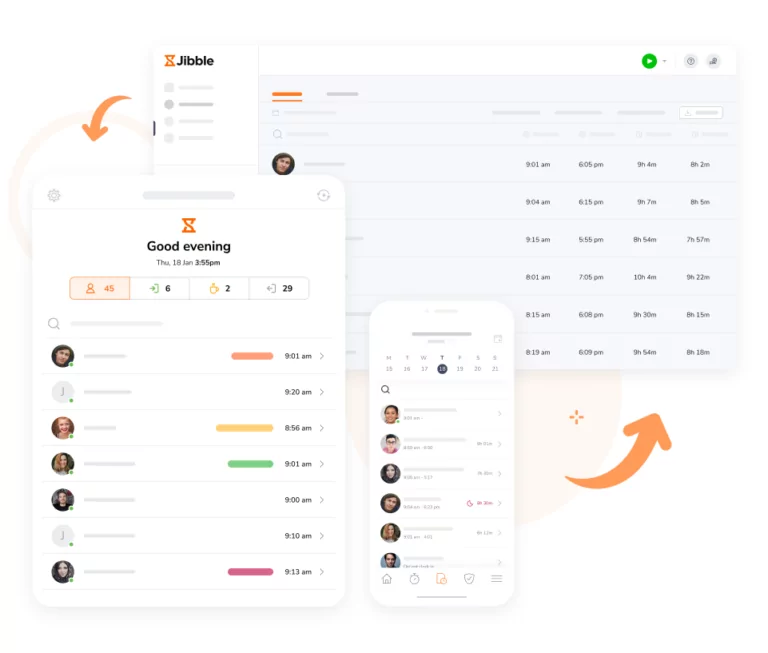
Timesheet appEvery second tracked through Jibble’s desktop time clock software is automatically converted into organized timesheets in real-time—giving you a clear, accurate view of work hours and overtime hours.
-

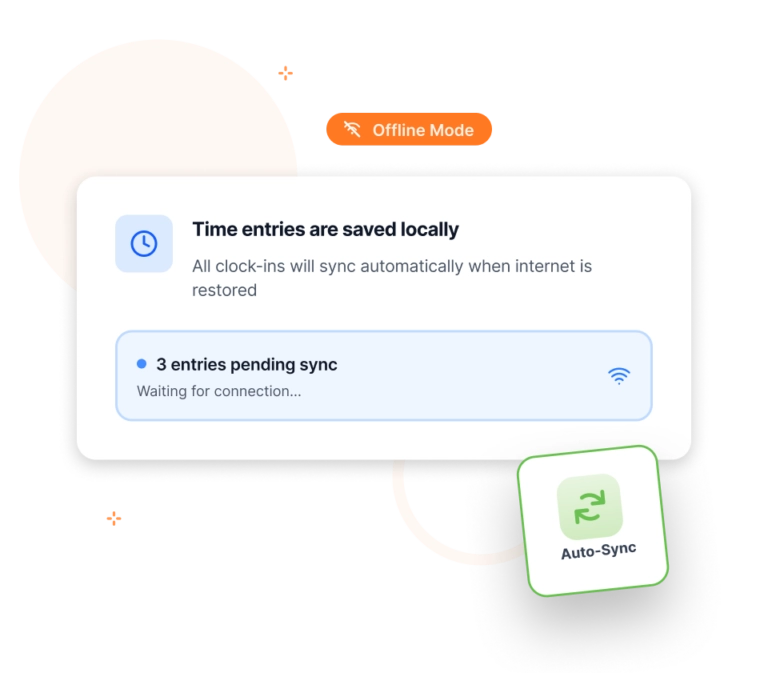
Keep clocking in, even without internet
Attendance stays accurate, no matter your connection
Employees can still clock in and out using their chosen verification method even when your network goes down. All entries are stored securely on the device and syncs automatically once the internet is restored.
-
More than just a time clock kiosk
Your ultimate desktop assistant
Jibble goes beyond simple check-ins. With built-in screenshot capture and sleep/lock detection, it’s the easiest way to ensure accurate time tracking while keeping teams accountable without disrupting their workflow.
-

Get your desktop kiosk running in minutes
Easy to use & quick to set up
Jibble’s desktop kiosk is designed to be intuitive and hassle-free. Simply create an account, install the app, enable kiosk mode, and you’re ready to go! Employees can start clocking in immediately, and managers can view real-time data on any device.
Thousands of companies love Jibble's desktop time clock
-
Takes the headache out of time tracking
Jibble takes the headache out of time tracking. The team can easily see who's working at any given time and pull hours for reports and payroll.
Not intrusive at all
Very easy to use in a non-intrusive manner. Very good details in the reporting/dashboards to track and analyse productivity. Ease of interpretation is very high.
Functional and practical
Jibble makes it very easy to track your time spent on different projects. There is also an app that can be used on your phone if you are on the move. It is extremely easy to add projects and activities.
Exceeded my expectations
Honestly, I wasn't super excited about my company having this type of software to keep track of time. Oh, how my opinion has changed. Jibble is one of the best time tracking software I have ever seen... it has exceeded my expectations.
Project time tracking made easy!
The app is available on every device and works very simply. You can track time for large or small teams working on different activities for different clients or different projects. The integrations for slack and mobile apps make using Jibble fast and easy.
Top-class customer service
Our experience so far has been very positive, especially thanks to the outstanding support from the Jibble Team. They are easy to reach and provide excellent service. Jibble meets all our needs and helps us understand staff working hours and payroll better.
Made tracking staff time a breeze
Jibble has changed the way we calibrate pricing in our business as we now have clarity in measuring KPIs. Jibble's time management software made it possible to compare work carried out by team members and identify bottlenecks and where systems needed improvement. Jibble made tracking staff time a breeze.
Fantastic product for remote work and payroll management
Jibble has, to a large extent solved our problem of time tracking, attendance system and payroll management as many of our employees are still working remotely. The usability of the product is great. The feature for the employees to take and track their breaks is fantastic. The attendance and payroll management system has been of great use for us at Innvocon.
FAQs
Some frequently asked questions...
A desktop attendance kiosk transforms any computer into a secure clock-in/out station. Employees can log their time using various verification methods, and all entries are recorded in real time — making it perfect for shared workstations, offices, and team environments.
Very easy! Simply install the Jibble app, enable kiosk mode, choose your verification methods, and you’re ready to go. No special hardware or technical expertise is required.
Employee time can be tracked using dedicated time tracking or attendance kiosk software. With Jibble, employees simply clock in and out from a shared computer using selected verification methods. The system records their hours and provides accurate reports for payroll and compliance.
A desktop time clock kiosk is flexible, cost-effective, and easy to manage. You can deploy it on any computer, customize verification rules, and scale it across multiple locations without buying expensive punch clocks or biometric devices.
Jibble offers one of the best free desktop time clocks available, no special hardware required. With Jibble’s desktop kiosk mode, you can turn any computer into a secure time clock that supports multiple verification options.
Don't waste another minute! Jibble is FREE forever.
Get tracking with the ultimate desktop time clock kiosk.
Track time now - it's FREE!

100% FREE Desktop Time Clock Kiosk
Save hardware costs, enhance security, and streamline check-ins with our flexible desktop kiosk solution. Coming soon!
60,243
signed up last month, nearly
3x
more than a year ago, all without any paid advertising!