






We will never use any other timesheet software. I used the intuit time tracker before but I find Jibble more useful for my team and also I have to check all of the employee's timesheets without any hassle.
★ Free forever · Unlimited users
Free Desktop Time Tracker
Effortlessly monitor time spent on activities, projects and clients, right from your desktop. Compatible with macOS and Windows.
DOWNLOAD FOR YOUR DEVICE



You'll need a Jibble account to get started. Sign up for free.






Built for focused work
Everything you need, right on your desktop.
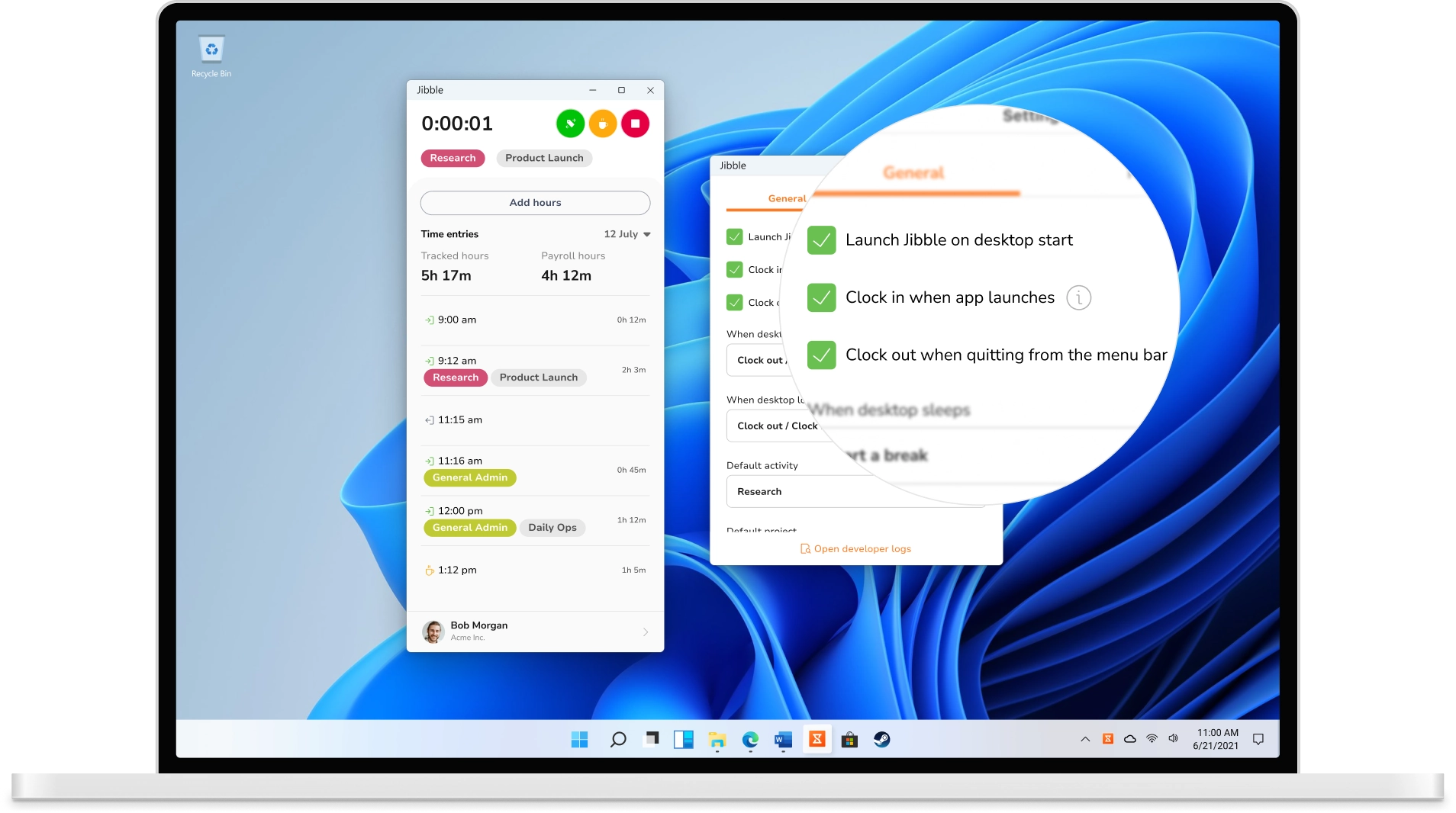
A one-click timer that lives on your desktop
Track work hours in real time
Turn time tracking into a single click. Hit start when you dig into a task and stop when you're done. Every minute flows straight into timesheets, ready to review, approve, and export.
How desktop time tracking works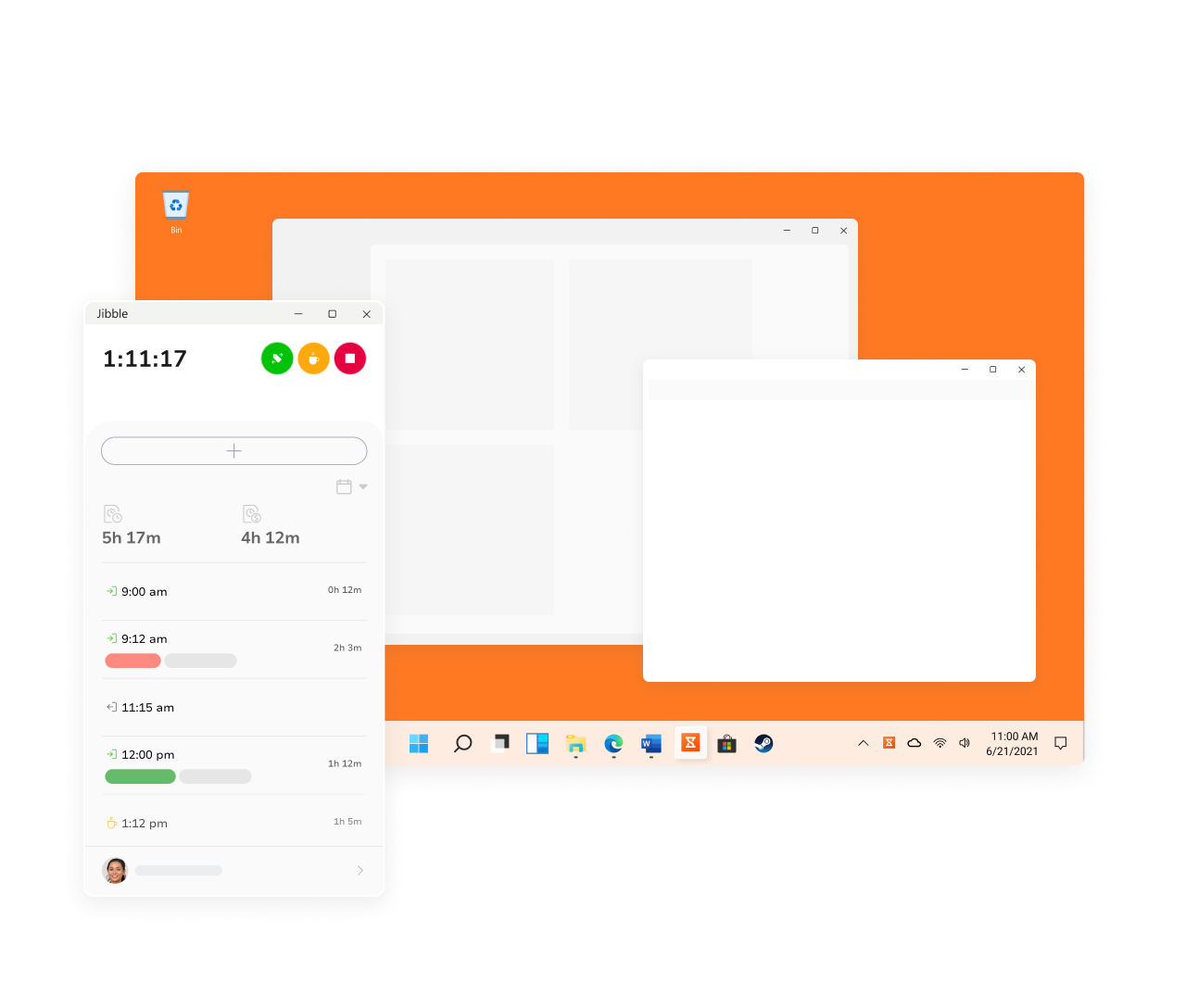
Track time by project and activity
Know exactly where the hours go
Tag every timer to a project and activity so hours sort themselves as you work. Set your defaults once and they're applied to every clock-in automatically — no dropdowns, just clean data ready for billing and reports.
Project & activity tracking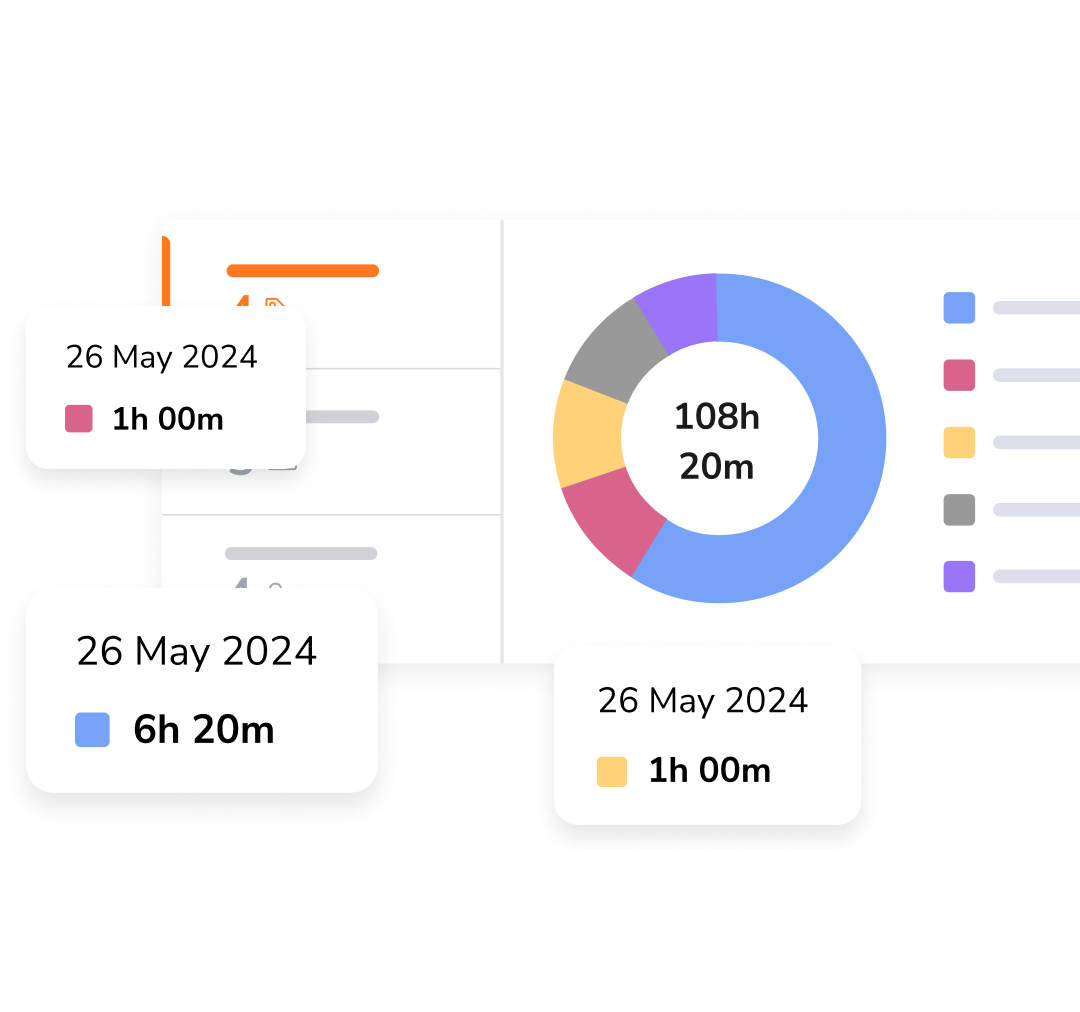
Smart sleep & lock actions
Automatic clock-outs when you're away
Set it once and forget it. Tell Jibble what to do when your screen locks or your machine sleeps, whether that's clocking out, starting a break or continuing to track, and define what happens when you're back.
Set up sleep & lock actions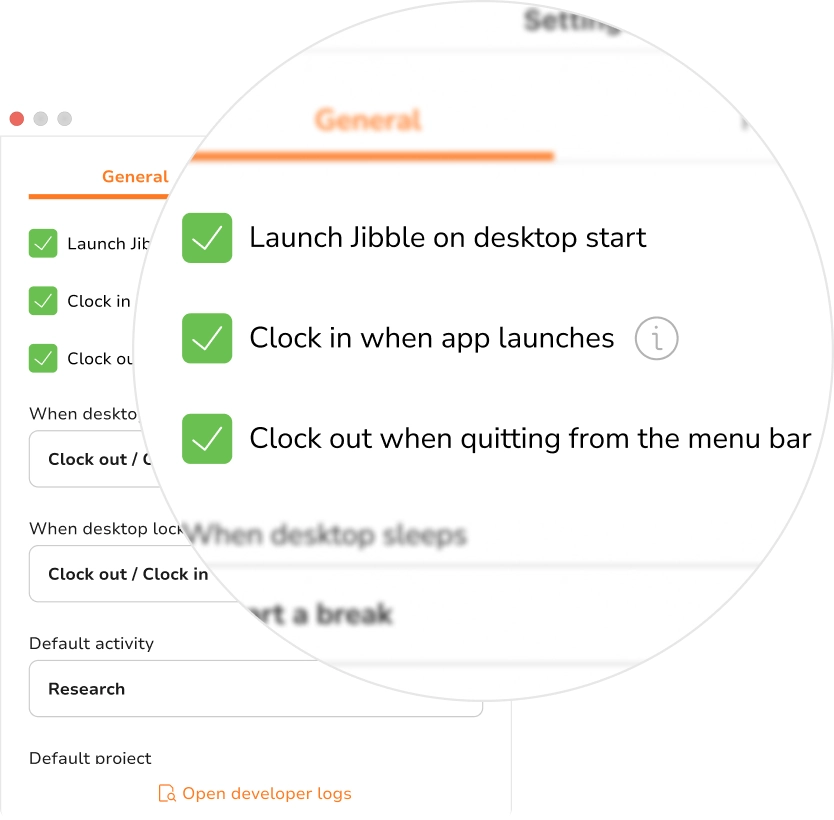
Screenshots for proof of work
Optional, admin-controlled visibility
Need an extra layer of accountability? Admins can switch on periodic screenshots that capture automatically while the timer runs — fully transparent to the team and off by default, so you stay in control.
Employee monitoring software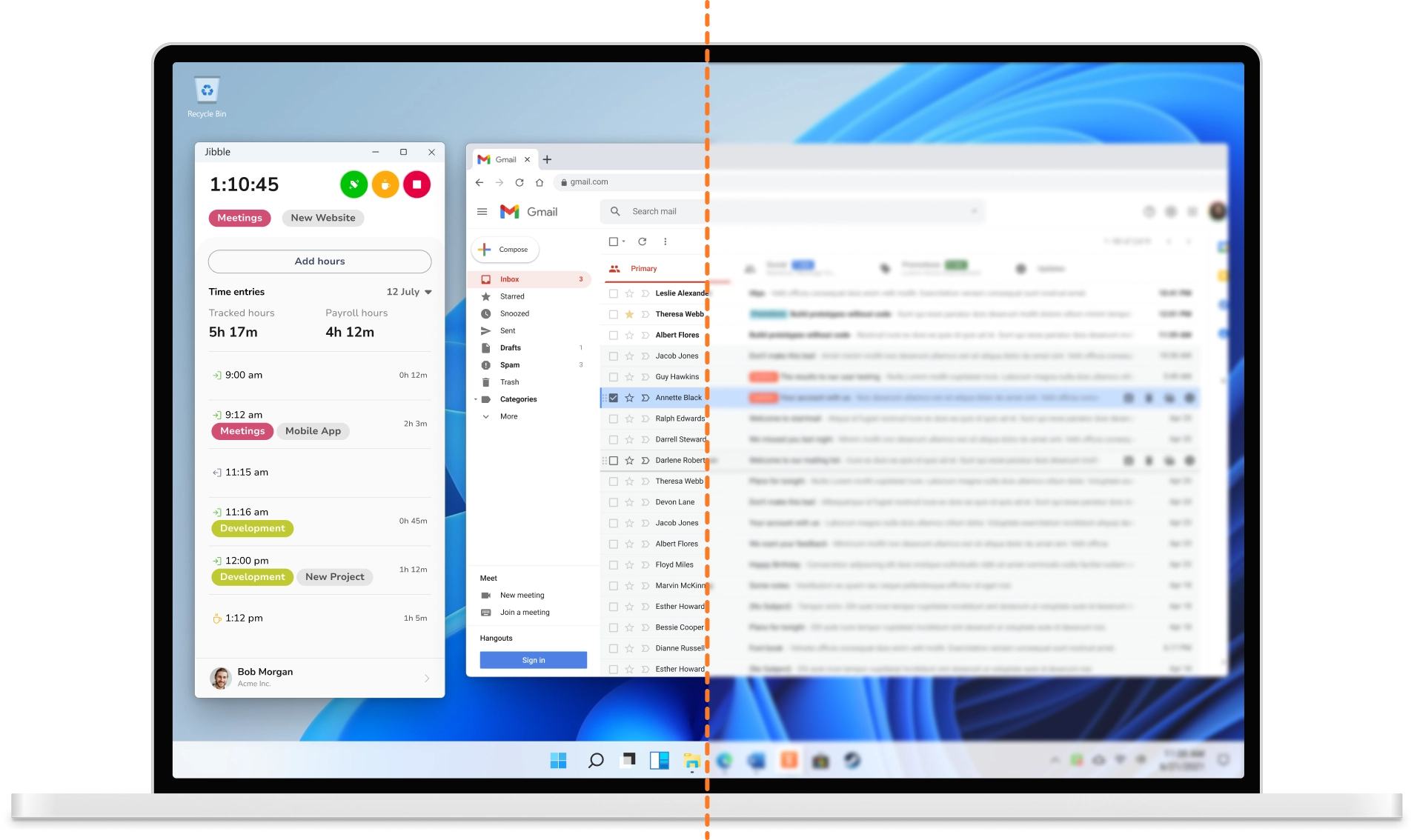
Fix and edit timesheets in seconds
Manual entries and quick corrections
Forgot to start the timer? Add entries by hand, correct missed clock-ins, and clean up overnight timers in a couple of clicks. Timesheets stay accurate without the back-and-forth.
Timesheet app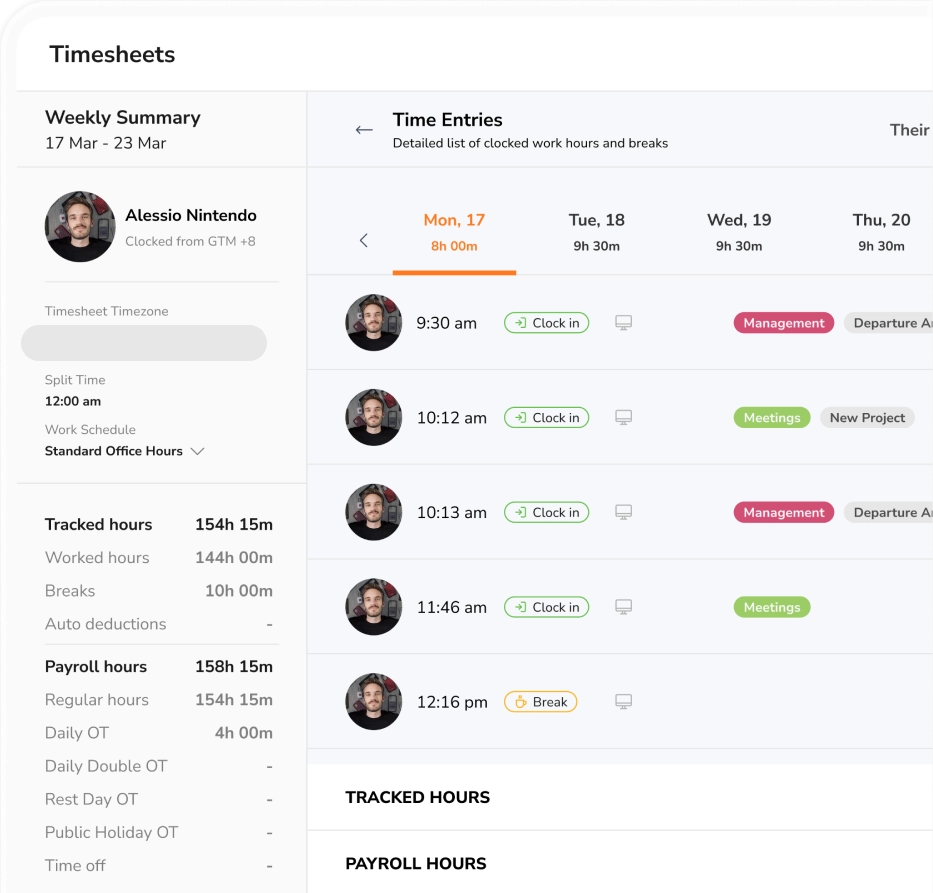
Keep tracking, even without a connection
Offline-first, syncs automatically
On a flight or working somewhere with no signal? The desktop app keeps right on tracking — timers, entries, even screenshots continue recording locally and sync automatically the moment you're back online.
Offline time tracking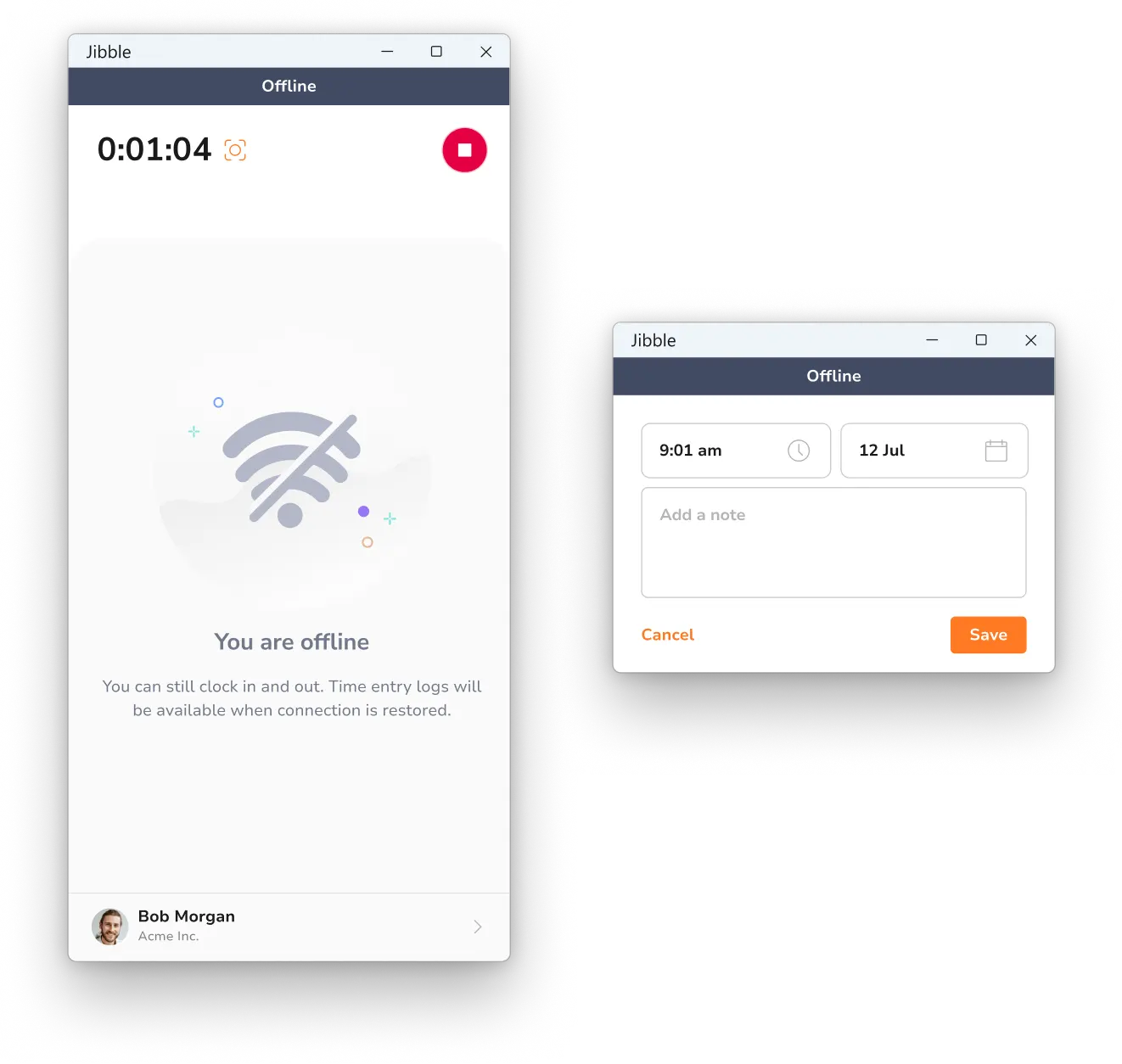
Turn tracked hours into clear reports
Detailed reports, exported in a click
Every minute tracked on the desktop app rolls up into clear, filterable reports. Slice hours by project, client, activity, or team member, spot where time really goes, and export to Excel or CSV whenever you need it.
Reporting & analytics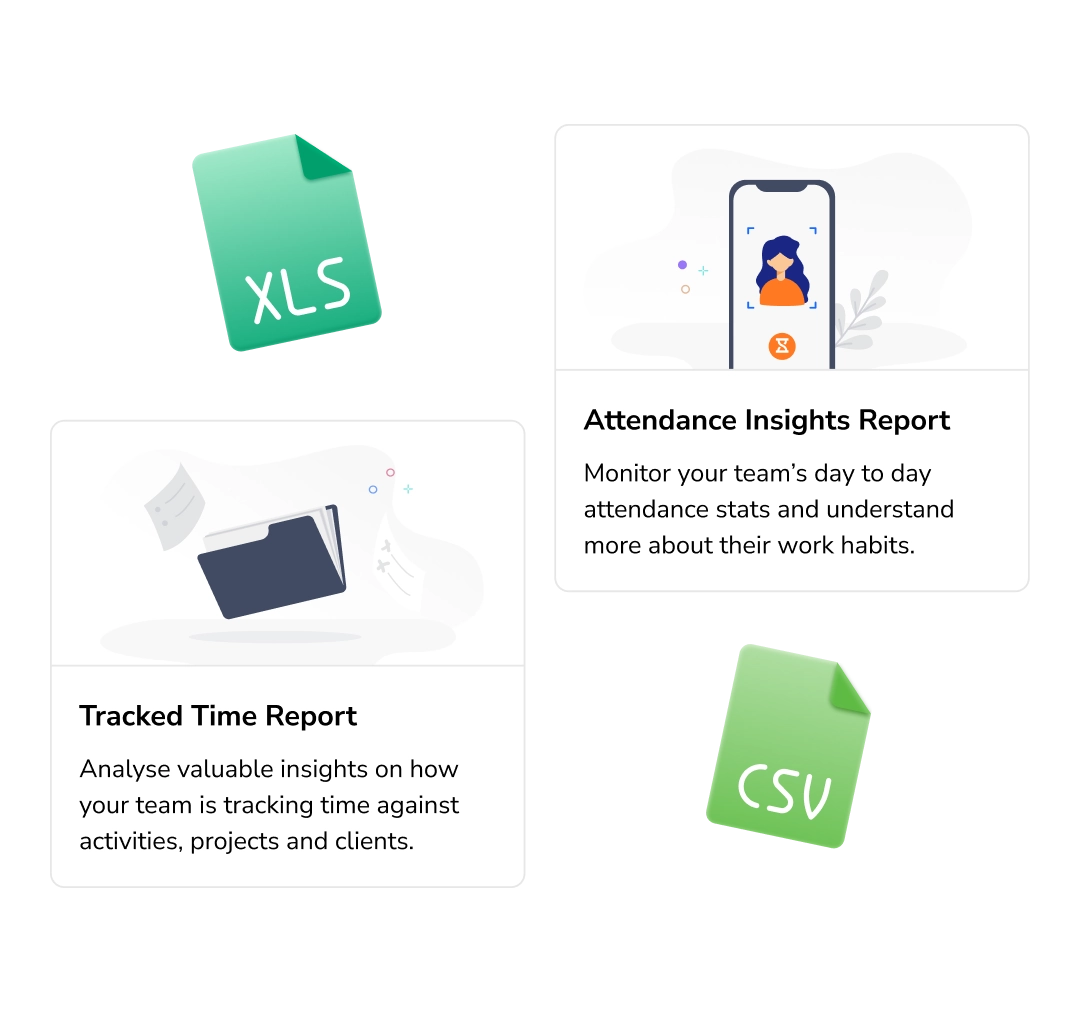
Coming soon
See where the workday actually goes
Keyboard, mouse, app & website activity
Get a clear picture of how active your team is during tracked hours. Measure keyboard and mouse activity and surface which apps and websites were used, so you can spot distractions and improve focus.
Productivity tracking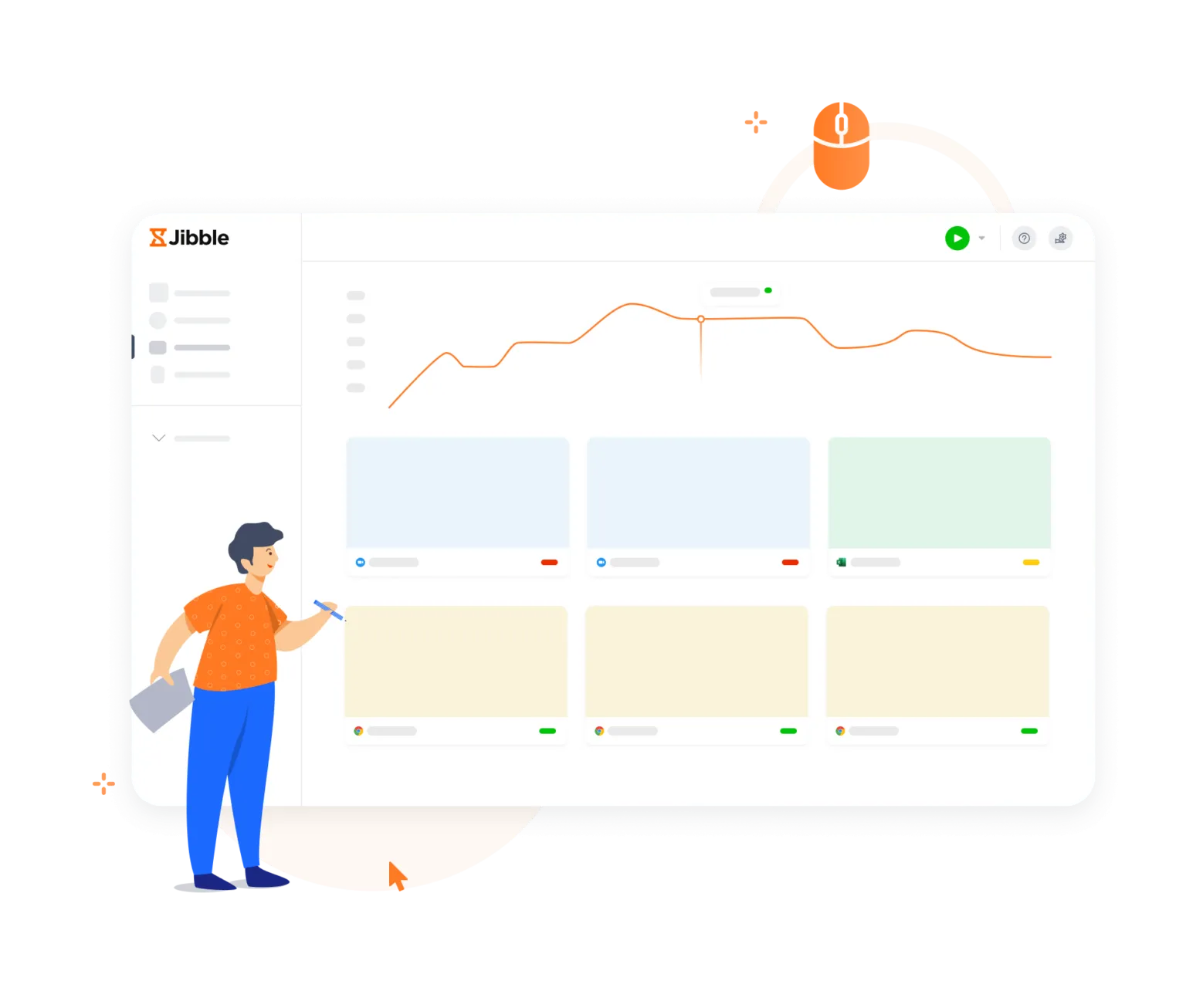
One time clock across every device
Mac, Windows, mobile and browser
Clock in on your Mac, take a break from your phone, and wrap up in the browser. Every device shares one account and one timesheet, so hours stay in sync no matter where the work happens.
Time clock software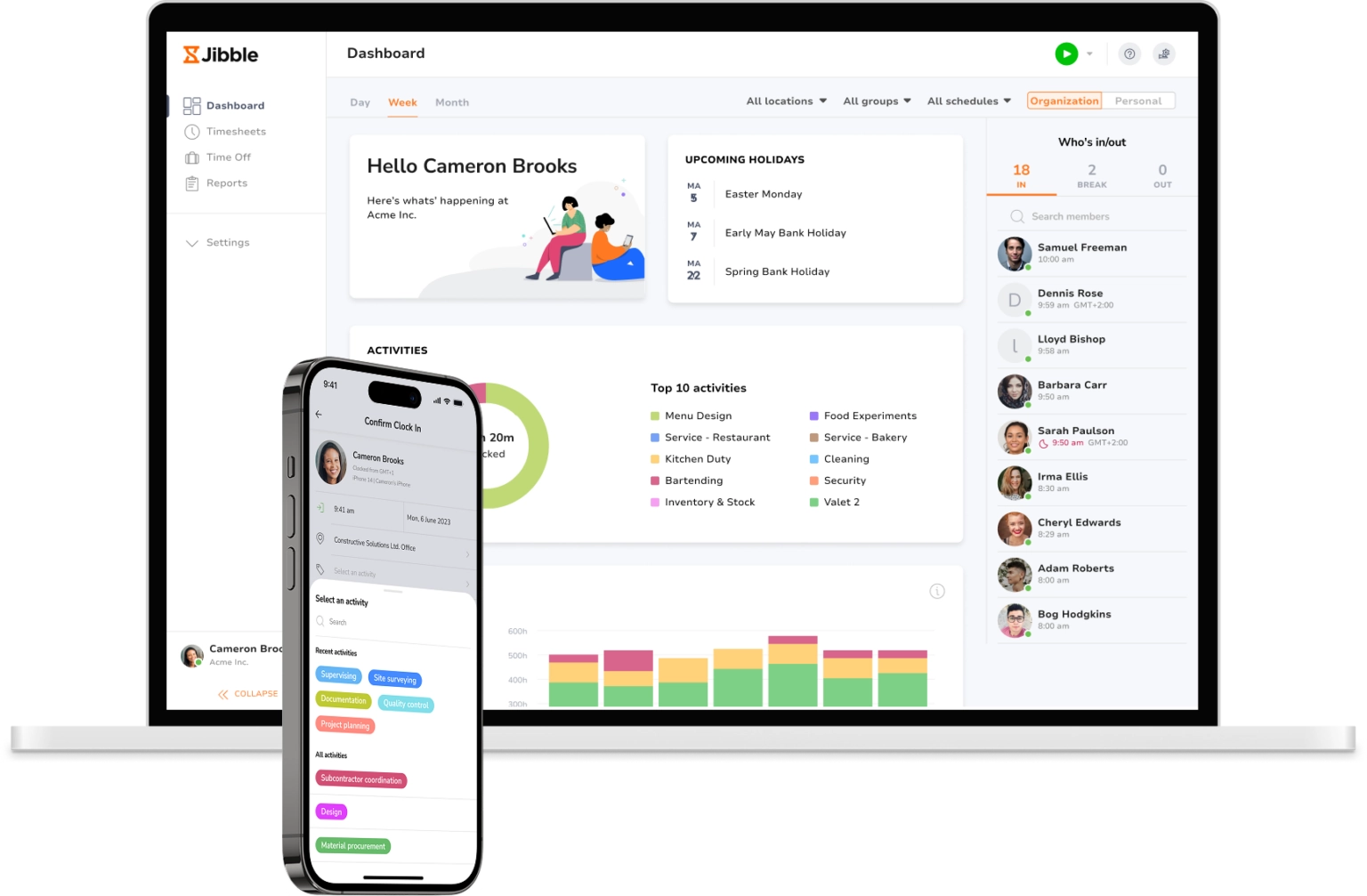
Walkthrough
See how it works, start to finish.

Loved by teams everywhere
Trusted by teams in every industry
Very easy to use in a non-intrusive manner. Very good details in the reporting/dashboards to track and analyse productivity. Ease of interpretation is very high.
Honestly, I wasn't super excited about my company having this type of software to keep track of time. Oh, how my opinion has changed. Jibble is one of the best time tracking software I have ever seen... it has exceeded my expectations.
I can easily monitor daily activities with Jibble's time tracking. I can track remote workers' hours as well as overtime, and also set the calendar according to my region to assign holidays and weekends accordingly.
Jibble makes it very easy to track your time spent on different projects. It is also extremely easy to add new projects and activities. I like that there is also an app that can be used on your phone if you are on the move.
I am very happy with Jibble because of its functionality and ease-of-use. My employees can record their work hours hassle-free with accurate timesheets. I will definitely recommend Jibble to my friends and colleagues as it is very helpful and easy to use.
FAQS
Common questions about desktop time tracking
What is a desktop time tracker?
A desktop time tracker is an app that runs on your computer and records the hours you spend on work. One click starts the timer, another stops it, and each entry is tagged to a project, activity, or client and saved to a timesheet you can export for payroll or billing.
Is there a truly free desktop time tracker?
Yes! Jibble's desktop time tracker is 100% free for an unlimited number of users.
How do I download the Jibble desktop app for Windows or Mac?
You can download the Jibble app on the Mac App Store or Microsoft Store. Sign in with your Jibble account and the desktop time tracker is ready to run.
How can I track the time on my computer for free?
Simply download Jibble's 100% free desktop time tracker, sign in, and hit start — it records your work hours in real time and lands them on a timesheet you can review and export, all without costing a cent.
What devices can I use Jibble on?
Jibble can be used on mobile and web giving users the flexibility to track time on the device they prefer. It also has a dedicated desktop time tracker and Chrome time tracker.
Beyond time tracking Jibble can also be used as an, attendance tracker , GPS time clock, and timesheet software.
Does Jibble work without internet?
Absolutely. Jibble's desktop app keeps tracking while you're offline — timers, entries, even screenshots are recorded locally, so a dropped connection never means lost hours. As soon as you're back online, everything syncs automatically.
Start in 60 seconds
Track your first hours in under a minute.
Set up your workspace, download the desktop app, and start tracking.