
Free Face Recognition
Attendance System
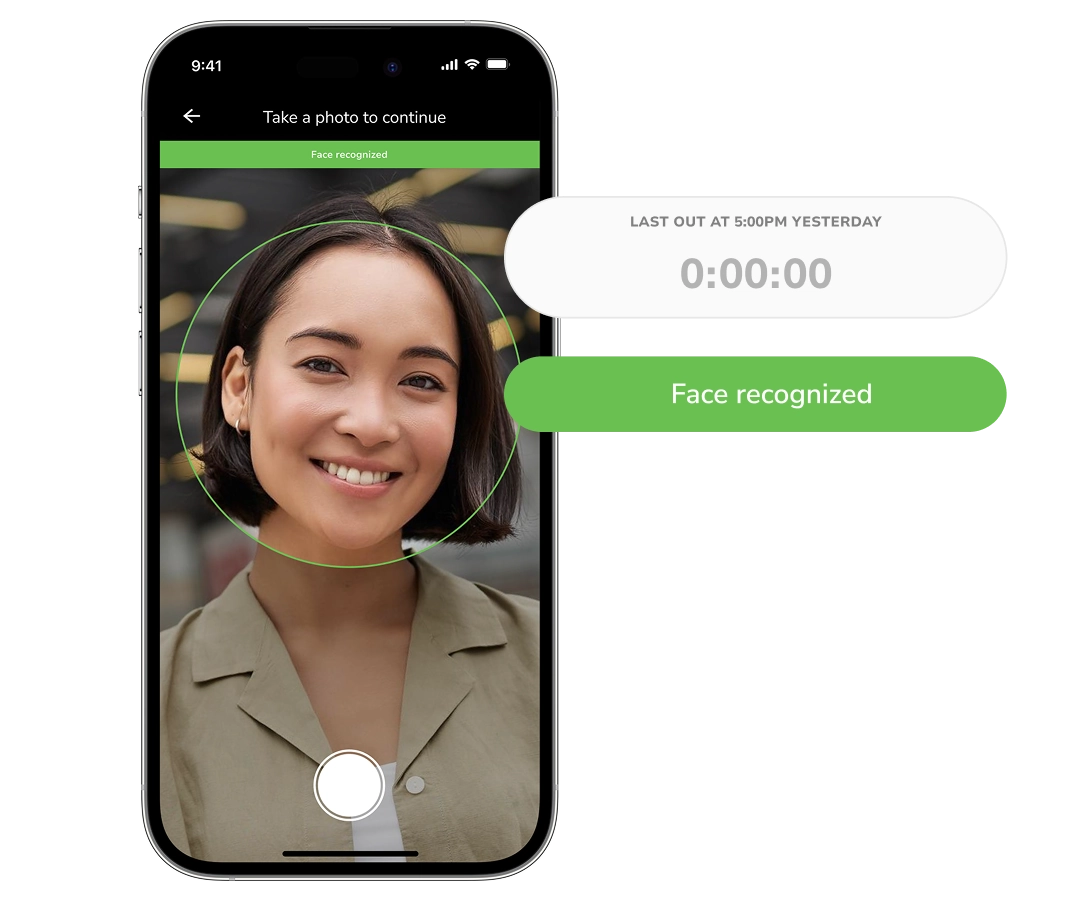
Jibble verifies who clocks in on a phone or shared tablet, works offline, and turns face-verified punches into timesheets for payroll review.






From a face-verified clock-in to approved hours
From the clock-in on the floor to the approved hours you send to payroll, every step is verified.
Set up each employee once
Employees enroll through the Jibble mobile app by taking photos from four angles: up, down, left and right. Jibble uses that face data to recognize them when they clock in and out. If face verification is required under your time tracking rules, each punch also captures a photo that managers can view in the timesheet.
Biometric attendance system →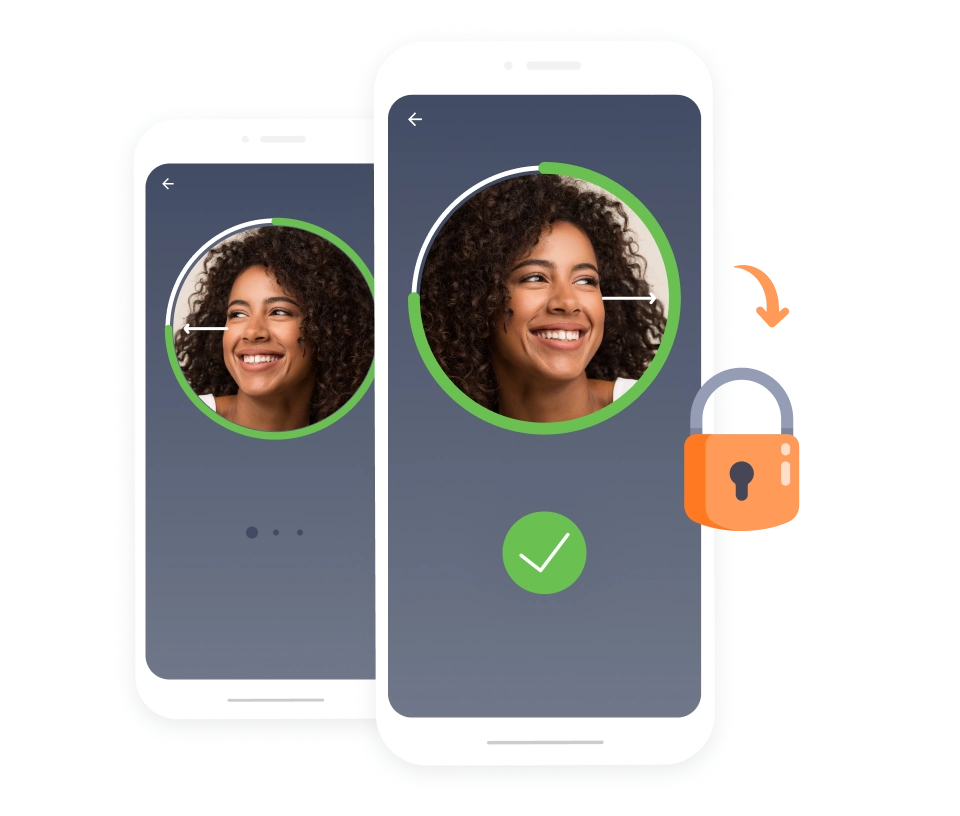
Use personal phones or a shared kiosk
Employees working across different locations can clock in on their own phones. At a shared entrance, an iPad or Android tablet can act as a face recognition time clock for the whole team. Jibble recognizes each person at the kiosk before they clock in or out, saving them from finding their name in a list.
Attendance kiosk →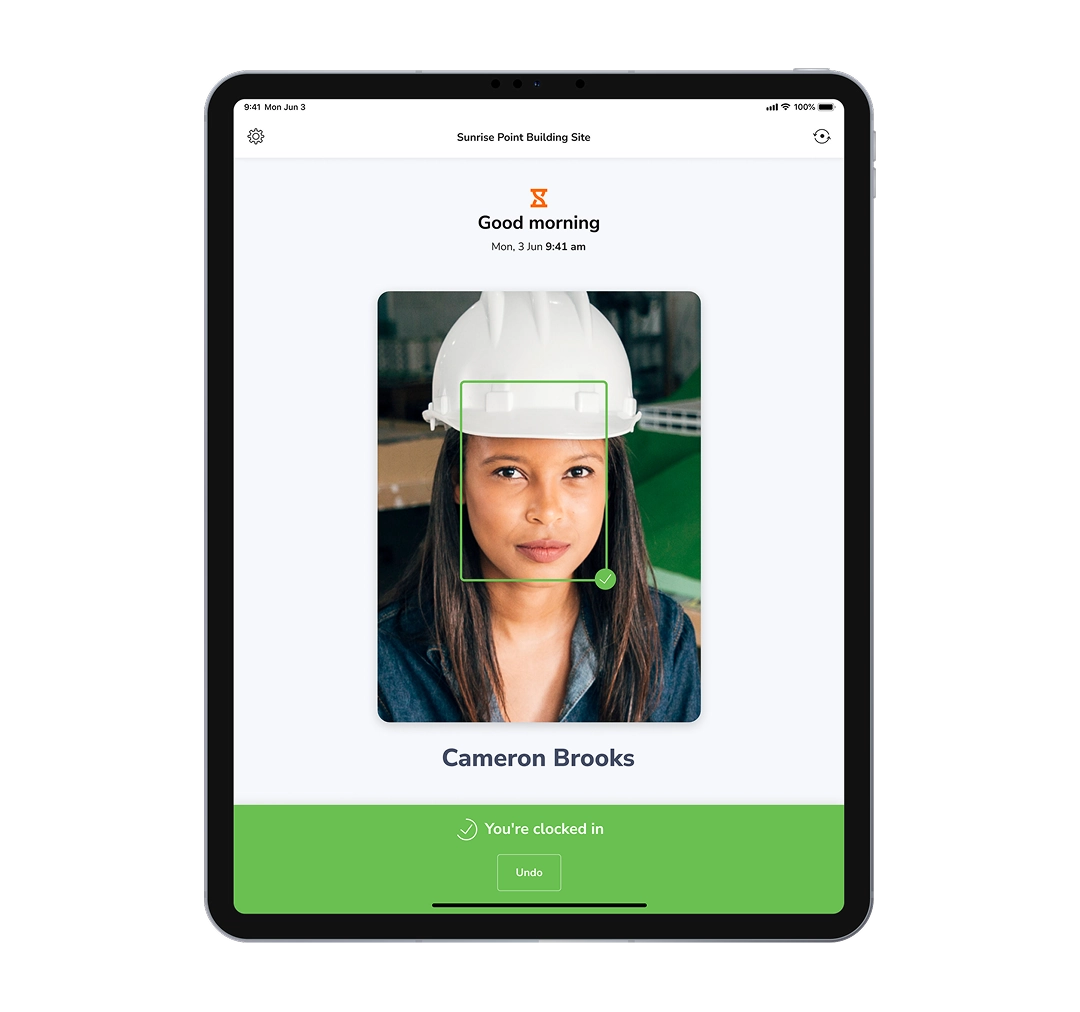
Verify who clocked in and where
Face recognition checks the person making the punch. When GPS is required, Jibble also saves the mobile device’s location with the time entry, which managers can inspect on a map. Add a geofence when employees must clock in or out within an approved work area, such as a store or job site.
Employee GPS tracking →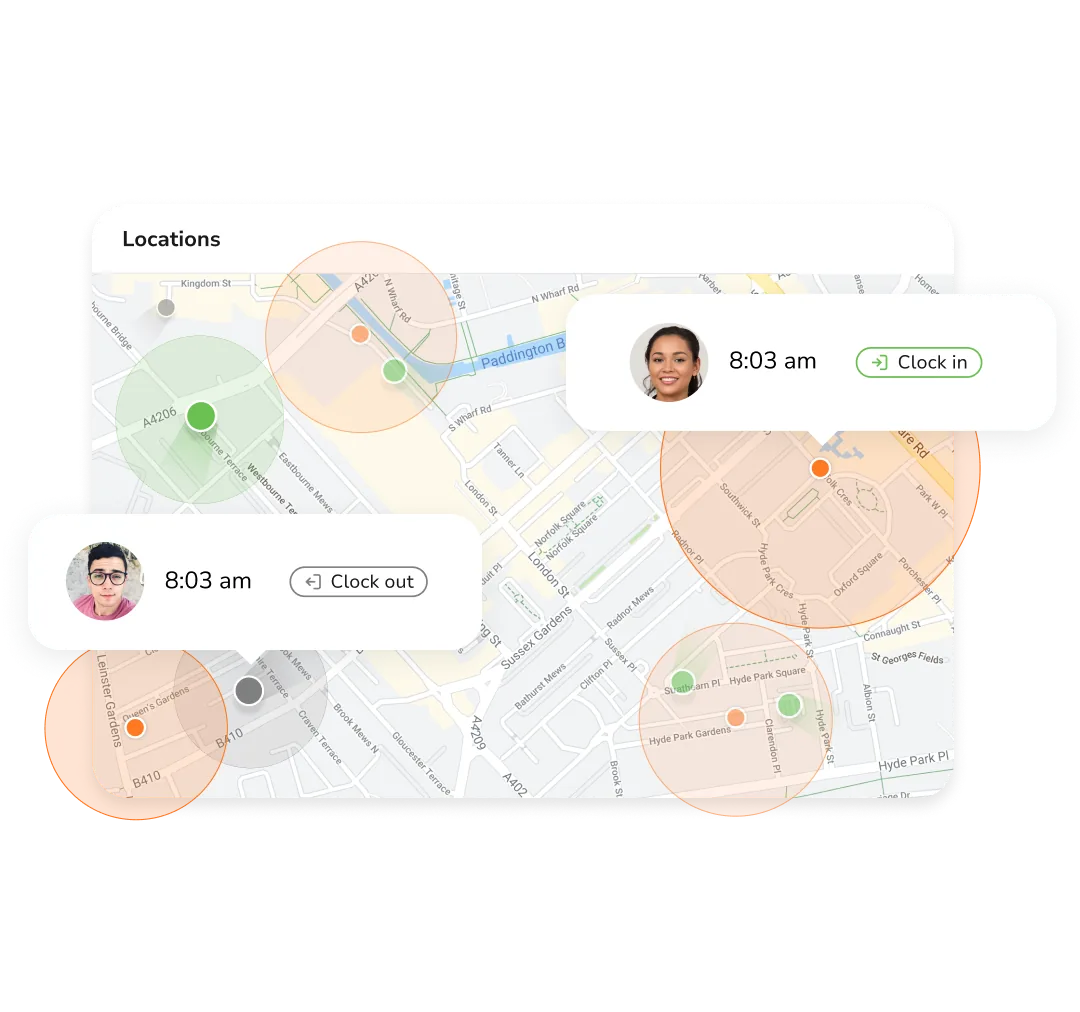
Know when a face check needs attention
On a supported kiosk, anti-spoofing checks whether the camera is seeing a live face rather than a photo or video. You can also set how Jibble handles an ordinary face mismatch: allow the punch, flag it for manager review, or block it. A failed anti-spoofing check on the kiosk blocks the punch and notifies managers.
How face spoofing prevention works →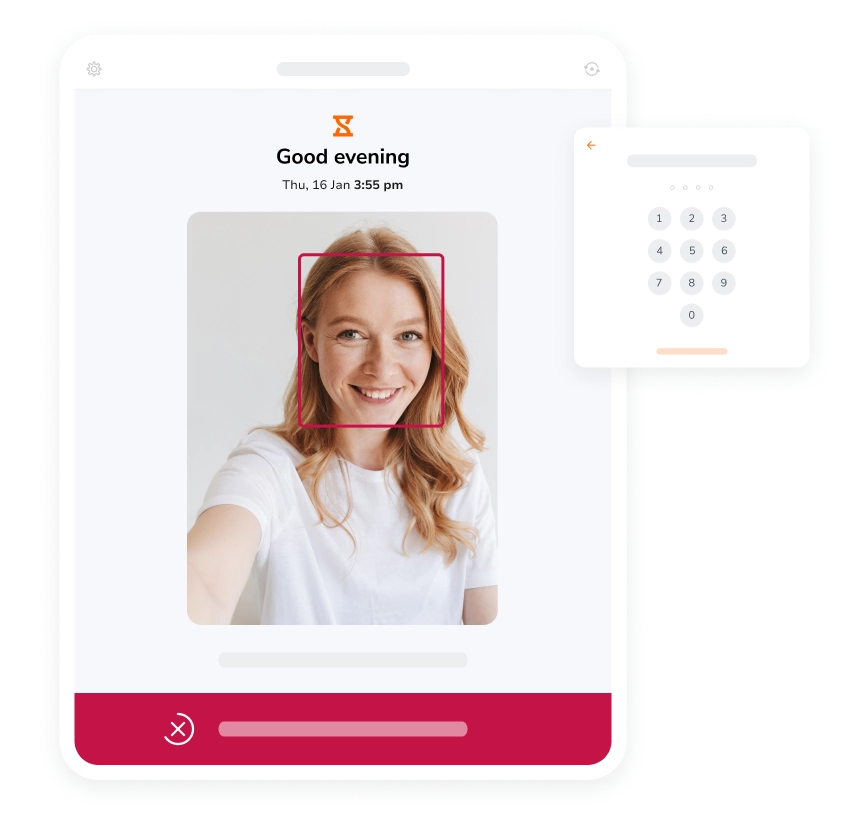
Keep clocking in when the connection drops
Enable offline tracking for employees who work in basements, warehouses or remote sites with unreliable internet. They can continue making face-recognized punches on a phone or shared mobile kiosk. Jibble holds the entries on the device and syncs them to the timesheet once the connection returns, so the clock-in is recorded at the time it happened.
Offline time tracking software →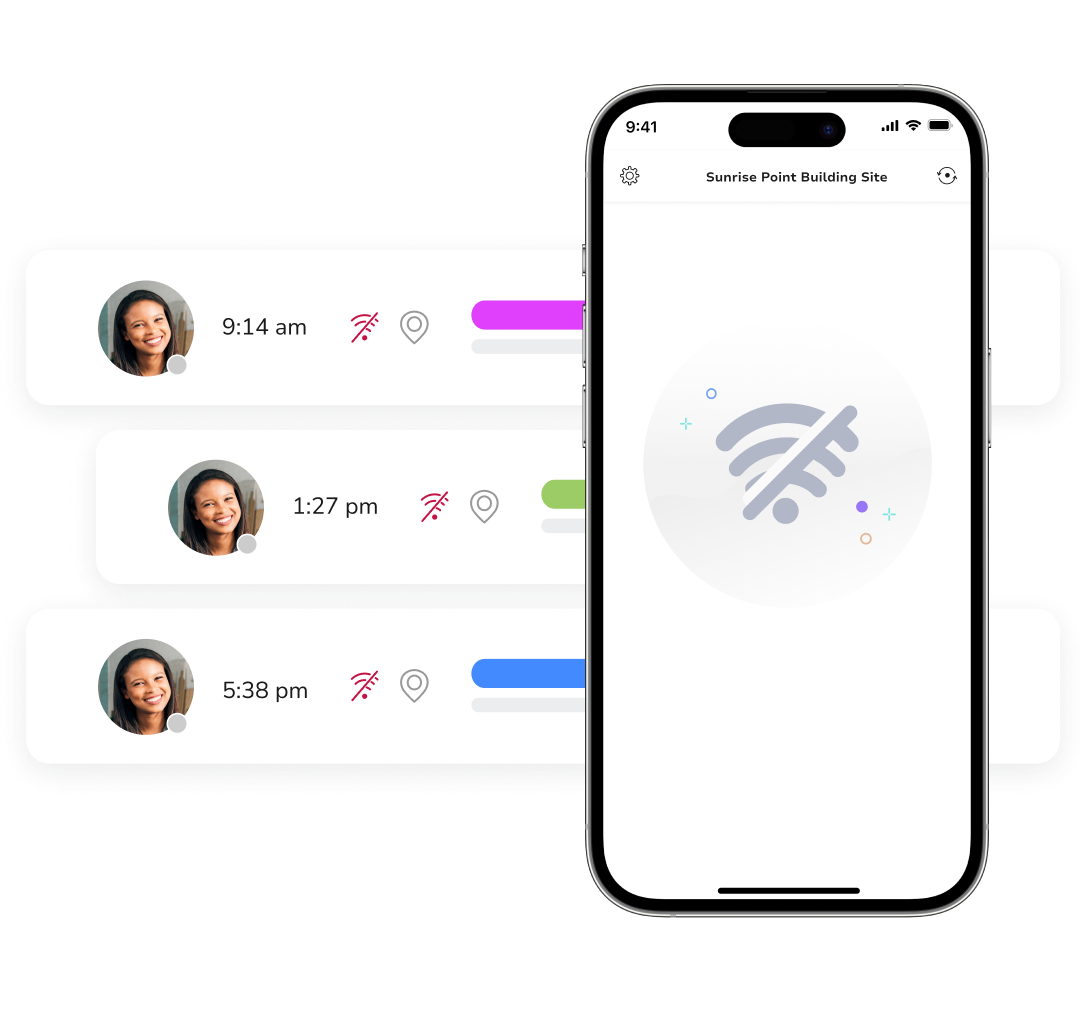
Turn verified punches into hours you can review
Clock-ins and clock-outs feed into timesheets that account for breaks and calculate overtime based on your settings. Managers can check the underlying entries, review the hours for a pay period and approve the timesheets before payroll. Export timesheet data in CSV or Excel, or use attendance reports to examine patterns across the team.
Time and attendance reports →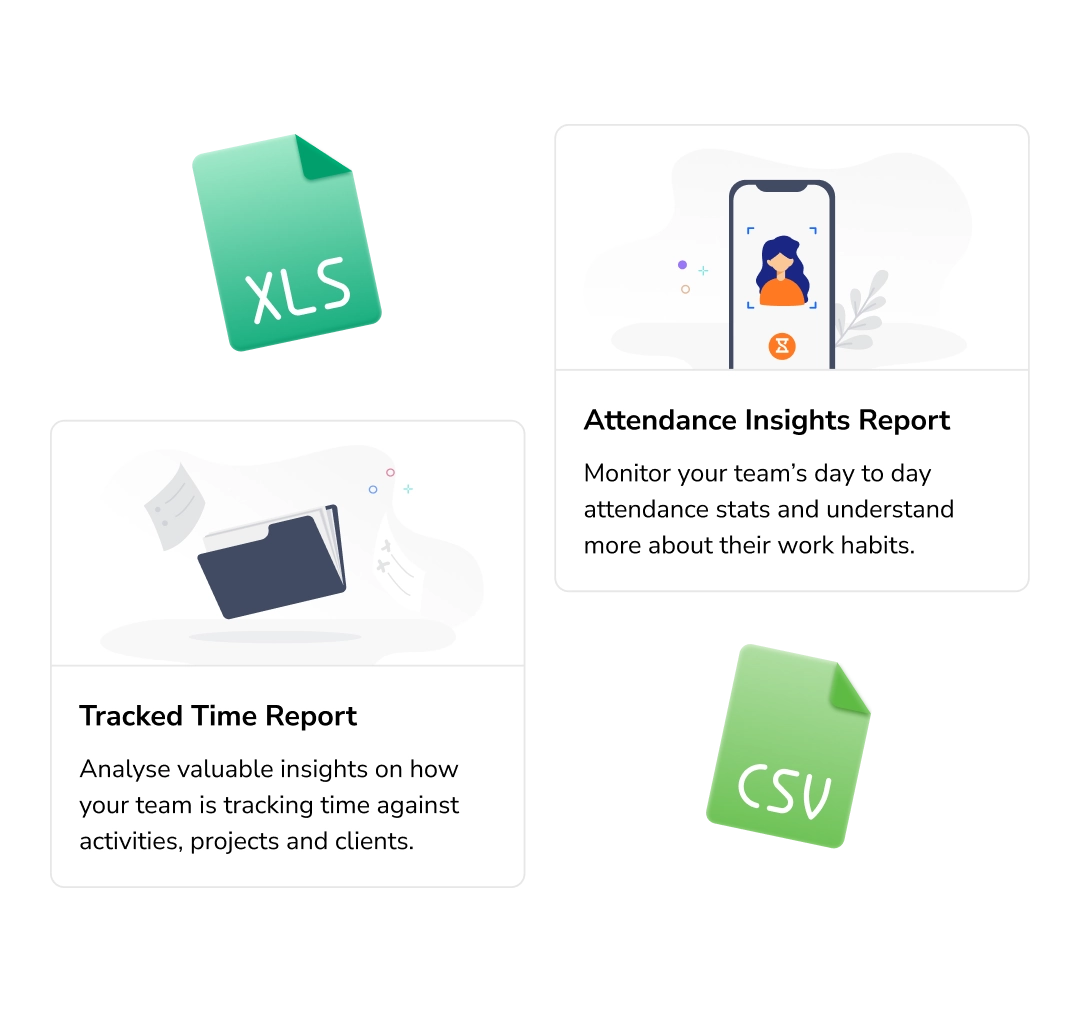
Face recognition attendance that works for everyone involved
A quick clock-in for employees, a clearer attendance record for managers, and hours that are easier to prepare for payroll.
Clock in and out with face recognition on a shared kiosk or your phone, without entering your details each time.
Face recognition clock-ins →See who has clocked in and review entry times, locations, or flagged face matches.
Face-verified time entries →Export approved timesheets with breaks and overtime calculated according to your settings.
Timesheet exports →Set face verification, clock-in location, and failed-match rules for each team in one system.
Configure clock-in rules →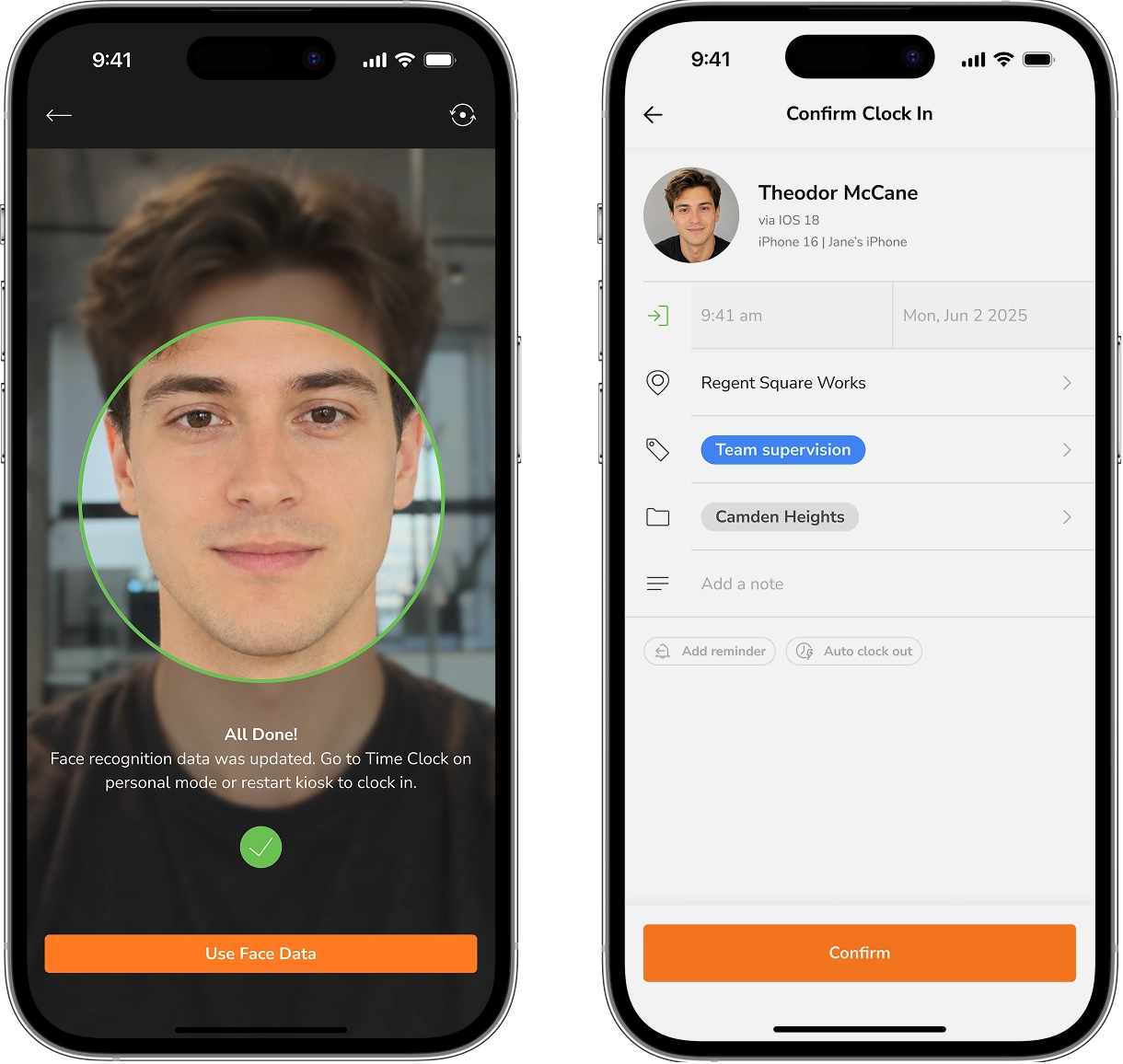
Stop paying for hours nobody worked.
Enroll your first faces in under two minutes.
Face recognition attendance system without the usual trade-offs
Use face verification across your team without buying a dedicated biometric clock or paying for every employee you add.
Start with your whole team.
Jibble offers free forever facial recognition for unlimited users. You can roll it out across a growing workforce without deciding which employees get access to face-verified attendance.
- Free forever
- Unlimited users
- Face recognition included
Use the devices you already have.
Employees can use the Jibble mobile app, or you can set up a shared face recognition kiosk on an iPad or Android tablet. This gives teams a choice between individual and shared clock-ins without installing a separate biometric machine.
- Personal mobile clock-ins
- Shared tablet kiosk
- No hardware setup
Keep attendance moving when Wi-Fi drops.
Offline face recognition lets employees continue clocking in where coverage is unreliable, including remote sites and areas inside large buildings. Their entries sync when the device reconnects, so a lost signal does not mean a lost punch.
- Offline clock-ins
- Automatic sync
- Useful for field teams
Carry verified punches through to payroll review.
Face-recognized entries become part of Jibble’s timesheets. Managers can review hours, approve pay-period timesheets and export the data in CSV or Excel, keeping the attendance record connected to the hours payroll uses.
- Timesheets built from punches
- Pay-period approvals
- CSV and Excel exports
Set up and clocked in the same morning
Four steps, no hardware, no training needed.
Capture each face once, from any phone or kiosk tablet, and every clock-in is matched against it.
Personal phones, a shared tablet at the entrance, or both, set per team.
A glance at the camera is the whole clock-in, with or without signal.
Check the week on the dashboard, approve it, and send the hours to payroll.
What teams say after switching to Jibble
Our employees clock in and out using the facial recognition feature. It has improved the accuracy and consistency of hours worked. We don't waste any more time on punch cards or with employees disputing their work hours.
I have found that Jibble makes it much easier to manage my staff’s working hours and with the facial recognition feature, there is no question about who was there or not... easy to use for the staff. I switched from an app from the Apple app store, as it did not meet my needs as Jibble does.
Super easy to implement with staff. Having an online time clock app is the answer a small office like ours was looking for. So far, the experience and implementation of the time clock software has been flawless. My staff started using it immediately without any problems or assistance.
Whether you’re adding employees or clocking in/out, Jibble is extremely easy to use. Employees enjoy the "fun" of taking selfies when they’re clocking in/out and it’s simple to access via tablet, phone, or computer.
Easy to use, easy to track the staff, choosing the authorized location in order to log in or out which means no one can cheat! No need to go to the office to check the staff if they came or not.
I can easily monitor daily activities with Jibble’s time tracking. I can track remote workers’ hours as well as overtime, and also set the calendar according to my region to assign holidays and weekends accordingly.




Everything teams ask before rolling it out
What is a face recognition attendance system?
Is there a free face recognition attendance system?
Can a whole team use one facial recognition time clock?
Does face recognition attendance work offline?
What happens if an employee’s face doesn’t match?
What happens if an employee doesn’t use face recognition?
Make every hour on your timesheet provable.
Set up face recognition attendance for your team today, and let the camera do the checking your managers shouldn't have to.