





-





-
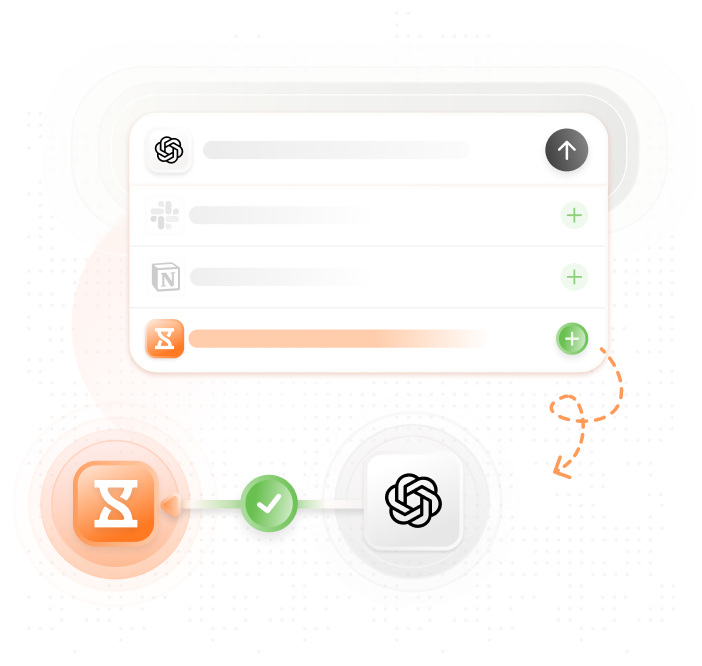
Track time anywhere with ChatGPT
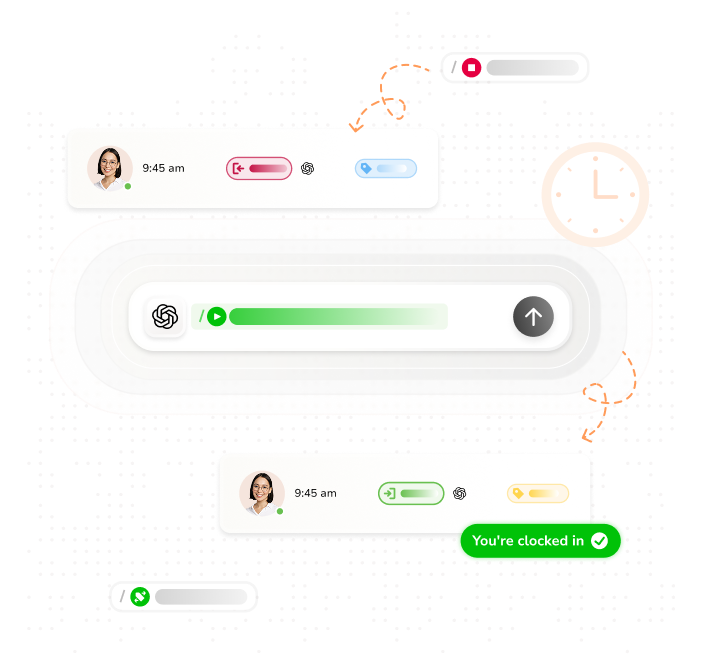
Use natural language to log hours
Using Jibble in ChatGPTJibble’s ChatGPT MCP integration puts time tracking where you already work. Whether you’re on a desktop browser, the ChatGPT mobile app, or any MCP-compatible interface, you can clock in, log hours, or pull up your timesheet without opening a single extra tab. Just ask and Jibble does the rest.
-

Log hours using natural language
Describe what you worked on and Jibble creates the entry
Forget toggling between apps or filling out timesheets manually. Just describe what you worked on and Jibble’s MCP connection instantly creates an accurate, timestamped entry. It works whether you’re logging hours mid-task or catching up at the end of the day.
-

What can you ask ChatGPT?
Real prompts that work
Here are some AI time tracking prompts to get you started:
- “Clock me in under Project X.”
- “Log 2 hours of client calls for yesterday.”
- “Show me my timesheet for this week.”
- “How much overtime did my team log in July?”
- “What project took the most time last month?”
-
Your timesheets, automatically built from ChatGPT conversations
Review timesheets from your ChatGPT conversation
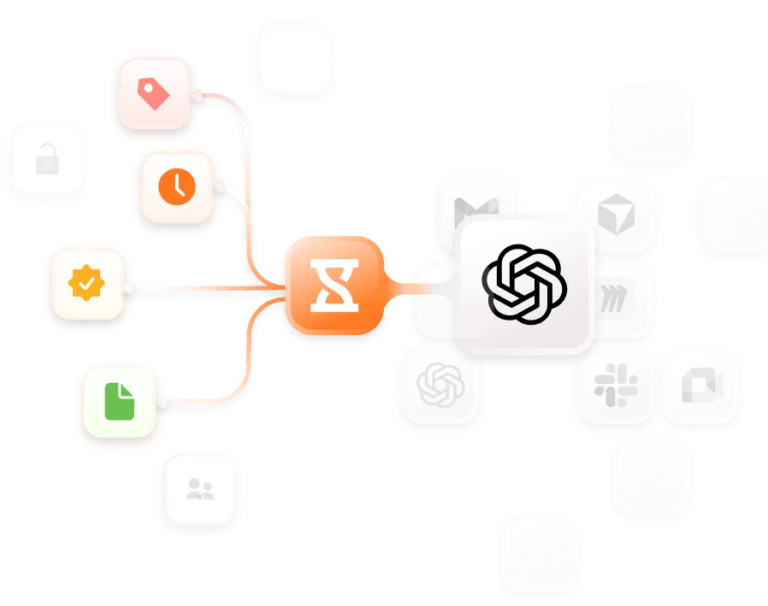
Every hour logged through ChatGPT flows directly into Jibble’s timesheet app in real time. Regular hours and overtime are tracked separately, and your reports are always export-ready so payroll runs smoothly and client billing stays accurate without any manual data entry.
-

Assign hours to any project, just by telling ChatGPT
Tell ChatGPT which project you're starting and Jibble logs it instantly
Project time trackingTell ChatGPT which project you’re starting and Jibble handles the rest. The MCP integration understands your full project structure so you can track time against anything using natural language. No codes, no drop-downs, no frustration.
-
Turn time data into decisions
Ask ChatGPT to surface productivity trends and flag inefficiencies
Go beyond basic hour logs. Ask ChatGPT to surface which projects are over budget or how your time compares to last month. Jibble delivers real answers from real data directly inside your ChatGPT conversation, so every workforce decision is grounded in facts, not guesswork.
-
Manage your hours wherever your AI works
Use Jibble with other MCP-compatible AI tools
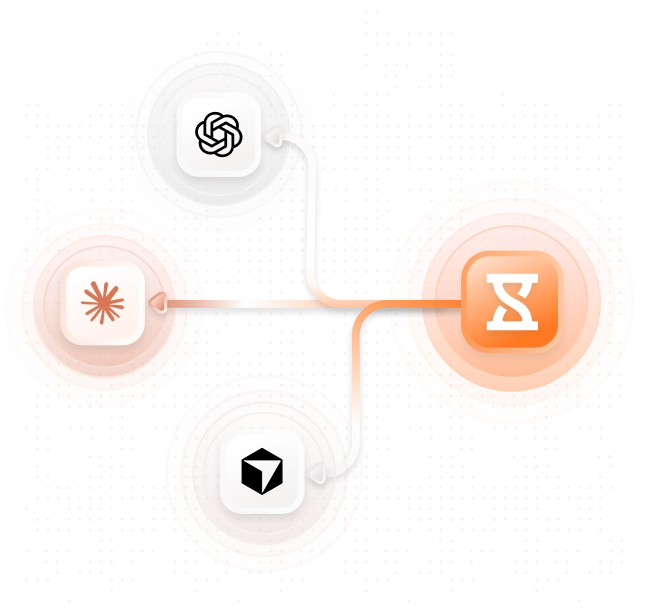
Jibble isn’t locked to one AI assistant. Built on the open Model Context Protocol standard, Jibble can also be used for Claude time tracking or Cursor time tracking. Set it up once and track time from whichever AI assistant fits your workflow.
-

Set up ChatGPT time tracking in minutes
Simple MCP setup, no complicated onboarding
- Create a Jibble account: Sign up in seconds and create your workspace.
- Connect Jibble to ChatGPT: In ChatGPT settings, add Jibble as a new app.
- Start tracking with plain language: Say “Clock me in” directly in ChatGPT and you’re tracking! It’s that simple.
Thousands of teams are already managing time, projects, and tasks directly from ChatGPT
-
Time management software with great free features
Excellent work time management software. It helped a lot to control the working time in the company and manage the time bank.
Excellent time tracking software for businesses
I like the fact that you can monitor your breaks, schedules, and daily overtime and that it's super easy... overall it has been a great experience.
Functional and practical
Jibble makes it very easy to track your time spent on different projects. There is also an app that can be used on your phone if you are on the move. It is extremely easy to add projects and activities.
The best time tracker I have used so far
We will never use any other timesheet software. I used the intuit time tracker before but I find Jibble more useful for my team and also I have to check all of the employee's timesheets without any hassle.
Exceeded my expectations
Honestly, I wasn't super excited about my company having this type of software to keep track of time. Oh, how my opinion has changed. Jibble is one of the best time tracking software I have ever seen... it has exceeded my expectations.
Keeping track of hours is super easy now
Jibble makes keeping track of employees when they work off-site very easy. With GPS location I was able to set the area that they can clock, thus ensuring correct times... keeping track of hours on projects is super easy now.
Made tracking staff time a breeze
Jibble has changed the way we calibrate pricing in our business as we now have clarity in measuring KPIs. Jibble's time management software made it possible to compare work carried out by team members and identify bottlenecks and where systems needed improvement. Jibble made tracking staff time a breeze.
Frankly, no other software got even close
Wonderful time management software. This has been a lovely experience right from the start. Simple-to-understand set-up, lots of personal support on hand, a useful 'onboarding' session to explore features and help me with exports. We needed a system for tracking consultants' time in contracts broken down by tasks. Jibble is the solution and frankly, no other software that I looked at got even close in terms of ease of use and price.
FAQs about ChatGPT time tracking
Some commonly asked questions
ChatGPT time tracking lets you log work hours, manage projects, and review timesheets by typing natural language prompts inside ChatGPT, powered by Jibble’s MCP integration. Instead of opening a separate app, just tell ChatGPT what you worked on and when, and Jibble creates the entry automatically.
Jibble connects to ChatGPT via MCP (Model Context Protocol), an open standard that lets AI assistants communicate with external tools. Once connected, ChatGPT can read and write your time data directly through Jibble, including creating entries, starting timers, tracking projects, and pulling up reports. The setup takes just a few minutes and requires no technical knowledge.
Yes. Jibble’s AI integration is built on the open Model Context Protocol (MCP) standard, making it compatible with other MCP-enabled AI assistants, including Claude and Cursor. Set it up once and use it across whichever AI tools fit your workflow best.
Don't waste another minute! Jibble is FREE forever.
Get started with ChatGPT time tracking today.
Track time now - it's FREE!