
Free Face Recognition
Attendance System
Let your team clock in with a glance. AI facial recognition confirms who's really on shift, works offline, and turns every punch into payroll-ready hours.
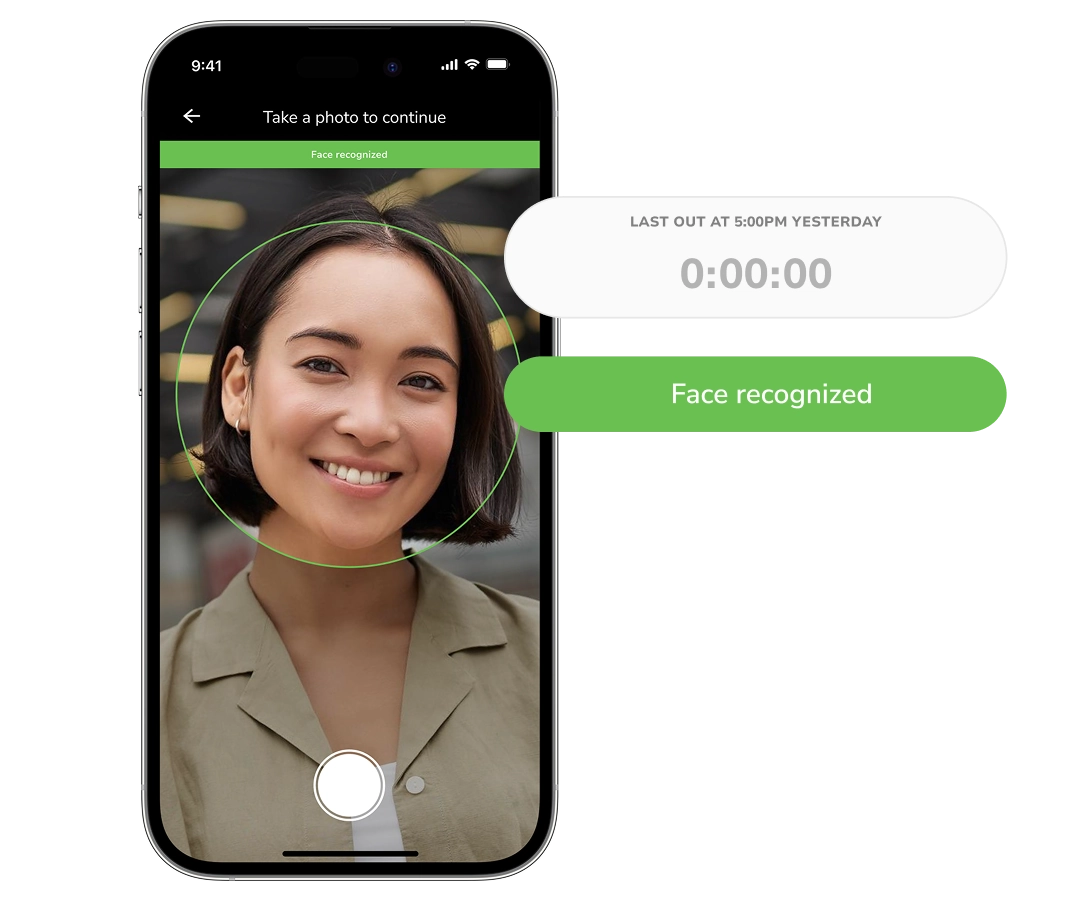






Everything you need to trust your attendance data
From the clock-in on the floor to the approved hours you send to payroll, every step is verified.
Set up once, then clock in with a glance
Employees capture their face from a few angles on their own phone or the shared kiosk, and Jibble turns that into a secure, encrypted profile. From then on, clocking in is just showing your face to the camera — fast for staff, and hard to fake.
Biometric attendance system →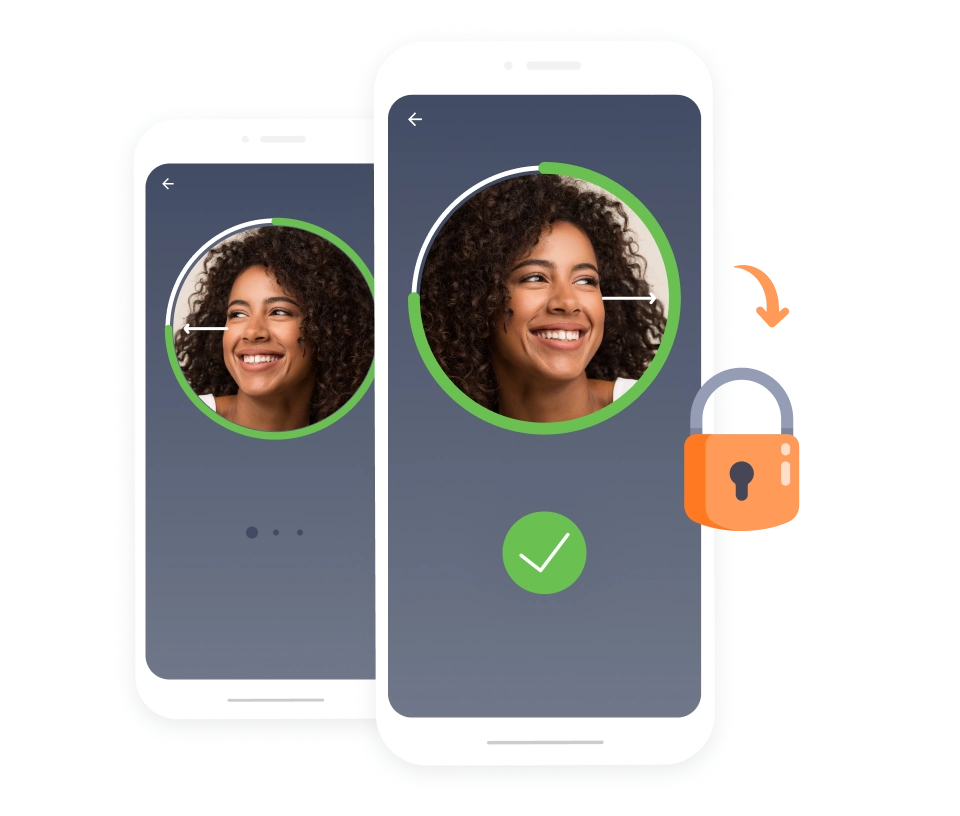
Stop buddy punching before it reaches your payroll
Liveness detection tells a real person apart from a printed photo or a video held up to the camera, so no one clocks in for a colleague who isn't there. You decide how strict to be: block a failed match outright, let it through with a flag for a manager to review, or record it and move on.
How face spoofing prevention works →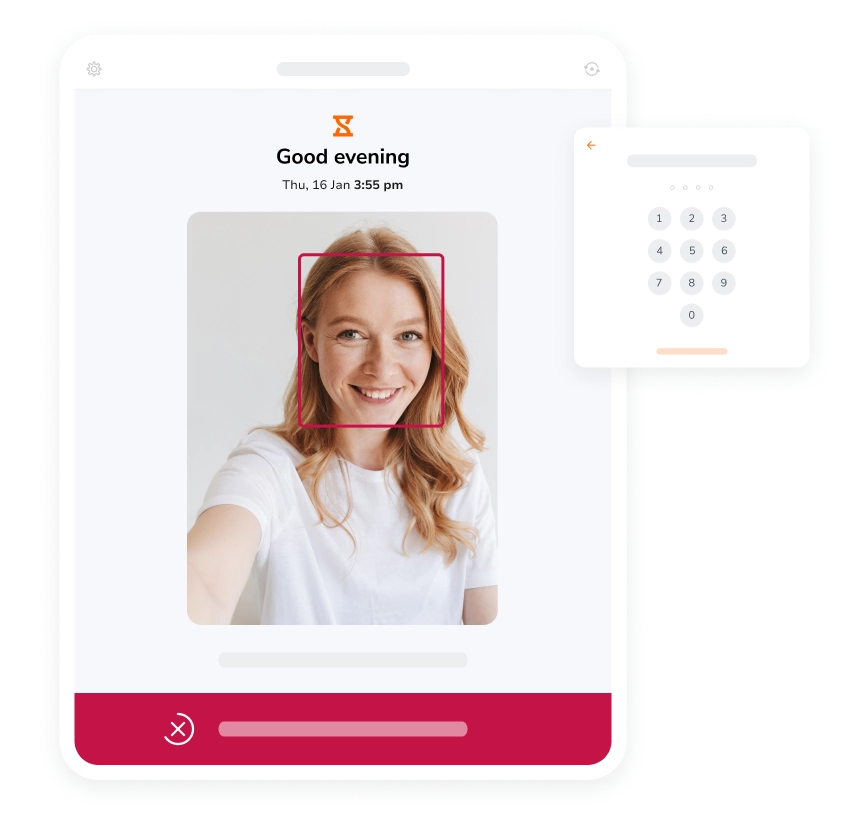
Know the face is at the right site, not just the right shift
Set a geofence around each location and Jibble checks it every time someone clocks in, so a verified face still has to be where the work is. Location is captured at the clock-in only, never tracked in between.
Employee GPS tracking →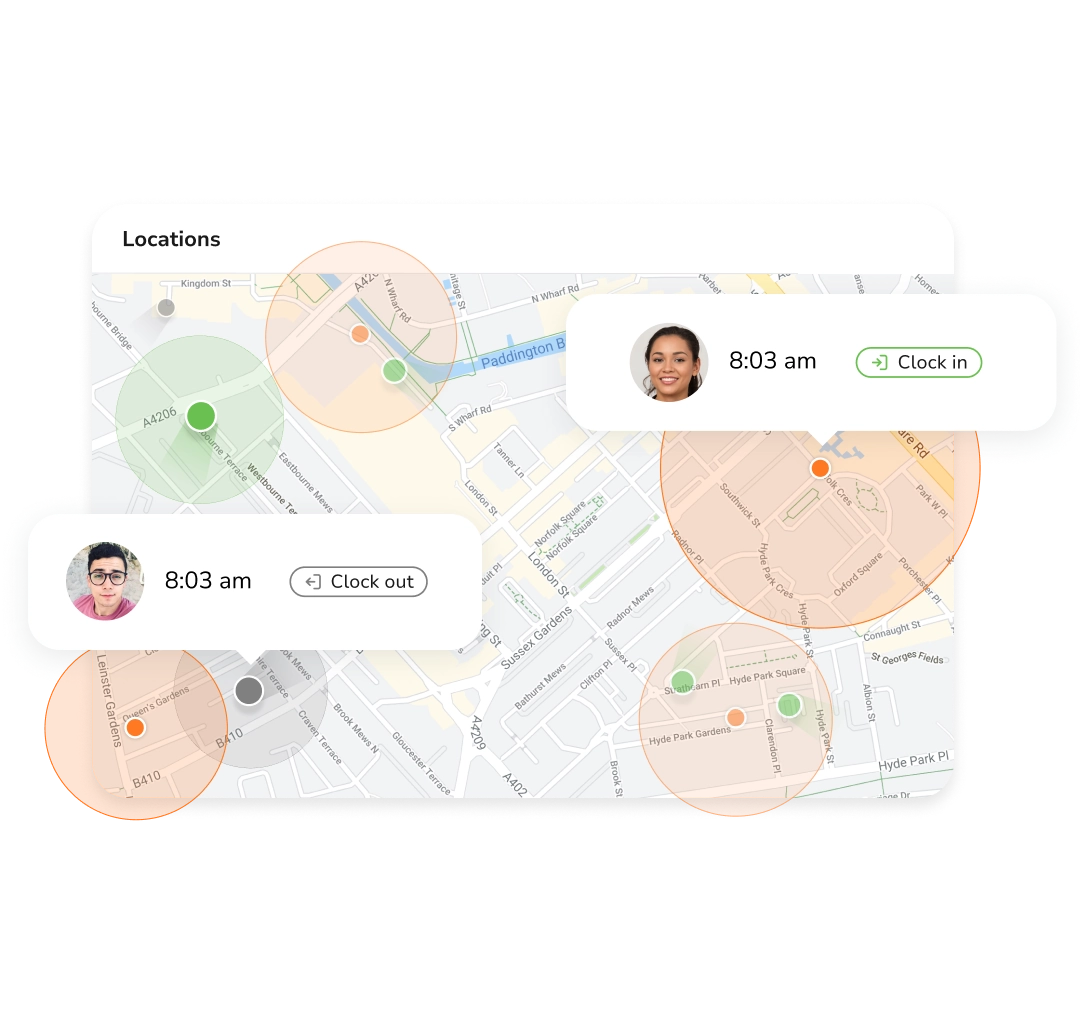
No signal on site? Clock-ins still work
Face matching happens on the device, so a basement, a warehouse or a remote site works exactly like anywhere else. Clock-ins keep the real time they happened and upload on their own once the phone or tablet is back on a connection.
Offline time tracking software →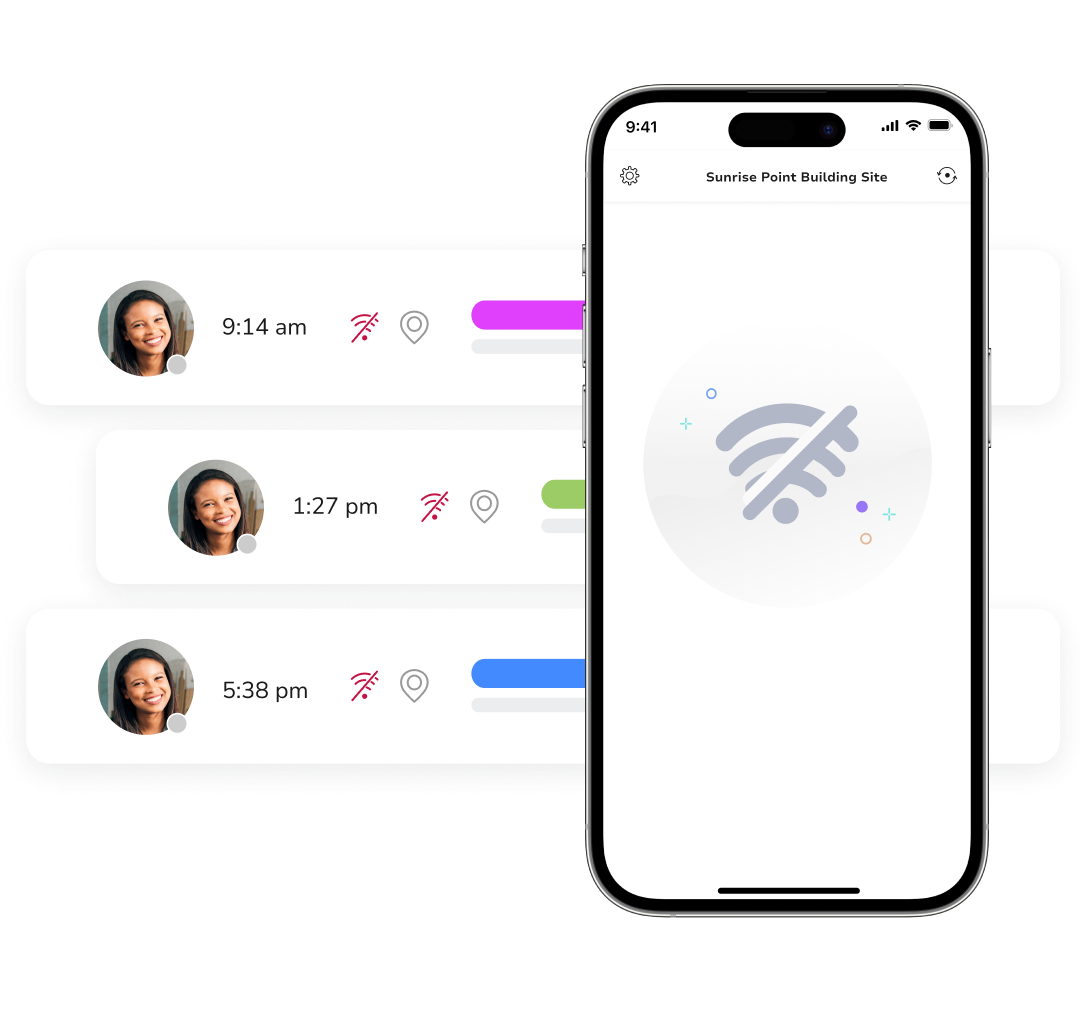
One shared tablet clocks in your whole team
Mount any spare iPad or Android tablet at the entrance and every person is still recognised individually by face. Staff without a work phone clock in as themselves, so there is no shared PIN going around and no paper sign-in sheet to chase.
Attendance kiosk →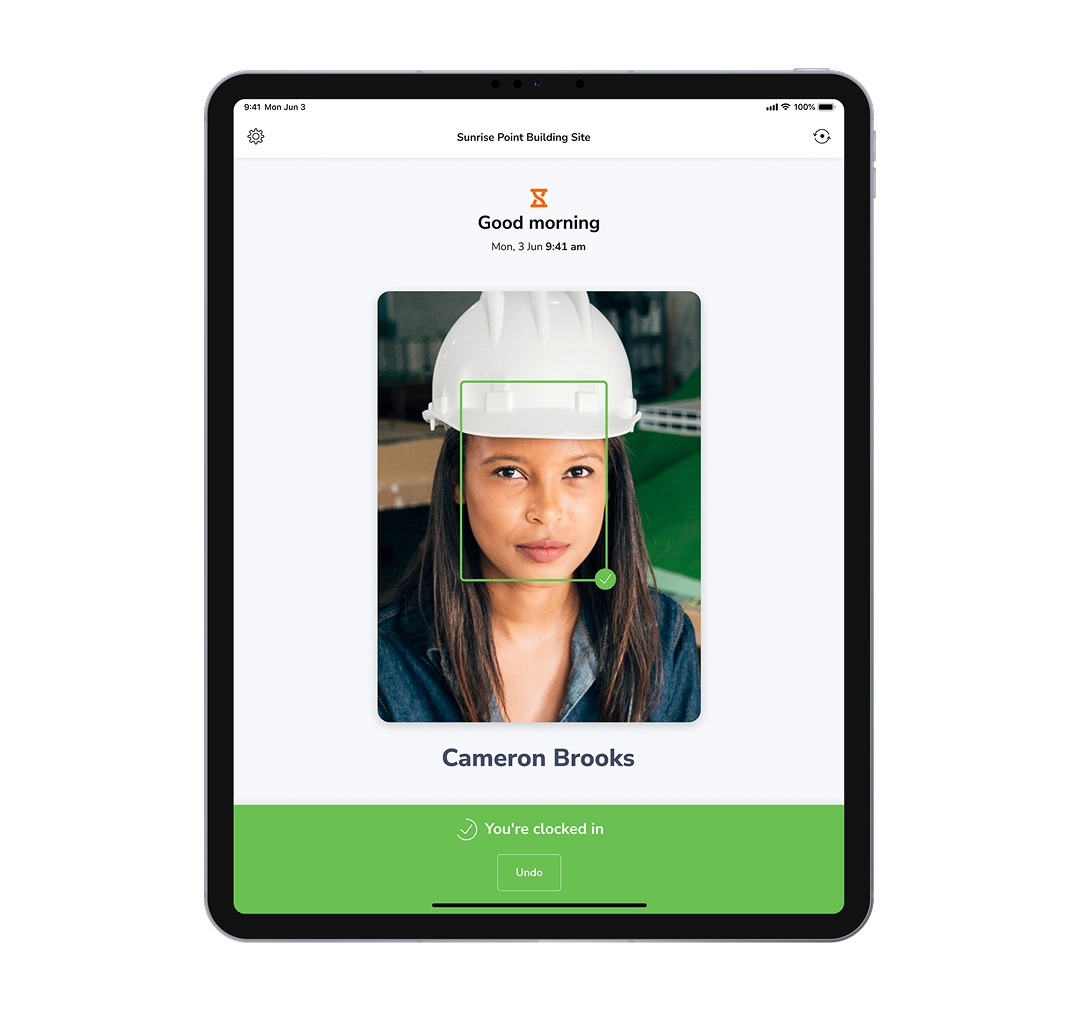
Verified clock-ins become payroll-ready timesheets
Timesheets build as the day goes, with breaks calculated and overtime split out automatically. Every line keeps its face match, time and location, so a questioned shift takes one click to settle.
Timesheet software →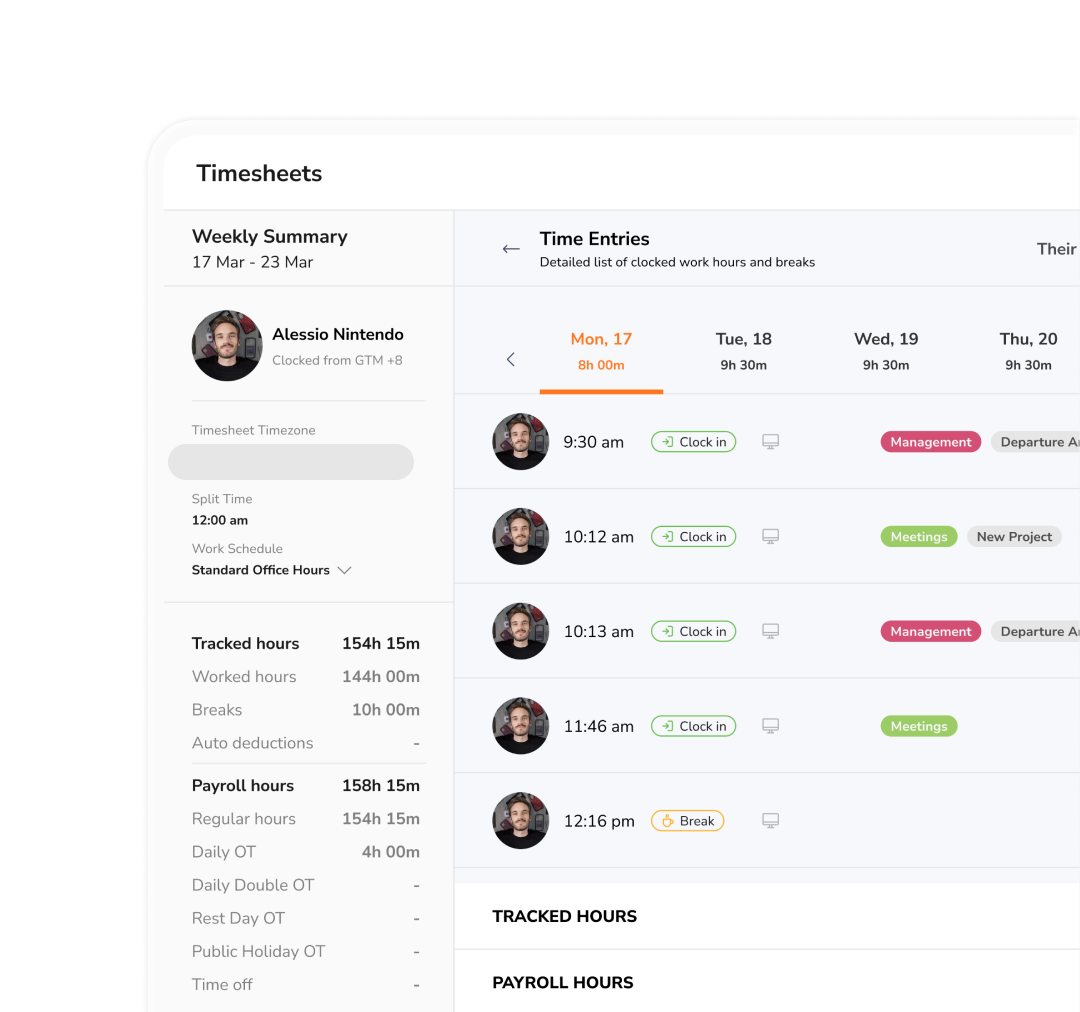
Reports that answer who worked, where and how long
Attendance, overtime and location reports roll hours up by person, team, site or project, and export to Excel or CSV whenever payroll or a client asks. The live dashboard covers the in-between moments, showing who is clocked in right now.
Time and attendance reports →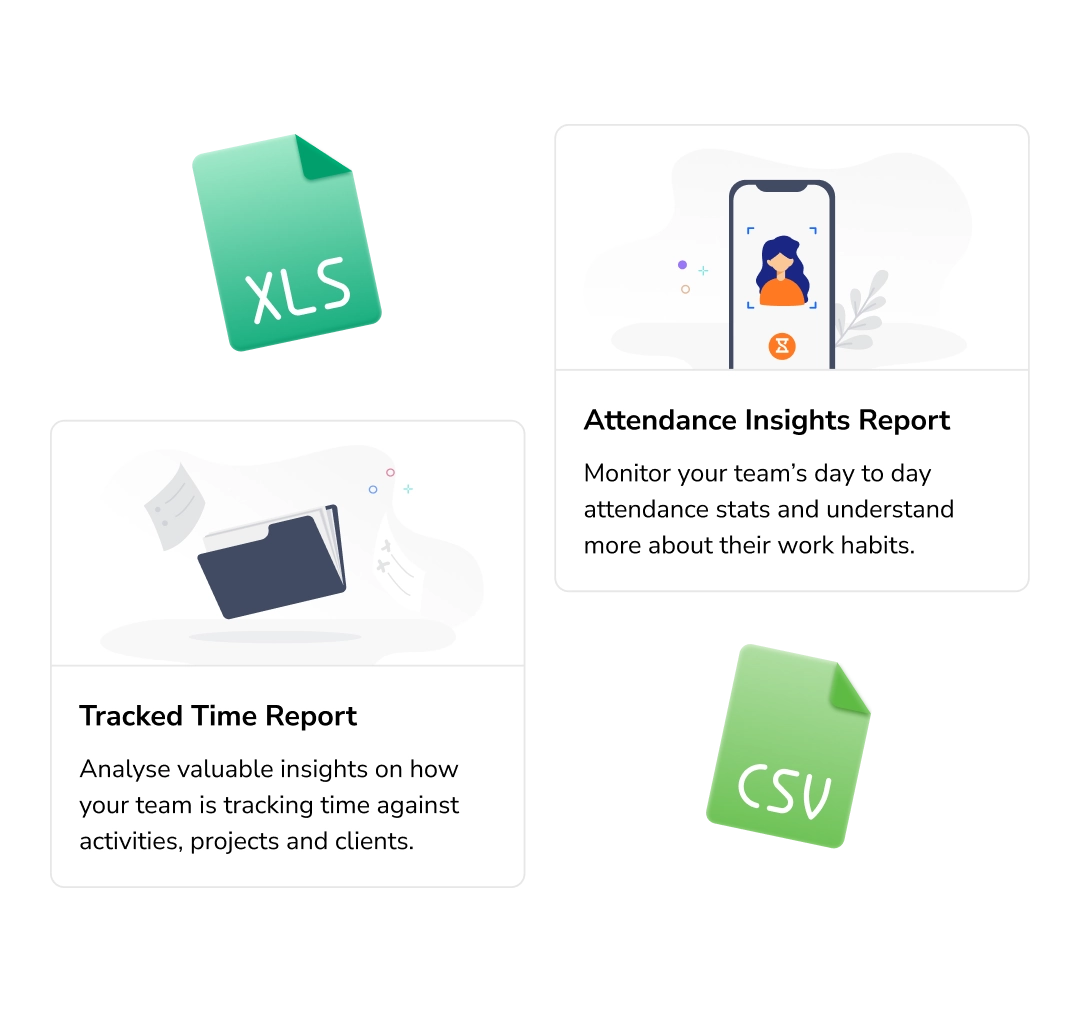
Face recognition attendance for the places people actually clock in from
One recognition engine, deployed to fit the site. Pick the setup that matches how your crew starts a shift.
Verified start times at the gate, geofenced to the job site and working even with no signal.
Construction time tracking →Staff clock in with a glance at the counter, so no one shares a PIN or covers for a late arrival.
Retail time & attendance →A shared terminal clears a full shift change in minutes, with every punch tied to the right line.
Manufacturing time & attendance →Staff verify themselves on arrival, whether on a ward or at a client site, so billed and rostered hours reconcile.
Healthcare time & attendance →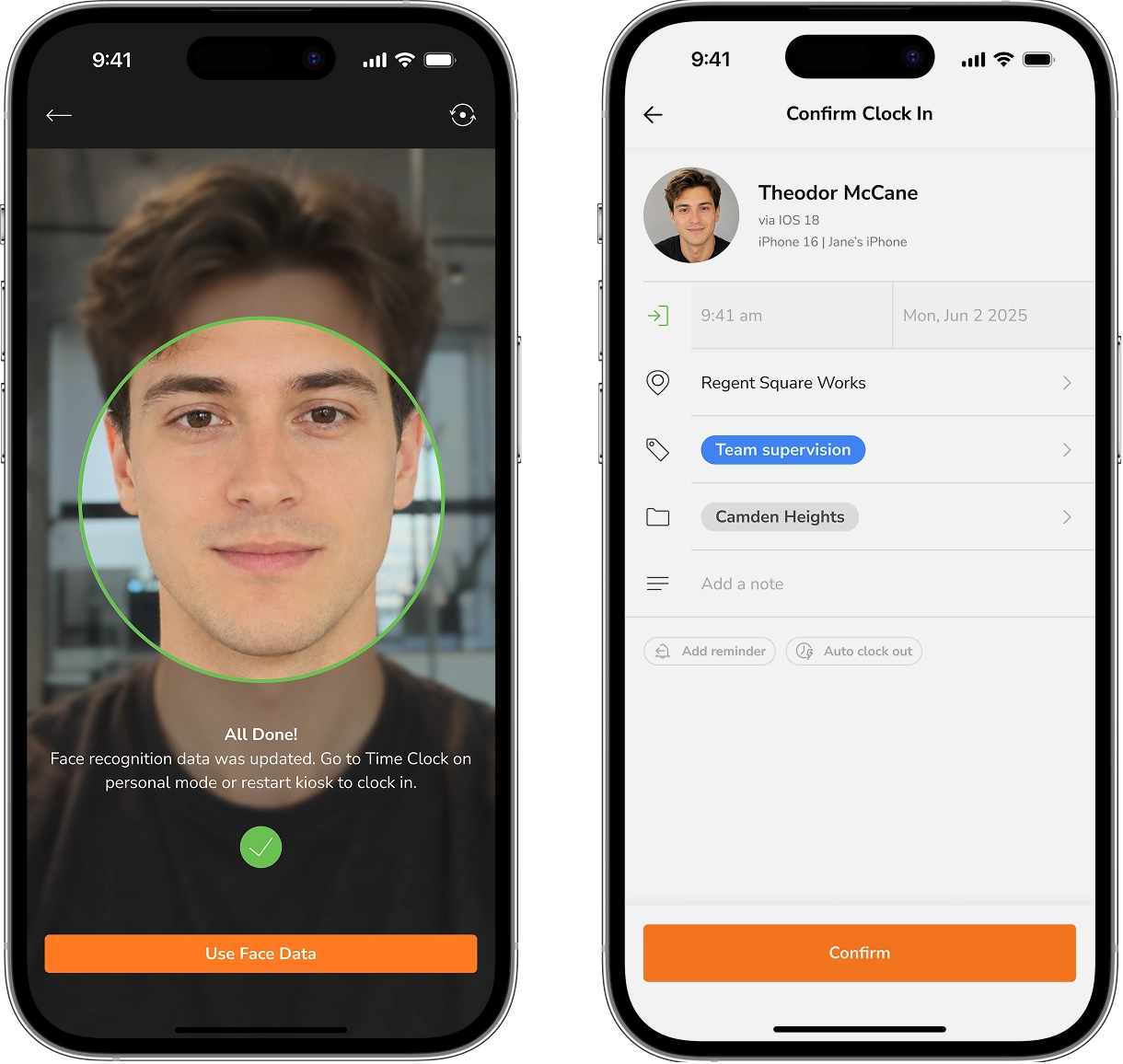
Stop paying for hours nobody worked.
Enrol your first faces in under two minutes.
Four things a punch card can never prove, but a face can
Who clocked in, where they stood, what it costs you, and how the data is kept — settled at the camera, before it ever reaches payroll.
Buddy punching stops at the camera.
Every clock-in is matched against the employee's registered face, so a shared PIN or a borrowed phone can't create hours nobody worked.
- AI facial recognition on every punch
- Anti-spoofing blocks photos and video
- Failed matches flagged for review
The right face, at the right site.
Pair recognition with geofences so a verified face only counts when it shows up where the shift actually is.
- GPS-stamped clock-ins
- Geofences for every job site
- Shared tablet kiosk for one entrance
Verified hours, straight to pay.
Recognised punches build timesheets as the day goes, with regular and overtime hours already separated when the pay period closes.
- Automatic overtime calculation
- Bulk approvals with locked timesheets
- Timesheets that update in real time
Biometrics handled properly.
Biometric data is encrypted, consented to, and never shared. Employees can see what's held and can delete it any time.
- Encrypted face data, not saved photos
- GDPR-compliant, employees opt in first
- Full audit trail of every match
Set up and clocked in the same morning
Four steps, no hardware, no training needed.
Capture each face once, from any phone or kiosk tablet, and every clock-in is matched against it.
Personal phones, a shared tablet at the entrance, or both, set per team.
A glance at the camera is the whole clock-in, with or without signal.
Check the week on the dashboard, approve it, and send the hours to payroll.
What teams say after switching to Jibble
Our employees clock in and out using the facial recognition feature. It has improved the accuracy and consistency of hours worked. We don't waste any more time on punch cards or with employees disputing their work hours.
I have found that Jibble makes it much easier to manage my staff’s working hours and with the facial recognition feature, there is no question about who was there or not... easy to use for the staff. I switched from an app from the Apple app store, as it did not meet my needs as Jibble does.
Super easy to implement with staff. Having an online time clock app is the answer a small office like ours was looking for. So far, the experience and implementation of the time clock software has been flawless. My staff started using it immediately without any problems or assistance.
Whether you’re adding employees or clocking in/out, Jibble is extremely easy to use. Employees enjoy the "fun" of taking selfies when they’re clocking in/out and it’s simple to access via tablet, phone, or computer.
Easy to use, easy to track the staff, choosing the authorized location in order to log in or out which means no one can cheat! No need to go to the office to check the staff if they came or not.
I can easily monitor daily activities with Jibble’s time tracking. I can track remote workers’ hours as well as overtime, and also set the calendar according to my region to assign holidays and weekends accordingly.



Everything teams ask before rolling it out
What is a face recognition attendance system?
How does face recognition work?
Is there a free face recognition attendance system?
Does face recognition attendance work without an internet connection?
What hardware does a face recognition attendance system need?
What if an employee refuses face recognition?
Make every hour on your timesheet provable.
Set up face recognition attendance for your team today, and let the camera do the checking your managers shouldn't have to.