
Free Project Time Tracking Software
Join 63707 teams who signed up last month —
no credit card, free forever.
See exactly where time goes across projects and clients. Turn tracked time into payroll-ready timesheets and client invoices.
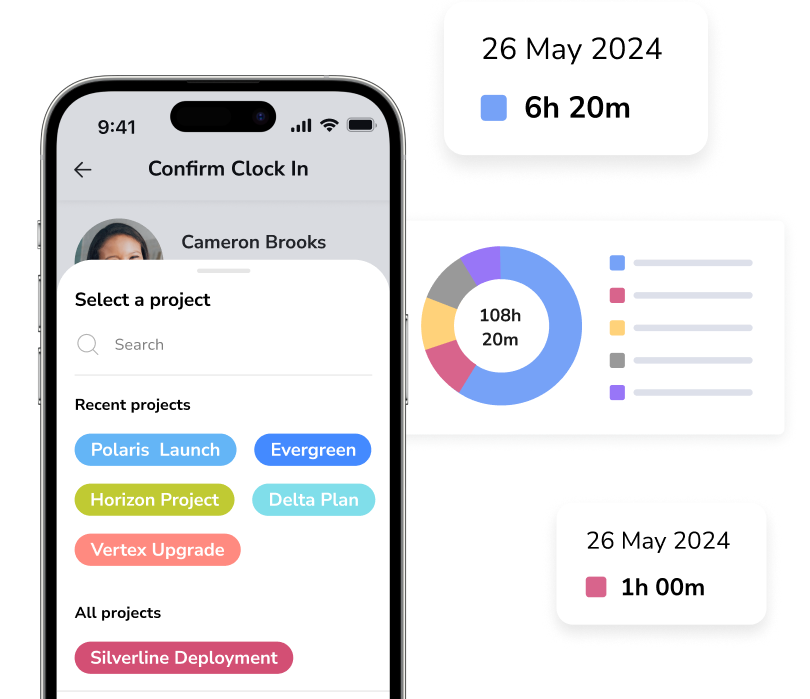






Modern project time tracking for every team.
Stay on top of work without constant check-ins.
See where time is spent, what everyone is working on, and how projects are progressing.
- Live dashboards show project activity in real time.
- See who's working on what across every project.
- Spot overtime before it impacts project budgets.
- Catch delays before they affect deadlines.
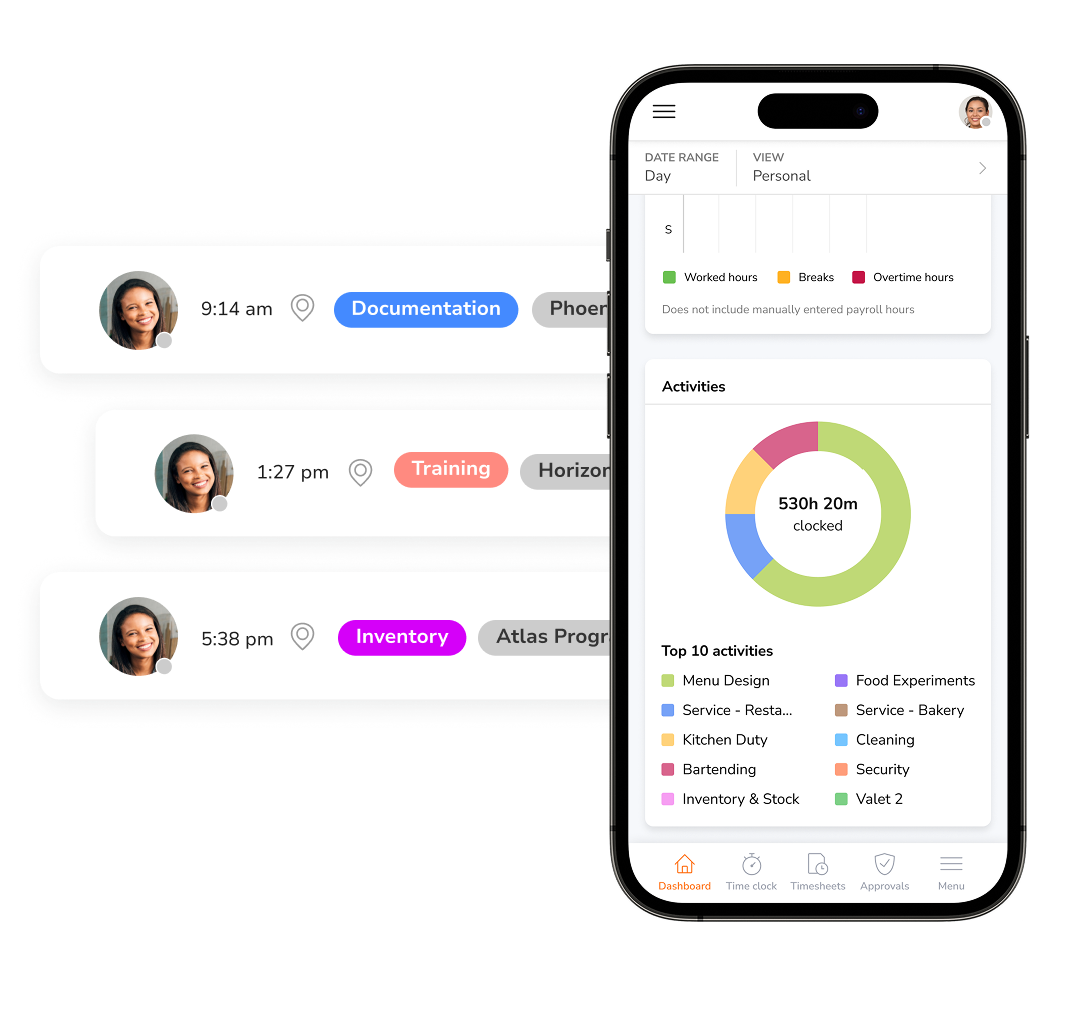
Never let valuable project time slip away.
Keep every project financially on track from the first hour worked to the final invoice.
- Set employee-wise billing rates.
- Approve timesheets before they're invoiced.
- Convert project hours into branded invoices.
- Share invoices securely and track their status.

Coordinate projects and teams with confidence.
Organize teams, projects, and permissions from one place.
- Create groups to organize employees into teams and departments.
- Assign projects to the right people.
- Limit project access to assigned team members.
- Enforce project selection during clock-ins for accurate tracking.

Turn project hours into actionable insights.
Understand project performance and client profitability.
- Filter hours by project, activity, team member or date.
- Flexible grouping and sub-grouping options.
- Compare costs against tracked time.
- Export reports in Excel or CSV formats for deeper analysis.

Everything you need to simplify project tracking.
Track project time anywhere
Flexible project tracking for every team
Track time by project or activity from mobile, desktop, web, shared kiosks, Slack, or Microsoft Teams. Offline tracking captures every hour and syncs automatically when you’re back online, while one-tap project switching keeps every billable minute assigned to the right project, client, or activity.

Keep projects moving
Real-time visibility for every project
See who’s working on what with a live dashboard that updates as work happens, giving managers instant visibility across every project. Activity tracking shows each team member’s current task and progress in real time, while alerts help identify extra hours before they affect project budgets or deadlines.
Reporting and analytics →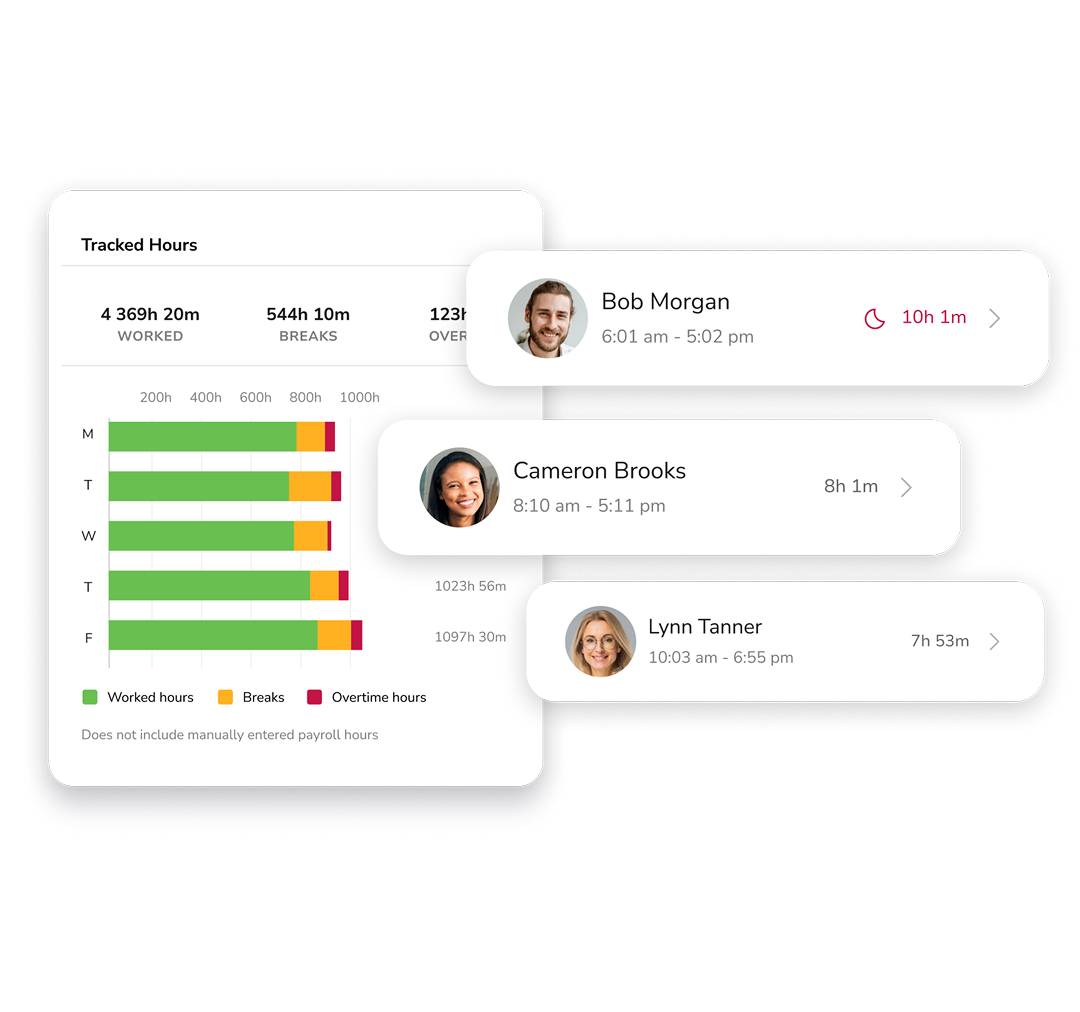
Review hours with confidence
Accurate project records, ready to approve
Review tracked hours, resolve exceptions, and approve project hours before they reach payroll or client invoices. Built-in approval workflows keep the process moving, while a complete audit trail and edit history record every change, approval, and timestamp for accurate, transparent records. Feature coming soon!

Create client-ready invoices
Accurate invoices in just a few clicks
Turn project hours into branded client invoices with just a few clicks. Set custom billing rates by project or team member, then add taxes, discounts, and notes before sending. Track invoice status from one place to keep billing organized and payments moving.
Time tracking software with invoicing →
Connect your project stack
Integrations that fit your workflow
Track time and switch projects directly with tools you use everyday such as Slack, Microsoft Teams, Asana, Jira and more without interrupting your team’s workflow. Sync tracked time with QuickBooks, Xero, and other business tools, or use Jibble’s APIs to connect with your existing systems and keep project, payroll, and accounting data in sync.
Time tracking integrations →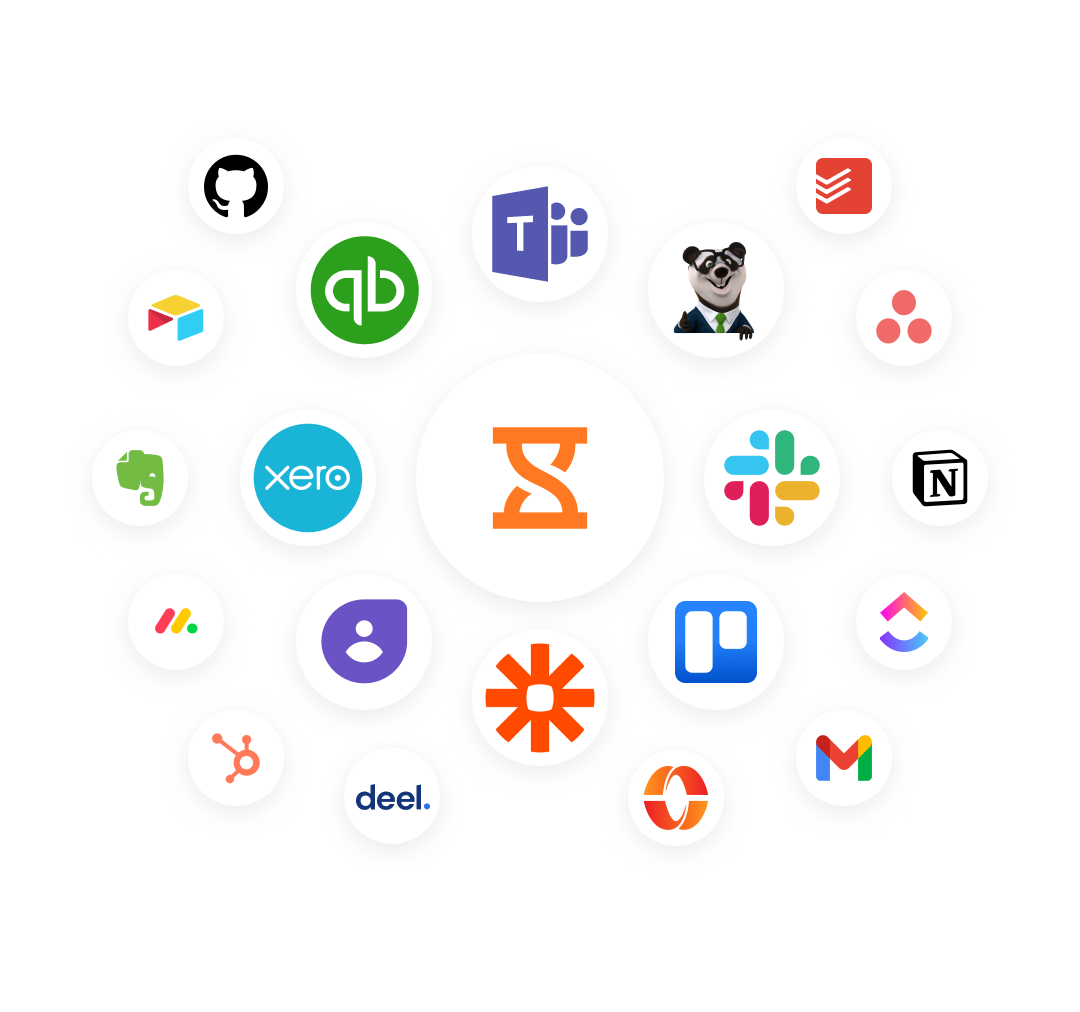
Get your team started faster
Setup that takes minutes, not days
Invite your team by email or a shared link, create projects, clients, and activities, and start tracking time in just a few clicks. With simple onboarding and free forever access for unlimited users, teams of any size can get up and running without lengthy setup or training.

Track every project hour to the right client — free, forever.
Start free — it takes 2 minutesWhy teams choose Jibble for project time tracking.



The app is available on every device and works very simply. You can track time for large or small teams working on different activities for different clients or different projects. The integrations for Slack and mobile apps make using Jibble fast and easy.
Jibble has eased our administrative workload. Our business makes use of home consultants as well and this platform is a great tool for tracking time and managing work hours.
I have been using Jibble for the last 2 months, and it has just simplified the time recording process for my lean team. It is easy to use, and the tutorials are straightforward. Definitely worth having.
Excellent work time management software. It helped a lot to control the working time in the company and manage the time bank.
Really very pleased with Jibble… very easy to navigate and customer support is outstanding. Easy to clock in and out and make adjustments. Plus, reports are very easy to request.
Jibble makes it very easy to track your time spent on different projects. It is also extremely easy to add new projects and activities. I like that there is also an app that can be used on your phone if you are on the move.
Everything you need to know about project time tracking.
What is project time tracking software?
Project time tracking software help businesses record the time spent on projects, clients, and activities. Jibble automatically tracks project hours, organizes them into timesheets, provides real-time visibility into team activity, generates detailed reports, and prepares accurate records for invoicing and payroll.
How does project time tracking help with client billing?
Project time tracking ensures every billable hour is accurately recorded and assigned to the right project or client. With Jibble’s project time tracking and time billing software, project hours can be converted into branded client invoices with custom billing rates, taxes, discounts, and notes, helping businesses invoice faster and improve cash flow.
What is the best software to track projects?
Jibble is one of the best project tracking software for teams of any size. It lets you track time by projector activity, monitor progress with real-time dashboards, generate detailed reports, and turn project hours into client-ready invoices. Better yet, it’s free forever for unlimited users.
Is there really a free project time tracking software?
Yes. Jibble is a genuinely free project time tracking software for unlimited users. It includes project and client tracking, activity tracking, real-time dashboards, detailed reporting, invoicing, and integrations with popular business tools, all at no cost.
See your project margins in the next ten minutes.
Free forever for unlimited users. No credit card, no lecture, no trial timer.
Start for free Book a demo