




Transform any device into a powerful attendance kiosk. Fast setup, secure verification, and automatic sync to timesheets.
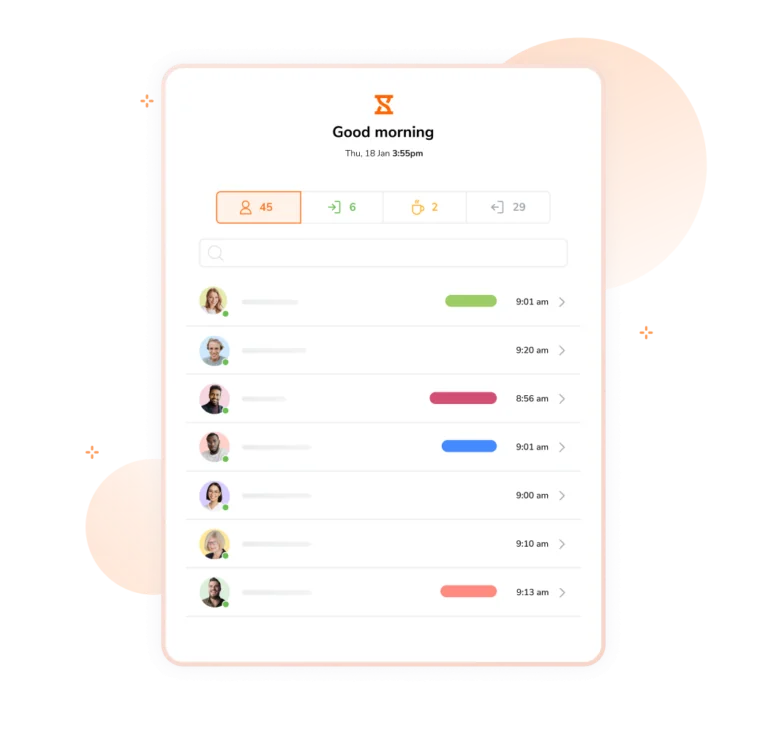






An online kiosk is a digital clock-in station that lets employees record their attendance using a shared device such as a tablet or mobile phone. It replaces paper timesheets with a quick and reliable way to clock in, take breaks, and track working hours.
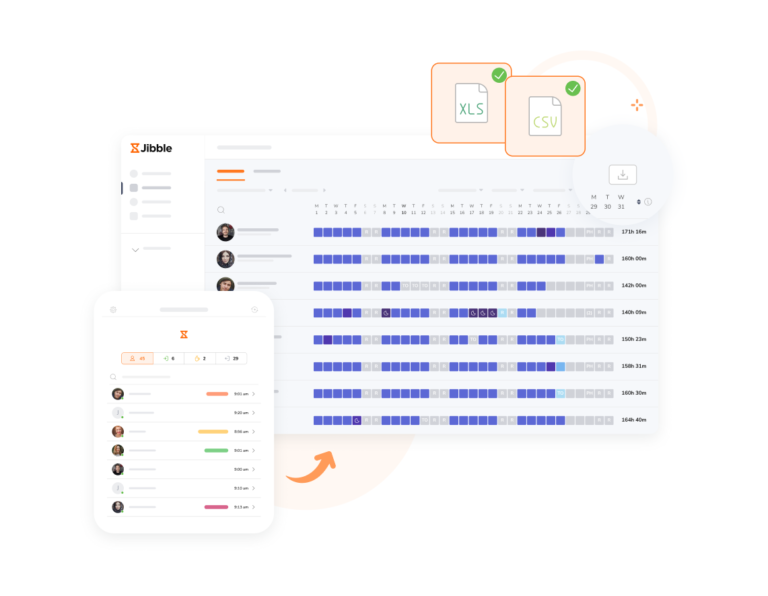
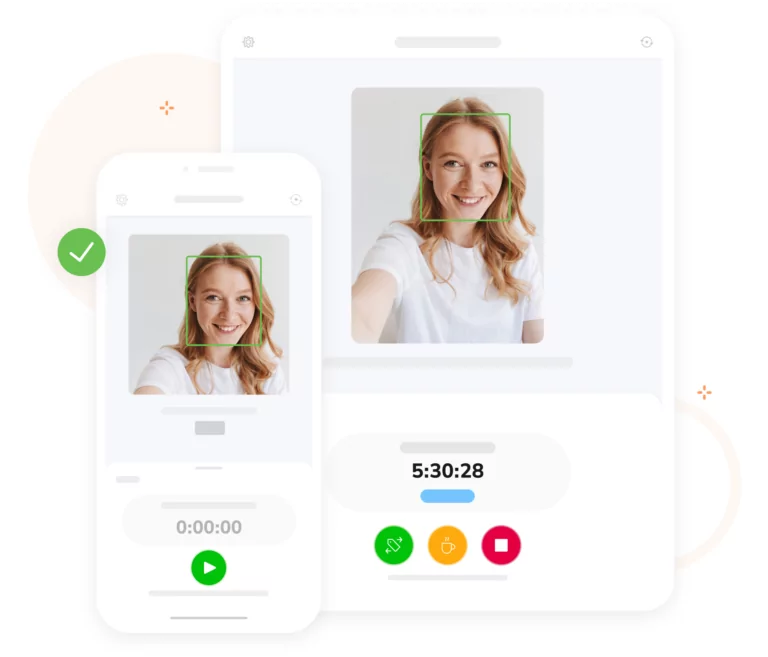
An online attendance kiosk acts as a shared clock-in station that verifies each employee before recording their attendance. Staff check in using facial recognition, NFC tags, or PIN codes, and each clock-in/out is captured with precise timestamps and GPS location, syncing instantly to timesheets.
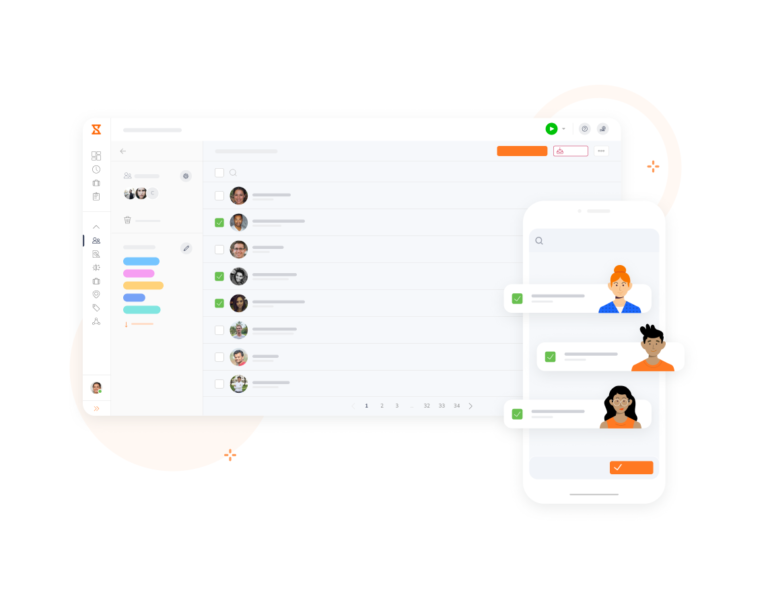
1. Create an account: Sign up for Jibble, set up your organization and add team members.
2. Set up kiosks: Create kiosks, give them a name, and assign the employees or groups who will use it.
3. Configure settings: Choose your preferred verification method – facial recognition, NFC tags, or unique PIN codes. Once configured, your kiosk is ready to be mounted in a central location for immediate use!
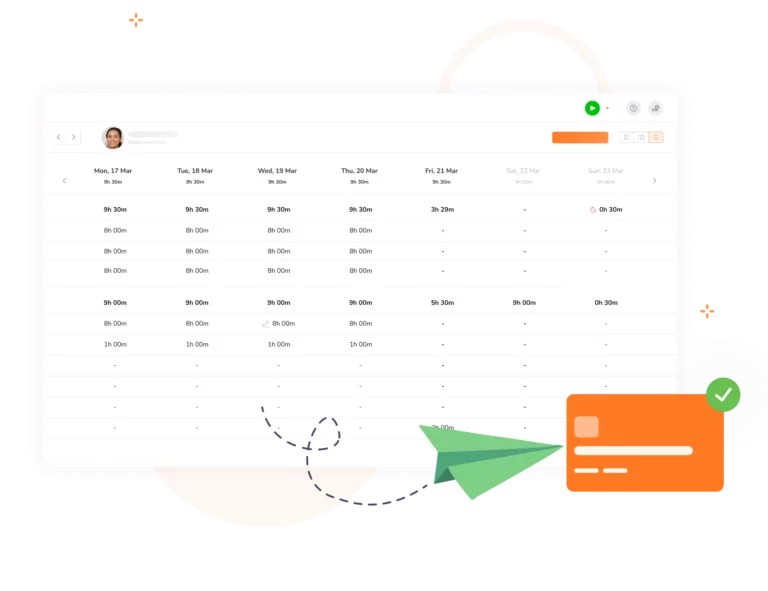
All staff hours recorded via the kiosk sync instantly to timesheets. Jibble works seamlessly in the background—breaking down regular hours, overtime, and total payroll hours with pinpoint accuracy. Payroll-ready timesheets are generated automatically, ready for approval and quick export to any payroll software.
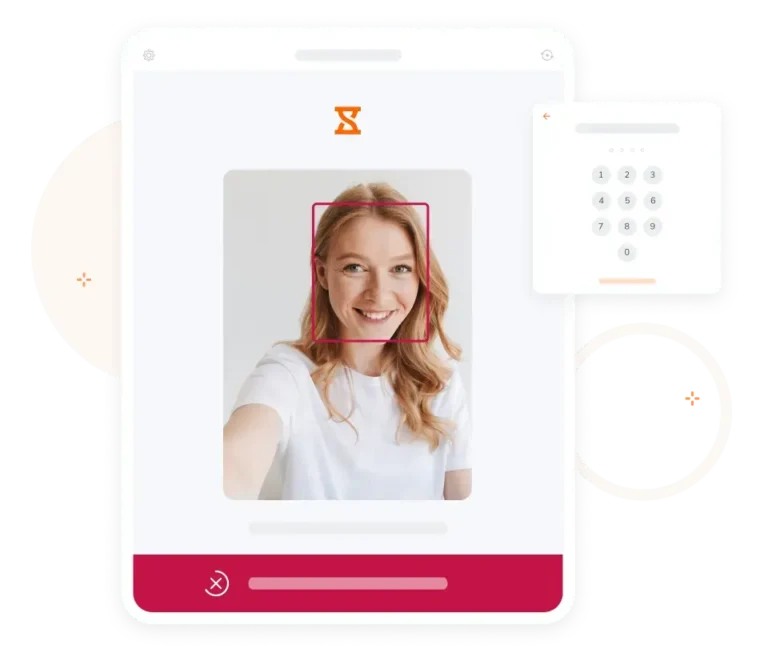
Enable secure verification with face recognition attendance. Jibble’s advanced depth-estimation technology ensures the right person is clocking in every time, protecting against spoofing attempts using photos, screens, or videos.
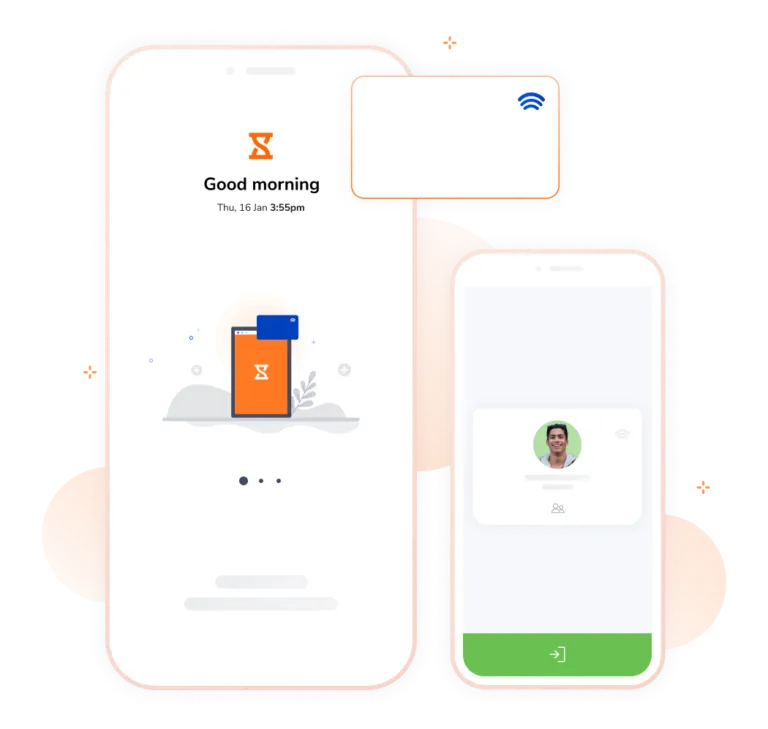
With a quick tap of an NFC card, your team can clock in without having to deal with queues. Use any NFC-enabled device or connect an external reader for instant, reliable NFC attendance tracking.
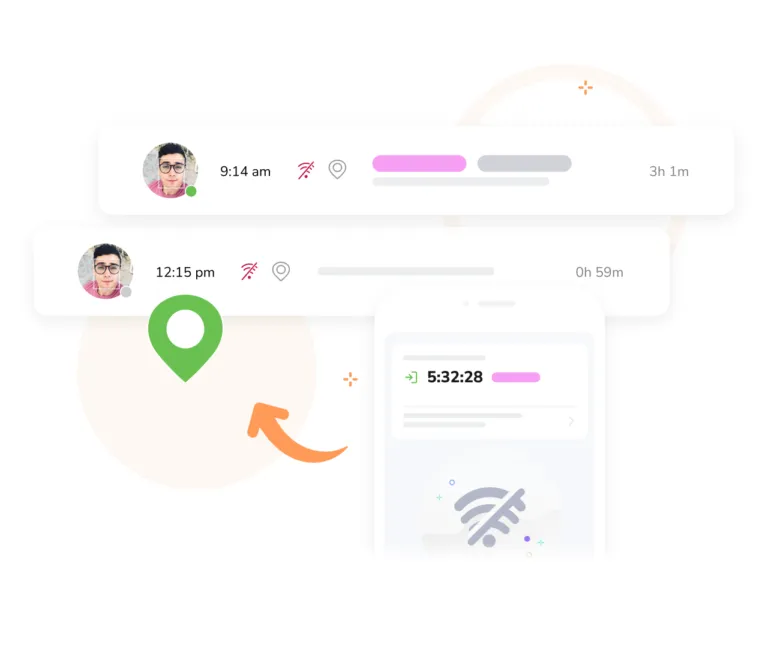
Jibble’s attendance kiosk also supports offline attendance tracking, allowing employees to clock in even without an internet connection. Once the kiosk is back online, all data automatically syncs to the cloud—ensuring not a single time entry is lost.
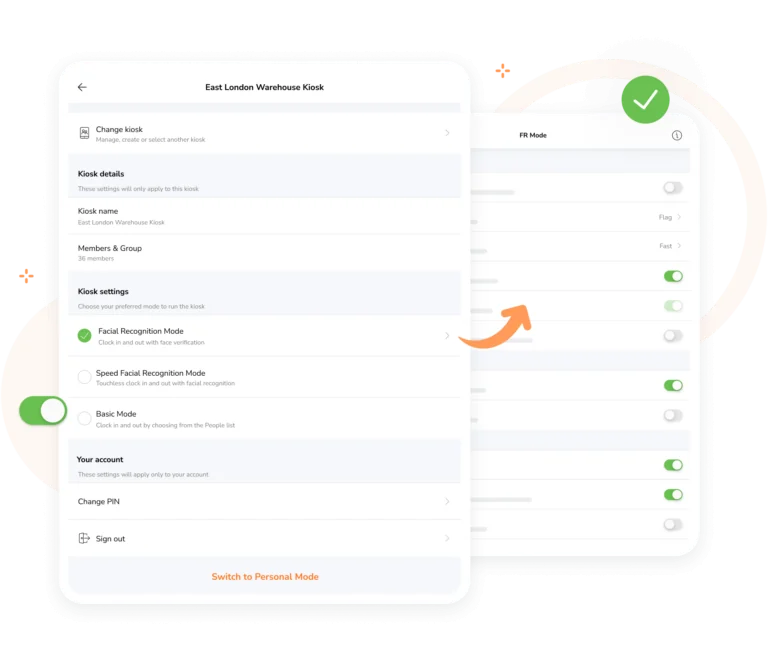
Jibble’s kiosk offers fully customizable settings for each device, making it easy to adapt to your team’s workflow. Choose verification methods, assign groups, and enable offline tracking to ensure accurate, secure check ins.
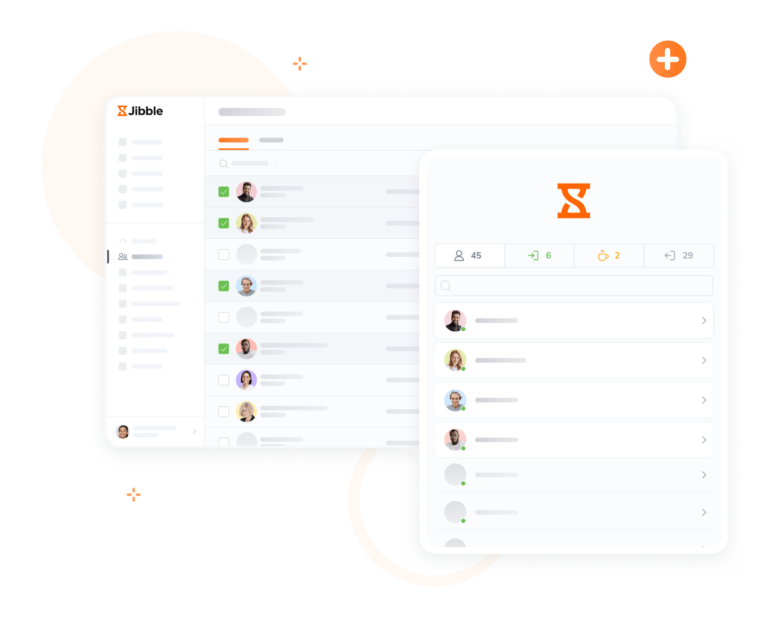
Easily control who can access each kiosk with Jibble. Assign kiosks for the team or customize access per member, all from the web app or directly from the kiosk itself. It’s quick, flexible, and built to grow with your team.
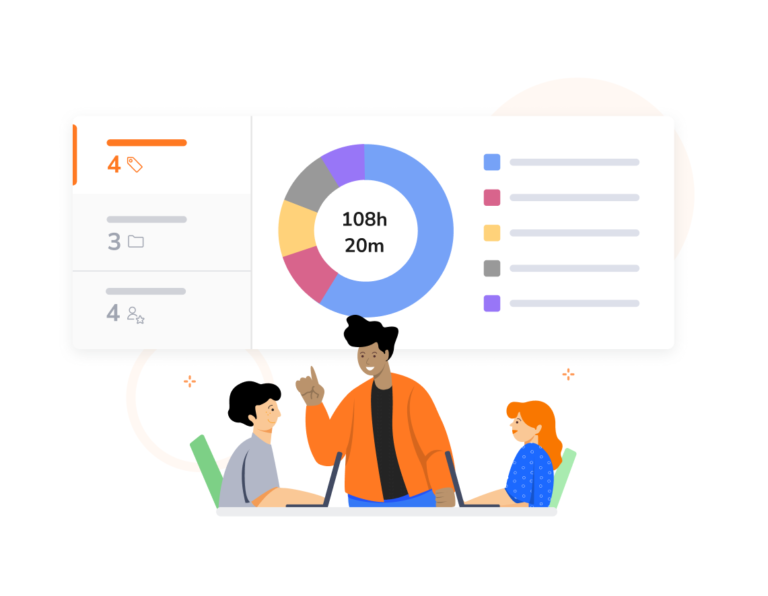
Jibble lets employees track time and attendance for specific projects, tasks, or activities—either via a shared attendance kiosk or individually on their personal devices using Jibble’s time clock software. Managers can easily monitor performance, allocate resources, and streamline billing or client invoicing.
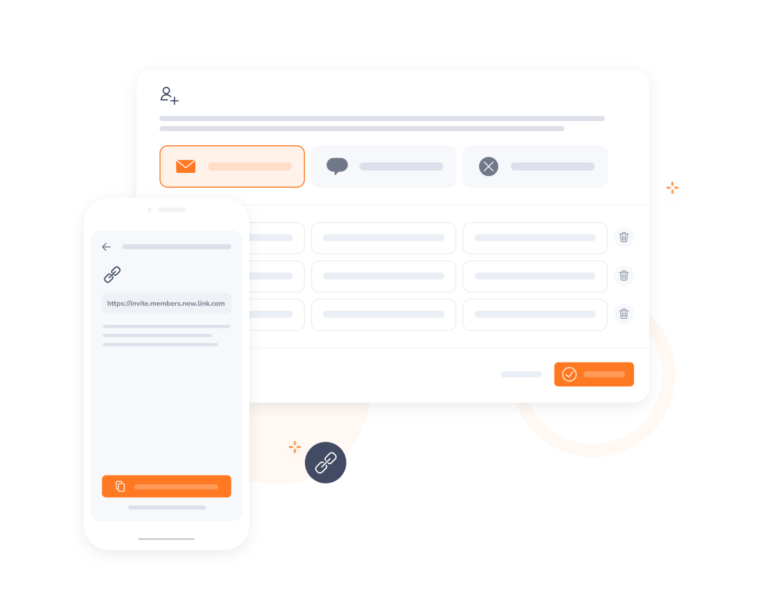
Onboarding your team to Jibble is fast and hassle-free. Step by step, you’ll be guided through the process, and if you need help, our friendly customer support team is always ready to assist.
Easy to use, easy to track the staff, choosing the authorized location in order to log in or out which means no one can cheat! No need to go to the office to check the staff if they came or not.
Pleased. Great for daily times. Great, easy-to-use attendance software that you can amend to suit your business. The employee facial recognition attendance is really good and very easy. 10/10
Jibble exceeded our needs and continues to update. Easily got our team onboard right away. Great for time stamping employees that work offsite.
10/10 for ease of use. The web browser and the app are incredibly easy to use, change settings, and create reports. The free version has everything we need and more! They could have charged me for the time and attendance software, and I would have paid it! We love Jibble.
Time and attendance and ensuring staff arrive on time is critical. Jibble helps. It's incredibly easy to set up and use, the hard work is already done and onboarding is a breeze. Love it! Jibble gives a host for free.
I like how simple the software is. You do not need to be tech-savvy to understand this time and attendance software. I would recommend this to my friends.
I have found that Jibble makes it much easier to manage my staff's working hours and with the facial recognition feature, there is no question about who was there or not... easy to use for the staff. I switched from an app from the Apple app store, as it did not meet my needs as Jibble does.
It's just amazing. It's easy to use. Offline mode is amazing. Solved all problems with biometric machines and so on.
Some frequently asked questions...
Absolutely! Any device with the ability to download apps can function as an attendance kiosk. This allows businesses to scale their attendance stations across multiple locations without investing in proprietary equipment.
Yes! Jibble’s kiosk features an offline mode. Time entries are stored securely on the device during an outage and automatically syncs all data to the cloud once a connection is restored, ensuring no work hours are lost.
Yes! Unlike traditional punch clocks, an online attendance kiosk is cost-effective, using hardware you already own like iPads or tablets. It offers superior security through various verification methods such as facial recognition to prevent time theft and syncs data instantly for automated payroll.
Attendance kiosks such as Jibble prevent time theft by using biometric verification, such as facial recognition, or unique PIN codes. Each time an employee clocks in, the system verifies their identity, ensuring that only the correct person is recording hours.
Yes! Jibble offers a 100% FREE online attendance kiosk for an unlimited number of employees.
Get jibbling with the ultimate online attendance kiosk.
Track time now - it's FREE!