









متتبع ساعات العمل الشامل. يعمل على أي جهاز. مجاني مدى الحياة ولعدد غير محدود من المستخدمين.
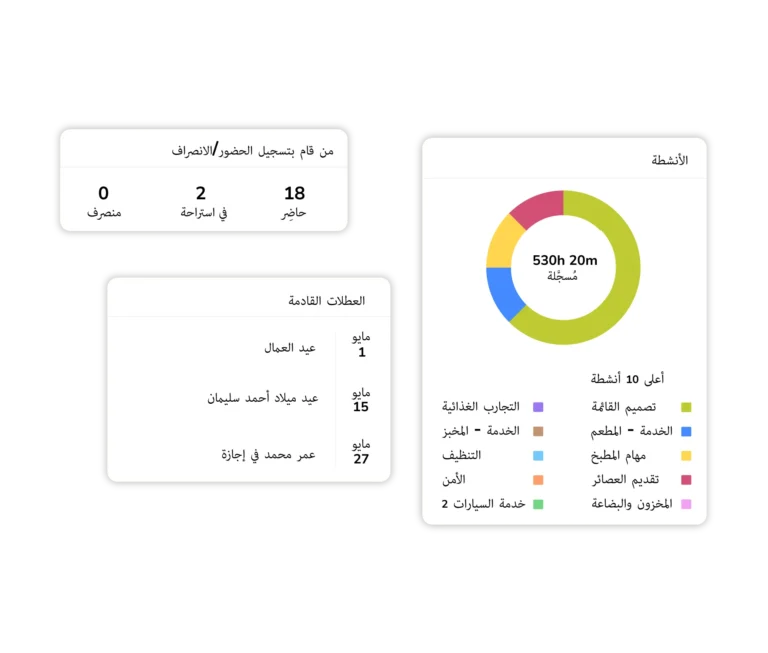







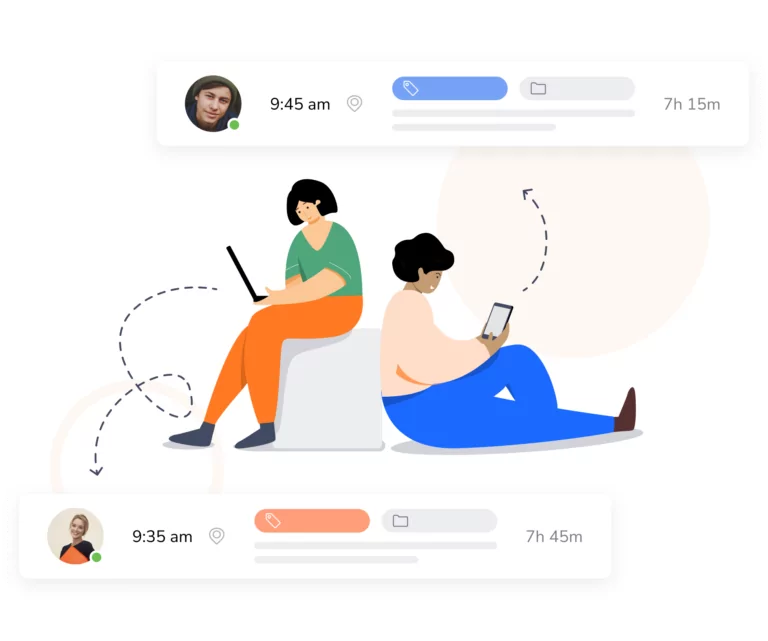
يتيح لك جِبل تتبع ساعات العمل حسب النشاط، أو المشروع، أو العميل، مما يجعله مثاليًّا لإعداد الفواتير، ويساعدك على معرفة أين تذهب ساعات العمل تلك.
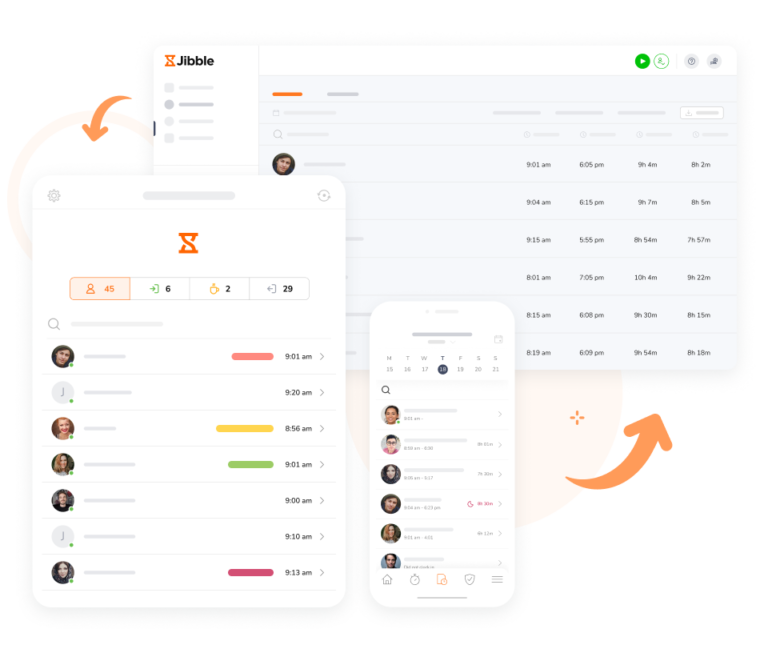
تتبَّع ساعات عمل الموظفين بسهولة مع متتبع وقت العمل من جِبل على هاتفك أو جهاز الكمبيوتر أو الجهاز اللوحي. احسب وقت عمل الموظفين العاملين في المكتب، أو المخزن، أو متجر البيع بالتجزئة، أو في الموقع الميداني، أو للموظفين العاملين عن بعد، أو تتبع وقت عمل العاملين المستقلين.

يمكن للموظفين تتبع الوقت في مايكروسوفت تيمز، أو تتبع الوقت في سلاك. وعلاوةً على ذلك، يمكن للمديرين رؤية سجلات الدوام من داخل مايكروسوفت تيمز أو سلاك، ويمكنهم معرفة من يعمل وعلى ماذا. ارفع تتبع وقت العاملين عن بُعد إلى مستوى جديد.
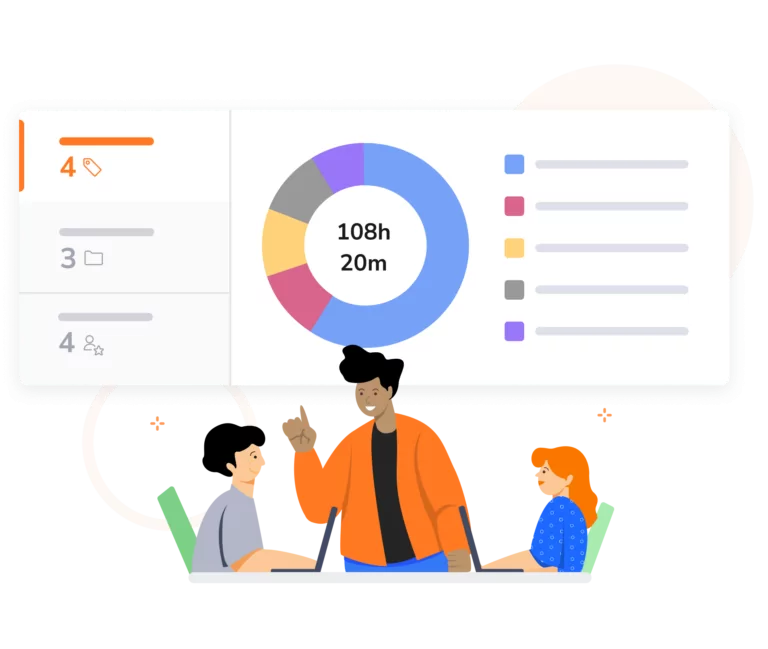
تتيح لك التقارير المتقدمة في جِبل التعمق في المعلومات التي تحتاجها. وترتيبها حسب التاريخ، أو العضو، أو النشاط، أو المشروع، أو العميل، ثم تجميعها فرعيًّا، مع التقارير البيانية أو استخراجات البيانات التي تمنحك رؤًى ستجعلك تتساءل كيف استطعت إدارة عملك بدونها.
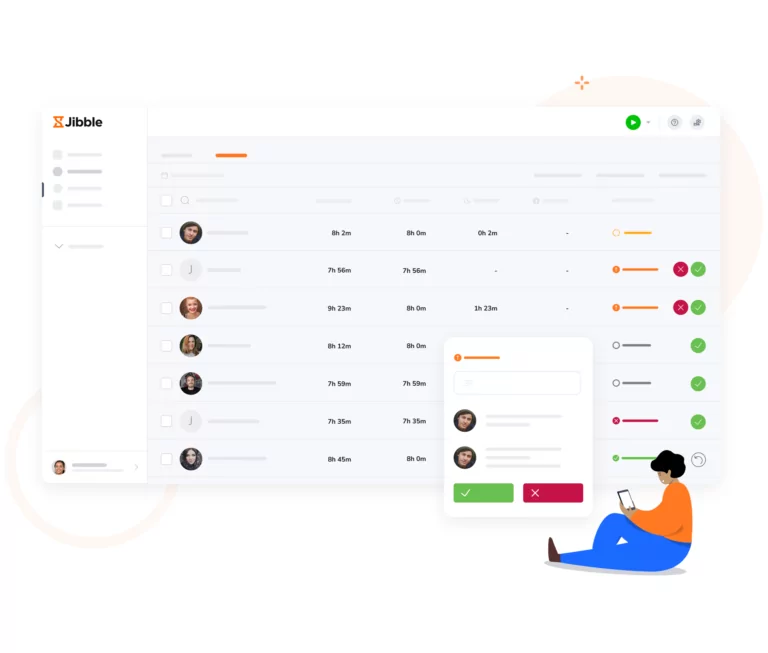
قد تحتاج سجلات الدوام إلى موافقة مدير قبل الانتهاء منها. ويمكن للمديرين الموافقة على سجلات الدوام مباشرةً من داخل التطبيق. لا يوفر هذا النهج الوقت فحسب، بل إنه يضمن كذلك دقة بيانات سجلات الدوام.

ببضع نقرات فقط، يمكنك استخراج ساعات العمل إلى ملفات بتنسيق إكسل (XLS) أو سي إس في (CSV) أو استخراجه مباشرةً إلى برنامجك المفضل (بعد جِبل بالطبع!). وتمنحك واجهة برمجة التطبيقات في جِبل (API) إمكانيات تكامل لا حصر لها حتى تتمكن من ربط جِبل بمجموعة البرامج الحالية لديك.
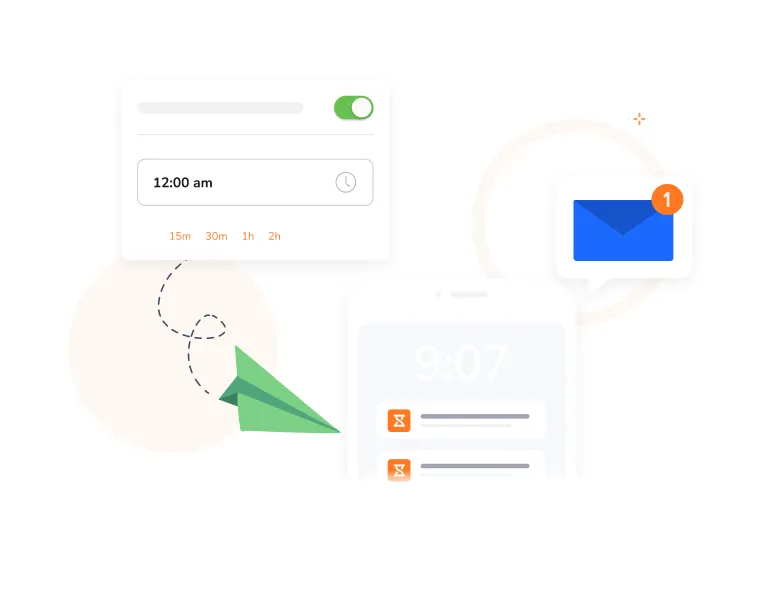
فعِّل التذكيرات التلقائية لموظفيك حتى يكتسبوا عادة تسجيل الحضور. بدءًا من الإشعارات على أساس الوقت والموقع إلى تسجيل الانصراف التلقائي، يتأكد جِبل من أن فريقك سيبقى مطّلعًا على تتبع ساعات العمل.
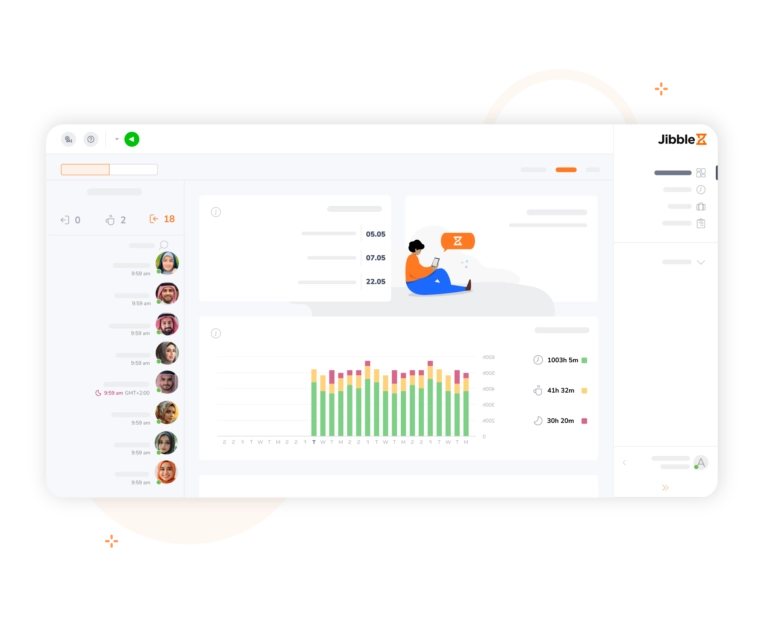
لوحة التحكم في جِبل تمنحك السيطرة. حيث يمكنك رؤية الساعات المُتتبَّعة حسب المنشأة أو المجموعة أو الجدول الزمني أو الموقع، ومعرفة من سجَّل الحضور والانصراف فورًا.
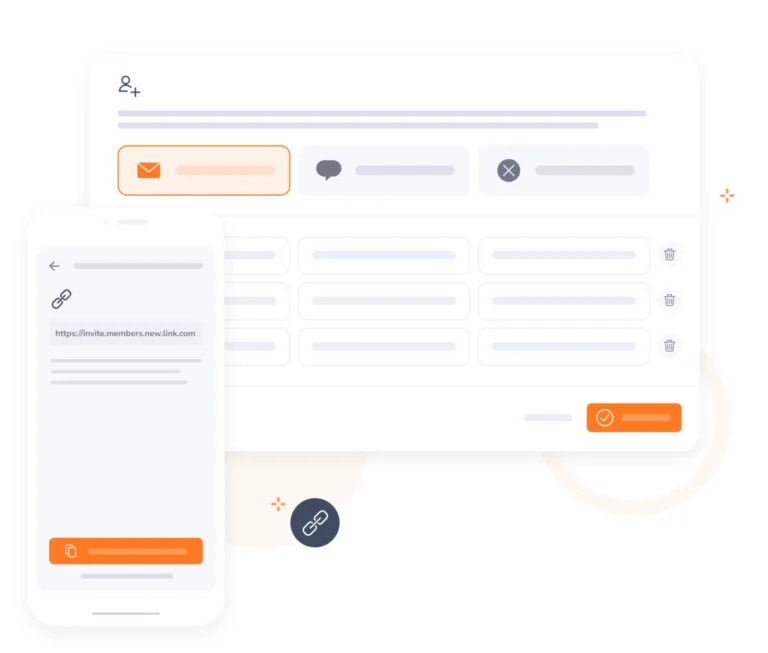
قم بدعوة فريقك في غضون دقائق عبر إرسال دعوات فورية أو روابط يمكن مشاركتها معهم. يمكنك جعل فريقك يستخدم جِبل لتتبع وحساب ساعات العمل في غضون دقائق. وإذا واجهتك مشكلة، تواصل معنا من خلال المراسلة الفورية، وسيكون فريق دعم العملاء موجودًا لمساعدتك.
ساعدني جِبل كثيرًا من خلال حاسبة ساعات عمل الموظف، كما أنه من السهل التبديل بين الأنشطة، ويجنّبني الأخطاء الناتجة عن إدخال الأوقات في سجل الدوام يدويًا. سهل الاستخدام، ومن الرائع أنه متاح على منصات مختلفة.
كنت بحاجة إلى برنامج مجاني لتتبع الوقت من دون أي تعقيدات لتتبع ساعات عمل الموظفين في متجرنا. وقد كان جِبل خيارًا مثاليًا - مجاني ويلبّي احتياجاتنا!
جِبل يسهّل كثيرًا من تتبع الموظفين في أثناء عملهم خارج الموقع. بفضل نظام تحديد المواقع العالمي، تمكنت من وضع حدود للمنطقة التي يمكنهم تسجيل الحضور منها، مما يضمن دقة تسجيل الأوقات... تتبع ساعات العمل على المشاريع أصبح في غاية السهولة الآن.
وجدت إدارة ساعات عمل الموظفين أسهل كثيرًا مع جِبل. وبفضل ميزة التعرف على الوجه، لم يعد هناك شك بخصوص من كان موجودًا ومن لم يكن... الموظفون يجدونه سهل الاستخدام. لقد كنت أستخدم قبله تطبيقًا من متجر تطبيقات أبل، لكنه لم يلبِّ احتياجاتي كما فعل جِبل.
خدمة العملاء رائعة وعلى قدر عالٍ من الكفاءة. يعمل المنتج كما هو مُعلَن عنه. ليس هناك الكثير لأقوله.
لن نستخدم أيًا من برامج سجلات الدوام الأخرى. كنت أستخدم متتبع الوقت من إنتويت (Intuit) سابقًا، ولكنني وجدت جِبل أكثر فائدة لفريقي، حيث يمكنني التحقق من سجلات دوام جميع الموظفين دون عناء.
قبل جِبل كنا نستخدم الورقة والقلم لتتبع الوقت. كان إعداد سجلات الرواتب يستغرق ساعة على الأقل كل أسبوعين. أما الآن، فيستغرق بضع دقائق.
لقد أحدثنا ثورة في نظام الرواتب وتتبع الوقت في شركتنا بفضل هذا البرنامج. التطبيق سلس وواضح، والموظفون يعتادون استخدامه بسهولة. يوفر على فريقنا ساعات كثيرة من العمل أسبوعيًا.
بعض الأسئلة المتكررة...
متتبع ساعات العمل هو أداة أو نظام يستخدم لمراقبة وتسجيل إجمالي ساعات العمل الموظفين العاملين لديك. فهو يتيح للأفراد والمنشآت تتبع وإدارة ساعات العمل وفترات الراحة وساعات العمل الإضافية والإجازات.
تساعد هذه الأنظمة في معرفة كيف يقضي موظفوك وقتهم في العمل، وعادةً ما تتضمن ميزات مثل إدارة سجلات الدوام وإعداد التقارير والتكامل مع أنظمة الرواتب.
تتبُّع ساعات عمل الموظفين يخدم أغراضًا مهمةً عديدةً. إليك بعض الأسباب التي تجعله ضروريًّا:
الفرق بين ساعات العمل والساعات المدفوعة يكمن في سياقهما وحساباتهما، على الرغم من أنه قد يكون بينهما صلة وثيقة. إليك التوضيح للمصطلحَين:
ساعات العمل: تشير ساعات العمل إلى الوقت الفعلي الذي يقضيه الموظف في أداء المهام ذات الصلة بالعمل، بما في ذلك ساعات العمل الرسمية، وساعات العمل الإضافية، وفترات الراحة، والأنشطة الأخرى المرتبطة مباشرةً بمهام عمل الموظف. وتعد ساعات العمل مقياسًا للوقت المخصص للعمل.
الساعات المدفوعة: تعد الساعات المدفوعة هي الساعات المستخدمة لحساب أجور الموظفين والفوائد. قد تتضمن الساعات المدفوعة ليس فقط ساعات العمل، ولكن أيضًا عوامل أخرى مثل: الإجازات المدفوعة، والسنوية، والمرضية، أو أي فئات أخرى للإجازات أو الغياب المعترف بها من قِبَل المنشأة. يمكن أن تأخذ الساعات المدفوعة أيضًا في الاعتبار عوامل الأجور الإضافية مثل: معدلات أجور الساعات الإضافية، والفروق في المناوبات، أو البدلات الخاصة.
الفرق الرئيسي هو أن ساعات العمل تعكس الوقت الفعلي المستهلك في مهام العمل، بينما تضم الساعات المدفوعة عوامل وحسابات إضافيةً تستخدم لأغراض دفع الرواتب.
يقدم برنامج تتبع ساعات العمل مجموعةً من الميزات والوظائف لمساعدة الأفراد والمنشآت على تتبع وإدارة ساعات العمل بدقة. إليك بعض الميزات الشائعة التي يمكن العثور عليها في برنامج تتبع ساعات العمل:
بالتأكيد! يُعد جِبل متتبع ساعات عمل مجاني 100٪ لعدد غير محدود من المستخدمين. كما أن جِبل هو برنامج تتبع ساعات العمل الأعلى تقييمًا وفقًا لإجماع آراء المستخدمين المستقلين.
كل ما عليك فعله هو التسجيل للحصول على حساب مجاني في جِبل، وإعداد الأنشطة والمشاريع لتتبع وقت الموظفين فيها ودعوة موظفيك إلى منشأتك للبدء في رحلة إدارة الوقت اليوم!
ابدأ في استخدام جِبل عبر متتبع ساعات العمل الشامل...
تتبع الوقت الآن – إنه مجاني!